Įvadas
The Yottamaster U3A-B-10 SATA to USB 3.0 Adapter Cable provides a convenient solution for connecting 2.5-inch SATA SSDs and HDDs to your computer or other compatible devices via a USB 3.0 port. This adapter supports UASP for enhanced data transfer speeds and includes a silicone protective case for your drive. It is designed for easy access to data, system upgrades, file backups, and data recovery without the need for an enclosure installation.
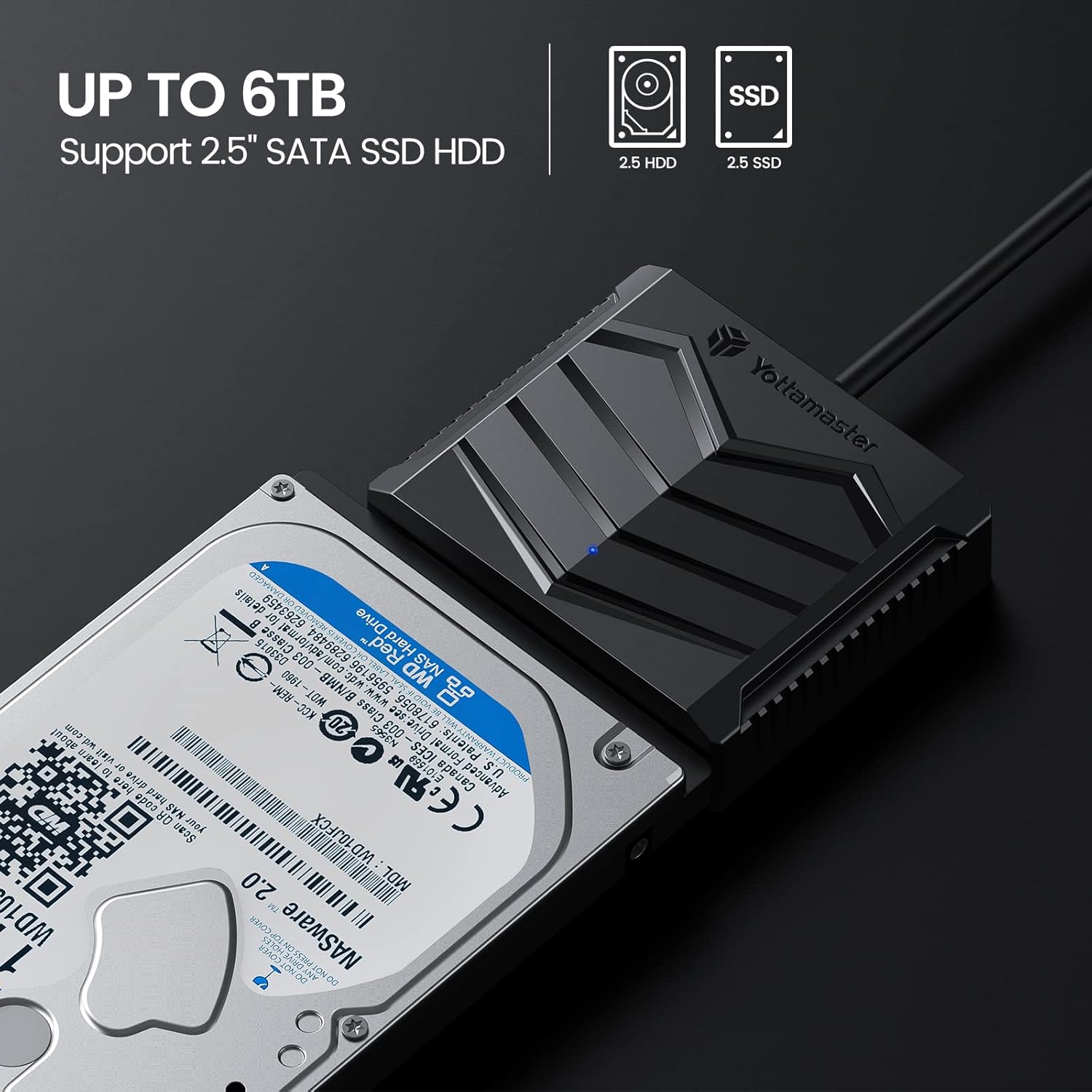
Image: Yottamaster SATA to USB 3.0 adapter connected to a 2.5-inch hard drive, illustrating its compatibility with 2.5-inch SATA SSDs and HDDs up to 6TB.
Pakuotės turinys
- Yottamaster USB 3.0 to SATA Adapter Cable
- 2.5-inch Silicone Protective Case
- Vartotojo vadovas
Video: This video demonstrates the unboxing and basic setup of the Yottamaster SATA to USB 3.0 adapter cable and its accompanying 2.5-inch silicone protective case. It shows how to connect a 2.5-inch SSD or HDD to the adapter and place it within the protective case.
Sąrankos instrukcijos
- Prijunkite SATA diską: Identify the SATA data and power interface on the Yottamaster adapter. Carefully align your 2.5-inch SATA SSD or HDD with the adapter's interface and push it firmly until it is securely connected.
- (Optional) Install Protective Case: If desired, slide the connected hard drive and adapter into the provided 2.5-inch silicone protective case. The case offers all-round protection and helps absorb heat during operation.
- Prisijunkite prie kompiuterio: Plug the USB-A connector of the adapter cable into an available USB 3.0 port on your computer or other compatible device. The adapter is plug-and-play and does not require additional drivers for most operating systems.
- Auxiliary Power (if needed): For some high-power consuming drives or specific scenarios, the adapter features a 5V USB-C power input. If your drive requires additional power and is not detected or stable, connect a 5V USB-C power source (not included) to this port.
Once connected, your operating system should automatically detect the drive, making it ready for use.
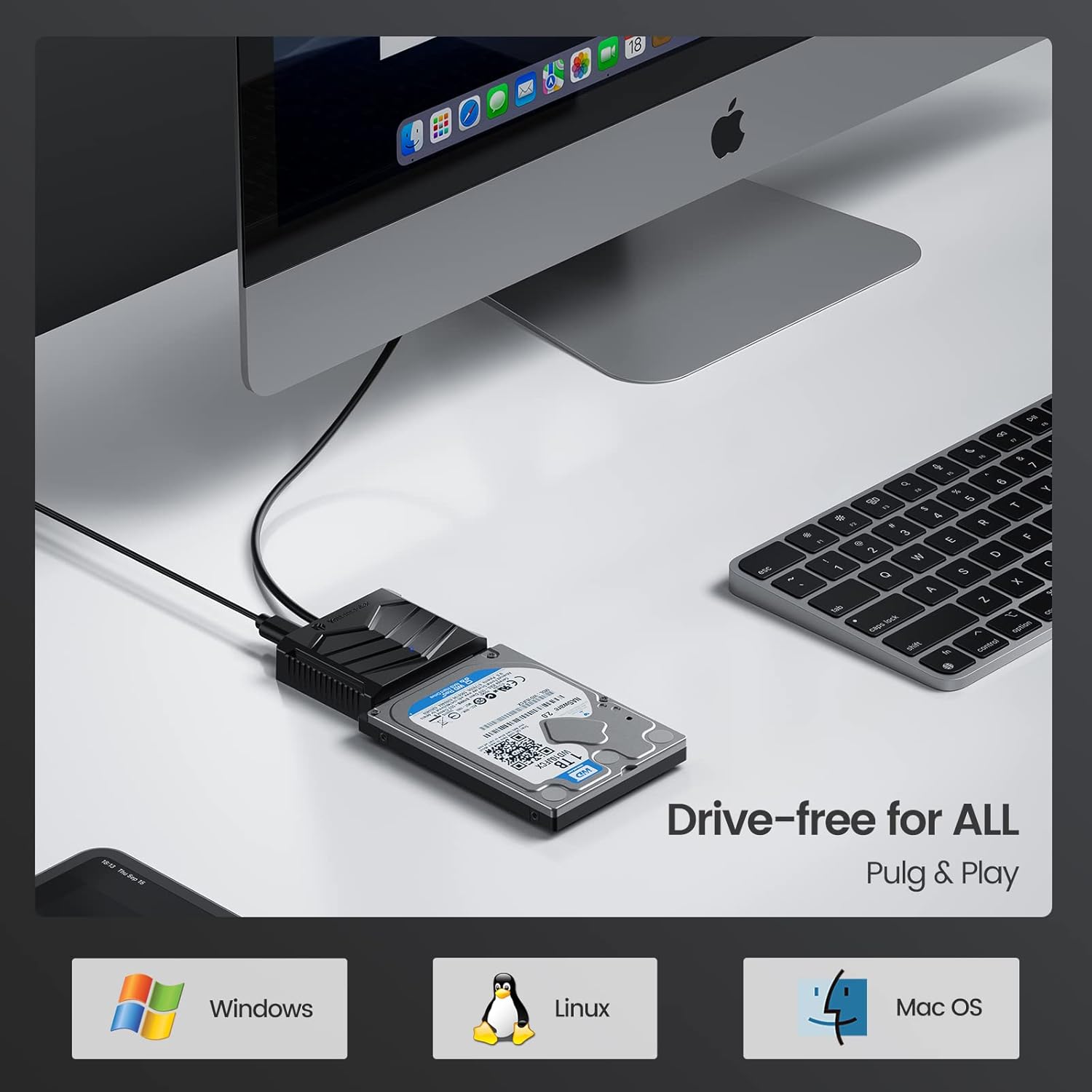
Image: Yottamaster adapter connected to a 2.5-inch hard drive and a desktop computer, demonstrating driver-free plug-and-play compatibility with Windows, Linux, and macOS.
Naudojimo instrukcijos
The Yottamaster SATA to USB 3.0 adapter is designed for straightforward operation:
- Duomenų perdavimas: Once connected, the drive will appear as an external storage device on your computer. You can drag and drop filekopijuokite, įklijuokite ir tvarkykite duomenis taip pat, kaip ir naudodami bet kurį kitą išorinį diską.
- Greitis: The adapter supports USB 3.0 speeds up to 5Gbps. When connected to a computer that supports UASP (USB Attached SCSI Protocol), you can experience up to 70% faster data transfer speeds compared to conventional USB 3.0.
- LED indikatorius: A built-in LED indicator monitors the working status of the hard disk, providing visual feedback on activity.
- Automatinis miego režimas: The adapter features an auto-sleep mode to conserve energy and extend the lifespan of your hard drive by putting it into a low-power state after a period of inactivity.
- Platus suderinamumas: This adapter is compatible with most 2.5-inch SATA HDD and SSD drives and works with USB-A equipped devices. It supports various operating systems including Windows 10, 8, 8.1, 7, Linux, and macOS.

Image: Close-up of the Yottamaster SATA to USB 3.0 adapter, emphasizing its 5Gbps Super Speed data transfer rate and UASP support.

Image: Yottamaster adapter connected to a 2.5-inch hard drive and a laptop, illustrating the auto-sleep mode for energy saving and extended drive life.
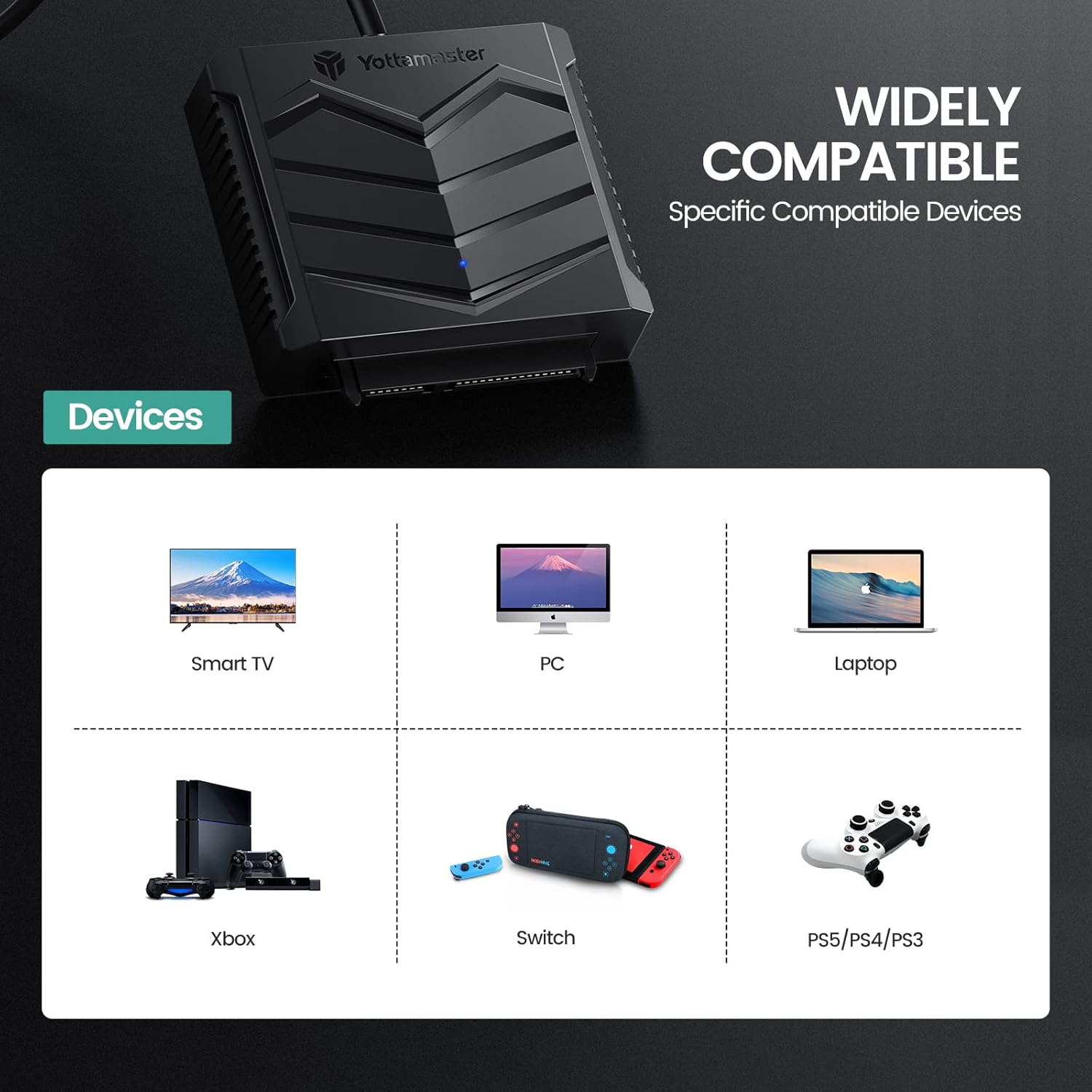
Image: Graphic displaying wide compatibility of the Yottamaster SATA to USB 3.0 adapter with devices such as Smart TVs, PCs, Laptops, Xbox, Nintendo Switch, and PlayStation consoles.
Priežiūra
To ensure the longevity and optimal performance of your Yottamaster SATA to USB 3.0 adapter and silicone case, follow these maintenance guidelines:
- Valymas: Use a soft, dry cloth to clean the adapter and case. Avoid using liquid cleaners or solvents, as they may damage the components.
- Saugykla: Store the adapter and case in a cool, dry place away from direct sunlight and extreme temperatures.
- Tvarkymas: Handle the adapter and connected drive with care to prevent physical damage. Avoid dropping or subjecting them to strong impacts.
- Kabelio priežiūra: Pernelyg nelenkite ir nespauskite laido, nes tai gali pažeisti vidinius laidus.

Image: Diagram illustrating key features of the Yottamaster adapter: an LED indicator for status, a silicone protective case, and various cable length options.
Trikčių šalinimas
If you encounter issues with your Yottamaster SATA to USB 3.0 adapter, refer to the following common problems and solutions:
- Diskas neaptiktas:
- Įsitikinkite, kad SATA diskas yra tvirtai prijungtas prie adapterio.
- Try connecting the USB-A cable to a different USB port on your computer.
- If using a desktop computer, try connecting to a USB port on the rear panel, which typically provides more stable power.
- For some drives, auxiliary power may be required. Connect a 5V USB-C power source to the adapter's USB-C port.
- Patikrinkite Disko tvarkymą („Windows“) arba Disko įrankį („macOS“), kad pamatytumėte, ar diskas atpažįstamas, bet neinicializuotas arba neformatuotas.
- Mažas perdavimo greitis:
- Ensure the adapter is connected to a USB 3.0 port on your computer. USB 2.0 ports will result in slower speeds.
- Verify that your operating system and hardware support UASP for optimal performance.
- Check the health of your SATA drive. A failing drive can cause slow transfers.
- Pertraukiami atjungimai:
- Įsitikinkite, kad visos jungtys yra tvirtos.
- Išbandykite kitą USB prievadą arba kompiuterį.
- Provide auxiliary power via the 5V USB-C port if not already doing so.
Specifikacijos
| Funkcija | Specifikacija |
|---|---|
| Modelio numeris | U3A-B-10 |
| Kietojo disko formos koeficientas | 2.5 colių |
| Duomenų perdavimo sparta | 5 gigabitai per sekundę (USB 3.0) |
| Techninės įrangos sąsaja | USB, USB 3.0 |
| Suderinami įrenginiai | Laptop, PC, Smart TV, Xbox, Nintendo Switch, PlayStation |
| Aparatinės įrangos platforma | Windows, Linux, macOS |
| Medžiaga | Copper (cable) |
| Prekės svoris | 6.4 uncijos |
| Pakuotės matmenys | 7.87 x 4.37 x 1.65 colio |
Garantija ir palaikymas
Yottamaster products are designed for reliability and performance. For detailed warranty information and technical support, please refer to the official Yottamaster websvetainėje arba susisiekite tiesiogiai su jų klientų aptarnavimo tarnyba. Išsaugokite pirkimo kvitą garantiniams reikalavimams.
Internetiniai ištekliai:
- Aplankykite Yottamaster Store on Amazon dėl produkto informacijos ir atnaujinimų.


