1. Produktas baigtasview
The GENBOLT 128GB TF Card (microSDXC) is designed for reliable data storage, particularly suited for continuous recording in devices such as security cameras. It offers high durability and performance for capturing Full HD video.
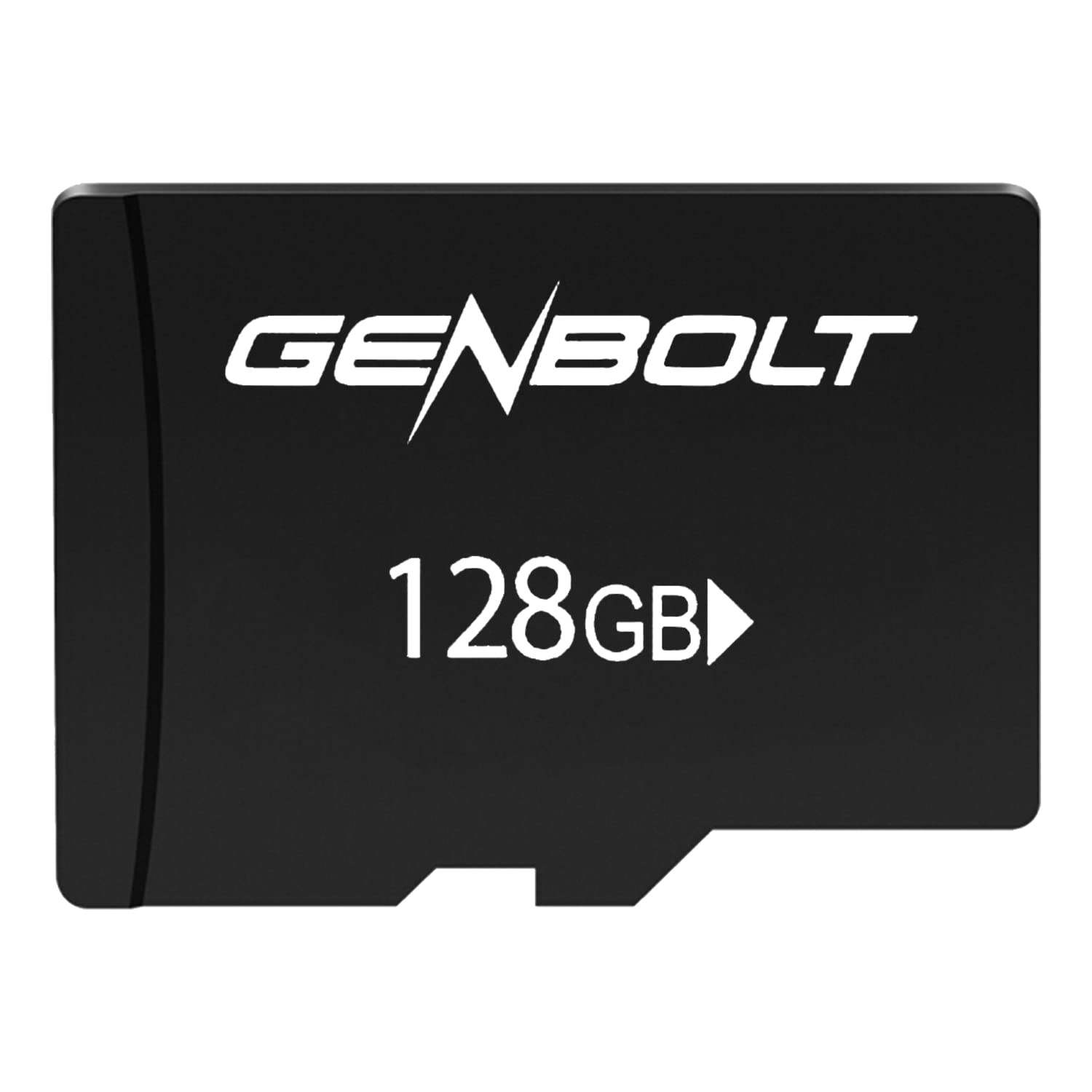
Image: GENBOLT 128GB TF Card. This card is a compact storage solution for various electronic devices.
Pagrindinės funkcijos:
- Talpa: 128GB (approximately 119GB user-accessible).
- Formatas: Pre-formatted to FAT32 for broad compatibility.
- Greitis: UHS Speed Class 3 and Video Speed Class 10, optimized for Full HD video recording.
- Patvarumas: Engineered to be waterproof, temperature resistant, shockproof, and X-ray proof.
2. Sąranka ir diegimas
Follow these steps to properly install your GENBOLT TF Card into a compatible device.
- Išjungimo įrenginys: Ensure the device (e.g., security camera, smartphone, tablet) is powered off before inserting the card to prevent data corruption or damage.
- Locate Card Slot: Identify the microSD card slot on your device. Refer to your device's manual if unsure.
- Įdėkite kortelę: Gently insert the GENBOLT TF card into the slot with the gold contacts facing down (or as indicated by your device's manual) until it clicks into place. Do not force the card.
- Įrenginio įjungimas: Turn on your device. It should automatically detect the new storage.
- Format (If Necessary): Some devices may prompt you to format the card upon first use. If prompted, follow the on-screen instructions. Formatting erases all data on the card, so ensure it is empty or backed up if used previously. The card is pre-formatted to FAT32, which is compatible with most devices.
3. Naudojimo instrukcijos
Once installed, the GENBOLT TF Card functions as an extended storage medium for your device.
- Vaizdo įrašo įrašymas: For security cameras or other video recording devices, the card will automatically store video footage according to the device's settings. Its UHS Speed Class 3 and Video Speed Class 10 ratings ensure smooth Full HD video recording without dropped frames.
- Storing Photos and Files: For smartphones, tablets, or digital cameras, the card can be set as the default storage location for photos, videos, and other files through the device's settings menu.
- Prieiga prie duomenų: Data stored on the card can be accessed directly through your device's file manager or by connecting the device to a computer. Alternatively, you can remove the card and use a compatible card reader to access its contents on a computer.
- Duomenų perdavimas: Perkeliant didelius files, ensure a stable connection and avoid interrupting the process to prevent data corruption.
4. Priežiūra ir priežiūra
Proper care ensures the longevity and reliability of your TF card.
- Fizinis valdymas: Venkite kortelės lenkimo, numetimo ir per didelės jėgos taikymo.
- Valymas: Jei auksiniai kontaktai atrodo nešvarūs, švelniai nuvalykite juos švaria, sausa, nepūkuota šluoste. Nenaudokite skysčių ar abrazyvinių medžiagų.
- Aplinkos apsauga: While the card is waterproof, temperature resistant, shockproof, and X-ray proof, prolonged exposure to extreme conditions (e.g., direct sunlight, extreme cold, strong magnetic fields) should be avoided to maximize lifespan.
- Saugus pašalinimas: Always safely eject the card from your device or computer before physically removing it to prevent data loss or corruption.
- Regular Backup: Periodically back up important data from the TF card to another storage medium (e.g., computer hard drive, cloud storage) to prevent permanent data loss.
5. Problemų sprendimas
If you encounter issues with your GENBOLT TF Card, consider the following common solutions:
- Kortelė neatpažinta:
- Įsitikinkite, kad kortelė yra visiškai ir teisingai įdėta į įrenginio lizdą.
- Iš naujo paleiskite įrenginį.
- Try the card in another compatible device or a card reader to determine if the issue is with the card or the original device.
- Check if your device supports microSDXC cards and the 128GB capacity.
- Recording Errors or Slow Performance:
- Įsitikinkite, kad kortelė nėra pilna. Ištrinkite nereikalingus filearba perkelti juos į kitą saugyklą.
- Format the card using your device's formatting function or a computer. Warning: Formatting will erase all data on the card.
- Verify that your device's firmware is up to date.
- Duomenų sugadinimas:
- Prieš išimdami kortelę, visada saugiai ją išimkite.
- Avoid powering off the device during read/write operations.
- If data is corrupted, try data recovery software (third-party) or reformat the card.
6. Specifikacijos
| Funkcija | Detalė |
|---|---|
| Prekės ženklas | GENBOLTAS |
| Modelio numeris | GBTF128GB |
| „Flash“ atminties tipas | SDXC Card (microSDXC) |
| Atminties talpa | 128 GB (approx. 119GB user area) |
| Palaikomas formatas | FAT32 |
| SD Association Speed Class | 10 klasė |
| UHS greičio klasė | UHS-I Speed Class 3 (U3) |
| Vaizdo įrašo greičio klasė | V10 |
| Ypatingos savybės | Waterproof, Temperature Resistant, Shockproof, X-ray Proof |
| Prekės svoris | 10 g |
| Pakuotės matmenys | 15 x 12 x 0.3 cm |
| ASIN | B0BCDD4KDH |
| Pirmoji laisva data | 1 m. birželio 2021 d |
7. Garantija ir palaikymas
GENBOLT is committed to providing reliable products. Please review the warranty information and support options below.
Informacija apie garantiją:
This product is covered by an initial defective return policy. Returns for initial defects are accepted within 30 days from the Amazon purchase date. Please retain your proof of purchase for warranty claims.
Klientų aptarnavimas:
For further assistance, technical support, or warranty inquiries beyond the initial 30-day period, please contact GENBOLT customer service directly. Refer to the GENBOLT official webkontaktinę informaciją rasite svetainėje arba produkto pakuotėje.
Taip pat galite apsilankyti GENBOLT Store on Amazon daugiau informacijos apie produktą ir pagalbos išteklių.


