1. Įvadas
Thank you for choosing the MOVESPEED 70000mAh Power Bank. This high-capacity portable charger is designed to provide reliable power for your electronic devices on the go. With its robust battery, multiple output ports, and fast-charging capabilities, it is an ideal companion for travel, outdoor activities, and daily use.
This manual provides essential information on how to safely and effectively use, maintain, and troubleshoot your power bank. Please read it thoroughly before first use and keep it for future reference.

Image: The MOVESPEED 70000mAh Power Bank, showcasing its compact design and the included USB charging cable.
2. Produktas baigtasview & Komponentai
The MOVESPEED 70000mAh Power Bank features a durable design with multiple input and output ports to accommodate various devices. It includes an LED display for real-time battery status.
Pagrindinės funkcijos:
- 20 000 mAh didelės talpos: Suteikia ilgesnę galią keliems įkrovimams.
- 22.5W Two-Way Super Fast Charging: Supports PD3.0 & QC3.0 protocols for rapid charging and recharging.
- 4 Outputs & 2 Inputs: Includes two 5V/2.1A USB ports, one Type-C port, and one USB 22.5W fast charge output. Inputs are Micro USB and Type-C.
- Car-Grade Batteries: Utilizes high-quality polymer energy batteries for enhanced safety and longevity.
- LED skaitmeninis ekranas: Rodo likusį energijos procentątage.
Komponento identifikavimas:

Image: Detailed diagram illustrating the location and function of the Micro USB input, Type-C input/output, and multiple USB-A output ports (A1/A2, A3) on the power bank.
- Mikro USB įvestis: Išorinės baterijos įkrovimui (iki 18 W).
- C tipo prievadas: Functions as both an input (up to 18W) and an output (PD 20W).
- USB-A1 / USB-A2 Outputs: Standard 5V/2.1A outputs for general device charging.
- USB-A3 išvestis: 22.5W fast charge output.
- Skystųjų kristalų ekranas: Digital screen showing battery percentage.
- Maitinimo mygtukas: Įjungia LED ekraną ir pradeda įkrovimą.
3. Sąranka ir pirmasis naudojimas
Maitinimo banko įkrovimas:
Before first use, it is recommended to fully charge your MOVESPEED Power Bank. This ensures optimal performance and battery calibration.
- Connect a compatible USB charging cable (Micro USB or Type-C) to one of the power bank's input ports.
- Connect the other end of the cable to a USB wall charger (not included) or a computer's USB port. For fastest charging, use a PD or QC compatible wall charger.
- LED ekrane bus rodoma įkrovimo eiga, nurodant akumuliatoriaus procentątage padidėjimasasing.
- Kai ekrane rodoma „100 %“, išorinė baterija yra visiškai įkrauta ir paruošta naudoti.
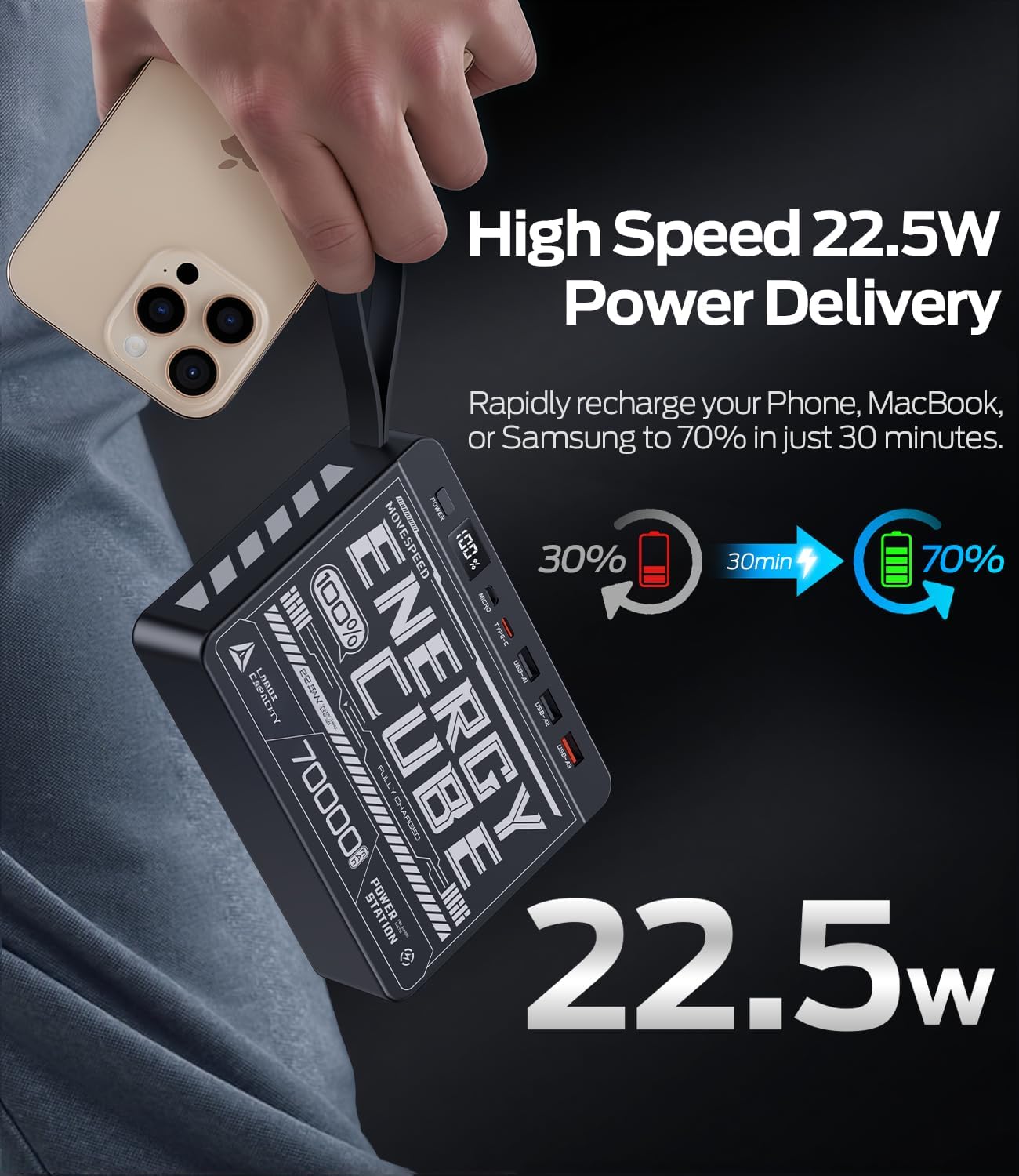
Image: The power bank's LED display clearly showing "100%", indicating a full charge.
4. Naudojimo instrukcijos
Išorinių įrenginių įkrovimas:
Išorinė baterija gali įkrauti iki keturių įrenginių vienu metu.
- Pasirinkite tinkamą įkrovimo laidą savo įrenginiui (pvz., USB-A į „Lightning“, USB-C į USB-C).
- Connect one end of the charging cable to your device.
- Connect the other end of the cable to an available output port on the power bank (USB-A1, USB-A2, USB-A3, or Type-C).
- Press the power button on the power bank to initiate charging. The LED display will illuminate, showing the remaining battery percentage.
- Your device should begin charging.
For fast charging compatible devices, use the USB-A3 (22.5W) or Type-C (PD 20W) output ports with a compatible cable.
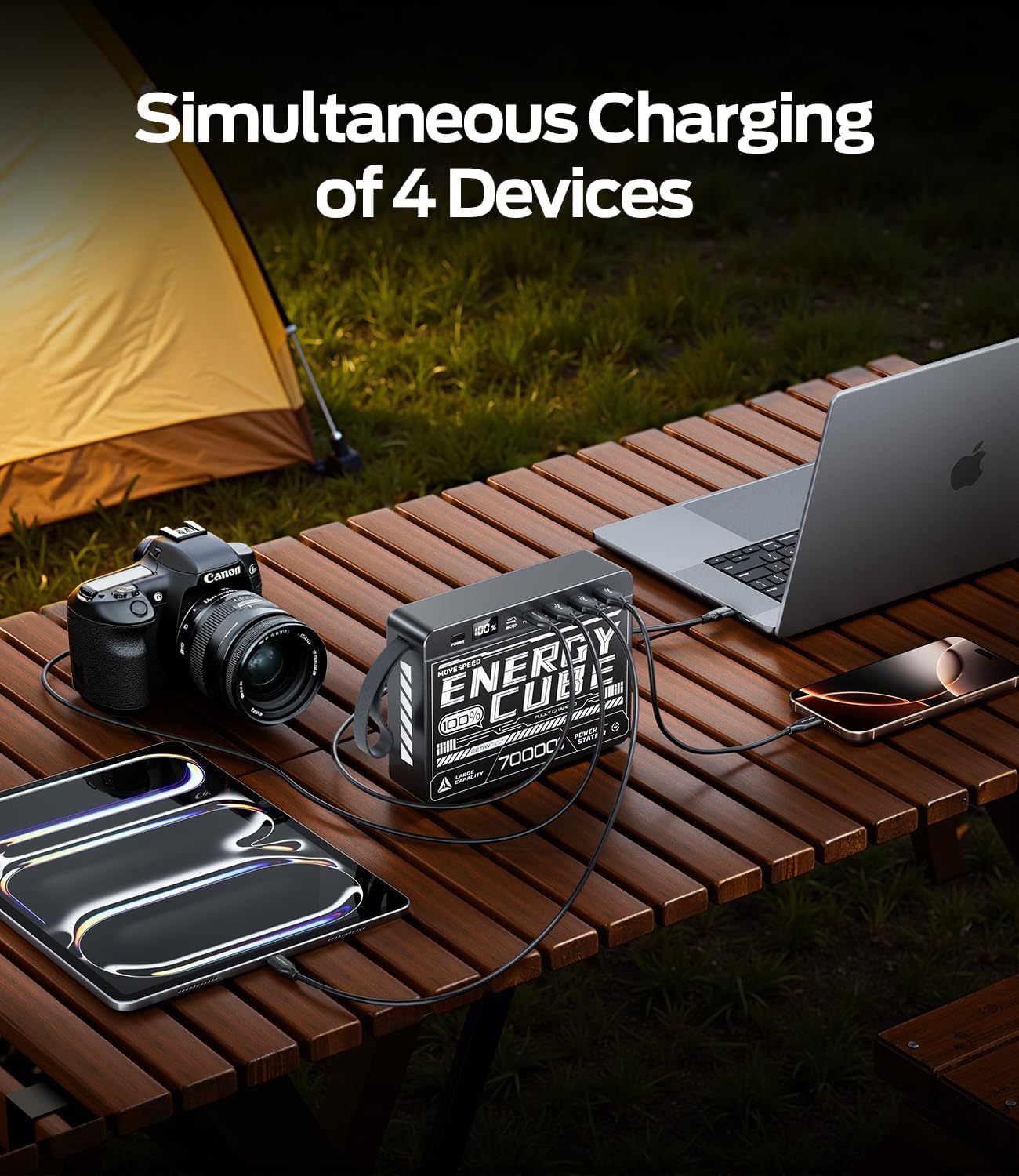
Image: The power bank connected to and charging multiple devices, including a laptop, smartphone, and tablet, demonstrating its simultaneous charging capability.
Baterijos lygio tikrinimas:
Briefly press the power button to activate the LED display. The screen will show the current battery percentage iš galios banko.
5. Saugos informacija
Norėdami užtikrinti saugų išorinės baterijos naudojimą ir jos tarnavimo laiką, laikykitės šių saugos nurodymų:
- Nelaikykite išorinės baterijos ekstremalioje temperatūroje (aukštesnėje nei 60 °C / 140 °F arba žemesnėje nei 0 °C / 32 °F), tiesioginiuose saulės spinduliuose ar didelėje drėgmėje.
- Venkite įrenginio numetimo, smūgio ar ardymo.
- Keep away from water, fire, and corrosive materials.
- Nenaudokite, jei išorinė baterija pažeista, išsipūtusi arba iš jos prateka skystis.
- Naudokite tik sertifikuotus įkrovimo laidus ir adapterius.
- Laikyti vaikams nepasiekiamoje vietoje.
- Atsakingai išmeskite išorinę bateriją pagal vietinius reikalavimus. Neišmeskite jos su buitinėmis atliekomis.
6. Priežiūra ir priežiūra
Proper care will help maintain the performance and longevity of your power bank:
- Valymas: Nuvalykite paviršių minkštu, sausu skudurėliu. Nenaudokite stiprių cheminių medžiagų ar abrazyvinių valiklių.
- Saugykla: Store the power bank in a cool, dry place when not in use. For long-term storage, it is recommended to keep the battery at around 50-70% charge.
- Baterijos būklė: To maximize battery lifespan, avoid fully discharging the power bank frequently. Recharge it before it completely runs out of power.
7. Problemų sprendimas
| Problema | Galima priežastis | Sprendimas |
|---|---|---|
| Maitinimo bankas neįkraunamas | Cable or adapter issue; power bank fully charged; faulty port. | Try a different charging cable and wall adapter. Ensure the power bank is not already at 100%. Try a different input port (Micro USB or Type-C). |
| Įrenginys neįkraunamas iš maitinimo bloko | Power bank low on charge; cable issue; device not compatible; power button not pressed. | Recharge the power bank. Try a different charging cable. Ensure your device is compatible. Press the power button to activate output. |
| Lėtas įkrovimas | Using a standard port instead of fast charge; cable not supporting fast charge; device not supporting fast charge. | Ensure you are using the USB-A3 (22.5W) or Type-C (PD 20W) output. Use a cable rated for fast charging. Verify your device supports fast charging protocols (PD/QC). |
| LED ekranas neveikia | Nešiojamoji baterija visiškai išsikrovusi; vidinis gedimas. | Try charging the power bank for a few hours. If the issue persists, contact customer support. |
8. Specifikacijos
| Funkcija | Detalė |
|---|---|
| Modelio numeris | 70000mah-us |
| Baterijos talpa | 70000 mAh / 259 Wh |
| Mikro USB įvestis | 18W maks |
| C tipo įvestis | 18W maks |
| C tipo išvestis | PD 20W maks |
| USB-A1 / USB-A2 Output | 5V/2.1A |
| USB-A3 išvestis | 22.5W maks |
| Gaminio matmenys | 15.37 x 11.4 x 3.96 cm |
| Prekės svoris | 1.4 kg |
| Ypatingos savybės | Fast Charging, LED Display |
9. Garantija ir palaikymas
MOVE SPEED products are manufactured to high quality standards. For information regarding warranty coverage, please refer to the terms and conditions provided at the time of purchase or contact your retailer.
If you encounter any issues or have questions about your MOVESPEED 70000mAh Power Bank that are not addressed in this manual, please contact MOVE SPEED customer support through the retailer's platform or the official brand webpagalbos svetainę.

Image: The product packaging and included items, typically the power bank and a charging cable.


