1. Įvadas
Thank you for choosing the LORELEI B-C6 Wireless Over Ear Headphones. These headphones are designed to provide a superior audio experience with deep bass, comfortable memory foam earmuffs, and versatile connectivity options. This manual will guide you through the setup, operation, and maintenance of your new headphones.

Image: LORELEI B-C6 Wireless Over Ear Headphones in Beige White.
2. Kas yra dėžutėje
Your LORELEI B-C6 package includes the following items:
- LORELEI B-C6 Wireless Headphones
- Black leather bundle pocket (carrying case)
- 3.5mm non-wound Braided audio cable
- C tipo įkrovimo laidas
- Vartotojo vadovas (šis dokumentas)
3. Sąranka ir ryšys
3.1. Ausinių įkrovimas
Before first use, fully charge your LORELEI B-C6 headphones. A full charge provides up to 50 hours of music enjoyment.
- Connect the Type-C charging cable to the charging port on the headphone.
- Kitą laido galą prijunkite prie USB maitinimo šaltinio (pvz., kompiuterio USB prievado, USB sieninio adapterio).
- LED indikatorius rodys įkrovimo būseną ir užges, kai bus visiškai įkrautas.
3.2. „Bluetooth“ poravimas
The LORELEI B-C6 headphones feature Bluetooth 5.3 for stable and low-latency audio transmission.
- Įsitikinkite, kad ausinės yra įkrautos.
- Slide the power switch to the ON position. The headphones will enter pairing mode, indicated by a flashing LED light.
- On your device (smartphone, tablet, laptop), enable Bluetooth and search for "LORELEI B-C6" in the list of available devices.
- Select "LORELEI B-C6" to connect. Once connected, the LED indicator will stop flashing and remain solid.
3.3. Wired Connection (Auxiliary Mode)
You can use the headphones in wired mode with the included 3.5mm audio cable, even if the battery is low or depleted.
- Prijunkite vieną 3.5 mm garso kabelio galą prie ausinių garso lizdo.
- Kitą galą prijunkite prie savo įrenginio 3.5 mm garso išvesties.
- Ausinės automatiškai persijungs į laidinį režimą.
4. Ausinių valdymas
The right earcup features intuitive controls for managing your audio and calls.

Vaizdas: Išsamus view of the audio controls on the right earcup.
4.1. Maitinimo įjungimas/išjungimas
- To Power On: Slide the power switch to the ON position.
- To Power Off: Slide the power switch to the OFF position.
4.2. Muzikos atkūrimas
- Leisti / pristabdyti: Press the Multi-function Button (center button).
- Pagarsink: Paspauskite mygtuką „+“.
- Patildyti: Paspauskite mygtuką „-“.
- Kitas takelis: Ilgai paspauskite mygtuką „+“.
- Ankstesnis takelis: Ilgai paspauskite mygtuką „-“.
4.3. Skambučių valdymas
- Atsiliepti į skambutį: Press the Multi-function Button.
- Baigti skambutį: Press the Multi-function Button during a call.
- Atmesti skambutį: Ilgai paspauskite daugiafunkcį mygtuką.
5. Priežiūra ir priežiūra
To ensure the longevity and optimal performance of your LORELEI B-C6 headphones, follow these care guidelines:
- Valymas: Ausinėms valyti naudokite minkštą, sausą šluostę. Baltyminius ausų pagalvėlius švelniai nuvalykite šiek tiek drėgnu skudurėliu.amp cloth if necessary, then dry immediately. Avoid harsh chemicals or abrasive materials.
- Saugykla: When not in use, store the headphones in the provided black leather bundle pocket to protect them from dust and scratches. The foldable design allows for compact storage.
- Temperatūra: Venkite ausinių laikymo ekstremaliose temperatūrose (karštyje arba šaltyje) arba didelėje drėgmėje.
- Vandens ekspozicija: These headphones are not waterproof. Avoid contact with water or other liquids.

Image: Close-up of the skin-friendly memory foam earmuffs.
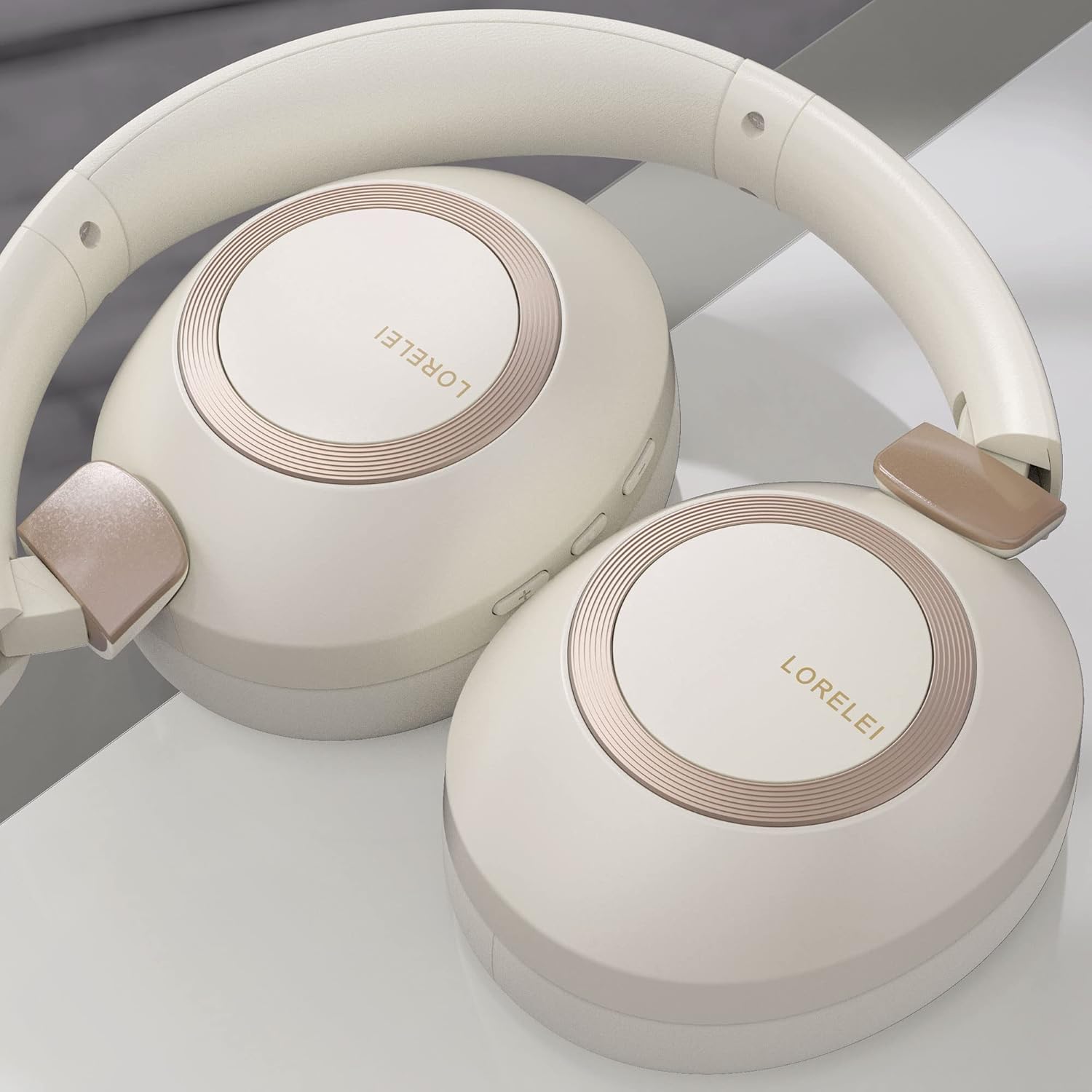
Image: LORELEI B-C6 headphones in their folded, compact state.
6. Problemų sprendimas
If you encounter any issues with your LORELEI B-C6 headphones, please refer to the following common solutions:
| Problema | Galimas sprendimas |
|---|---|
| Ausinės neįsijungia. | Įsitikinkite, kad ausinės yra visiškai įkrautos. Prijunkite jas prie maitinimo šaltinio naudodami C tipo laidą. |
| Nepavyksta susieti per „Bluetooth“. | Make sure Bluetooth is enabled on your device and the headphones are in pairing mode (flashing LED). Try turning both devices off and on again. Ensure no other devices are currently connected to the headphones. |
| Nėra garso Bluetooth režimu. | Patikrinkite garsumo lygius abiejose ausinėse ir prijungtame įrenginyje. Įsitikinkite, kad ausinės tinkamai susietos. |
| Laidiniu režimu nėra garso. | Ensure the 3.5mm audio cable is fully inserted into both the headphone and your device. Check the volume levels on your device. |
| Prasta garso kokybė. | For Bluetooth, ensure you are within the 10-meter range of your device. Check the audio source quality. |
| Baterijos veikimo laikas trumpesnis nei tikėtasi. | Ensure the headphones are fully charged before use. High volume levels can reduce battery life. |
7. Specifikacijos
| Funkcija | Detalė |
|---|---|
| Modelio pavadinimas | B-C6 |
| Prekės ženklas | LORELEI |
| Ryšio technologija | Belaidis („Bluetooth“), laidinis (3.5 mm lizdas) |
| Belaidžio ryšio technologija | Bluetooth 5.3 |
| Bluetooth diapazonas | 10 metrai |
| Baterijos veikimo laikas | 50 valandų |
| Garso tvarkyklės dydis | 40 milimetrų |
| Garso tvarkyklės tipas | Dinaminis vairuotojas |
| Triukšmo valdymas | Garso izoliacija |
| Ausų išdėstymas | Virš ausies |
| Formos faktorius | Virš ausies |
| Medžiaga | Plastic (body), Leather (carrying case) |
| Prekės svoris | 11.2 uncijos |
| Dažnių diapazonas | 20 Hz–20 000 Hz |
| Varža | 32 omų |
| Valdymo tipas | Garsumo reguliatorius, mygtukas |
| Suderinami įrenginiai | Laptops, Tablets, Telephones, Smart Speaker, Television, Cellphones |
| Spalva | Beige white |
8. Garantija ir palaikymas
LORELEI is committed to providing reliable quality products and the best user experience. If you have any questions, concerns, or require assistance with your LORELEI B-C6 headphones, please do not hesitate to contact our customer service team. We aim to solve your problem within 24 hours.
For support, please visit the official LORELEI store or contact us through the platform where you purchased the product.
Note: Specific warranty details may vary. Please refer to your purchase documentation for complete warranty information.


