Įvadas
This manual provides comprehensive instructions for the Keychron M3 Mini 4K Wireless Optical Mouse. It covers setup, operation, maintenance, and troubleshooting to ensure optimal performance and user experience. The M3 Mini 4K is an ultra-lightweight (55g) programmable mouse featuring a PixArt 3395 sensor, up to 26,000 DPI, 650 IPS, and a 4000 Hz polling rate for high-speed, precise input across Windows, Mac, and Linux systems.
Sąrankos vadovas
Pakuotės turinys
Prieš pradėdami, įsitikinkite, kad pakuotėje yra visi reikalingi daiktai:
- 1x Keychron M3 Mini 4K Wireless Optical Mouse
- 1x 4K Wireless Receiver
- 1x C tipo–C tipo kabelis
- 1x A tipo–C tipo adapteris

Image: Standard Version package contents, showing the mouse, 4K wireless receiver, Type-C to Type-C cable, and Type-A to Type-C adapter.
Ryšio parinktys
The Keychron M3 Mini 4K mouse supports three modes of connection: 2.4 GHz Wireless, Bluetooth 5.1, and Wired (via USB-C cable).
2.4 GHz belaidis režimas
- Locate the 4K Wireless Receiver.
- Connect the receiver to your computer's USB port. If your computer only has USB-C ports, use the provided Type-A to Type-C adapter.
- On the bottom of the mouse, slide the mode switch to the "2.4G" position.
- Pelė turėtų automatiškai prisijungti prie imtuvo.

Vaizdas: Stambus planas view of the 4K Wireless Receiver, which supports up to a 4K polling rate in 2.4 GHz mode.

Image: The Keychron M3 Mini 4K mouse shown alongside its dedicated 4K wireless receiver, illustrating the compact design.
„Bluetooth 5.1“ režimas
- On the bottom of the mouse, slide the mode switch to the "BT" position.
- Kompiuteryje atidarykite „Bluetooth“ nustatymus ir ieškokite naujų įrenginių.
- Select "Keychron M3 Mini 4K" from the list of available devices to pair.
Laidinis režimas
- Connect the provided Type-C to Type-C cable (or Type-A to Type-C adapter with the cable) from the mouse to your computer's USB port.
- Pelė veiks kaip laidinė pelė ir bus kraunama vienu metu.
Naudojimo instrukcijos
DPI reguliavimas
The M3 Mini 4K features a PixArt 3395 sensor, offering up to 26,000 DPI for precise control. You can adjust the DPI directly on the mouse without software.
- Locate the DPI button on the bottom of the mouse.
- Press the DPI button to cycle through preset DPI levels.
- The LED indicators on the bottom will show the current DPI setting.
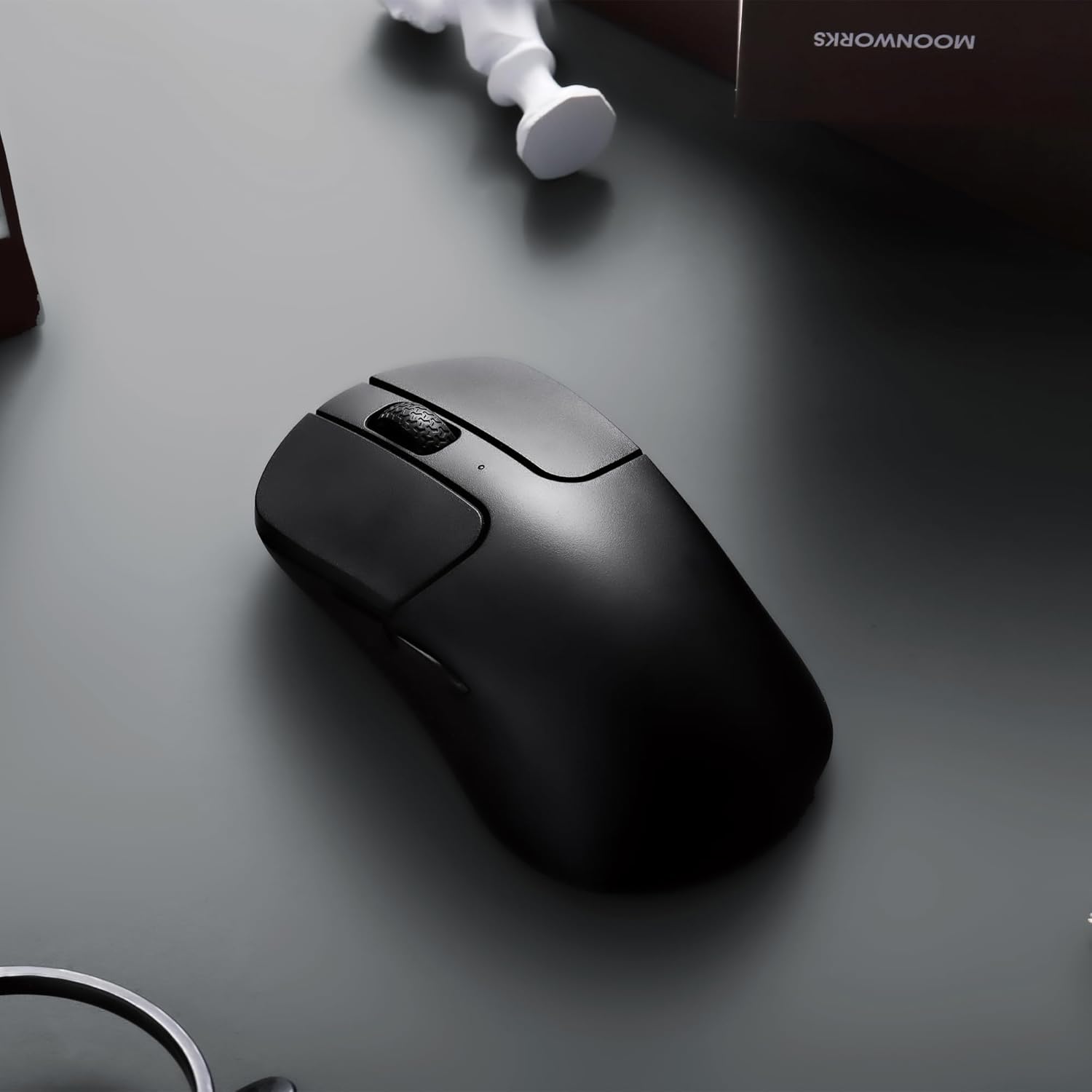
Image: The underside of the mouse, highlighting the PixArt 3395 sensor and the physical buttons for DPI and Report Rate adjustments.
Apklausos dažnio reguliavimas
The mouse supports an ultra-fast 4K (4000 Hz) polling rate in 2.4 GHz mode, ensuring minimal latency.
- Locate the "Report Rate" button on the bottom of the mouse.
- Press the button to switch among 5 levels of polling rate: 125 Hz, 500 Hz, 1000 Hz, 2000 Hz, and 4000 Hz.
- The corresponding LED indicator will light up to show the selected polling rate.

Image: A diagram illustrating how to switch polling rates using the dedicated button on the mouse, with a table showing LED color indications for different frequencies (125 Hz to 4000 Hz).
Keychron Engine Software
For advanced customization, including key remapping, macros, RGB lighting effects (if applicable), and professional settings for LOD (Lift-Off Distance), polling rate, and DPI, download and install the Keychron Engine software.
- The software is compatible with Windows 11/10 and macOS.
- Apsilankykite oficialiame „Keychron“. websvetainę, kurioje galite atsisiųsti naujausią versiją.
- The software supports onboard memory, allowing your custom settings to be saved directly to the mouse.

Image: A visual representation of the Keychron Engine software interface, demonstrating options for personalization, key modification, shortcuts, macros, and professional settings.
Baterijos veikimo laikas ir įkrovimas
The M3 Mini 4K is equipped with a 600 mAh battery, providing up to 135 hours of continuous working time in 1K Polling Rate mode. To charge the mouse, connect it to your computer using the provided USB-C cable.

Image: Icons illustrating key features: up to 135 hours of battery life (600 mAh), ultra-lightweight at 55g, and the ability to adjust settings without software.
Priežiūra
Pelės valymas
To maintain optimal performance and hygiene, regularly clean your Keychron M3 Mini 4K mouse.
- Šiek tiek naudokite minkštą, be pūkelių šluostę dampnuvalykite pelės paviršių vandeniu arba švelniu valymo tirpalu.
- Venkite naudoti stiprias chemines medžiagas, abrazyvinius valiklius ar tirpiklius.
- Optiniam jutikliui švelniai nuvalykite vatos tamponuampened with isopropyl alcohol to gently clean the lens. Ensure no liquid enters the sensor opening.
- Clean the scroll wheel and button crevices with a dry brush or compressed air to remove dust and debris.
- Ensure the mouse is powered off and disconnected from any power source before cleaning.
Akumuliatoriaus priežiūra
To prolong the battery life of your mouse:
- Venkite dažnai visiškai iškrauti akumuliatorių.
- Kai ilgesnį laiką nenaudojate pelės, laikykite ją vėsioje, sausoje vietoje.
- Įkrovimui naudokite pridedamą USB-C laidą.
Trikčių šalinimas
Ryšio problemos
- 2.4 GHz belaidis ryšys:
- Ensure the 4K Wireless Receiver is securely plugged into a working USB port.
- Verify the mouse mode switch is set to "2.4G".
- Pabandykite prijungti imtuvą prie kito USB prievado.
- Įsitikinkite, kad šalia nėra stiprių trukdžių (pvz., kitų belaidžių įrenginių).
- Bluetooth:
- Ensure the mouse mode switch is set to "BT".
- Įsitikinkite, kad jūsų kompiuteryje įjungtas „Bluetooth“ ryšys.
- Remove the mouse from your computer's paired devices list and attempt to re-pair it.
- Įsitikinkite, kad pelės baterija yra pakankamai įkrauta.
- Laidinis:
- Įsitikinkite, kad USB-C laidas yra tvirtai prijungtas prie pelės ir kompiuterio.
- Pabandykite naudoti kitą kompiuterio USB prievadą.
- Jei yra, išbandykite su kitu USB-C laidu.
DPI/Polling Rate Not Changing
- Ensure you are pressing the correct button (DPI or Report Rate) on the bottom of the mouse.
- Check the LED indicators on the bottom of the mouse to confirm changes.
- If using Keychron Engine software, ensure settings are applied and saved to onboard memory.
Pelė nereaguoja
- Patikrinkite akumuliatoriaus lygį. Įkraukite pelę, jei akumuliatoriaus įkrova maža.
- Ensure the mouse is powered on (mode switch is not in "OFF" position).
- Iš naujo paleiskite kompiuterį.
- Try connecting the mouse to a different computer to rule out system-specific issues.
Specifikacijos
| Funkcija | Detalė |
|---|---|
| Prekės ženklas | Keychron |
| Modelis | M3 Mini 4K |
| Ryšio technologija | Bluetooth 5.1, 2.4 GHz Wireless, Wired (USB-C) |
| Judesio aptikimo technologija | Optical (PixArt 3395 Sensor) |
| DPI (taškai colyje) | Iki 26,000 DPI |
| IPS (coliai per sekundę) | Iki 650 IPS |
| Apklausos rodiklis | Up to 4000 Hz (2.4 GHz mode) |
| Mikro jungiklis | Huano 80M (80 million clicks lifespan) |
| Svoris | 55 g (1.94 uncijos) |
| Baterijos talpa | 600 mAh |
| Baterijos veikimo laikas | Up to 135 hours (1K Polling Rate) |
| Suderinamumas | Windows, macOS, Linux |
| Matmenys | 7.48 x 5.31 x 2.05 colių (pakuotė) |
| Pasiekiama pirmoji data | 6 m. birželio 2023 d |
Garantija ir palaikymas
For detailed warranty information and technical support, please refer to the official Keychron website or contact Keychron customer service directly. Keep your proof of purchase for warranty claims.
Keychron Official Websvetainė: www.keychron.com


