1. Įvadas
This manual provides comprehensive instructions for the LENVII D7800 Desktop Automatic 2D Barcode Scanner. Please read this manual carefully before using the product to ensure proper operation and to maximize its performance and lifespan. Keep this manual for future reference.
2. Saugos informacija
- Saugokite skaitytuvą nuo vandens ar per didelės drėgmės.
- Avoid dropping the scanner from heights exceeding 1.2 meters to prevent damage, despite its anti-shock design.
- Nebandykite patys ardyti ar taisyti skaitytuvo. Kreipkitės į kvalifikuotus techninės priežiūros darbuotojus.
- Norėdami užtikrinti optimalų našumą, skenavimo langą laikykite švarų.
- Venkite tiesioginio skaitytuvo šviesos šaltinio poveikio akims.
3. Pakuotės turinys
Patikrinkite, ar pakuotėje yra visi reikalingi daiktai:
- LENVII D7800 Desktop Automatic 2D Barcode Scanner
- USB laidas (integruotas)
- Vartotojo vadovas (šis dokumentas)

3.1 paveikslas: Package contents including the scanner, USB cable, and user manual.
4. Produktas baigtasview
4.1 Pagrindinės savybės
- Laisvų rankų dizainas: Omnidirectional scanning for 1D, 2D, and QR codes.
- CCD Scanning Technology: Capable of reading barcodes from mobile phone and computer screens, as well as damaged, blurred, distorted, colorful, or reflective barcodes.
- Plug and Play: Nereikia diegti tvarkyklės.
- Platus suderinamumas: Works with Windows XP/7/8/10, Mac OS, and Linux operating systems.
- Reguliuojama galvutė: Features a 15° adjustable head for flexible scanning angles.
- Anti-shock Design: Engineered to withstand drops from up to 1.2 meters.
4.2 Matmenys
The scanner has compact dimensions suitable for desktop use.

4.1 paveikslas: Priekyje ir šone view of the LENVII D7800 scanner with dimensions indicated.
4.3 Anti-shock Design
The LENVII D7800 is designed for durability, capable of withstanding accidental drops from a height of 1.2 meters without affecting its functionality.

4.2 paveikslas: Illustration of the scanner's anti-shock capability.
5. Sąranka
5.1 Skaitytuvo prijungimas
- Place the LENVII D7800 scanner on a stable, flat surface.
- Connect the integrated USB cable from the scanner to an available USB port on your computer (desktop or laptop).
- The scanner will power on automatically and initiate the "Plug and Play" process.

5.1 paveikslas: The scanner connected to various devices, demonstrating its plug-and-play functionality.
5.2 Tvarkyklės diegimas
The LENVII D7800 is a plug-and-play device. No additional drivers or software installation is required for basic operation. Your operating system (Windows, Mac OS, Linux) will automatically recognize the device.
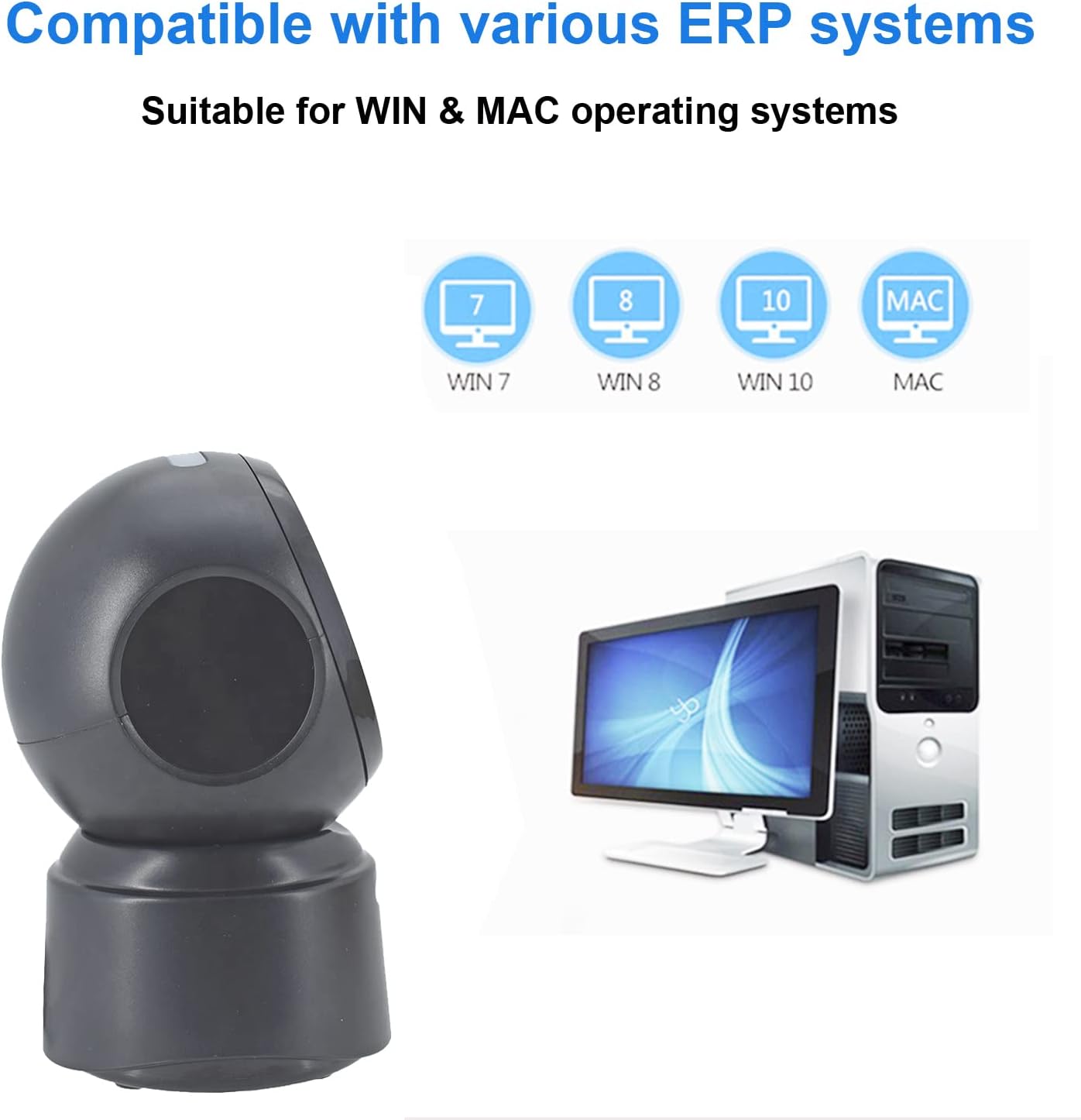
5.2 paveikslas: Compatibility with various operating systems.
6. Naudojimo instrukcijos
6.1 Pagrindinė nuskaitymo procedūra
The D7800 scanner operates in an automatic, hands-free mode. Once connected, it is ready to scan.
- Ensure the scanner is connected to your computer and powered on.
- Present the barcode to the scanning window. The scanner will automatically detect and read the barcode.
- A successful scan is typically indicated by an audible beep and/or a visual confirmation (e.g., LED indicator).
- The scanned data will be transmitted to your computer as keyboard input.
6.2 Scanning Barcode Types
The scanner supports a wide range of 1D, 2D, and QR codes, including those that are less than perfect.
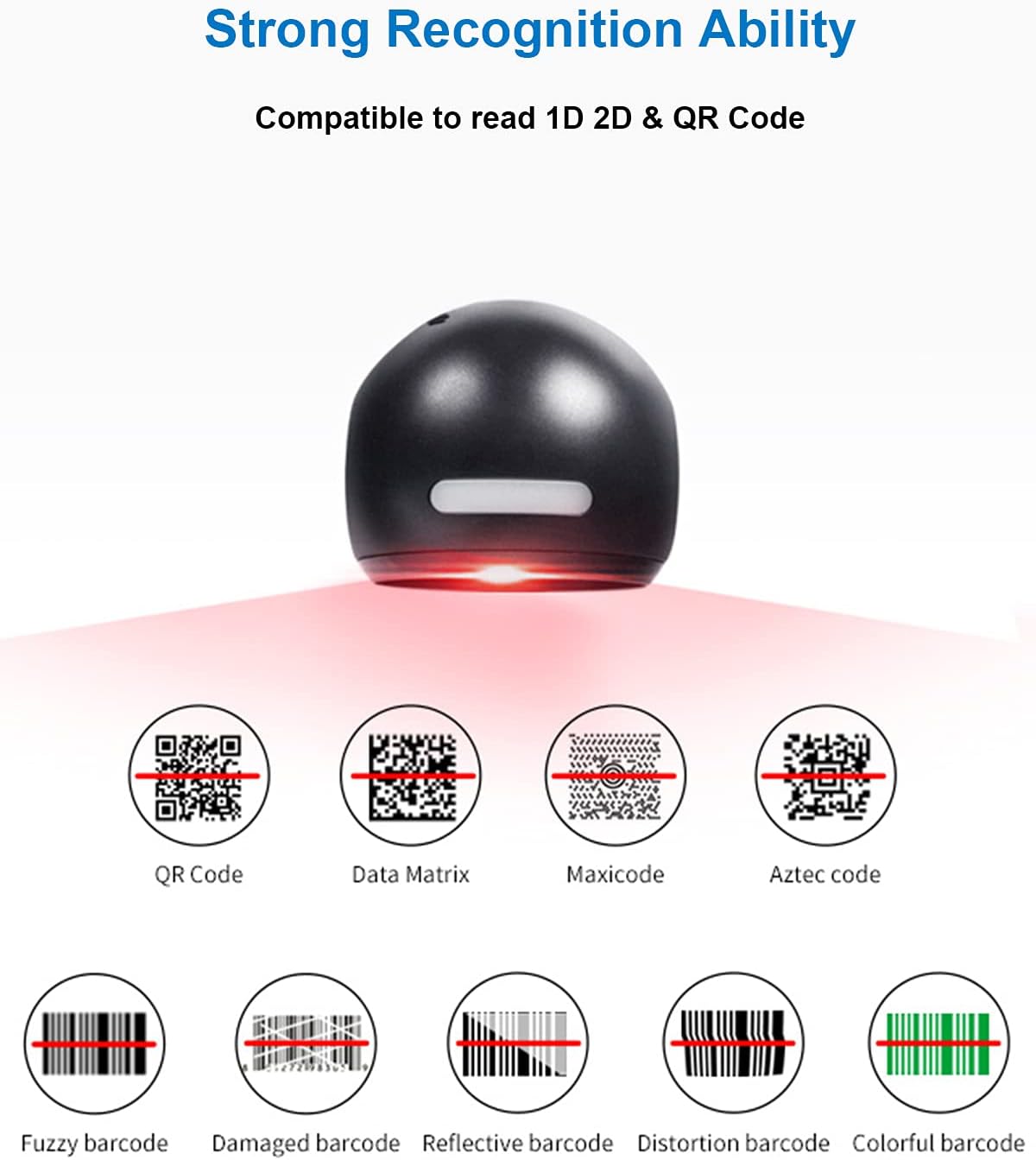
6.1 paveikslas: Examples of various barcode types and conditions the scanner can recognize.
6.3 On-Screen Barcode Scanning
The D7800 is capable of scanning barcodes directly from digital displays, such as smartphones, tablets, and computer monitors.

6.2 paveikslas: The scanner reading a barcode from a digital screen. Example barcode: 1234567890
6.4 Taikymo scenarijai
The LENVII D7800 is suitable for various environments requiring efficient barcode scanning.
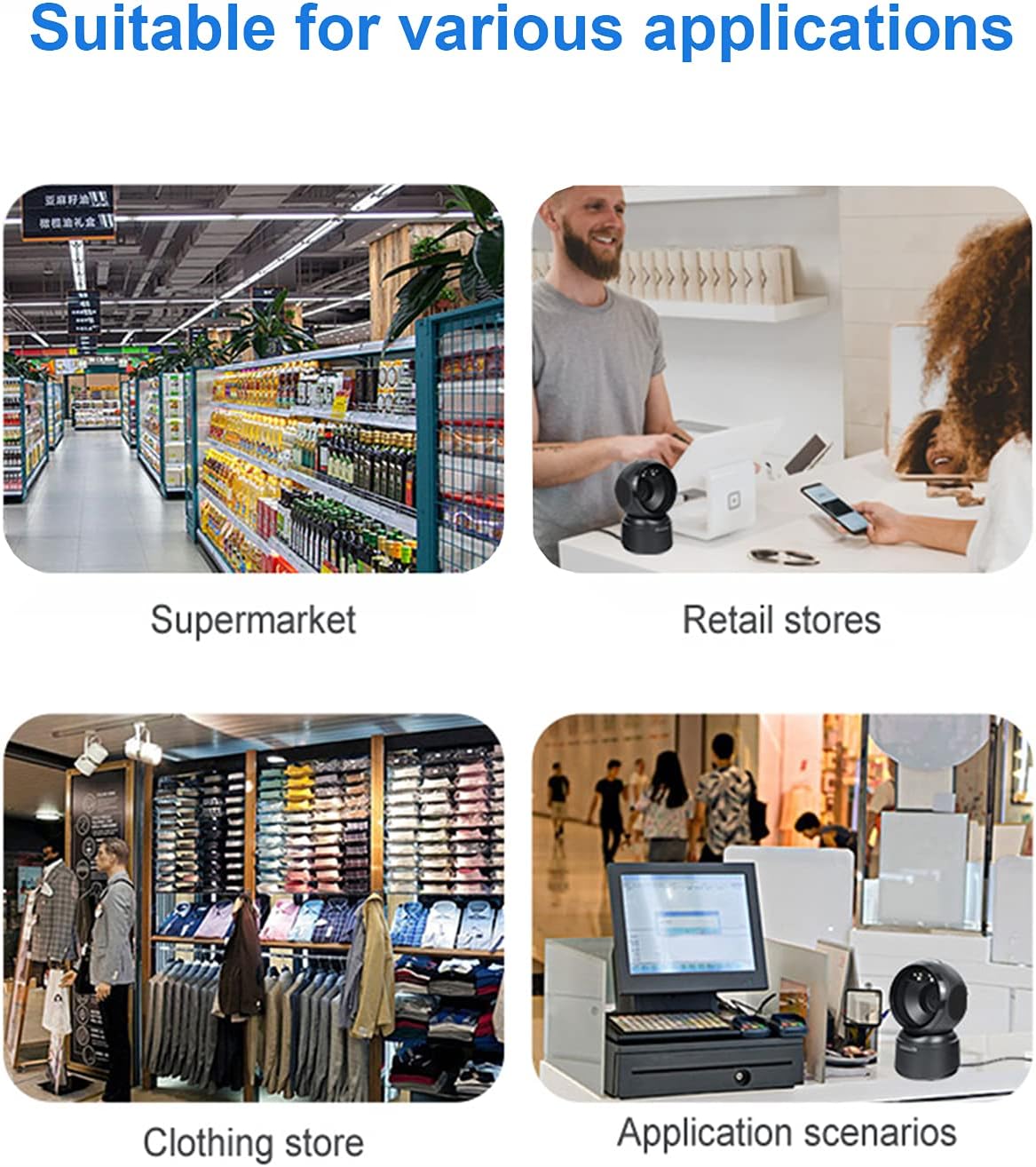
6.3 paveikslas: Common application environments for the scanner.
7. Priežiūra
7.1 Skaitytuvo valymas
- Ensure the scanner is disconnected from the power source before cleaning.
- Skaitytuvo išorę nuvalykite minkštu, sausu, nepūkuotu audiniu.
- Skenavimo langeliui naudokite objektyvo valymo šluostę arba minkštą šluostę, lengvai nuvalytąampened with a mild, non-abrasive cleaning solution. Avoid spraying cleaners directly onto the scanner.
- Do not use harsh chemicals, solvents, or abrasive materials, as these can damage the scanner's surface or scanning window.
7.2 Saugykla
When not in use, store the scanner in a cool, dry place, away from direct sunlight and extreme temperatures. The maximum storage temperature is 60°C (140°F).
8. Problemų sprendimas
| Problema | Galima priežastis | Sprendimas |
|---|---|---|
| Skaitytuvas neįsijungia. | Netinkamai prijungtas USB kabelis arba sugedęs USB prievadas. | Ensure the USB cable is securely connected. Try a different USB port on your computer. |
| Skaitytuvas neskaito brūkšninių kodų. |
|
|
| Nuskaityti duomenys yra neteisingi arba nepilni. |
|
|
Jei problema išlieka ir išbandžius šiuos sprendimus, susisiekite su klientų aptarnavimo tarnyba.
9. Specifikacijos
| Funkcija | Detalė |
|---|---|
| Modelis | D7800 |
| Tipas | 2D CMOS Wired Barcode Scanner |
| Prisijungimo būdas | USB |
| Matmenys (P x A x G) | 84 mm x 140.2 mm x 90.1 mm (apytiksliai 3.31 x 5.52 x 3.55 colio) |
| Svoris | 230 g (apie 0.51 svaro) |
| Medžiaga | ABS |
| Spalva | Juoda |
| Šviesos šaltinis | 617nm LED (aimer); 6500K LEDs (illumination) |
| Vaizdo jutiklis | 640*480 CMOS |
| Procesorius | ARM 32 bitų |
| Nuskaitymo greitis | 200 kartų / s |
| Galia | DC 5V |
| Dabartinė | 400 mA ± 5 % |
| Suderinama OS | „Windows XP/7/8/10“, „Mac OS“, „Linux“ |
| 1D Code Support | EAN-8, EAN-13, Codabar, CODE 39, CODE 93, CODE 128, China Post, GS1-128, UPC-A, UPC-E, ISBN/ISSN, ISBT, Interleaved 2 of 5, Standard 2 of 5, Matrix 2 of 5, Industrial 2 of 5, MSI, RSS, ITF14, Telepen, etc. |
| 2D/QR Code Support | Micro QR Code, Data Matrix, PDF417, Micro PDF417, Maxicode, Aztec, Hanxin, etc. |
| Maksimali laikymo temperatūra | 60 °C (140 °F) |
10. Garantija ir palaikymas
10.1 Informacija apie garantiją
LENVII products are covered by a limited warranty against defects in materials and workmanship. Please refer to the warranty card included with your product or contact LENVII customer support for specific warranty terms and conditions.
10.2 Pagalba klientams
For technical assistance, troubleshooting, or product inquiries, please contact LENVII customer support. Contact information can typically be found on the product packaging or the official LENVII websvetainę.


