Įvadas
Thank you for choosing the Edifier MP85 Mini Bluetooth Speaker. This compact and portable speaker is designed to deliver clear audio for various activities, from home use to outdoor adventures. This manual provides detailed instructions on setting up, operating, maintaining, and troubleshooting your speaker to ensure optimal performance.
Kas yra dėžutėje
Prašome patikrinti savo pakuotės turinį:
- Edifier mini Bluetooth speaker MP85 x 1
- Silicone lanyard x 1
- C tipo įkrovimo laidas x 1
- Vartotojo vadovas x 1

Image: The Edifier MP85 speaker, silicone lanyard, and Type-C charging cable, along with the user manual, as packaged in the box.
Produktas baigtasview ir Savybės
The Edifier MP85 is a mini portable Bluetooth speaker designed for convenience and quality sound on the go. Key features include:
- Kompaktiškas ir lengvas: Measuring 2.05 x 1.12 x 2.48 inches and weighing only 70g, it's ideal for travel and outdoor activities.
- "Bluetooth 5.3": Ensures a fast and stable connection to your devices.
- Ilgas grojimo laikas: Built-in 500mAh Lithium Battery provides up to 8 hours of playtime on a single charge.
- Customizable EQ via App: Use the Edifier Connect App to customize EQ settings and choose from music, game, or vocal sound effects. The app also offers 100+ white noise tracks.
- Paprasti valdikliai: Easy-to-use buttons for power, volume, and playback, with an LED indicator for status.

Image: The Edifier MP85 speaker, showcasing its compact design and attached silicone lanyard.

Image: An internal diagram of the speaker highlighting its 40mm audio driver.

Image: The speaker attached to a backpack, illustrating its lightweight and portable design for outdoor use.

Image: The speaker paired with a smartphone, emphasizing its Bluetooth 5.3 connectivity for stable audio streaming.
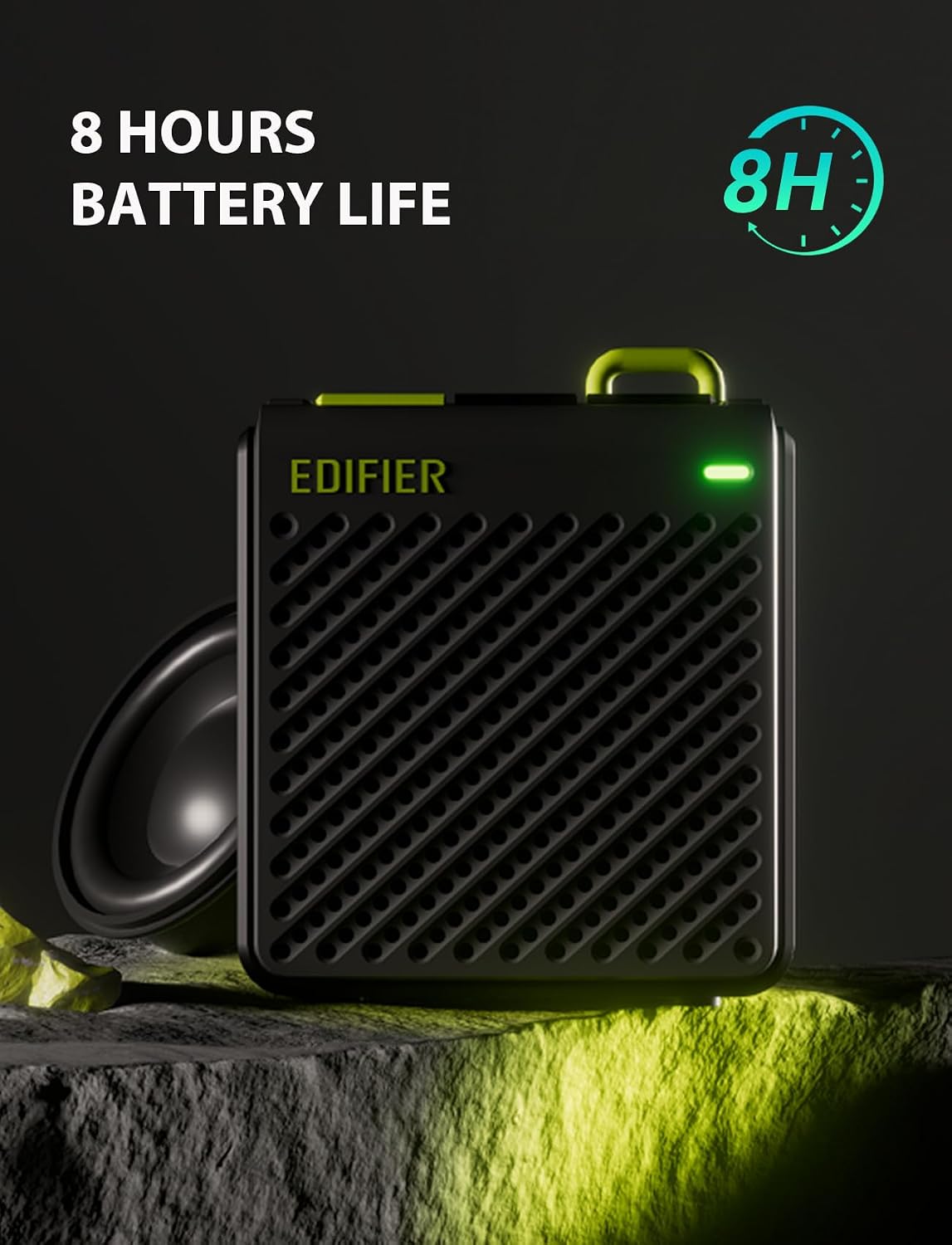
Image: The speaker with an indicator for its 8-hour battery life, highlighting its endurance.

Image: Two speakers illustrating the simple button controls for power, volume, and playback, along with LED indicators.

Image: Screenshots of the Edifier Connect App, demonstrating its interface for EQ customization and sound effect selection.
Oficialus produkto vaizdo įrašas
Vaizdo įrašas: oficialus produkto vaizdo įrašasasing the features and design of the Edifier MP85 Mini Bluetooth Speaker.
Sąranka
1. Įkraukite garsiakalbį
Before first use, fully charge the speaker using the provided Type-C charging cable. Connect the cable to the speaker's charging port and the other end to a USB power adapter (not included) or a computer's USB port. The LED indicator will show charging status.
2. Įjungimas/išjungimas
Press and hold the power button (usually marked with a power symbol) for a few seconds to turn the speaker on or off. The LED indicator will light up when the speaker is on.
3. „Bluetooth“ poravimas
- Ensure the speaker is powered on and in pairing mode. The LED indicator will typically flash rapidly when ready to pair.
- Savo įrenginyje (išmaniajame telefone, planšetiniame kompiuteryje, nešiojamajame kompiuteryje) eikite į „Bluetooth“ nustatymus.
- Ieškokite available devices and select "EDIFIER MP85" from the list.
- Once connected, the LED indicator will usually turn solid blue or flash slowly.
- The speaker supports TWS (True Wireless Stereo) pairing for two MP85 speakers. Refer to the full user guide for detailed TWS pairing instructions.
Naudojimo instrukcijos
Mygtukų funkcijos
| Mygtukas | Funkcija (trumpas paspaudimas) | Funkcija (ilgas paspaudimas) |
|---|---|---|
| Maitinimo mygtukas | Leisti / pristabdyti | Maitinimo įjungimas/išjungimas |
| Tomas + | Padidinti garsumą | Kitas takelis |
| Apimtis - | Sumažinti garsumą | Ankstesnis takelis |
„Edifier Connect“ programa
For enhanced control and customization, download the Edifier Connect App from your device's app store. The app allows you to:
- Tinkinkite EQ nustatymus.
- Select from preset sound effects (Music, Game, Vocal).
- Access a library of white noise tracks.
- Patikrinkite akumuliatoriaus būseną.
- Atnaujinkite programinę-aparatinę įrangą (jei yra).
Priežiūra
- Valymas: Use a soft, dry cloth to clean the speaker. Do not use abrasive cleaners, alcohol, or other chemical solvents, as these may damage the surface.
- Saugykla: Garsiakalbį laikykite vėsioje, sausoje vietoje, toliau nuo tiesioginių saulės spindulių ir ekstremalių temperatūrų.
- Akumuliatoriaus priežiūra: Norėdami pailginti baterijos veikimo laiką, venkite dažnai visiškai iškrauti garsiakalbį. Reguliariai jį įkraukite, net jei ilgą laiką nenaudojate.
- Atsparumas vandeniui: Šis kalbėtojas yra nėra atsparus vandeniui. Avoid exposing it to water or high humidity.
Trikčių šalinimas
| Problema | Galima priežastis / sprendimas |
|---|---|
| Garsiakalbis neįsijungia. | Battery might be depleted. Charge the speaker for at least 30 minutes. |
| Negalima susieti su Bluetooth įrenginiu. |
|
| Nėra garso arba garsas per mažas. |
|
| Garso iškraipymas. |
|
Specifikacijos
| Funkcija | Detalė |
|---|---|
| Modelio pavadinimas | MP85BLACK |
| Bluetooth versija | 5.3 |
| Bluetooth diapazonas | 10 metrai (33 pėdos) |
| Garsiakalbio dydis | 40 milimetrų |
| Didžiausia garsiakalbio išėjimo galia | 4.4 vatų |
| Dažnio atsakas | 17 KHz |
| Signalo ir triukšmo santykis | 85 dB |
| Baterijos veikimo laikas | 8 valandų |
| Baterijos talpa | 500 milijonųamp Valandos |
| Įkrovimo prievadas | C tipas |
| Gaminio matmenys (D x P x A) | 2 colio x 1 colio x 2 colio (apytiksliai 5.08 cm x 2.54 cm x 5.08 cm) |
| Prekės svoris | 70 gramų (2.47 uncijos) |
| Medžiaga | Plastikiniai |
| Atsparumo vandeniui lygis | Neatsparus vandeniui |
Garantija ir palaikymas
Edifier products are designed and manufactured to the highest quality standards. For warranty information and technical support, please refer to the warranty card included in your package or visit the official Edifier websvetainėje. Išsaugokite pirkimo kvitą kaip pirkimo įrodymą garantiniams reikalavimams.
For further assistance, you may contact Edifier customer service through their official channels.


