1. Įvadas
The BuzzTV B5 is an advanced Android 11 TV Box designed to deliver a superior 4K UHD streaming experience. This device allows you to access a wide range of entertainment, including movies, TV shows, and applications, directly on your television. This manual provides essential information for the proper setup, operation, maintenance, and troubleshooting of your BuzzTV B5.
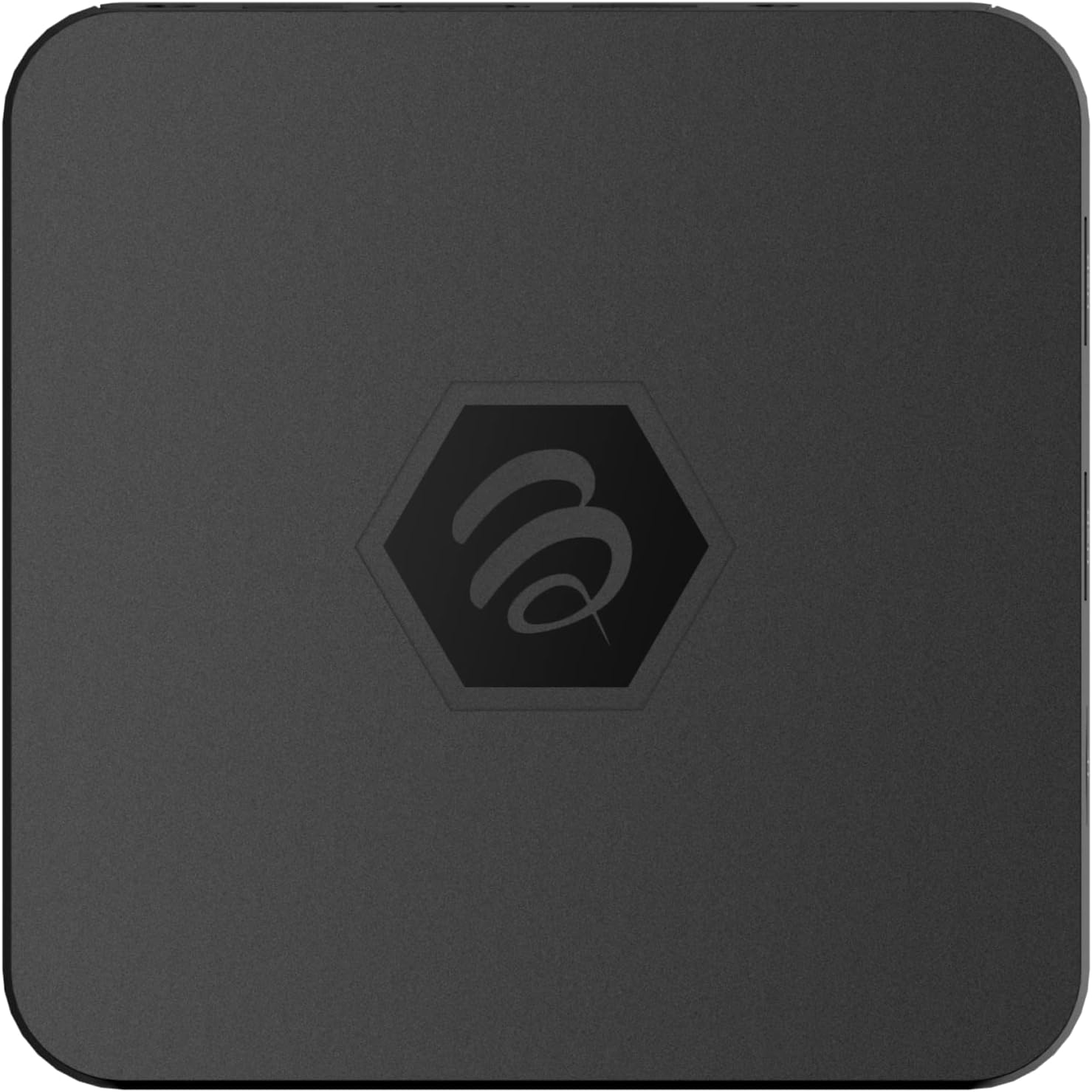
1.1 pav.: Viršus view of the BuzzTV B5 Android 11 TV Box.
2. Pakuotės turinys
Please verify that all items listed below are included in your BuzzTV B5 package:
- BuzzTV B5 Set Top Box
- IR-100 Remote Control
- Maitinimo šaltinio adapteris
- 2 x AAA baterijos (nuotolinio valdymo pultui)
- HDMI kabelis
- Vartotojo vadovas (šis dokumentas)

Image 2.1: Contents included in the BuzzTV B5 retail package.
3. Sąrankos vadovas
Follow these steps to set up your BuzzTV B5 TV Box:
- Prijungimas prie televizoriaus: Connect one end of the provided HDMI cable to the HDMI port on the BuzzTV B5 and the other end to an available HDMI input on your television.
- Prijunkite maitinimą: Plug the power supply adapter into the DC 5V port on the BuzzTV B5, then plug the adapter into a wall outlet. The device should power on automatically or can be powered on using the remote control.
- Įdėkite baterijas į nuotolinio valdymo pultą: Open the battery compartment on the back of the IR-100 Remote Control and insert the two AAA batteries, ensuring correct polarity (+/-).
- Tinklo prisijungimas: Once the device boots up, follow the on-screen instructions to connect to your network. You can choose between Wi-Fi (wireless) or Ethernet (wired) connection. For a wired connection, connect an Ethernet cable from your router to the Ethernet port on the BuzzTV B5.
- Pradiniai nustatymai: Complete the initial Android setup process, which may include language selection, Google account login, and time zone settings.

Image 3.1: Rear ports of the BuzzTV B5 for connectivity.
4. Naudojimo instrukcijos
The BuzzTV B5 operates on Android 11, providing a user-friendly interface for navigation and content access.
4.1 Nuotolinio valdymo pulto funkcijos
The IR-100 Remote Control is your primary interface for the BuzzTV B5. Key functions include:
- Maitinimo mygtukas: Įjungia arba išjungia įrenginį.
- Navigacijos skydelis (aukštyn / žemyn / kairėn / dešinėn / gerai): Naudojamas naršyti meniu ir pasirinkti elementus.
- Atgal mygtukas: Grįžta į ankstesnį ekraną arba meniu.
- Namų mygtukas: Grąžina į pagrindinį „Android“ ekraną.
- Garsumo mygtukai: Reguliuoja garso garsumą.
- App/Menu Buttons: Accesses specific applications or context menus.

Image 4.1: Layout of the IR-100 Remote Control.
4.2 Prieiga prie programų
From the home screen, you can access pre-installed applications like Netflix and YouTube, or download new applications from the Google Play Store. Use the navigation pad on your remote to select and launch applications.
4.3 4K UHD Streaming
The BuzzTV B5 supports 4K UHD resolution. Ensure your television is 4K compatible and that you are using a high-speed HDMI cable for optimal picture quality. Streaming quality will also depend on your internet connection speed and the content source.
5. Priežiūra
To ensure the longevity and optimal performance of your BuzzTV B5, consider the following maintenance tips:
- Valymas: Įrenginio išorę valykite minkšta, sausa šluoste. Venkite skystų valiklių ar abrazyvinių medžiagų.
- Vėdinimas: Įsitikinkite, kad prietaisas yra gerai vėdinamoje vietoje, kad jis neperkaistų. Neuždenkite ventiliacijos angų.
- Programinės įrangos atnaujinimai: Periodically check for and install system updates to benefit from new features, performance improvements, and security patches. These can usually be found in the device's settings menu.
- Maitinimo ciklas: If the device becomes unresponsive, disconnect the power adapter, wait 10 seconds, and then reconnect it to perform a power cycle.
6. Problemų sprendimas
If you encounter issues with your BuzzTV B5, refer to the following common problems and solutions:
| Problema | Galima priežastis | Sprendimas |
|---|---|---|
| Nėra galios | Power adapter not connected; outlet not working. | Įsitikinkite, kad maitinimo adapteris yra tvirtai prijungtas prie įrenginio ir veikiančio maitinimo lizdo. Išbandykite kitą lizdą. |
| Nėra signalo televizoriuje | Incorrect HDMI input selected; faulty HDMI cable. | Select the correct HDMI input on your TV. Check HDMI cable connections or try a different HDMI cable. |
| Nuotolinio valdymo pultas nereaguoja | Dead batteries; remote not paired (if applicable); obstruction. | Replace AAA batteries. Ensure no obstructions between remote and device. |
| Tinklo ryšio problemos | Incorrect Wi-Fi password; router issues; weak signal. | Verify Wi-Fi password. Restart your router. Move the device closer to the router or use an Ethernet cable. |
| Applications Crashing/Freezing | Insufficient memory; outdated app; software glitch. | Close background apps. Update the app or the device's firmware. Clear app cache/data in settings. |
7. Specifikacijos
Detailed technical specifications for the BuzzTV B5 Android 11 TV Box:
- Operacinė sistema: Android OS 11
- CPU: Amlogic S905W2 Quad-Core A-35
- GPU: Mali-G31 MP2
- RAM: 2GB DDR
- Saugykla: 16 GB eMMC
- „Wi-Fi“: Dual Band AC
- LAN: 10/100 Mbps Ethernet
- Bluetooth: 4.2
- USB prievadai: 2x USB 2.0
- „MicroSD“ lizdas: 1
- Maitinimo sąsaja: DC 5V
- HDMI išvestis: 1
- Optinė garso išvestis: 1
- Išvesties skiriamoji geba: 4K (32 kadrų per sekundę)
- Matmenys: 9.06 x 5.63 x 2.32 colio
- Prekės svoris: 1.01 svaro

Image 7.1: BuzzTV B5 with a summary of its technical specifications.
8. Informacija apie garantiją
For detailed warranty information regarding your BuzzTV B5, please refer to the warranty card included in your product packaging or visit the official BuzzTV websvetainėje. Garantijos sąlygos gali skirtis priklausomai nuo regiono ir mažmenininko.
9. Parama
If you require further assistance or have questions not covered in this manual, please contact BuzzTV customer support or visit their official webDUK, programinės įrangos atsisiuntimų ir papildomų išteklių svetainė.
BuzzTV Official Websvetainė: www.buzztv.com


