1. Įvadas
Ačiū, kad pirkoteasing the FunFlix RD-882 Portable Projector. This manual provides essential information for setting up, operating, and maintaining your projector to ensure optimal performance and longevity. Please read this manual thoroughly before use and retain it for future reference.
2. Saugos instrukcijos
- Nežiūrėkite tiesiai į projektoriaus objektyvą, kai lamp įjungtas. Intensyvi šviesa gali pažeisti akis.
- Užtikrinkite tinkamą vėdinimą aplink projektorių. Neužblokuokite ventiliacijos angų.
- Projektorių saugokite nuo vandens, drėgmės ir ekstremalių temperatūrų.
- Naudokite tik prie projektorijaus pridėtą maitinimo adapterį.
- Nebandykite patys taisyti projektoriaus. Visus techninės priežiūros darbus patikėkite kvalifikuotiems specialistams.
- Atjunkite projektorių nuo elektros tinklo žaibuojant arba kai jis ilgą laiką nenaudojamas.
3. Pakuotės turinys
Patikrinkite, ar pakuotėje yra visi reikalingi daiktai:
- FunFlix RD-882 Portable Projector
- Nuotolinio valdymo pultas (be baterijų)
- Maitinimo kabelis
- HDMI kabelis
- AV kabelis
- Vartotojo vadovas

3.1 pav.: Pridedami priedai
4. Produktas baigtasview
4.1 Priekis View
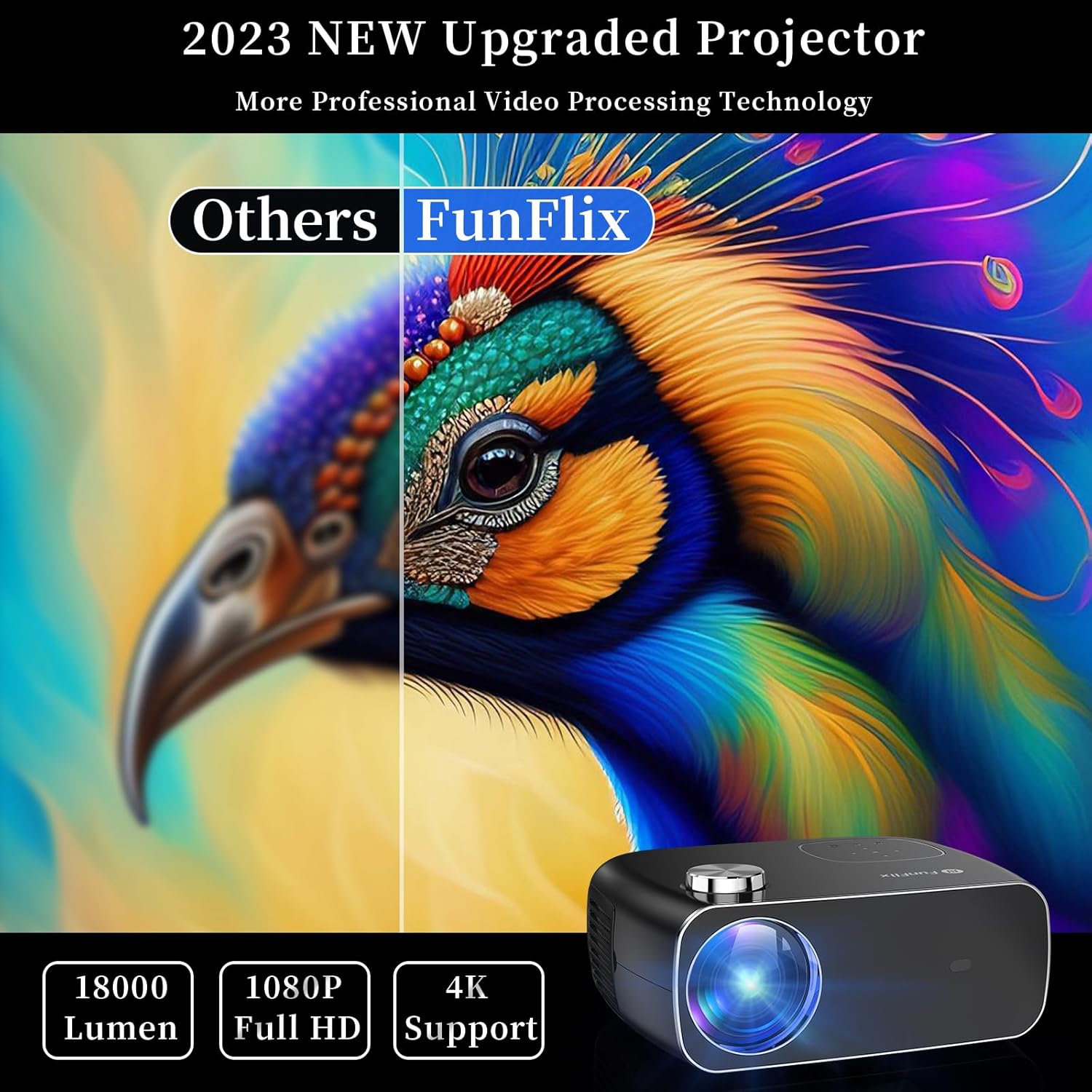
4.1 pav.: priekis View projektoriaus
The front of the projector features the projection lens and an infrared receiver for the remote control.
4.2 Galinis View ir uostai

4.2 pav.: galinis View su įvesties prievadais
Galiniame skydelyje yra šios prijungimo parinktys:
- HDMI prievadai (x2): Connect to devices like laptops, gaming consoles, or streaming sticks.
- USB prievadai (x2): Connect USB drives for media playback or power external devices.
- AV prievadas: Prijunkite prie senesnių įrenginių naudodami pridedamą AV kabelį.
- Garso išvestis: Prijunkite išorinius garsiakalbius arba ausines.
- Maitinimo įvestis: Prijunkite maitinimo adapterį.
5. Sąranka
5.1 Įdėjimas
Place the projector on a stable, flat surface. Ensure there is enough space around the projector for proper ventilation. The projection distance and screen size can vary. The projector supports projection sizes from 50 to 300 inches.

Figure 5.1: Projector Placement and Projection
5.2 Maitinimo jungtis
Connect the power cable to the projector's power input port and then plug it into a power outlet.
5.3 Fokusavimas ir trapecijos korekcija
After powering on the projector, adjust the focus ring on the top of the projector until the image is clear. Use the keystone correction feature to adjust the image shape if it appears trapezoidal. The projector supports both manual focus and digital keystone correction.

Figure 5.2: Keystone Correction and Zoom Function
Video 5.1: Demonstrates projector features including power-on, bulb life, display sizes, precise intelligent focusing, native 1080P resolution, zoom function, 5G WiFi support, wireless projection for iOS/Android, wired HDMI connection, built-in speaker, 15-degree gradient correction, Bluetooth connection, and high color reproduction.
6. Operacinis
6.1 Maitinimo įjungimas/išjungimas
Press the power button on the projector or the remote control to turn the projector on or off.
6.2 Įvesties šaltiniai
Select the desired input source from the main menu using the remote control or the buttons on the projector.
- HDMI: Connect your device via an HDMI cable.
- USB: Įkiškite USB atmintinę, kad galėtumėte leisti mediją files.
- APIE: Connect older devices using the AV cable.
6.3 Belaidis ryšys
The FunFlix RD-882 supports 5G WiFi and Bluetooth 5.2 for enhanced connectivity.
6.3.1 5G WiFi Connection
To connect to a 5G WiFi network:
- Projektoriuje eikite į meniu „Nustatymai“.
- Select 'Network Settings' or 'WiFi'.
- Choose your 5G WiFi network from the list and enter the password.

Figure 6.1: 5G WiFi Wireless Connection
6.3.2 „Bluetooth 5.2“ ryšys
To connect to Bluetooth audio devices:
- Eikite į meniu „Nustatymai“.
- Pasirinkite „Bluetooth“ nustatymai“.
- Įjunkite Bluetooth ir ieškokite galimų įrenginių.
- Select your Bluetooth speaker or headphones to pair.

6.2 pav.: „Bluetooth 5.2“ ryšys
6.4 Ekrano atspindėjimas
The projector supports screen mirroring from iOS and Android devices. Ensure your device and the projector are connected to the same WiFi network.
- „iOS“ įrenginiams: Use the 'Screen Mirroring' or 'AirPlay' function on your iPhone/iPad and select the projector from the list of available devices.
- „Android“ įrenginiams: Use the 'Cast', 'Smart View', or 'Wireless Display' function on your Android phone/tablet and select the projector.
6.5 Nustatymų reguliavimas
Access the projector's menu to adjust various settings:
- Vaizdo nustatymai: Reguliuokite ryškumą, kontrastą, spalvas ir aiškumą.
- Garso nustatymai: Adjust volume, sound mode, and balance.
- Projekcijos režimas: Select front, rear, ceiling front, or ceiling rear projection.
7. Priežiūra
7.1 Objektyvo valymas
Use a soft, lint-free cloth or lens cleaning paper to gently wipe the lens. Avoid using abrasive cleaners or excessive force, which can scratch the lens.
7.2 Cleaning Air Filters/Vents
Regularly check and clean the air filters and vents to prevent dust buildup, which can affect cooling and performance. Use a soft brush or a vacuum cleaner with a brush attachment to remove dust.
7.3 Saugykla
Kai nenaudojate, laikykite projektorių vėsioje, sausoje vietoje, toliau nuo tiesioginių saulės spindulių ir ekstremalių temperatūrų. Naudokite originalią pakuotę arba apsauginį dėklą, kad išvengtumėte dulkių ir pažeidimų.
8. Problemų sprendimas
| Problema | Galima priežastis | Sprendimas |
|---|---|---|
| Ekrane nėra vaizdo | Power not connected, incorrect input source, device not connected. | Check power cable, select correct input source, ensure source device is on and connected. |
| Vaizdas neryškus | Focus not adjusted, projector too far/close. | Adjust the focus ring. Ensure projector is within optimal projection distance. |
| Vaizdas yra trapecijos formos | Keystone nepataisytas. | Adjust keystone correction in the settings menu. |
| Nėra garso | Volume too low, incorrect audio output, source device muted. | Increase projector volume, check audio output settings, unmute source device. |
| Nuotolinio valdymo pultas neveikia | Baterijos išsikrovusios / išsikrovusios, IR jutiklis užblokuotas. | Replace batteries, ensure no obstructions between remote and projector. |
9. Specifikacijos
- Prekinis ženklas: FunFlix
- Modelio numeris: RD-882
- Prekės svoris: 4.75 svaro
- Gaminio matmenys: 9.57 x 7.87 x 3.98 colio
- Maksimali ekrano skiriamoji geba: 1920 x 1080 (natūrali 1080P)
- Ryšys: 5G WiFi, Bluetooth 5.2, HDMI (x2), USB (x2), AV
- Rekomenduojami naudojimo būdai: Gaming, Home Theater, Outdoor Projection
- Formos faktorius: Nešiojami
- Montavimo tipas: Stalviršio laikiklis
10. Garantija ir palaikymas
For warranty information and technical support, please refer to the contact details provided on the FunFlix official website or your purchase documentation. Do not attempt to open or repair the device yourself, as this may void your warranty.


