1. Įvadas
Thank you for choosing the EBTOOLS A9 Magnetic 1080P Mini Camera. This compact and versatile camera is designed for home, office, or courtyard monitoring, offering 1080P high-resolution video recording and Wi-Fi connectivity. This manual provides essential information for setting up, operating, and maintaining your camera to ensure optimal performance.
2. Saugos informacija
Įspėjimas: Do not attempt to disassemble, modify, or repair the product yourself to avoid personal injury or equipment damage.
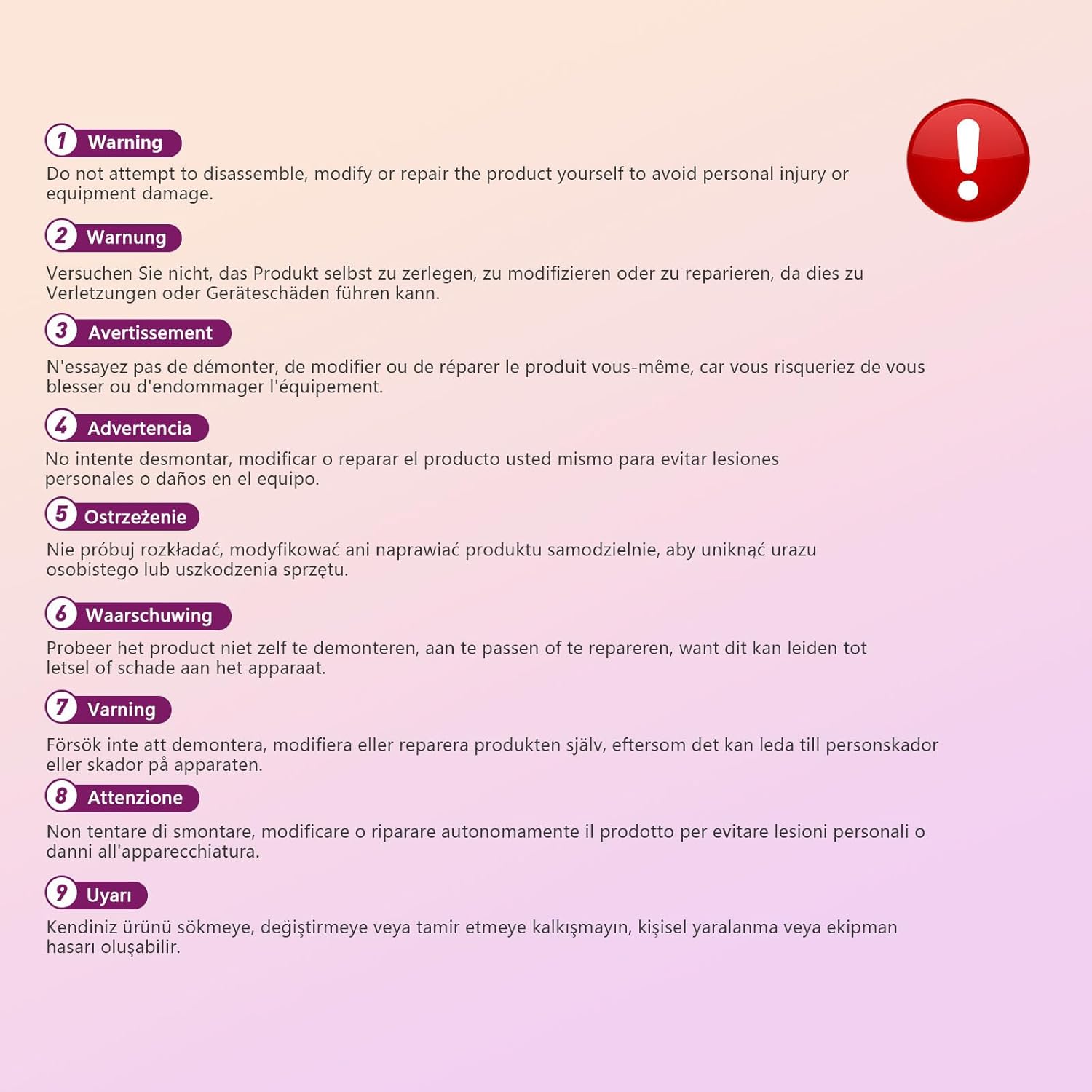
This image displays a warning message in multiple languages, advising users not to disassemble, modify, or repair the product themselves to prevent personal injury or damage to the device.
3. Pakuotės turinys
Patikrinkite pakuotę, ar joje yra šie daiktai:
- EBTOOLS A9 Mini Camera
- Magnetinis kalnas
- USB įkrovimo laidas
- Adhesive Pad (for mount)

This image shows the EBTOOLS A9 Mini Camera, a magnetic mount, and a USB charging cable, which are typically included in the product package.
4. Produktas baigtasview
Susipažinkite su fotoaparato komponentais:

This image displays the front of the EBTOOLS A9 Mini Camera, highlighting the lens, the ON/OFF button, and the MODE button on the top surface.
- Objektyvas: Pagrindinis kameros objektyvas vaizdo įrašymui.
- ĮJUNGIMO/IŠJUNGIMO mygtukas: Įjungia arba išjungia fotoaparatą.
- MODE mygtukas: Switches between different operating modes.
- Indikatoriaus lemputė: Provides status feedback (e.g., charging, recording, Wi-Fi status).

Šiame paveikslėlyje pavaizduota pusė view of the camera, clearly indicating the Micro USB charging port.

This image displays another side view of the camera, highlighting the Micro SD card slot for local storage.
5. Sąranka
5.1 Kameros įkrovimas
Before first use, fully charge the camera. Connect the supplied USB cable to the camera's Micro USB port and a 5V USB power adapter (not included). The indicator light will show charging status and turn off when fully charged. The built-in 240 mAh battery provides approximately 45 minutes of continuous operation.
5.2 Micro SD kortelės įdėjimas
To store recordings, insert a Micro SD card (up to 128GB, not included) into the Micro SD card slot. Ensure the card is inserted correctly with the contacts facing the camera's front. The camera supports continuous recording and motion-activated recording to the card.

This image shows the EBTOOLS A9 Mini Camera with a Micro SD card partially inserted into its slot, alongside a Wi-Fi signal icon, indicating its storage and connectivity features.
5.3 Programėlės diegimas ir „Wi-Fi“ ryšys
The camera connects via Wi-Fi and is controlled using a smartphone app (compatible with Android devices). Refer to the quick start guide or packaging for the specific app name and download instructions. Once the app is installed:
- Įjunkite fotoaparatą.
- Atidarykite programą ir vadovaukitės ekrane pateikiamomis instrukcijomis, kad pridėtumėte naują įrenginį.
- Connect the camera to your home Wi-Fi network.
- Prisijungę galite view gyvas kvailystage, adjust settings, and access recordings remotely.
6. Naudojimo instrukcijos
6.1 Įjungimas / išjungimas
- Norėdami įjungti: Press and hold the ON/OFF button until the indicator light illuminates.
- Norėdami išjungti: Press and hold the ON/OFF button until the indicator light turns off.
6.2 Įrašymo režimai
The camera typically supports two main recording modes:
- Nepertraukiamas įrašymas: Records video continuously to the Micro SD card.
- Judesio aptikimo įrašymas: Records only when motion is detected, saving storage space and battery life.
Use the MODE button or the smartphone app to switch between these modes. Refer to the app's instructions for detailed mode configuration.
6.3 Motion Detection Alerts
When motion detection is enabled, the camera will send alerts to your smartphone via the app when movement is detected within its field of view. This feature is useful for security monitoring.
6.4 Programų valdymas
The dedicated app allows you to:
- View tiesioginis vaizdo srautas iš kameros.
- Access and playback recorded footage.
- Adjust camera settings (e.g., resolution, recording mode, motion detection sensitivity).
- Receive push notifications for motion alerts.
7. Priežiūra
- Valymas: Kameros objektyvą ir korpusą valykite minkštu, sausu audiniu. Venkite naudoti skystus valiklius ar abrazyvines medžiagas.
- Saugykla: Kai fotoaparato ilgesnį laiką nenaudojate, laikykite jį vėsioje, sausoje vietoje, apsaugotoje nuo tiesioginių saulės spindulių ir ekstremalių temperatūrų.
- Akumuliatoriaus priežiūra: Recharge the battery periodically if stored for a long time to maintain its lifespan.
8. Problemų sprendimas
If you encounter issues with your camera, refer to the following table:
| Problema | Galima priežastis | Sprendimas |
|---|---|---|
| Kamera neįsijungia | Low battery; Faulty power button | Charge the camera fully; Contact support if issue persists |
| Nepavyksta prisijungti prie „Wi-Fi“. | Neteisingas „Wi-Fi“ slaptažodis; Kamera per toli nuo maršrutizatoriaus; Maršrutizatoriaus problemos | Verify password; Move camera closer to router; Restart router |
| Į SD kortelę įrašymas negalimas | SD card not inserted; SD card full or corrupted; Incorrect recording mode | Insert SD card; Format or replace SD card; Check app settings for recording mode |
| Prasta vaizdo kokybė | Dirty lens; Low light conditions; App resolution settings | Clean the lens; Ensure adequate lighting; Adjust resolution in app |
| App not receiving alerts | Motion detection off; App notifications disabled; Poor Wi-Fi connection | Enable motion detection in app; Check phone notification settings; Ensure stable Wi-Fi |
9. Specifikacijos
| Funkcija | Detalė |
|---|---|
| Modelio numeris | EBTOOLSzi9gg2t6c1-12 |
| Vaizdo įrašymo raiška | 1080p, 720p |
| Ryšio technologija | Belaidis ryšys (Wi-Fi) |
| Maitinimo šaltinis | Maitinamas baterija (įmontuota 240 mAh) |
| Medžiaga | Akrilnitrilo butadieno stirenas (ABS) |
| Montavimo tipas | Sieninis laikiklis (magnetinis) |
| Kontrolės metodas | Programėlė |
| Suderinami įrenginiai | Išmanusis telefonas („Android“) |
| Įspėjimo tipas | Tik judėjimas |
| Naudojimas viduje / lauke | Vidinis |
| Prekės svoris | 2.08 uncijos |
10. Garantija ir palaikymas
For warranty information and technical support, please refer to the product packaging or contact EBTOOLS customer service directly. Keep your purchase receipt for warranty claims.


