1. Įvadas
This manual provides detailed instructions for the operation and maintenance of your Jectse MP3 Player. This portable device features a 2.4-inch full-touch screen, 4GB internal storage, Bluetooth 5.0 connectivity, FM radio, E-book reader, and voice recording capabilities. Please read this manual thoroughly before using the device to ensure proper functionality and longevity.
2. Saugos informacija
- Nelaikykite prietaiso ekstremaliose temperatūrose, tiesioginiuose saulės spinduliuose ar didelėje drėgmėje.
- Stenkitės, kad prietaisas nenumestų ar nepatirtų stipraus smūgio.
- Neardykite ir nebandykite taisyti įrenginio patys. Tai panaikins garantiją.
- Use only the provided charging cable and certified power adapters.
- Klausykitės vidutiniu garsumu, kad nepažeistumėte klausos.
- Saugokite prietaisą nuo vandens ir kitų skysčių.
3. Pakuotės turinys
Patikrinkite, ar pakuotėje yra visi reikalingi daiktai:
- Jectse MP3 Player
- Laidinės ausinės
- USB įkrovimo laidas

Image: The Jectse MP3 Player, along with its included wired headphones and USB charging cable, laid out on a surface.
4. Produktas baigtasview
The Jectse MP3 Player features a compact design with a 2.4-inch touch screen for intuitive navigation. The device includes physical buttons on the side for power, volume control, and other functions. A built-in speaker is located on the back.

Vaizdas: priekis view of the Jectse MP3 Player displaying its colorful touch screen interface with icons for Music, Video, Dictionary, Recorder, Settings, Applications, Folder, Listening, FM Radio, and Ebook.
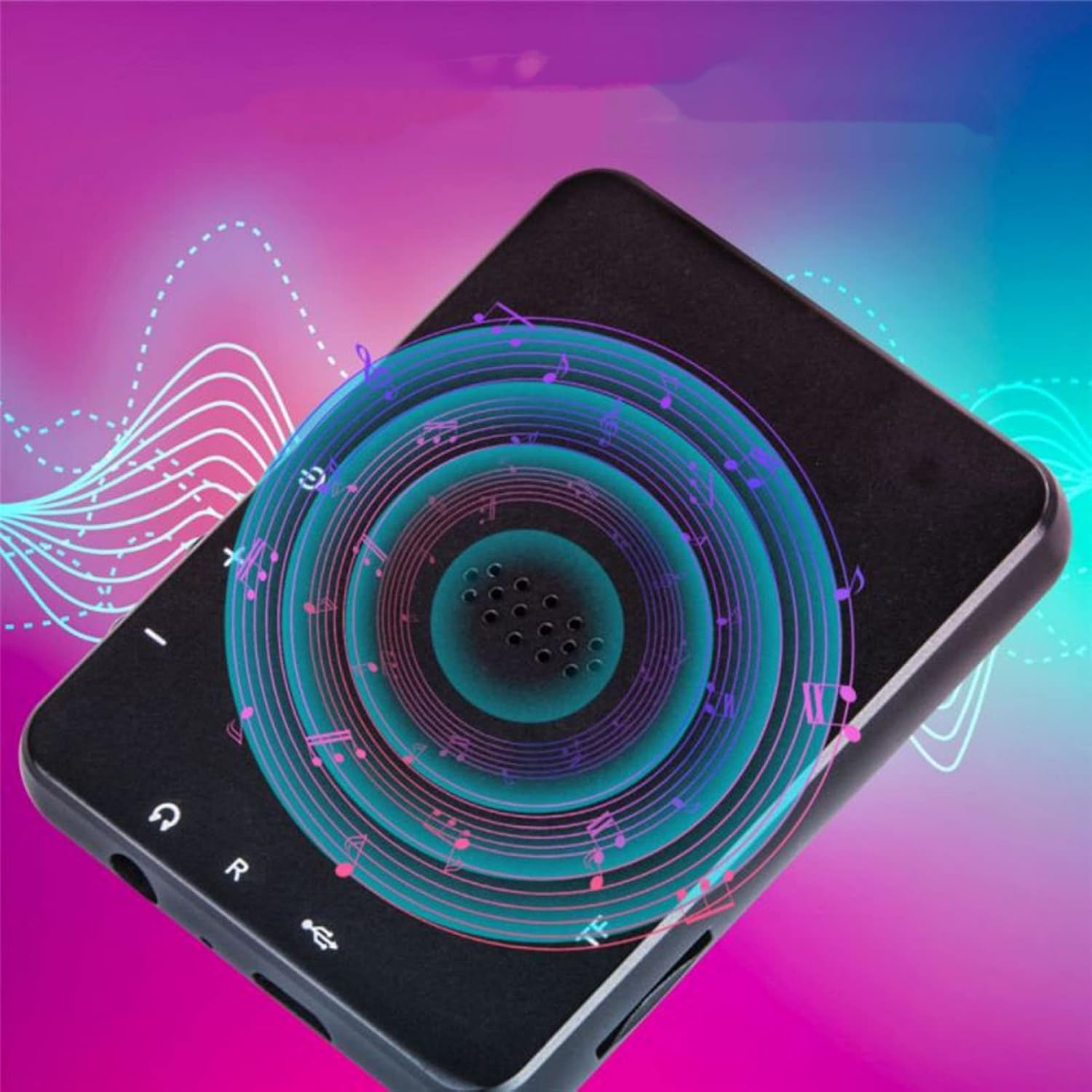
Paveikslėlis: Nugara view of the Jectse MP3 Player, showing the speaker grille and side buttons for power and volume, with a visual representation of sound waves emanating from the speaker.
5. Sąranka
5.1. Įrenginio įkrovimas
Before first use, fully charge the MP3 player. Connect the provided USB charging cable to the device's charging port and plug the other end into a USB power adapter (not included) or a computer's USB port. The battery indicator on the screen will show charging status.
5.2. Atminties kortelės įdėjimas (pasirinktinai)
The device has 4GB of internal storage. To expand storage, insert a microSD card (up to 256GB, not included) into the memory card slot. Ensure the card is inserted correctly until it clicks into place.
5.3. Ausinių prijungimas
Plug the wired headphones into the 3.5mm audio jack on the device. Alternatively, you can connect Bluetooth headphones (see section 6.2).
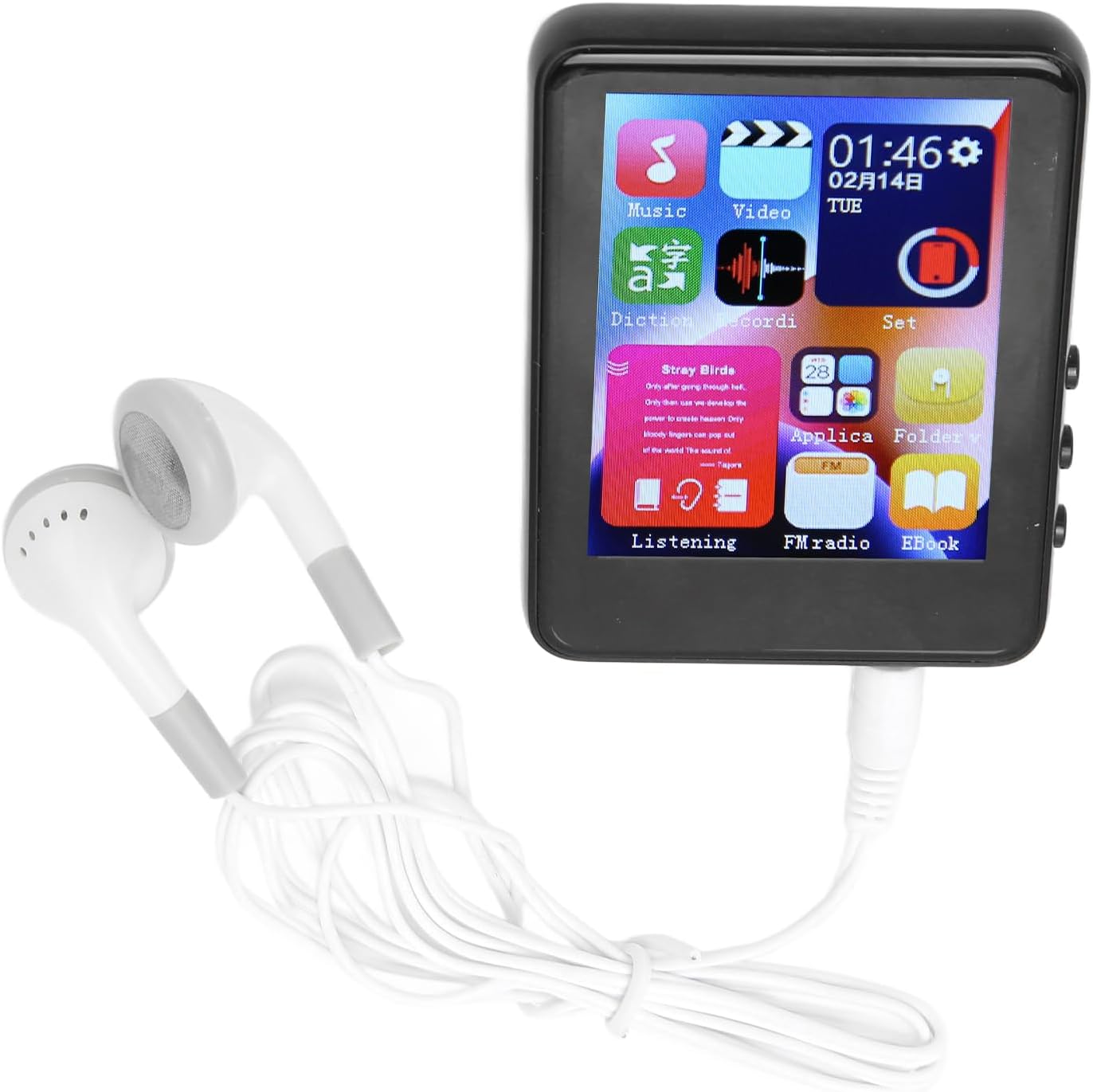
Image: The Jectse MP3 Player with white wired headphones plugged into its audio jack, ready for use.
5.4. Įjungimas/išjungimas
- Norėdami įjungti: Paspauskite ir palaikykite nuspaudę įrenginio šone esantį maitinimo mygtuką, kol ekranas užsidegs.
- Norėdami išjungti: Paspauskite ir palaikykite maitinimo mygtuką, kol ekrane pasirodys išjungimo parinktis, tada patvirtinkite.
6. Naudojimo instrukcijos
6.1. Navigacija
The device features a full-touch screen. Swipe left/right or up/down to navigate through menus and applications. Tap an icon to open an application or select an option. Use the back arrow or swipe gestures (if available) to return to the previous screen.
6.2. Muzikos atkūrimas
The player supports MP3, APE, FLAC, WMA, WAV, and AAC audio formats. Transfer music files from your computer to the device's internal storage or an inserted memory card.
- Tap the 'Music' icon on the home screen.
- Naršykite savo muzikos biblioteką pagal atlikėją, albumą, žanrą arba aplanką.
- Palieskite dainą, kad pradėtumėte atkūrimą.
- Naudokite ekrane rodomus valdiklius, norėdami paleisti / pristabdyti, praleisti takelius ir reguliuoti garsumą.

Image: The Jectse MP3 Player showing a music playback screen with album art and controls, while a person enjoys music with wireless earbuds.
6.3. „Bluetooth“ ryšys
Connect your MP3 player to Bluetooth headphones or speakers for wireless audio.
- Eikite į „Nustatymai“ ir pasirinkite „Bluetooth“.
- Įjunkite „Bluetooth“.
- Įsitikinkite, kad jūsų „Bluetooth“ garso įrenginys veikia susiejimo režimu.
- Pasirinkite savo įrenginį iš galimų įrenginių sąrašo, kurį norite susieti.
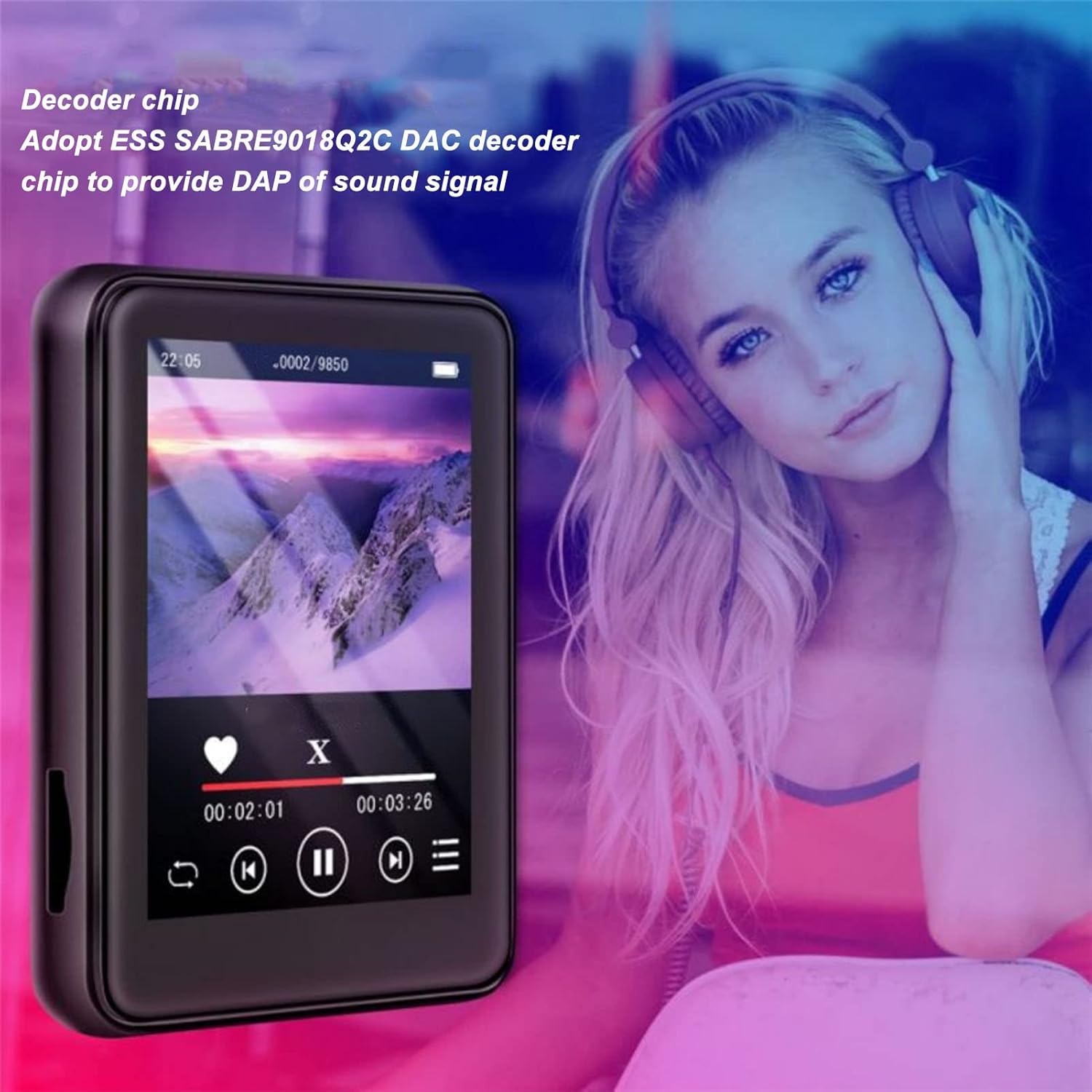
Image: The Jectse MP3 Player displaying a video or music interface, with text highlighting its ESS SABRE9018Q2C DAC decoder chip for high-quality sound. A person wearing over-ear headphones is visible in the background.
6.4. FM radijas
Listen to FM radio stations using the built-in tuner. Wired headphones must be connected as they act as the antenna.
- Palieskite piktogramą „FM radijas“.
- Perform an automatic scan to find available stations.
- Tune to your desired station using the on-screen controls.
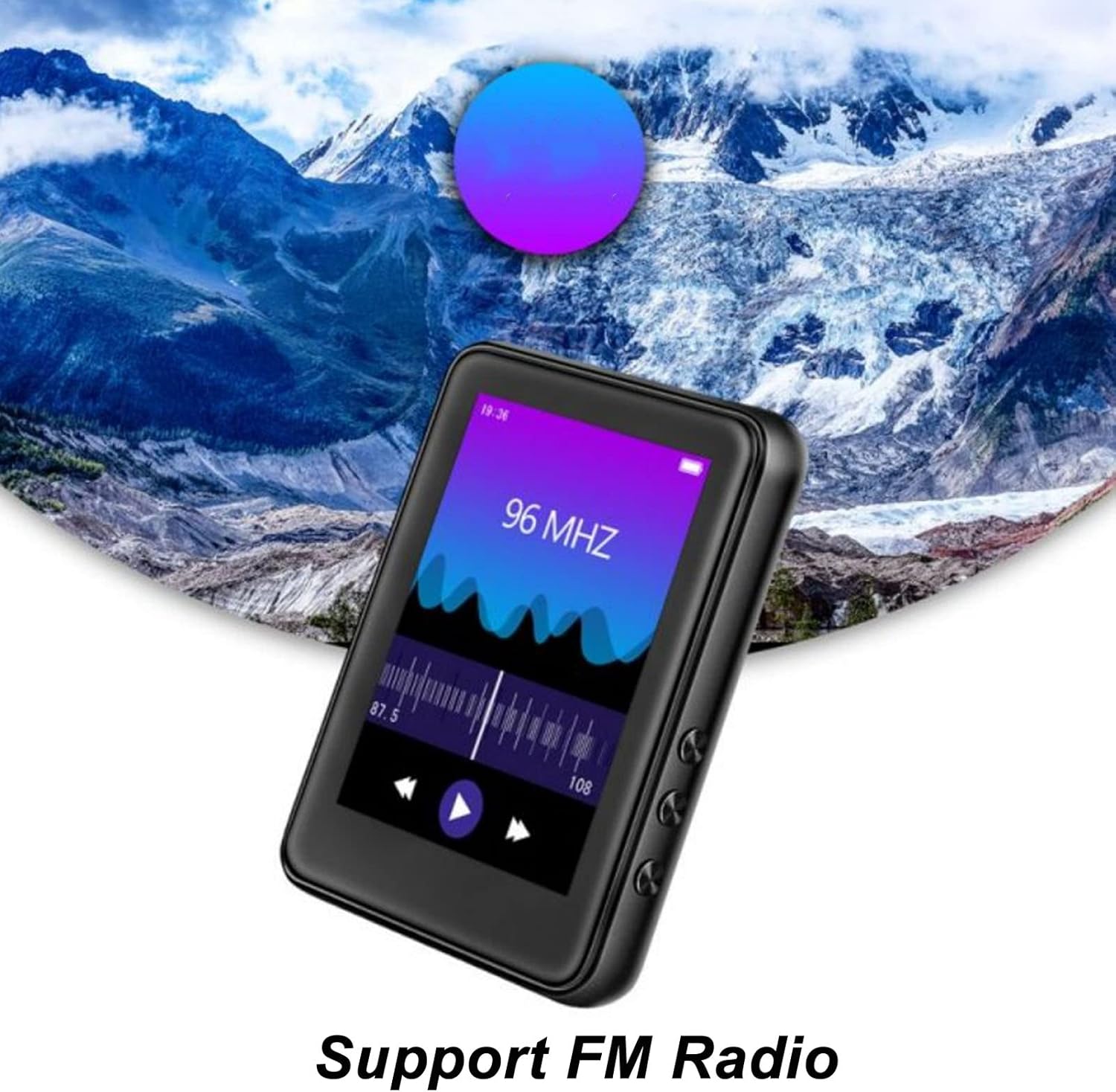
Image: The Jectse MP3 Player showing its FM Radio interface, tuned to 96 MHz, with a visual representation of radio waves and controls.
6.5. Elektroninės knygos
Read TXT and LRC format e-books on your device.
- Tap the 'Ebook' icon.
- Select the e-book you wish to read.
- Swipe the screen to turn pages.
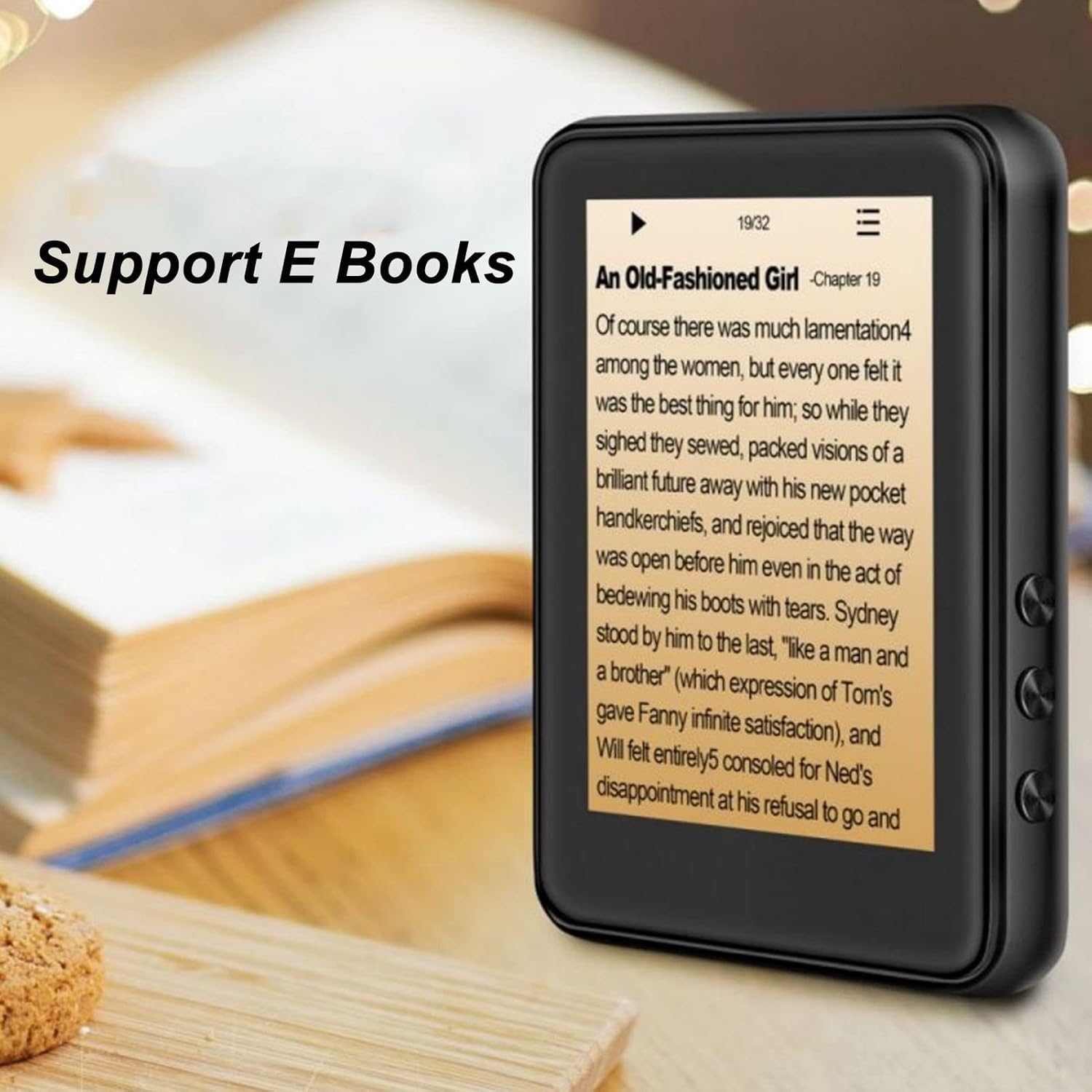
Image: The Jectse MP3 Player displaying an e-book titled 'An Old-Fashioned Girl - Chapter 19' on its screen, with text content visible.
6.6. Diktofonas
Įrašykite garsą naudodami integruotą mikrofoną.
- Tap the 'Recorder' icon.
- Norėdami pradėti įrašymą, palieskite įrašymo mygtuką.
- Tap the stop button to end and save the recording.

Image: The Jectse MP3 Player showing its voice recorder interface with a red record button and a timer, positioned in a meeting room setting.
6.7. Vaizdo įrašų atkūrimas
The device supports MP4 video playback. Transfer compatible video files to the device's storage.
- Tap the 'Video' icon.
- Pasirinkite vaizdo įrašą file norite žaisti.
- Atkūrimui naudokite ekrane rodomus valdiklius.
7. Priežiūra
- Valymas: Įrenginį valykite minkštu, sausu skudurėliu. Nenaudokite skystų valiklių ar abrazyvinių medžiagų.
- Saugykla: Nenaudojamą prietaisą laikykite vėsioje, sausoje vietoje.
- Akumuliatoriaus priežiūra: Norėdami pailginti akumuliatoriaus veikimo laiką, venkite dažnai visiškai jį iškrauti. Reguliariai įkraukite įrenginį, net jei jis ilgą laiką nenaudojamas.
- Programinės įrangos atnaujinimai: Patikrinkite gamintojo websvetainėje, kurioje pateikiami visi galimi programinės įrangos atnaujinimai, siekiant užtikrinti optimalų našumą.
8. Problemų sprendimas
-
Įrenginys neįsijungia:
Įsitikinkite, kad akumuliatorius įkrautas. Prijunkite įrenginį prie įkroviklio bent 30 minučių, prieš bandydami vėl įjungti.
-
Nėra garso:
Check the volume level. Ensure headphones are properly connected or Bluetooth headphones are paired and connected. Test with different headphones if possible.
-
Nepavyksta prisijungti prie „Bluetooth“:
Ensure Bluetooth is enabled on both the MP3 player and the target device. Make sure the target device is in pairing mode and within range. Try restarting both devices.
-
Device freezes or is unresponsive:
Paspauskite ir palaikykite maitinimo mygtuką maždaug 10–15 sekundžių, kad priverstumėte įrenginį paleisti iš naujo.
-
Files not appearing on device:
Užtikrinti files are in supported formats. Verify that files were transferred correctly to the internal storage or memory card. Check if the memory card is properly inserted.
9. Specifikacijos
| Funkcija | Specifikacija |
|---|---|
| Modelis | Jectsehtin20gcvm-11 |
| Ekranas | 2.4 Inches TFT Screen |
| Įmontuota saugykla | 4 GB |
| Atminties kortelių palaikymas | Up to 256GB (microSD, not included) |
| Bluetooth versija | Bluetooth 5.0 |
| Palaikomi garso formatai | MP3, APE, FLAC, WMA, WAV, AAC |
| Palaikomi nuotraukų formatai | JPEG, BMP |
| Supported E-Book Formats | TXT, LRC |
| FM radijo dažnis | 87Hz-108Hz |
| Signalo ir triukšmo santykis | ≥ 90db |
| Baterijos tipas | Integruota 500 mAh polimerinė ličio baterija |
| Operacinės sistemos suderinamumas | Windows 98/ME/2K/XP/Vista/Win7, OS X 10 |
| Prekės svoris | 4.5 uncijos |
| Pakuotės matmenys | 5.12 x 3.15 x 1.18 colio |
10. Garantija ir palaikymas
For warranty information and technical support, please refer to the documentation provided with your purchase or visit the official Jectse websvetainėje. Išsaugokite pirkimo įrodymą garantiniams reikalavimams.


