1. Įvadas
This manual provides essential information for the installation, operation, and maintenance of your Zündapp Ananda D15 E-Bike Display. This display unit is designed to replace a defective screen on compatible Zündapp e-bikes, restoring full control and functionality.
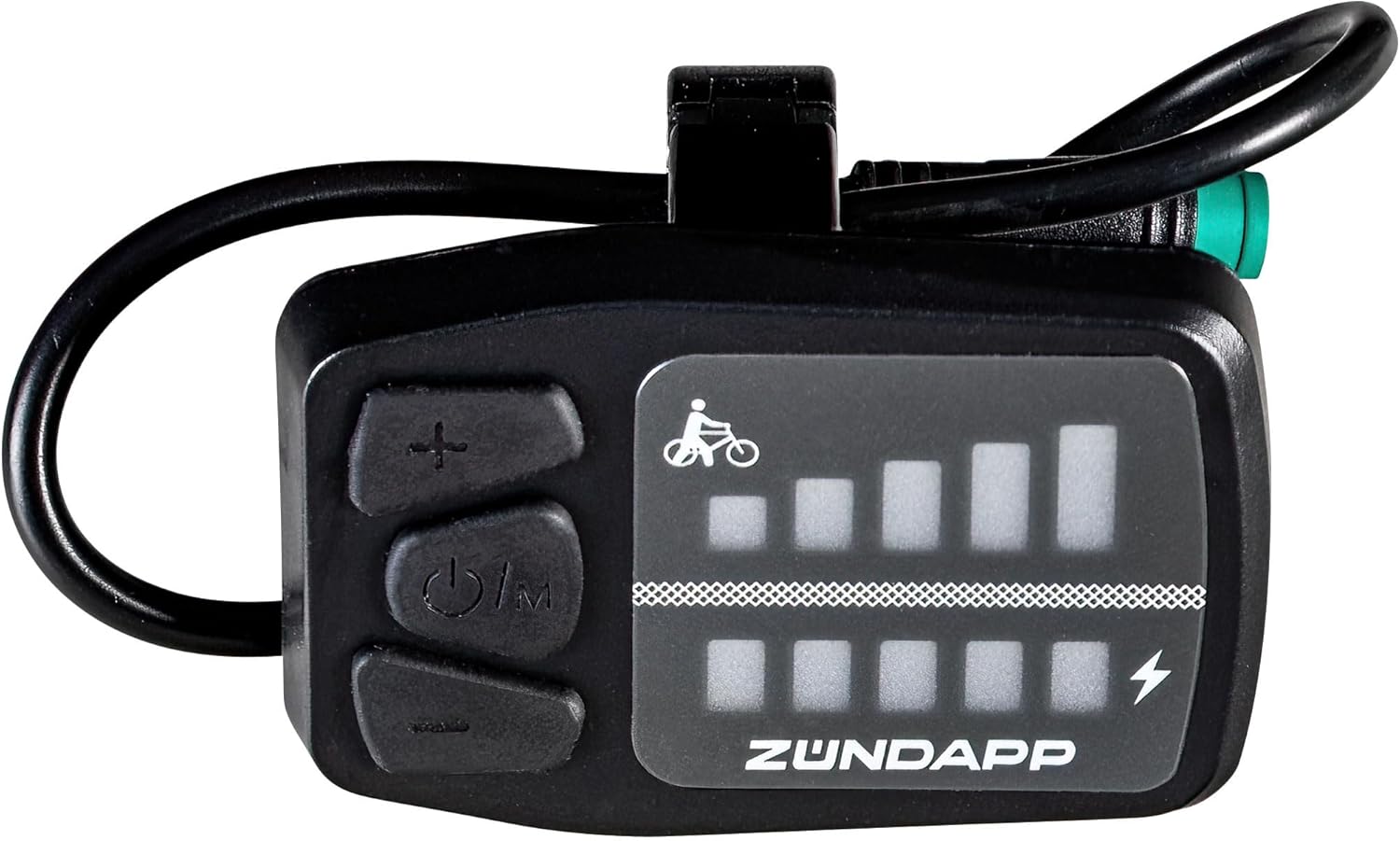
Figure 1: Zündapp Ananda D15 E-Bike Display (Front View)
The image shows the compact, black Zündapp Ananda D15 E-Bike Display. It features a clear LED screen on the right, displaying battery charge levels and assist levels. On the left, there are three tactile buttons: a plus (+) button at the top, a power/mode button in the middle, and a minus (-) button at the bottom. A cable extends from the top of the unit.
2. Produkto ypatybės
- Suderinamumas: Specifically designed for Zündapp e-bikes equipped with an Ananda drive system.
- Modelio palaikymas: Compatible with Zündapp models Z503, Z504, Z505, Z802, Z80S, Z898, and Green 7.7 (from 2021 onwards).
- Baterijos indikatorius: Displays the current battery charge level of your e-bike.
- Assist Level Control: Allows selection and display of 5 different assistance levels.
- Apšvietimo funkcija: Enables control of the e-bike's lighting system, if equipped.
- Push Assist: Provides a low-speed assist function for walking alongside the bike.
- Patogi vartotojo sąsaja: Features an easy-to-use LED display with intuitive button controls.
- Lengvas dizainas: Weighs approximately 46 grams for minimal impact on bike weight.
3. Sąranka ir diegimas
The Ananda D15 display is designed for straightforward replacement. Ensure your e-bike is powered off before beginning installation.
3.1 Reikalingi įrankiai
- Small Phillips head screwdriver (if existing mount needs removal)
- Hex key set (for handlebar mount, if applicable)
3.2 diegimo žingsniai
- Išjungti: Ensure your e-bike's battery is disconnected or the bike is completely powered off.
- Pašalinkite seną ekraną: Carefully disconnect the cable from the old display unit. If mounted, unfasten the old display from the handlebar or stem mount.
- Naujo ekrano montavimas: Attach the new Ananda D15 display to your preferred location on the handlebar or stem. The display supports stem mount and handlebar mount types. Secure it firmly using the appropriate fasteners.
- Kabelio prijungimas: Locate the corresponding cable from your e-bike's wiring harness. Connect the round plug of the Ananda D15 display to this cable. Ensure the connection is secure and fully seated.
- Kabelių valdymas: Route the cable neatly and secure it to the bike frame using cable ties if necessary, to prevent snagging or damage.
- Maitinimas: Reconnect your e-bike's battery or power on the system. The display should illuminate.
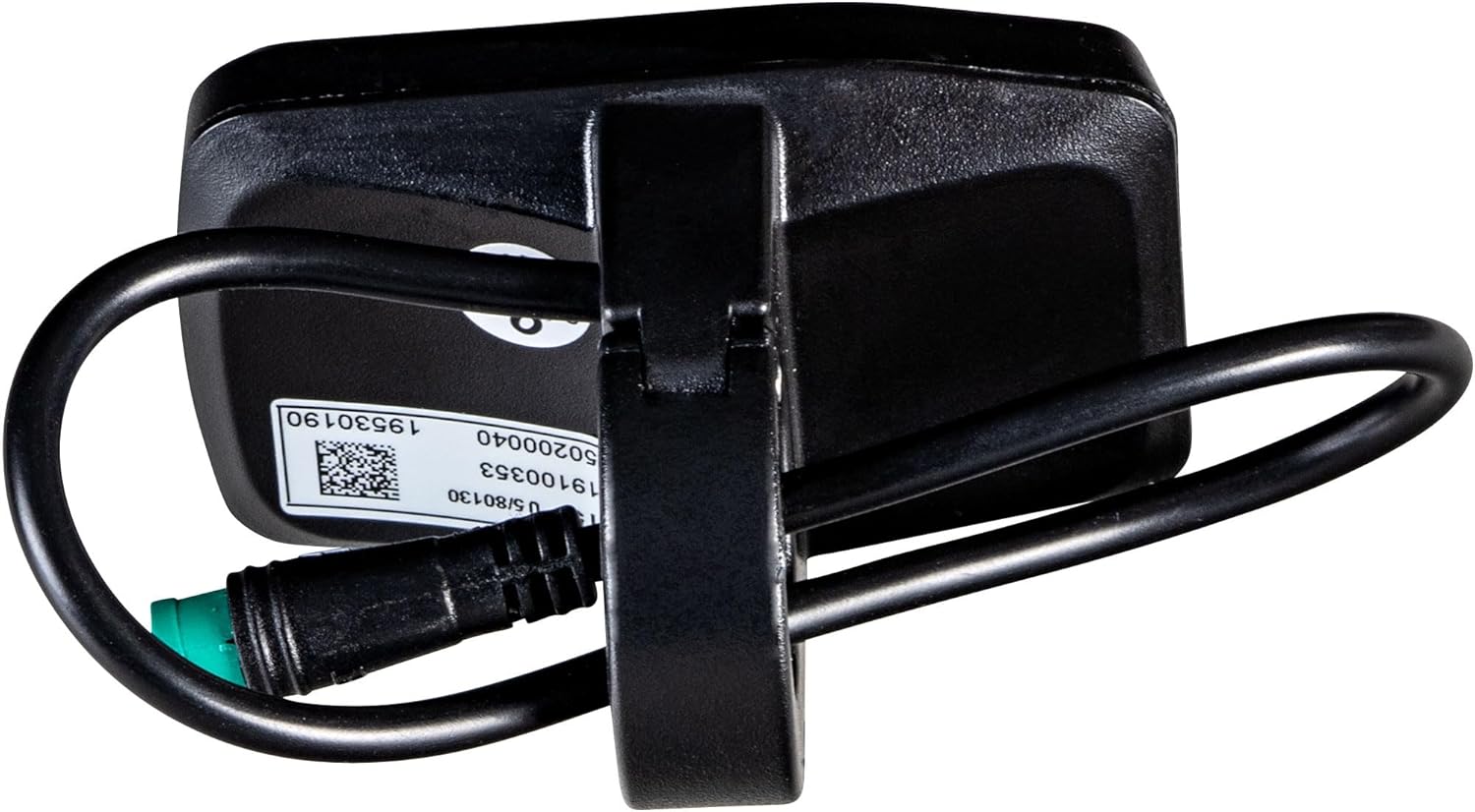
Figure 2: Zündapp Ananda D15 E-Bike Display (Back View with Cable)
This image shows the rear of the Zündapp Ananda D15 E-Bike Display. A sturdy black mounting bracket is visible, designed to attach to the bike's handlebar or stem. The main cable extends from the top of the unit, curving around the back. A green-tipped round connector is visible at the end of the cable, ready for connection to the e-bike's wiring harness. A white label with product information is affixed to the back of the unit.
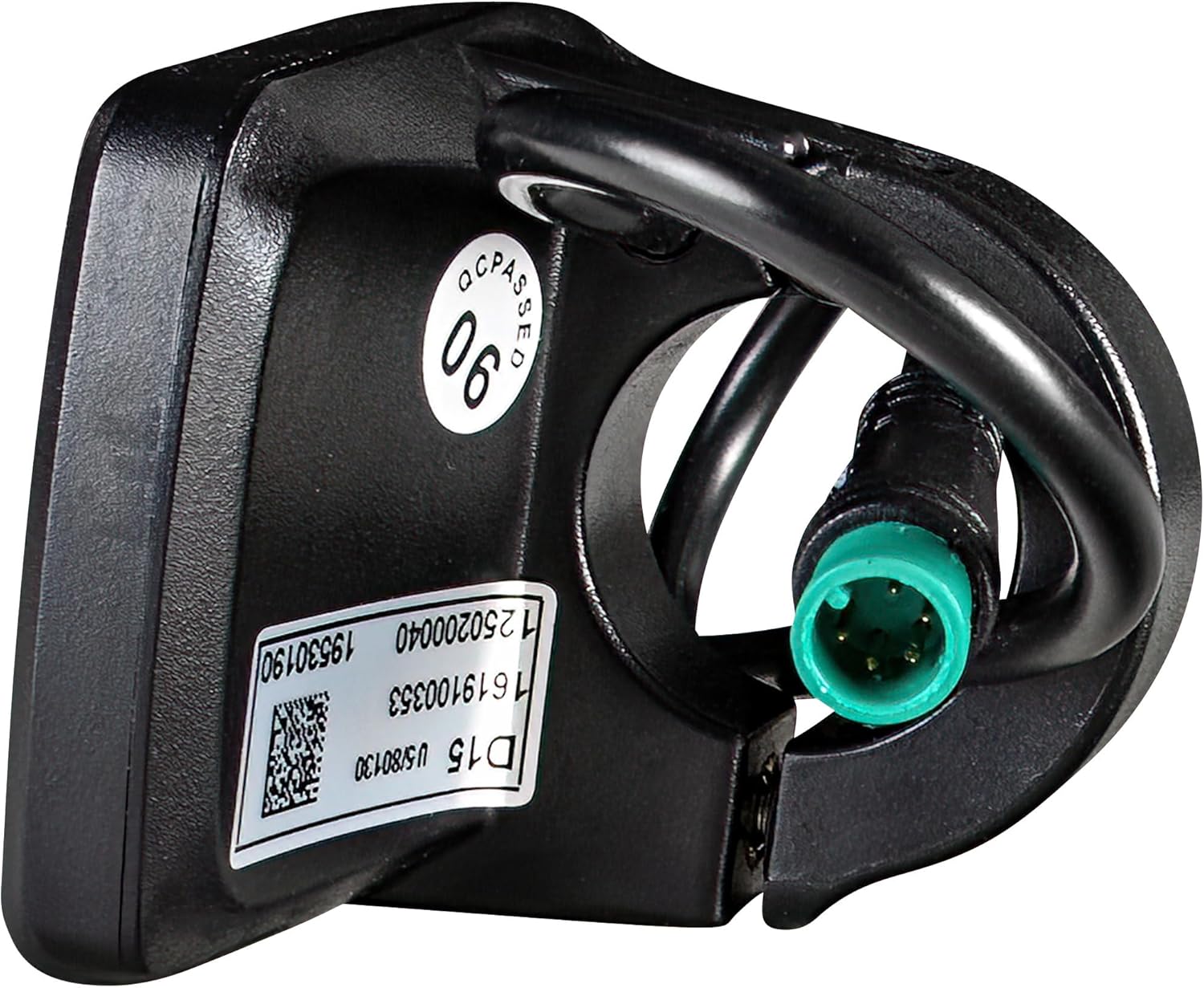
Figure 3: Zündapp Ananda D15 E-Bike Display (Connector Detail)
Išsamią view of the Zündapp Ananda D15 E-Bike Display's cable and connector. The image highlights the round, multi-pin connector with a distinctive green tip, which ensures proper connection to the e-bike's system. Adjacent to the connector, a white product label is visible, displaying model information and a QR code, confirming the unit's authenticity and specifications.
4. Naudojimo instrukcijos
The Ananda D15 display features an intuitive button interface for controlling your e-bike's functions.
4.1 Mygtukų funkcijos
- (+) mygtukas:
- Increases the assistance level.
- Activates the lighting function (long press, if equipped).
- Power/Mode Button (␣/M):
- Powers the display on/off (long press).
- Switches between display modes (e.g., trip distance, total distance - if supported by the e-bike's main controller).
- (-) mygtukas:
- Decreases the assistance level.
- Activates the push assist function (long press).
4.2 Ekrano indikatoriai
- Baterijos lygis: Indicated by a series of bars, showing the remaining charge.
- Pagalbos lygis: Indicated by a series of bars or numbers, showing the current power assist setting (0-5 levels).
- Apšvietimo indikatorius: An icon (e.g., a lightbulb) may illuminate when the e-bike's lights are active.
- Push Assist Indicator: An icon (e.g., a walking person) may illuminate when push assist is active.
5. Priežiūra
The Ananda D15 display requires minimal maintenance to ensure long-term performance.
- Valymas: Wipe the display surface with a soft, damp audinys. Nenaudokite abrazyvinių valiklių ar tirpiklių.
- Ryšio patikrinimas: Periodically check that the cable connection to the e-bike is secure and free from corrosion.
- Aplinkos apsauga: While designed for outdoor use, avoid prolonged exposure to extreme weather conditions (e.g., heavy rain, direct sunlight for extended periods) when the bike is not in use.
- Saugykla: If storing the e-bike for an extended period, ensure the display is clean and dry.
6. Problemų sprendimas
Dažniausiai pasitaikančias problemas ir galimus jų sprendimus žr. toliau pateiktoje lentelėje.
| Problema | Galima priežastis | Sprendimas |
|---|---|---|
| Ekranas neįsijungia. |
|
|
| Assist levels do not change. |
|
|
| Battery indicator is inaccurate. |
|
|
7. Specifikacijos
| Atributas | Vertė |
|---|---|
| Modelio pavadinimas | Ananda D15 |
| Modelio numeris | 4255676602348 |
| Prekės ženklas | ZÜNDAPP |
| Spalva | Juoda |
| Ekrano tipas | LED |
| Pagrindinė medžiaga | Plastikiniai |
| Prekės svoris | 46 gramų |
| Ryšio technologija | Apvalus kištukas |
| Montavimo tipas | Stem Mount, Handlebar Mount |
| Žmogaus sąsajos įvestis | Mygtukai |
| Įtraukti komponentai | 1 Ekranas |
| Compatible E-Bike Drive | Ananda |
| Compatible Zündapp Models | Z503, Z504, Z505, Z802, Z80S, Z898, Green 7.7 (from 2021) |
8. Garantija ir palaikymas
For warranty information and technical support, please refer to the documentation provided with your original Zündapp e-bike or contact Zündapp customer service directly. Keep your purchase receipt as proof of purchase.
For further assistance, visit the official Zündapp websvetainėje arba kreipkitės į jų įgaliotuosius techninės priežiūros centrus.


