1. Produktas baigtasview
The Nillkin CamShield Pro Case is designed to provide robust protection for your iPhone 15 Pro. It features a unique sliding camera cover for enhanced lens protection and privacy, combined with a durable construction that resists impacts and daily wear.
2. Suderinamumas
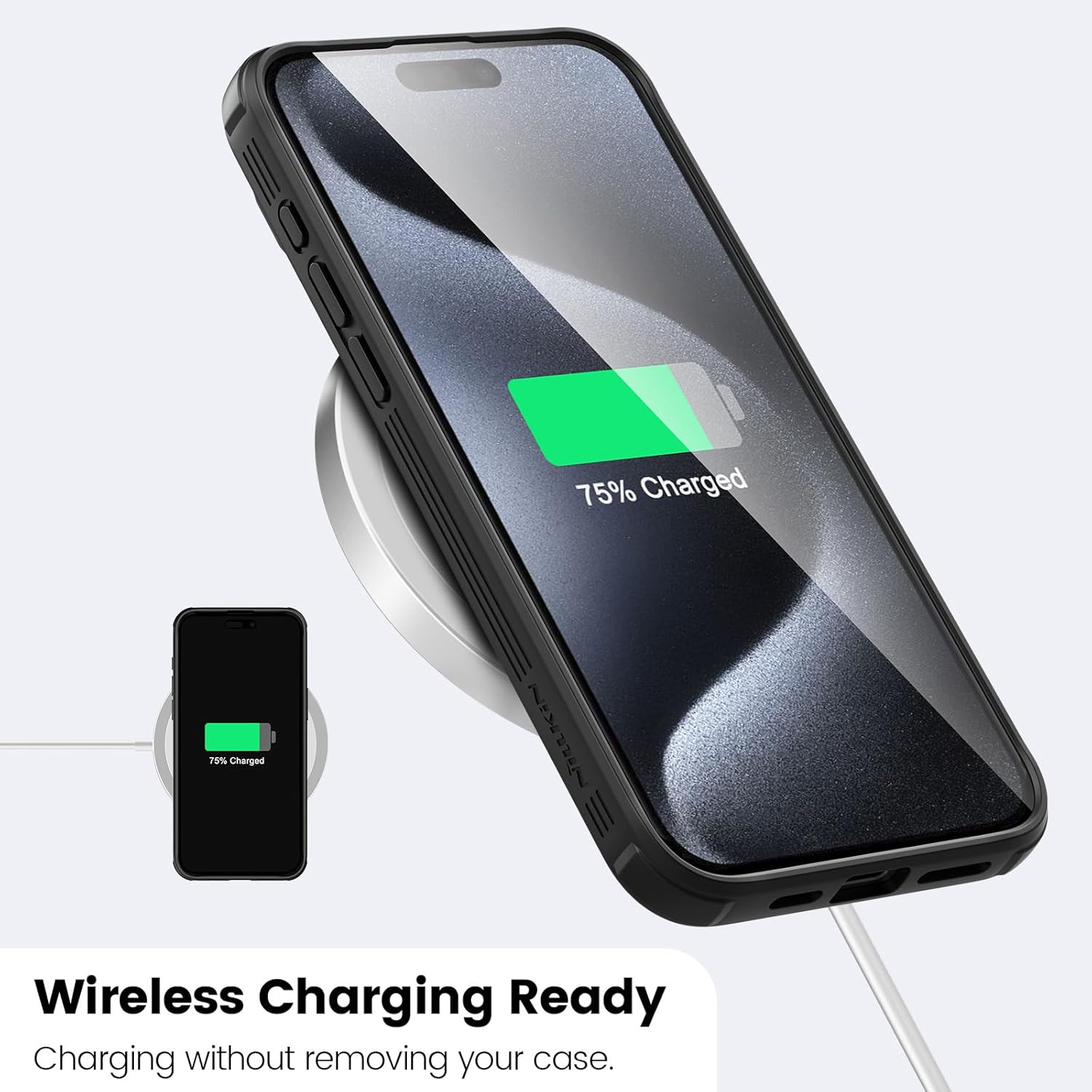
Šis dėklas yra specialiai sukurtas iPhone 15 Pro (6.1 inches). It supports wireless charging without needing to remove the case. Pastaba: This case is NOT compatible with iPhone 15, iPhone 15 Plus, or iPhone 15 Pro Max models.

3. Pagrindinės savybės
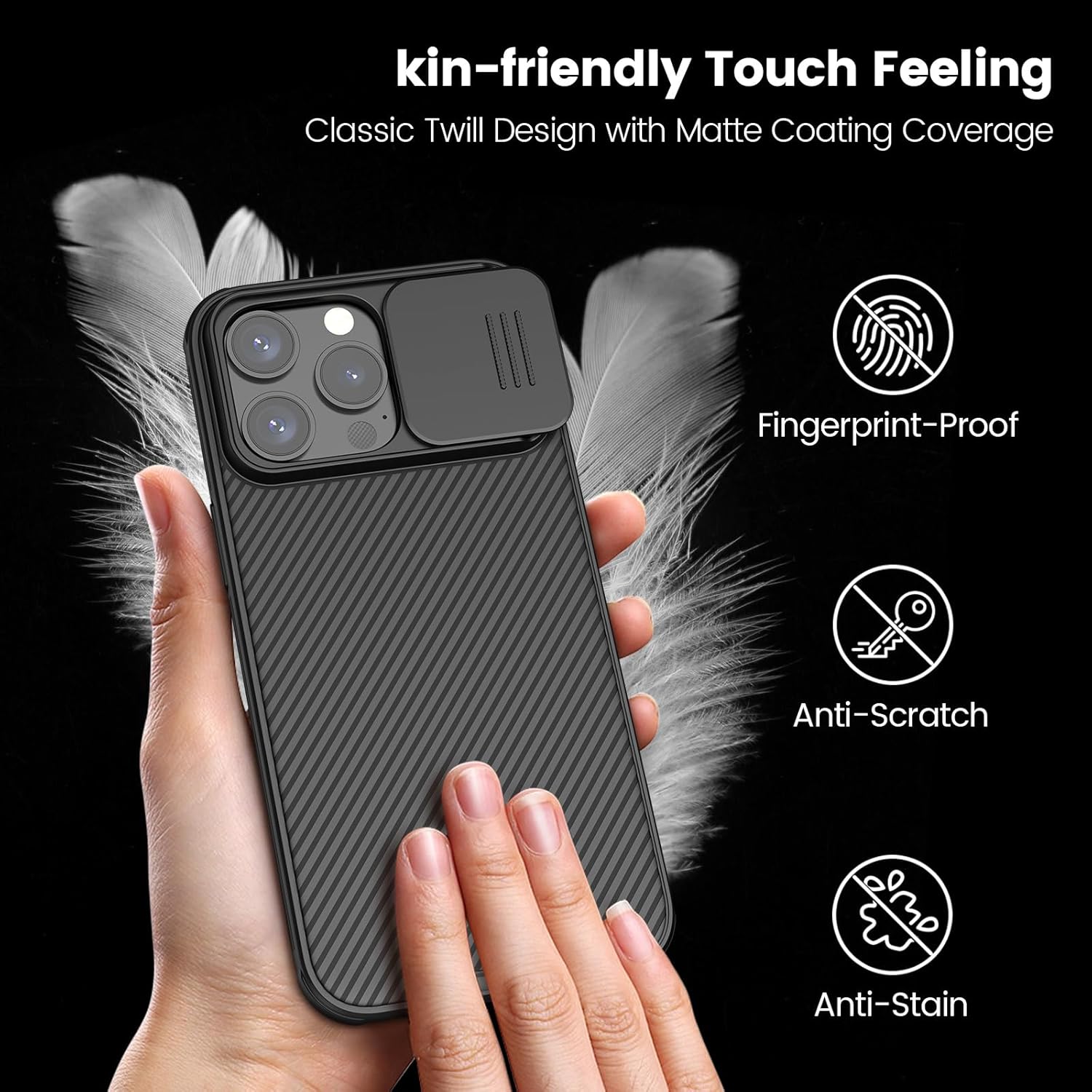
- Upgraded Sliding Camera Cover: Protects the phone camera from scratches and ensures privacy. The cover slides smoothly and securely.
- Veiksminga apsauga: Features a flexible TPU frame and a hard PC back for double protection. Four drop-proof airbags absorb and disperse impact, protecting against falls. Raised edges protect the screen and camera from surface scratches.
- Stylish & Comfortable Design: Incorporates a classic twill element with a matte, skin-friendly coating that resists smudges, fingerprints, and scratches, providing a comfortable grip.
- Belaidžio įkrovimo palaikymas: The slim design allows for wireless charging without removing the case.
- Precise Cutouts & Sensitive Buttons: Accurate 1:1 cutouts ensure full access to ports and sensitive button response. Non-slip strips on the sides enhance grip.



4. Sąranka (diegimas)
- Įsitikinkite, kad jūsų „iPhone 15 Pro“ yra švarus ir be dulkių ar šiukšlių.
- Align the phone with the case, starting with the top or bottom edge.
- Gently press the phone into the case, ensuring all corners and edges are securely seated.
- Verify that all buttons are accessible and functional, and that the camera cover slides freely.
5. Naudojimo instrukcijos
Using the Sliding Camera Cover
The integrated sliding camera cover is designed for both lens protection and privacy. To use it:
- To expose the camera: Gently slide the cover horizontally across the camera module until the lenses are fully visible.
- To cover the camera: Slide the cover back into its closed position until it clicks securely into place, fully obscuring the camera lenses.
The cover is engineered to slide smoothly without loosening over time, providing reliable protection.
6. Priežiūra
- Valymas: Reguliariai valykite korpusą minkšta,amp cloth to remove dust and smudges. Avoid harsh chemicals or abrasive materials.
- Kameros dangtelis: Periodically check the sliding mechanism for any obstructions. Keep the area around the camera lenses clean to prevent debris from affecting the slide.
- Saugykla: When not in use, store the case in a clean, dry environment away from direct sunlight and extreme temperatures.
7. Problemų sprendimas
Camera Cover Issues
- Cover is stiff or hard to slide: Ensure there is no dirt or debris trapped in the sliding mechanism. Gently clean the track with a soft, dry brush or cloth. Avoid forcing the slide.
- Cover slides too easily or feels loose: While the design aims for smooth operation without loosening, if the cover becomes excessively loose, inspect for any damage to the track or the cover itself. If damaged, consider replacing the case to ensure optimal protection.
General Fit Issues
- Case does not fit correctly: Double-check that you have the correct model (iPhone 15 Pro). This case is not compatible with other iPhone 15 series models.
8. Specifikacijos
| Gaminio matmenys | 8.27 x 5.91 x 0.79 colio |
| Prekės svoris | 10.6 uncijos |
| Prekės modelio numeris | AHR5JCWZB01CA |
| Suderinami telefonų modeliai | iPhone 15 Pro |
| Medžiaga | Polikarbonatas, termoplastinis poliuretanas |
| Ypatingos savybės | Slim Fit, Upgraded Lens Protection, Wireless Charging Compatible |
| Spalva | Juoda |
| Gamintojas | Nillkin |
9. Produkto vaizdo įrašas
10. Parama
For further assistance or inquiries, please visit the official Nillkin store on Amazon or contact Nillkin customer support directly.


