1. Įvadas
Thank you for choosing the SETTY Wireless Rechargeable Mouse. This manual provides essential information for setting up, operating, and maintaining your new mouse. Please read these instructions carefully before use to ensure optimal performance and longevity of your device.
2. Pakuotės turinys
- 1 x SETTY Wireless Rechargeable Mouse
- 1 x 2.4 GHz USB Receiver
- 1 x USB Charging Cable (25 cm)

Image 1: SETTY Wireless Rechargeable Mouse and its retail packaging.
3. Produktas baigtasview
The SETTY Wireless Rechargeable Mouse is designed for comfort and efficiency in both office and home environments. It features a slim, ergonomic design, adjustable DPI settings, RGB lighting, and dual-mode connectivity (2.4 GHz and Bluetooth).
Pagrindinės funkcijos:
- Dviejų režimų ryšys: Supports 2.4 GHz wireless via USB receiver and Bluetooth 5.1.
- Reguliuojamas DPI: Three sensitivity levels (800, 1200, 1600 DPI) for precise control.
- Ergonomiškas dizainas: Patogu naudoti ilgai.
- Įkraunama baterija: Built-in 500 mAh lithium battery.
- RGB apšvietimas: Dynamic LED lighting for enhanced aesthetics.
- 6 Mygtukai: Including left, right, scroll wheel, DPI switch, and two side buttons.
- One-Click Desktop Function: Quickly minimize all windows.
- Tylus spustelėjimo dizainas: Sumažina veikimo triukšmą.

Image 2: The ergonomic shape of the mouse designed for comfortable hand placement.
4. Sąranka
4.1. Pelės įkrovimas
Before first use, it is recommended to fully charge the mouse. Connect the provided USB charging cable to the charging port on the front of the mouse and the other end to a USB power source (e.g., computer USB port, USB wall adapter). The RGB lighting will indicate charging status and turn off when fully charged.
- Įkrovimo laikas: Maždaug 2 valandos.
- Darbo laikas: Iki 150 valandų visiškai įkrovus.

Image 3: The mouse being charged via its USB cable.
4.2. Pelės prijungimas
The SETTY mouse offers two connection methods: 2.4 GHz wireless via USB receiver or Bluetooth 5.1.
4.2.1. 2.4 GHz belaidis ryšys
- Raskite USB imtuvą, kuris paprastai laikomas pelės apačioje esančiame skyriuje.
- Prijunkite USB imtuvą prie laisvo kompiuterio USB prievado.
- Įjunkite pelę naudodami maitinimo jungiklį, esantį jos apačioje.
- Pelė turėtų automatiškai prisijungti prie kompiuterio.
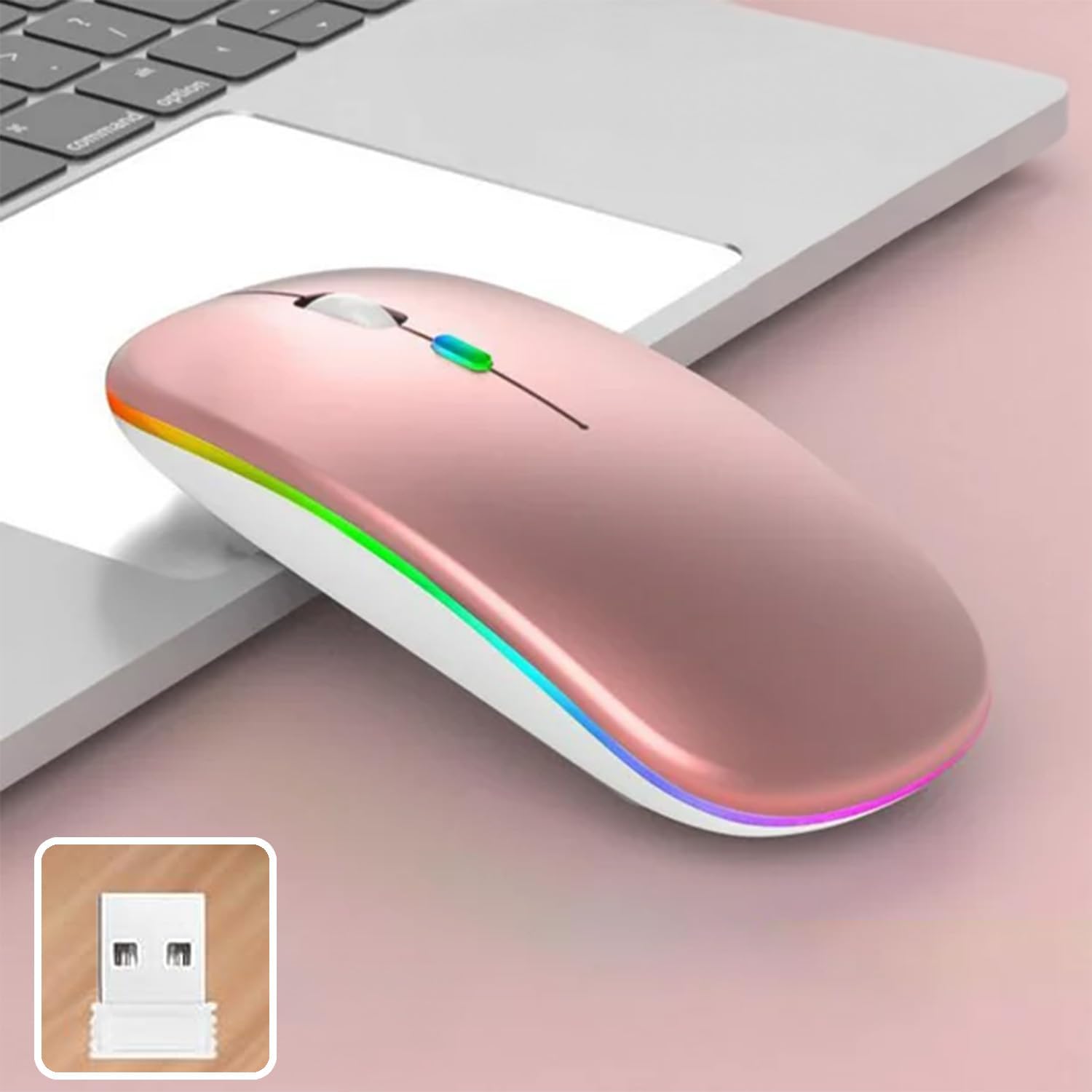
Image 4: The mouse and its 2.4 GHz USB receiver.
4.2.2. „Bluetooth 5.1“ ryšys
- Įjunkite pelę naudodami maitinimo jungiklį.
- Press and hold the Bluetooth pairing button (often located on the underside or a dedicated button) until the indicator light starts flashing, indicating pairing mode.
- On your device (Windows, Mac OS, Android), go to Bluetooth settings and search for new devices.
- Select "SETTY Mouse" or a similar name from the list of available devices to pair.
- Once paired, the indicator light on the mouse will stop flashing.
4.3. Suderinamumas
The SETTY Wireless Rechargeable Mouse is compatible with a wide range of operating systems and devices:
- Windows operacinės sistemos
- Mac OS
- Android įrenginiai
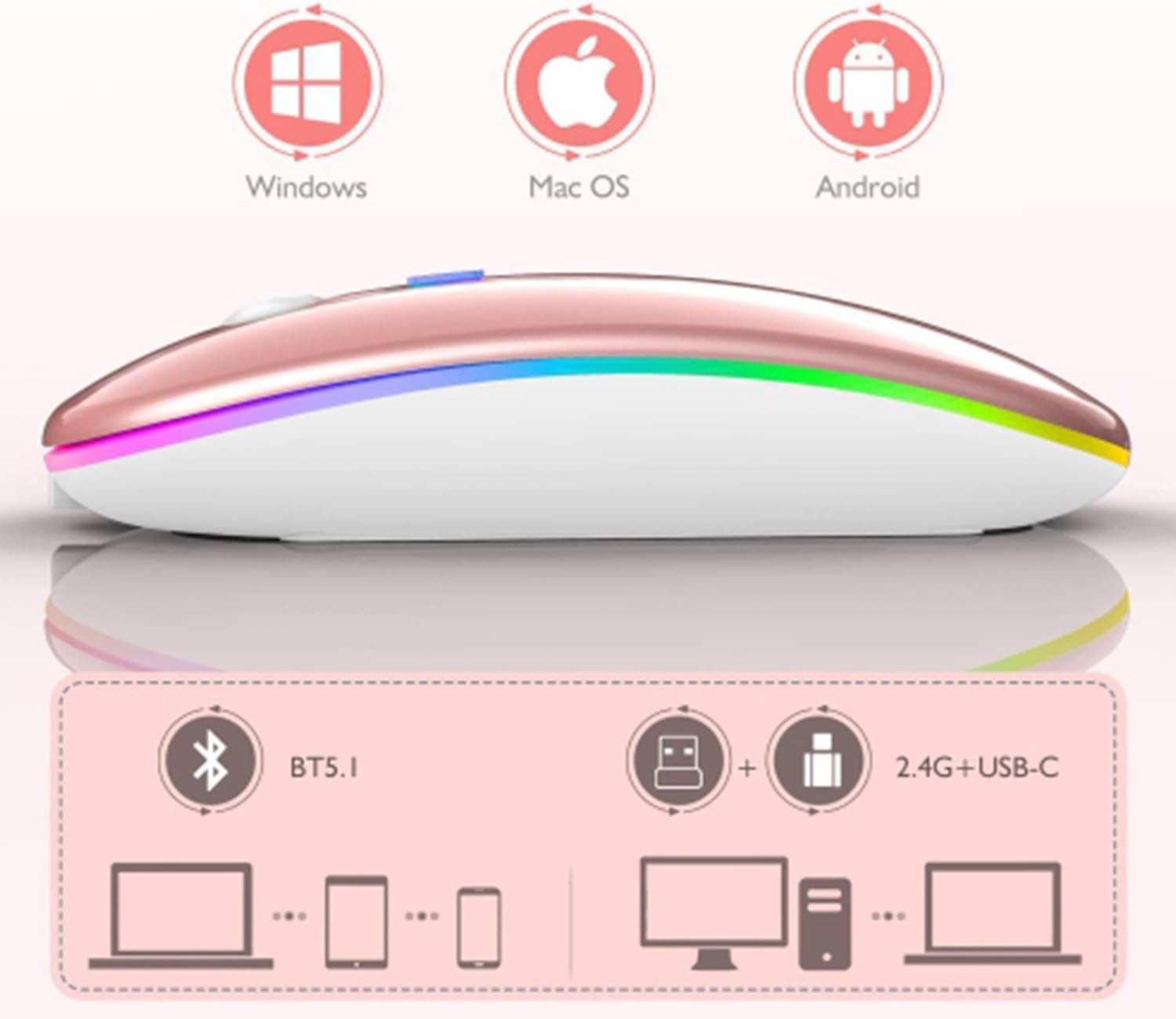
Image 5: Visual representation of the mouse's compatibility with various operating systems and connection types.
5. Naudojimo instrukcijos
5.1. DPI reguliavimas
The mouse features three adjustable DPI (Dots Per Inch) settings to suit your preference for cursor speed and precision. Press the DPI button (usually located behind the scroll wheel) to cycle through the settings:
- 800 DPI: Lower sensitivity for precise tasks.
- 1200 DPI: Standard sensitivity (default setting).
- 1600 DPI: Didesnis jautrumas greitesniam žymeklio judėjimui.
5.2. RGB apšvietimas
The mouse is equipped with dynamic RGB LED lighting. The lighting activates when the mouse is in use and enters power-saving modes when idle.
5.3. Energijos taupymo režimai
To conserve battery life, the mouse implements a three-level power-saving system:
- 1 miego lygis: After 3 seconds of inactivity, the mouse enters a light sleep mode, indicated by a continuously flashing light.
- 2 miego lygis: After approximately 1 minute of inactivity, the mouse enters a deeper sleep mode, indicated by intermittently flashing lights.
- 3 miego lygis: After 8 minutes of inactivity, the mouse enters its deepest sleep mode, and the lights turn off completely. To wake the mouse, simply move it or click any button.
5.4. One-Click Desktop Function
The mouse includes a dedicated button (often a side button) that, when pressed, instantly minimizes all open windows, allowing you to quickly access your desktop.
6. Priežiūra
To ensure the longevity and optimal performance of your SETTY Wireless Rechargeable Mouse, follow these maintenance guidelines:
- Valymas: Pelės paviršiui nuvalyti naudokite minkštą, sausą šluostę. Jei nešvarumai sunkiai įveikiami, šiek tiek pamirkykite.ampNuvalykite šluostę vandeniu arba švelniu valymo tirpalu. Venkite naudoti stiprias chemines medžiagas ar abrazyvines medžiagas.
- Saugykla: Kai ilgesnį laiką nenaudojate pelės, laikykite ją vėsioje, sausoje vietoje.
- Akumuliatoriaus priežiūra: Avoid fully discharging the battery frequently. Charge the mouse when the low battery indicator appears.
- Venkite ekstremalių sąlygų: Nelaikykite pelės itin aukštos temperatūros, tiesioginių saulės spindulių ar per didelės drėgmės aplinkoje.
7. Problemų sprendimas
If you encounter issues with your SETTY Wireless Rechargeable Mouse, please refer to the following common solutions:
- Pelė nereaguoja:
- Įsitikinkite, kad pelė įjungta.
- Patikrinkite akumuliatoriaus lygį ir, jei reikia, įkraukite pelę.
- For 2.4 GHz connection, ensure the USB receiver is securely plugged into a working USB port. Try a different USB port.
- For Bluetooth connection, ensure Bluetooth is enabled on your device and the mouse is properly paired. Try re-pairing the mouse.
- Move the mouse closer to the receiver/device to ensure it's within the 15m wireless range.
- Žymeklio judėjimas yra netolygus arba lėtas:
- Nuvalykite optinį jutiklį pelės apačioje.
- Įsitikinkite, kad pelę naudojate ant tinkamo paviršiaus (neatspindinčio, nepermatomo).
- Adjust the DPI setting to a higher value if the cursor is too slow.
- RGB apšvietimas neveikia:
- The lighting may be off due to power-saving mode. Move or click the mouse to wake it up.
- Įsitikinkite, kad pelė yra pakankamai įkrauta.
8. Specifikacijos
| Funkcija | Specifikacija |
|---|---|
| Modelis | GSM111404 |
| Ryšio technologija | 2.4 GHz belaidis ryšys, „Bluetooth 5.1“ |
| belaidis diapazonas | Iki 15 metrų |
| DPI nustatymai | 800 / 1200 / 1600 DPI (Default: 1200 DPI) |
| Mygtukų skaičius | 6 |
| Judesio aptikimo technologija | Optinis |
| Baterijos tipas | Built-in 500 mAh Lithium-ion Rechargeable Battery |
| Įkrovimo laikas | apytiksliai 2 valandas |
| Darbo laikas | apytiksliai 150 valandas |
| Įvertintas ttage / Dabartinis | „3.7 V“ / „18 mA“ |
| Raktinis gyvenimas | 5 milijonai paspaudimų |
| Medžiaga | ABS + Metal parts |
| Gaminio matmenys (I x P x A) | 11.3 x 5.7 x 2.5 cm |
| Įkrovimo laido ilgis | 25 cm |
| Suderinamos operacinės sistemos | „Windows“, „Mac OS“, „Android“. |
9. Garantija ir palaikymas
For warranty information or technical support, please refer to the documentation provided at the point of purchase or contact SETTY customer service. Keep your proof of purchase for warranty claims.


