1. Įvadas
Thank you for choosing the EBTOOLS Q33 Cordless Open Ear Headphones. These headphones utilize air conduction technology, providing a unique listening experience that allows you to remain aware of your surroundings, making them ideal for outdoor activities such as sports, running, hiking, driving, and cycling. This manual provides detailed instructions for the proper use and maintenance of your device.
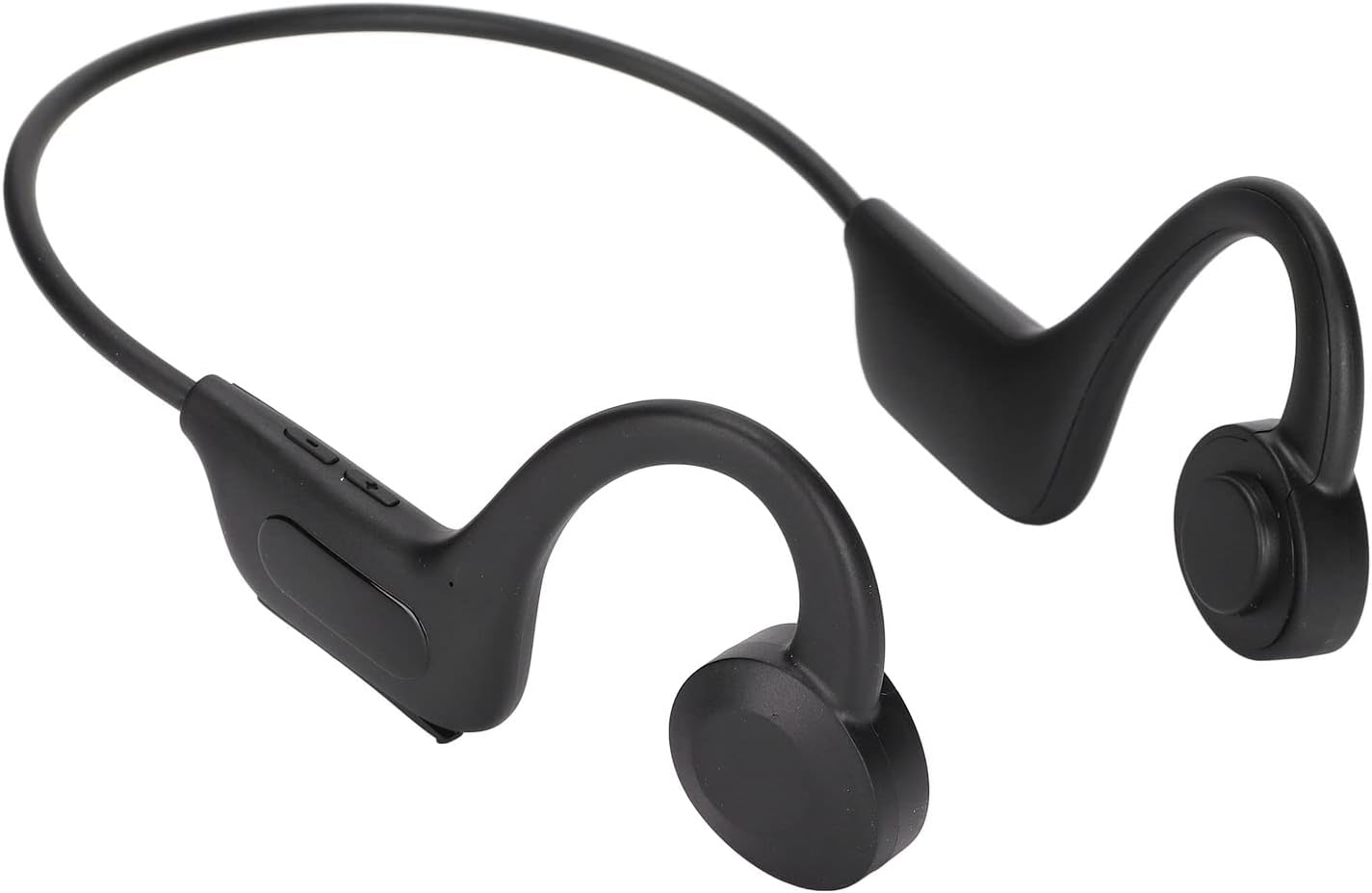
Image 1.1: EBTOOLS Q33 Cordless Open Ear Headphones. These black, lightweight headphones feature an open-ear design with a flexible band connecting the two earpieces, which rest comfortably over the ears.
2. Pakuotės turinys
Prašome patikrinti, ar pakuotėje yra visi reikalingi daiktai:
- 1 x Cordless Open Ear Headphones (Model Q33)
- 1 x USB duomenų kabelis
- 1 x Vartotojo vadovas (kinų ir anglų kalbomis)
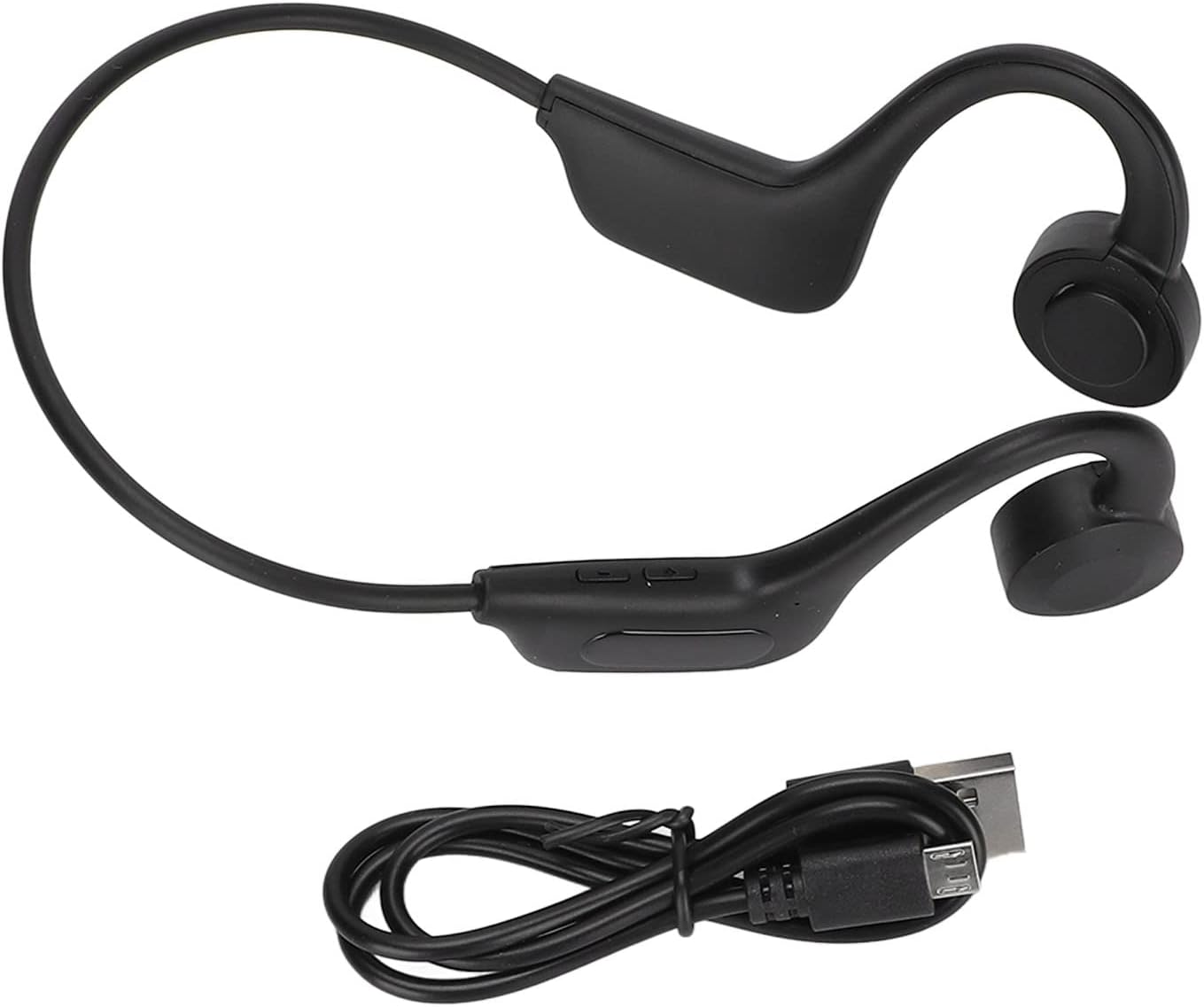
Image 2.1: The EBTOOLS Q33 headphones shown alongside the included USB charging cable. The headphones are black with a flexible neckband, and the cable is a standard black USB-A to micro-USB.
3. Specifikacijos
| Funkcija | Specifikacija |
|---|---|
| Modelis | Q33 (EBTOOLSpxquhg2zcg-11) |
| Medžiaga | ABS plastikas |
| Ryšio tipas | Bluetooth V5.1 |
| Belaidis atstumas | ≥10 m / 32.8 pėdos |
| Palaikomi protokolai | A2DP1.3/HFP1.6/HSP1.2/AVRCP1.6/D11.3 |
| Baterijos tipas | Built-in 180mAh Lithium-ion Battery |
| Atkūrimo laikas | Maždaug 8 valandos |
| Budėjimo laikas | Maždaug 80 valandos |
| Įkrovimo laikas | Maždaug 1 valanda |
| Formos faktorius | In Ear (Open Ear Design) |
| Spalva | Juoda |
| Ypatingos savybės | Lightweight, Air Conduction |
4. Sąranka
4.1. Pradinis įkrovimas
Before first use, fully charge your EBTOOLS Q33 headphones. Connect the provided USB data cable to the charging port on the headphones and the other end to a USB power source (e.g., computer USB port, wall adapter). The charging indicator light will typically show charging status and turn off or change color when fully charged.

4.1 paveikslėlis: Stambus planas view of the charging port and control buttons on the EBTOOLS Q33 headphones. The micro-USB charging port is visible under a protective flap, alongside volume and power buttons.
4.2. Suporavimas su „Bluetooth“ įrenginiu
- Įsitikinkite, kad ausinės yra išjungtos.
- Long press the V+ button (Power button) until the indicator light flashes, indicating pairing mode.
- Savo įrenginyje (išmaniajame telefone, planšetiniame kompiuteryje ir kt.) įjunkite „Bluetooth“ ir ieškokite galimų įrenginių.
- Select "Q33" from the list of found devices.
- Once connected, the indicator light on the headphones will typically stop flashing or change to a steady light.
5. Naudojimo instrukcijos
5.1. Maitinimo įjungimas/išjungimas
- Maitinimas: Long press the V+ button. The headphones will power on and enter play mode.
- Išjungti: Long press the V+ button again.
5.2. Atkūrimo valdymas
- Leisti / pristabdyti: (Specific button not detailed in input, typically a single press on a multi-function button or V+).
- Pagarsink: Short press V+ button.
- Patildyti: Short press V- button.
- Kitas takelis: (Specific button not detailed in input, typically long press V+ or double press).
- Ankstesnis takelis: (Specific button not detailed in input, typically long press V- or triple press).
5.3. Switching Modes (Bluetooth / Memory Card)
The Q33 headphones support both Bluetooth mode and Memory Card mode (if a memory card is inserted). To switch between these modes:
- Double click the V- button to toggle between Bluetooth mode and Memory Card mode.

5.1 pav.: Išsamus view of the control buttons on the left earpiece of the EBTOOLS Q33 headphones. The buttons include V+ (volume up/power), V- (volume down/mode switch), and a central multi-function button.
6. Priežiūra
- Valymas: Use a soft, dry cloth to wipe the headphones. Do not use abrasive cleaners or immerse the device in water.
- Saugykla: Ausines laikykite vėsioje, sausoje vietoje, toliau nuo tiesioginių saulės spindulių ir ekstremalių temperatūrų.
- Akumuliatoriaus priežiūra: Norėdami pailginti baterijos veikimo laiką, venkite dažnai visiškai ją iškrauti. Reguliariai kraukite ausines, net jei jų ilgą laiką nenaudojate.
7. Problemų sprendimas
| Problema | Galimas sprendimas |
|---|---|
| Ausinės neįsijungia. | Ensure the battery is charged. Connect to a power source and charge for at least 1 hour. |
| Nepavyksta susieti su įrenginiu. | Ensure headphones are in pairing mode (indicator light flashing). Turn off and on Bluetooth on your device. Move closer to the headphones. |
| Nėra garso. | Check volume levels on both headphones and connected device. Ensure headphones are properly connected via Bluetooth. |
| Prasta garso kokybė. | Ensure there are no obstructions between the headphones and the connected device. Move closer to the device. Check for interference from other wireless devices. |
8. Garantija ir palaikymas
Dėl garantijos informacijos ir klientų aptarnavimo žr. kartu su pirkiniu pateiktus dokumentus arba susisiekite tiesiogiai su pardavėju. Išsaugokite pirkimo įrodymą, jei prireiktų pateikti garantinį ieškinį.
For further assistance, you may visit the official EBTOOLS store on Amazon: EBTOOLS Store


