1. Darbo pradžia
1.1. Pakuotės turinys
Verify that all items are present in your OnePlus Pad Go package:
- OnePlus Pad Go planšetinis kompiuteris
- USB kabelis
- Greitos pradžios vadovas
1.2. Įrenginys baigtasview
Susipažinkite su savo planšetinio kompiuterio fizinėmis sudedamosiomis dalimis.

1 pav.: priekis view of the OnePlus Pad Go tablet.
1.3. Pradinė sąranka
- Maitinimas: Paspauskite ir palaikykite planšetinio kompiuterio šone esantį maitinimo mygtuką, kol pasirodys „OnePlus“ logotipas.
- Kalbos pasirinkimas: Vykdykite ekrane pateikiamus nurodymus, kad pasirinktumėte pageidaujamą kalbą.
- „Wi-Fi“ ryšys: Connect to a Wi-Fi network to access the internet and complete the setup process.
- Google paskyra: Prisijunkite naudodami „Google“ paskyrą arba sukurkite naują, kad galėtumėte pasiekti „Google“ paslaugas ir „Play“ parduotuvę.
- SIM Card Insertion (LTE Models): For models with 4G LTE connectivity, carefully insert your Nano-SIM card into the designated tray using the provided SIM ejector tool. Ensure the tablet is powered off before inserting or removing the SIM card.
2. Operating Your OnePlus Pad Go
2.1. Ekrano funkcijos
The OnePlus Pad Go features an 11.35-inch (28.85cm) 2.4K (2408x1720 pixels) LCD display with a 7:5 ReadFit ratio and 400 nits brightness. It incorporates eye care technologies such as Low Blue Light (TÜV Rheinland Certified), intelligent brightness adjustment, DC Dimming, and Bedtime Mode to reduce eye strain.
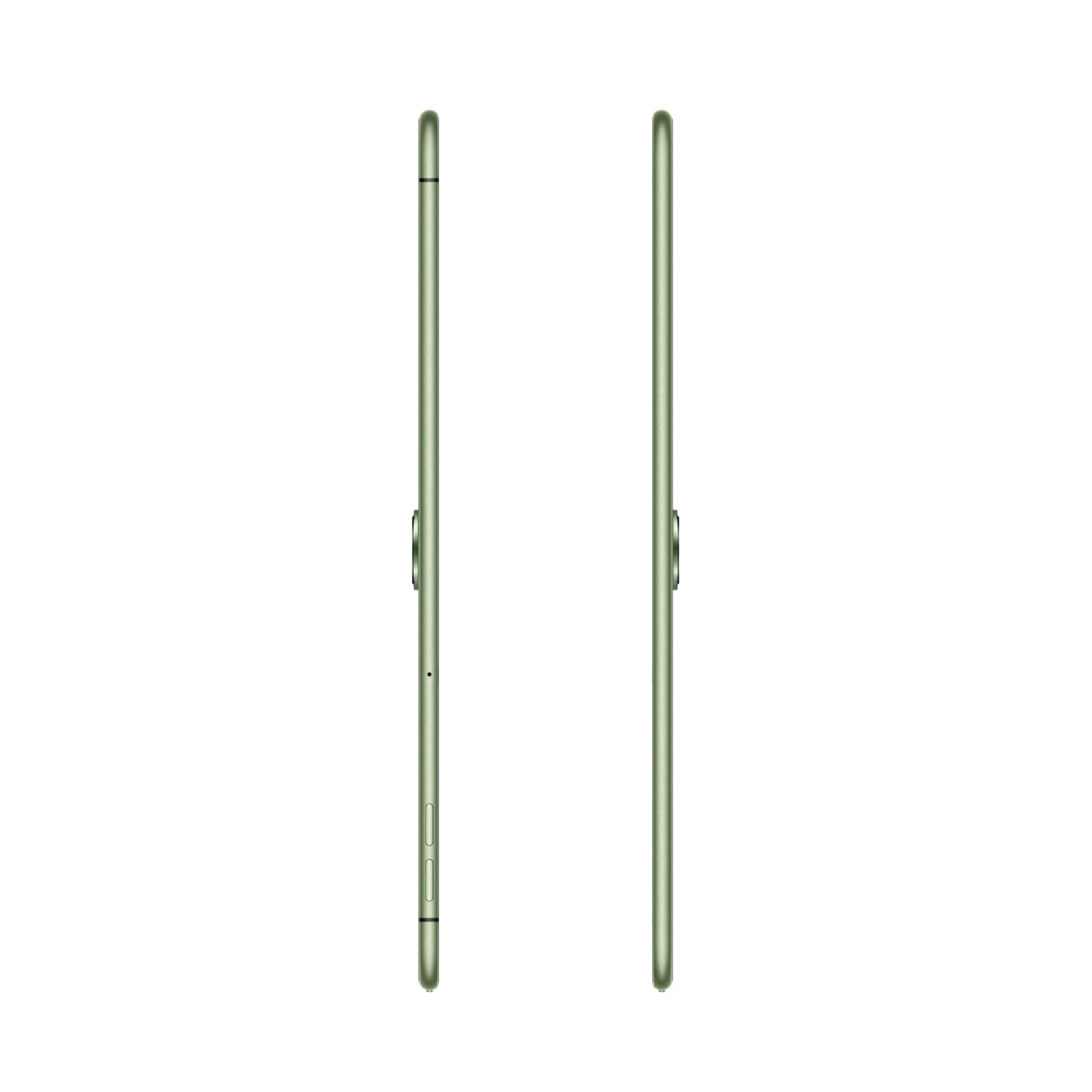
Figure 2: The 2.4K ReadFit Eye Care LCD Display in use.
1 vaizdo įrašas: Viršview of OnePlus Pad Go features, including display quality, portability, and audio capabilities.
2.2. Garso patirtis
Experience immersive sound with the OnePlus Pad Go's Dolby Atmos Quad Speakers. The omnibearing sound field delivers rich and clear audio for all your media consumption.
Video 2: Detailed look at the OnePlus Pad Go's specifications, including RAM, storage, display, audio, and connectivity options.
2.3. Ryšys
The tablet supports both Wi-Fi (802.11ac) and 4G LTE connectivity, including calling functionality. Features like Auto Connect, Cross-screen Connection, and Screen Mirroring allow for seamless interaction with other devices.

Figure 3: Demonstrating cross-screen connection between the tablet and a smartphone.
2.4. Našumas ir saugykla
Powered by the MediaTek Helio G99 processor and running OxygenOS 13.2, the tablet offers smooth performance. It comes with 8GB of RAM and 256GB of internal storage, expandable up to 1TB via a microSD card.

Figure 4: Visual representation of the tablet's RAM and expandable storage capacity.
2.5. Fotoaparatas
The OnePlus Pad Go is equipped with an 8MP primary camera and an 8MP front-facing camera. It supports video capture resolutions of 1080p and 720p.

5 pav.: Šoninis profilisfile of the tablet, indicating the camera placement.
2.6. Baterija ir įkrovimas
The tablet features an 8000 mAh battery, providing extended usage times. It supports 33W SUPERVOOC fast charging, allowing for quick recharges. Expect up to 514 hours of standby time, 14 hours of video playback, and 40 hours of music playback.

Figure 6: The tablet connected to a charger, emphasizing battery capacity and charging speed.
3. Priežiūra ir priežiūra
3.1. Planšetinio kompiuterio valymas
To clean your OnePlus Pad Go, use a soft, lint-free cloth. For stubborn smudges, slightly dampen the cloth with water or a screen cleaner specifically designed for electronics. Avoid using harsh chemicals, abrasive materials, or aerosol sprays directly on the tablet.
3.2. Baterijos ilgaamžiškumas
To maximize battery life, consider the following:
- Sureguliuokite ekrano ryškumą iki patogaus lygio.
- Uždarykite nenaudojamas programas, veikiančias fone.
- Disable Wi-Fi, Bluetooth, or LTE when not in use.
- Venkite ekstremalių temperatūrų.
4. Įprastų problemų šalinimas
Šiame skyriuje aptariamos dažniausiai pasitaikančios problemos, su kuriomis galite susidurti naudodami „OnePlus Pad Go“.
4.1. Planšetinis kompiuteris neįsijungia
- Ensure the battery is charged. Connect the tablet to the 33W SUPERVOOC charger and wait a few minutes before attempting to power it on again.
- Paspauskite ir palaikykite maitinimo mygtuką bent 10–15 sekundžių, kad priverstumėte įrenginį paleisti iš naujo.
4.2. Ekrano problemos
- If the screen is unresponsive, try restarting the tablet.
- Check for system updates, as software glitches can sometimes affect display performance.
4.3. Connectivity Problems (Wi-Fi/LTE)
- „Wi-Fi“: Restart your Wi-Fi router. On the tablet, forget the network and reconnect.
- LTE: Ensure your SIM card is correctly inserted and activated. Check your mobile data plan. Restart the tablet.
4.4. Performance Lags
- Uždarykite nereikalingas fonines programas.
- Clear cache for apps that are frequently used or causing issues.
- Įsitikinkite, kad yra pakankamai vietos daiktams laikyti.
- Apsvarstykite gamyklinių parametrų atkūrimą kaip paskutinę išeitį (pirmiausia sukurkite atsarginę duomenų kopiją).
5. Techninės specifikacijos
| Funkcija | Specifikacija |
|---|---|
| Prekės ženklas | „OnePlus“. |
| Modelio pavadinimas | OnePlus Pad GO |
| Modelio numeris | OPD2304 |
| Ekrano dydis | 28.85 Centimetres (11.35 inches) |
| Ekrano tipas | LCD |
| Ekrano raiška | 2408 x 1720 pikselių (2.4K) |
| RAM dydis | 8 GB |
| Atminties talpa | 256 GB (išplečiama iki 1 TB) |
| Operacinė sistema | OxygenOS 13.2 |
| Procesoriaus prekės ženklas | MediaTek |
| Processor Model Number | Helio G99 |
| Korinio ryšio technologija | 4G |
| Belaidis tipas | 801.11ac |
| Baterijos talpa | 8000 mAh |
| Ypatingos savybės | Greitas įkrovimas |
| Prekės svoris | 532 g |
| Gaminio matmenys | 6.6 x 22.2 x 33.2 cm |
6. Garantija ir palaikymas
6.1. Gamintojo garantija
The OnePlus Pad Go is covered by a manufacturer's warranty. Please refer to the warranty card included in your product packaging for specific terms, conditions, and duration.
6.2. Išplėstinės apsaugos planai
Gali būti galima įsigyti papildomų apsaugos planų:
- 1 Year Extended warranty by Acko
- 1 year Total Protection Plan by Acko
For details on these plans, please consult the respective providers or your retailer.
6.3. Pagalba klientams
Dėl papildomos pagalbos, techninės pagalbos ar paslaugų užklausų apsilankykite oficialioje „OnePlus“ pagalbos svetainėje website or contact their customer service. Contact information can typically be found on the OnePlus websvetainėje arba savo produkto dokumentacijoje.