1. Įvadas
Ačiū, kad pirkoteasing the WiMiUS K9 Projector. This manual provides essential information for setting up, operating, and maintaining your projector. Please read it thoroughly before use to ensure proper functionality and to maximize your viewpatirtį.
The WiMiUS K9 is a high-performance projector featuring native Full HD 1080P resolution with 4K support, AI auto-focus and keystone correction, WiFi 6, Bluetooth 5.2, and integrated Netflix certification with Dolby Audio support.
2. Saugos informacija
- Nežiūrėkite tiesiai į projektoriaus objektyvą, kai lamp yra įjungtas.
- Užtikrinkite tinkamą vėdinimą aplink projektorių, kad išvengtumėte perkaitimo.
- Avoid placing the projector in dusty, humid, or extremely hot/cold environments.
- Naudokite tik prie projektorijaus pridėtą maitinimo adapterį.
- Projektorių laikykite atokiau nuo vandens ar kitų skysčių.
- Nebandykite patys ardyti ar taisyti projektoriaus. Dėl pagalbos kreipkitės į klientų aptarnavimo tarnybą.
3. Pakuotės turinys
Patikrinkite, ar pakuotėje yra visi reikalingi daiktai:
- WiMiUS K9 Projector
- HDMI kabelis
- Nuotolinio valdymo pultas
- Maitinimo kabelis
- Valymo šluostė
- Objektyvo dangtelis
- Vartotojo vadovas (šis dokumentas)
4. Produktas baigtasview
Familiarize yourself with the projector's components and connection ports.
Vaizdas: Priekinė ir šoninė view of the WiMiUS K9 Projector, showing the lens and ventilation.
4.1. Prievadai ir jungtys
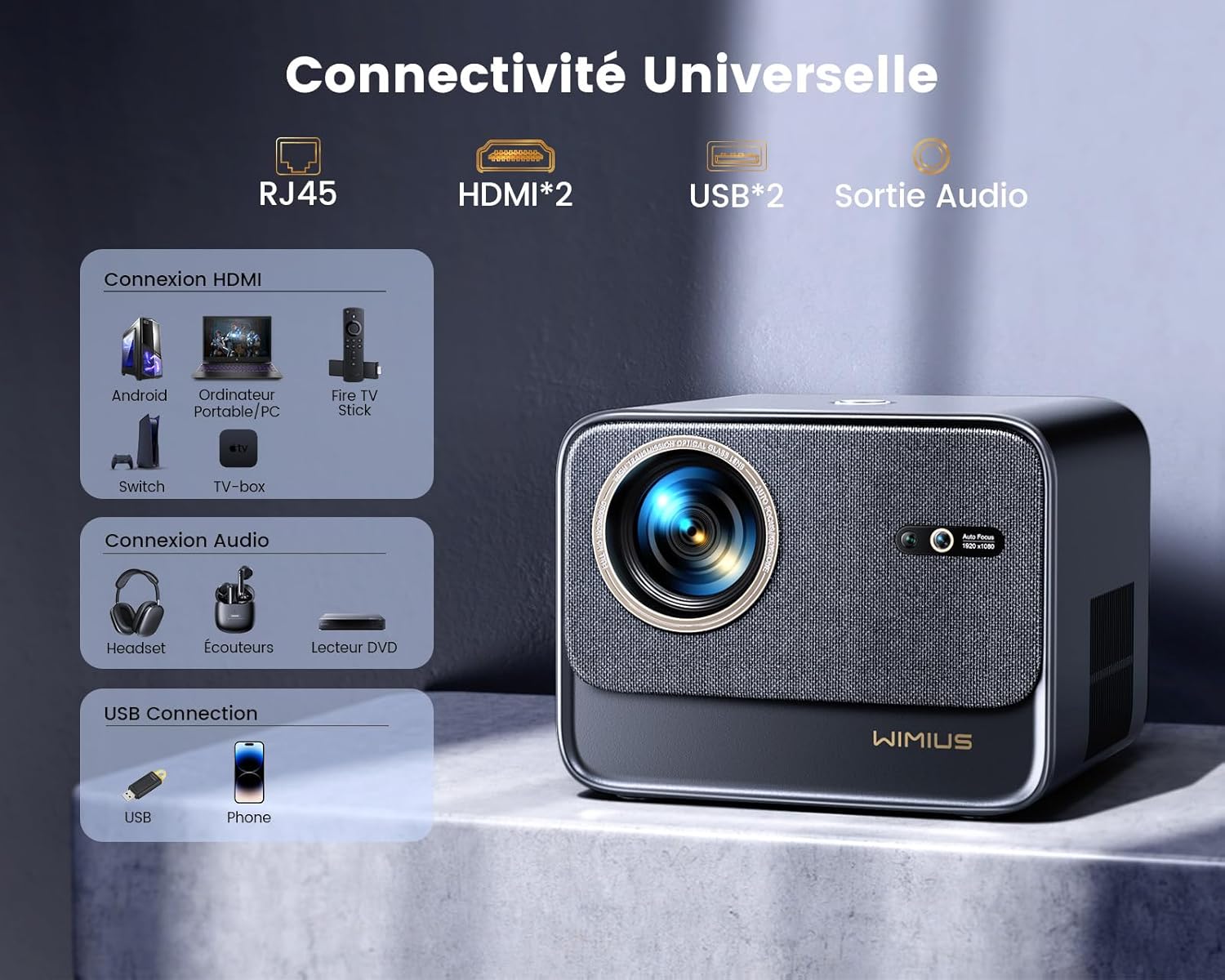
Vaizdas: Galinis view of the WiMiUS K9 Projector, highlighting the Ethernet (RJ45), HDMI (x2), USB (x2), and Audio Out ports.
- RJ45 (eternetas): Laidinio interneto ryšiui.
- HDMI (x2): Connect to devices like TV sticks, game consoles (PS5), laptops, or TV boxes. Supports HDMI ARC.
- USB (x2): Connect USB drives for media playback or charge compatible devices.
- Garso išvestis (3.5 mm lizdas): Prijunkite išorinius garsiakalbius arba ausines.
5. Sąranka
5.1. Įdėjimas
Place the projector on a stable, flat surface or mount it according to your preference. Ensure the lens is unobstructed. The projector supports a screen size of 50-300 inches with a projection ratio of 1.33:1.
5.2. Maitinimo prijungimas
- Prijunkite maitinimo laidą prie projektoriaus maitinimo įvesties.
- Kitą maitinimo laido galą įkiškite į elektros lizdą.
- Paspauskite projektoriaus arba nuotolinio valdymo pulto maitinimo mygtuką, kad jį įjungtumėte.
5.3. Automatinis fokusavimas ir trapecijos korekcija
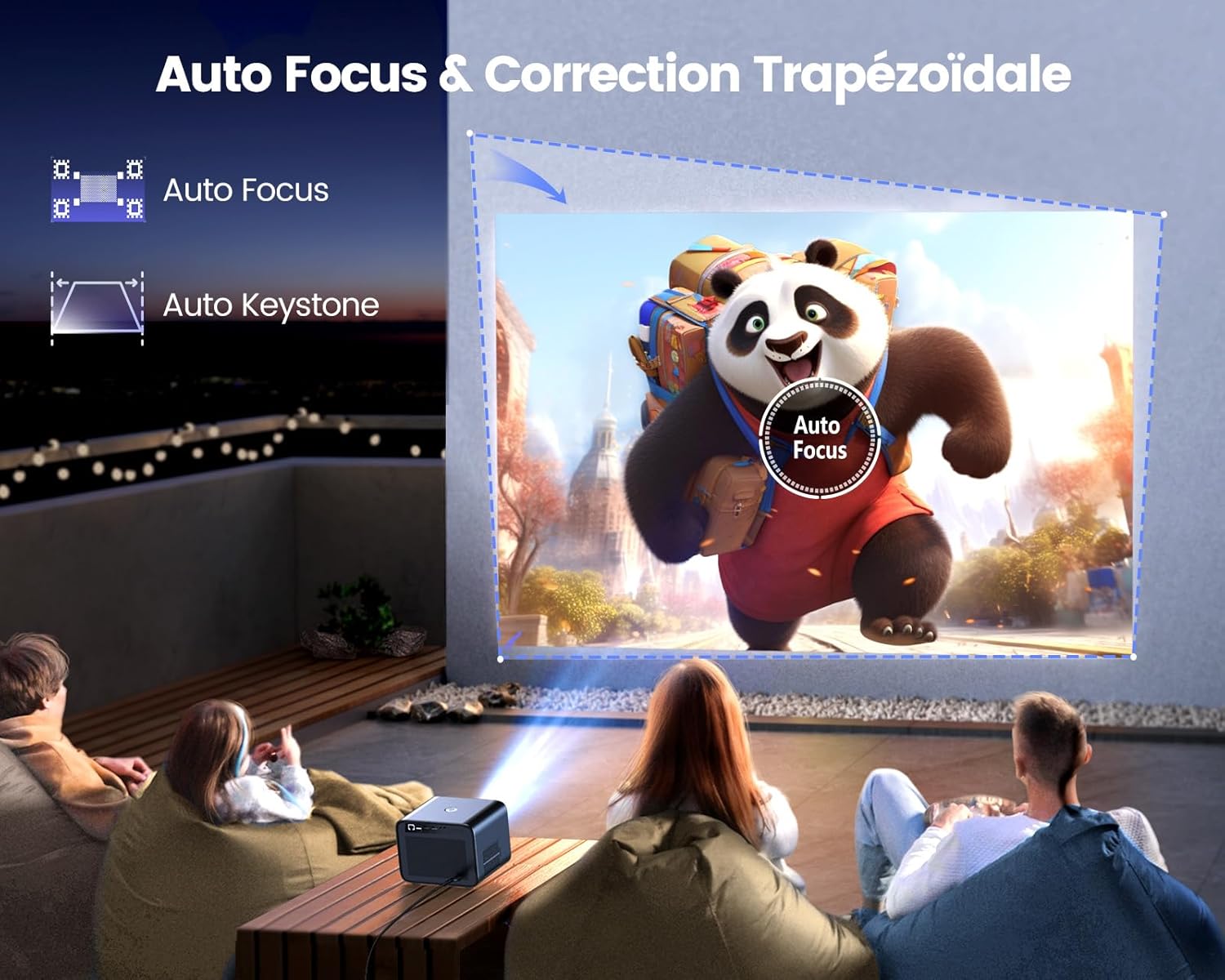
Image: Illustration of the projector automatically adjusting focus and keystone to achieve a rectangular image.
The WiMiUS K9 features AI-powered auto-focus and auto-keystone correction. Upon startup or movement, the projector will automatically adjust the image to be clear and rectangular within approximately 3 seconds. If manual adjustment is needed, use the remote control to fine-tune focus or keystone settings.
5.4. Priartinimo funkcija
The projector includes a 50%-100% zoom function, allowing you to adjust the image size without physically moving the projector. Access this feature through the projector's menu or dedicated remote control buttons.
6. Naudojimo instrukcijos
6.1. Navigacija ir vartotojo sąsaja

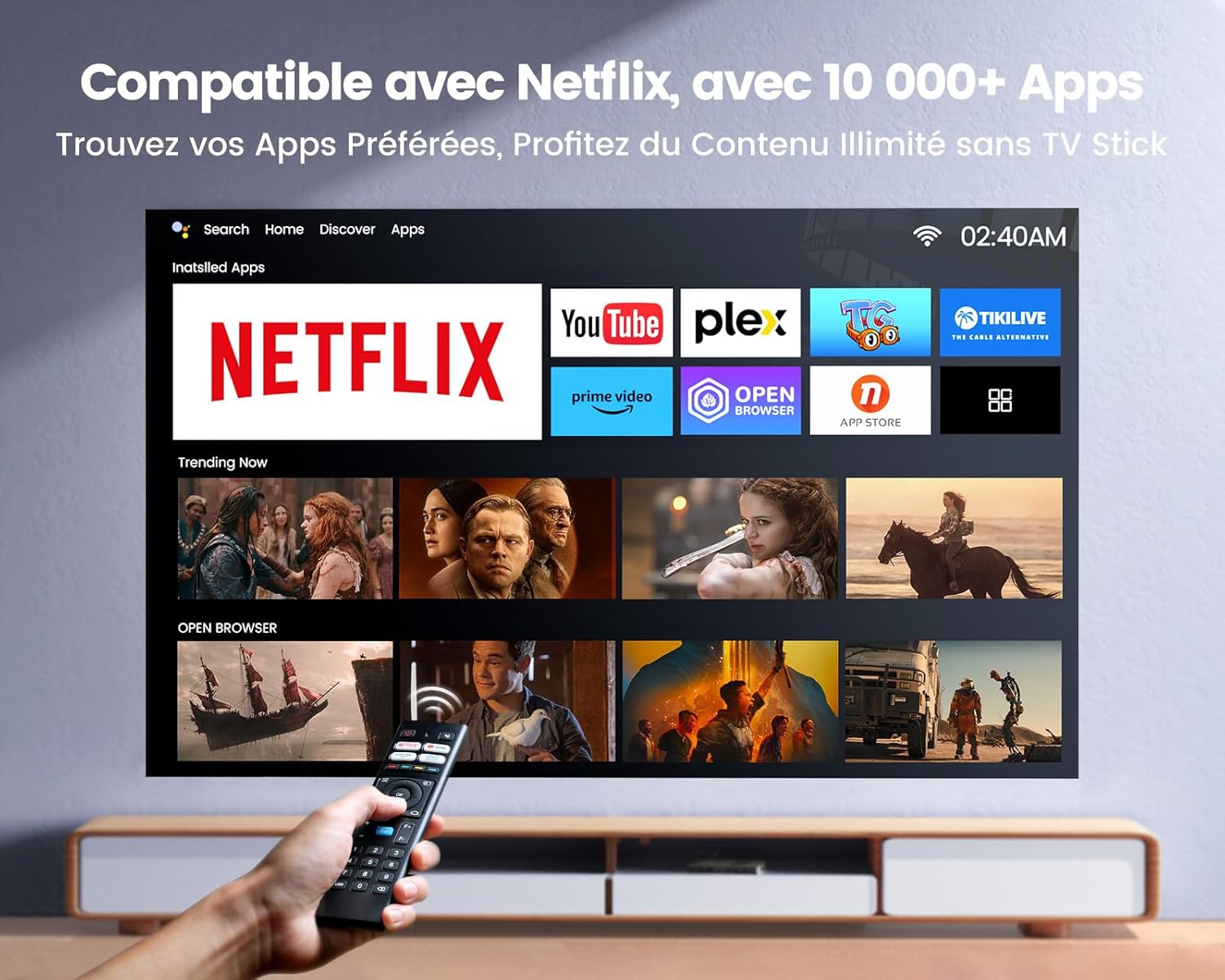
Image: The projector's home screen displaying various streaming applications like Netflix, YouTube, and Prime Video, controlled by a remote.
Use the provided remote control to navigate the projector's Linux-based operating system. The interface provides access to certified applications such as Netflix, Amazon Prime Video, and YouTube, along with other streaming services.
6.2. Išorinių įrenginių prijungimas
The K9 projector offers multiple connectivity options:
- HDMI: Connect your TV stick, game console (e.g., PS5), laptop, or TV box using an HDMI cable. Select the corresponding HDMI input from the projector's source menu.
- USB: Įkiškite USB atmintinę į USB prievadą, kad galėtumėte leisti mediją files tiesiogiai.
- Ethernet (RJ45): For a stable wired internet connection, plug an Ethernet cable into the RJ45 port.
6.3. Wireless Connectivity (WiFi 6 & Bluetooth 5.2)

Image: A person enjoying a video game projected by the WiMiUS K9, illustrating the fast WiFi 6 connection.
- „WiFi 6“: Connect to your wireless network for internet access and streaming. Navigate to the network settings in the projector's menu to connect to a WiFi 6 network. This enables seamless streaming and screen mirroring from iOS/Android phones and tablets.
- "Bluetooth 5.2": Pair with Bluetooth headphones, speakers, or soundbars for enhanced audio. Go to Bluetooth settings in the menu, enable Bluetooth, and select your device to pair. The projector supports Dolby Audio output to connected Bluetooth devices.
6.4. Garso nustatymai („Dolby Audio“)

Image: The WiMiUS K9 Projector prominently displaying the Dolby Audio logo, indicating its audio capabilities.
The K9 projector supports Dolby Audio, providing a cinematic sound experience. You can output audio through the built-in speakers, the 3.5mm audio jack, or wirelessly via Bluetooth 5.2 to compatible audio devices.
7. Priežiūra
7.1. Objektyvo valymas
Gently wipe the projector lens with the provided cleaning cloth or a soft, lint-free cloth. Avoid using abrasive cleaners or excessive pressure, which can damage the lens coating.
7.2. Dulkių prevencija
The WiMiUS K9 features a fully sealed optical machine design to effectively block dust and reduce black spots on the projection. Periodically clean the projector's exterior with a soft cloth. Ensure ventilation openings are clear of obstructions.
7.3. Sandėliavimas
When not in use for extended periods, store the projector in a cool, dry place, protected from dust and extreme temperatures. Use the lens cap to protect the lens.
8. Problemų sprendimas
If you encounter issues with your WiMiUS K9 Projector, refer to the following common problems and solutions:
- Nėra paveiksliuko:
- Įsitikinkite, kad maitinimo laidas yra tvirtai prijungtas ir projektorius įjungtas.
- Check the input source selection (HDMI 1, HDMI 2, etc.) matches your connected device.
- Verify the connected device (laptop, TV stick) is powered on and outputting a signal.
- Neryškus vaizdas:
- Leiskite automatinio fokusavimo funkcijai baigti reguliavimą.
- If needed, manually adjust the focus using the remote control.
- Ensure the projection surface is flat and the projector lens is clean.
- Distorted Image (not rectangular):
- Allow the auto-keystone correction to complete.
- If necessary, manually adjust keystone correction via the projector's menu.
- Nėra garso:
- Patikrinkite projektoriaus ir prijungto šaltinio įrenginio garsumo lygį.
- Ensure external speakers or headphones are correctly connected and powered on if used.
- Verify Bluetooth audio is correctly paired and selected as the output.
- „Wi-Fi“ / „Bluetooth“ ryšio problemos:
- Ensure the WiFi network is active and within range. Re-enter the password if necessary.
- „Bluetooth“ atveju įsitikinkite, kad įrenginys veikia susiejimo režimu ir yra diapazone.
- Restart the projector and the device you are trying to connect.
Dėl papildomos pagalbos žr. kontaktinę informaciją, pateiktą skyriuje „Garantija ir palaikymas“.
9. Specifikacijos
| Prekės ženklas | „WiMiUS“ |
| Modelis | K9 |
| Gimtoji raiška | 1920 x 1080p (viskas viename) |
| Palaikoma rezoliucija | Up to 4K Ultra HD (60Hz) |
| Ryškumas | 32000 liumenų (1100 ANSI liumenų) |
| Kontrasto santykis | 40000:1 |
| Operacinė sistema | Linux (Netflix Certified) |
| Ryšys | WiFi 6, Bluetooth 5.2, 2x HDMI (ARC), 2x USB, Ethernet (RJ45), 3.5mm Audio Out |
| Ypatingos savybės | AI Auto Focus, AI Auto Keystone Correction, Dolby Audio Support, Fully Sealed Optical Machine, 50-100% Zoom |
| Rekomenduojamas naudojimas | Home Cinema, Gaming Console |
| Įtraukti komponentai | Projector, HDMI Cable, Remote Control, Power Cable, Cleaning Cloth, Lens Cap, User Manual |
10. Garantija ir palaikymas
The WiMiUS K9 Projector comes with a 3 metų garantija nuo pirkimo datos.
For technical support, warranty claims, or any questions regarding your projector, please contact WiMiUS customer service. Refer to the contact information provided in the physical user manual included with your product or visit the official WiMiUS websvetainėje, kur rasite išsamios pagalbos.
When contacting support, please have your product model (K9) and purchase details ready.