1. Įvadas
The AVMTON Wireless Gaming Mouse is designed for comfortable and efficient use with personal computers, laptops, and other compatible devices. Featuring a honeycomb shell for lightweight design, RGB backlighting, and a rechargeable battery, this mouse offers a responsive and ergonomic experience. It connects wirelessly via a 2.4GHz USB receiver, providing a stable connection for both office tasks and light gaming.

Image 1.1: The AVMTON Wireless Gaming Mouse shown alongside its 2.4GHz USB receiver. The mouse features a black honeycomb shell design and vibrant RGB lighting.
2. Sąranka
2.1 Išpakavimas ir komponentai
Išpakuodami įsitikinkite, kad yra visi komponentai:
- AVMTON Wireless Gaming Mouse
- 2.4GHz USB Receiver (typically stored in the mouse's bottom compartment)
- C tipo USB įkrovimo laidas
2.2 Pelės prijungimas
- Raskite USB imtuvą, esantį pelės apačioje esančiame skyriuje.
- Išimkite USB imtuvą nuo pelės.
- Prijunkite USB imtuvą prie laisvo kompiuterio ar nešiojamojo kompiuterio USB prievado.
- Turn on the mouse using the power switch located on the bottom of the mouse. The mouse should automatically connect to the receiver.
2.3 Pradinis įkrovimas
The mouse comes with a built-in rechargeable battery. For optimal performance, it is recommended to fully charge the mouse before its first use. The mouse can be used while it is charging.

Image 2.1: The AVMTON Wireless Gaming Mouse connected to a laptop via its Type-C charging cable. The image highlights the convenience of charging while using the mouse.
3. Naudojimo instrukcijos
3.1 Mouse Button Functions
The AVMTON Wireless Gaming Mouse features several buttons for enhanced functionality:
- Kairysis mygtukas: Standartinė paspaudimo funkcija.
- Dešinysis mygtukas: Standartinė dešiniojo pelės mygtuko paspaudimo funkcija.
- Slinkties ratukas: Slenka turinį aukštyn arba žemyn. Taip pat galima paspausti, kad būtų įjungta vidurinio pelės mygtuko paspaudimo funkcija.
- DPI mygtukas: Reguliuoja pelės jautrumą (DPI).
- Pirmyn mygtukas: Naviguoja pirmyn web naršyklės arba file tyrinėtojai.
- Mygtukas atgal: Naviguoja atgal web naršyklės arba file tyrinėtojai.
- Maitinimo jungiklis: Įjungia arba išjungia pelę.
- Šviesos jungiklis: Controls the RGB lighting.

Image 3.1: A detailed diagram illustrating the various buttons and components of the AVMTON Wireless Gaming Mouse, including the DPI button, scroll wheel, forward/backward buttons, and power/light switches.
3.2 DPI reguliavimas
The mouse offers three adjustable DPI (Dots Per Inch) levels to control cursor speed and sensitivity. Press the DPI button (located behind the scroll wheel) to cycle through the settings: 800 DPI, 1200 DPI (default), and 1600 DPI. Choose the sensitivity that best suits your task, whether for precise work or faster movements in games.
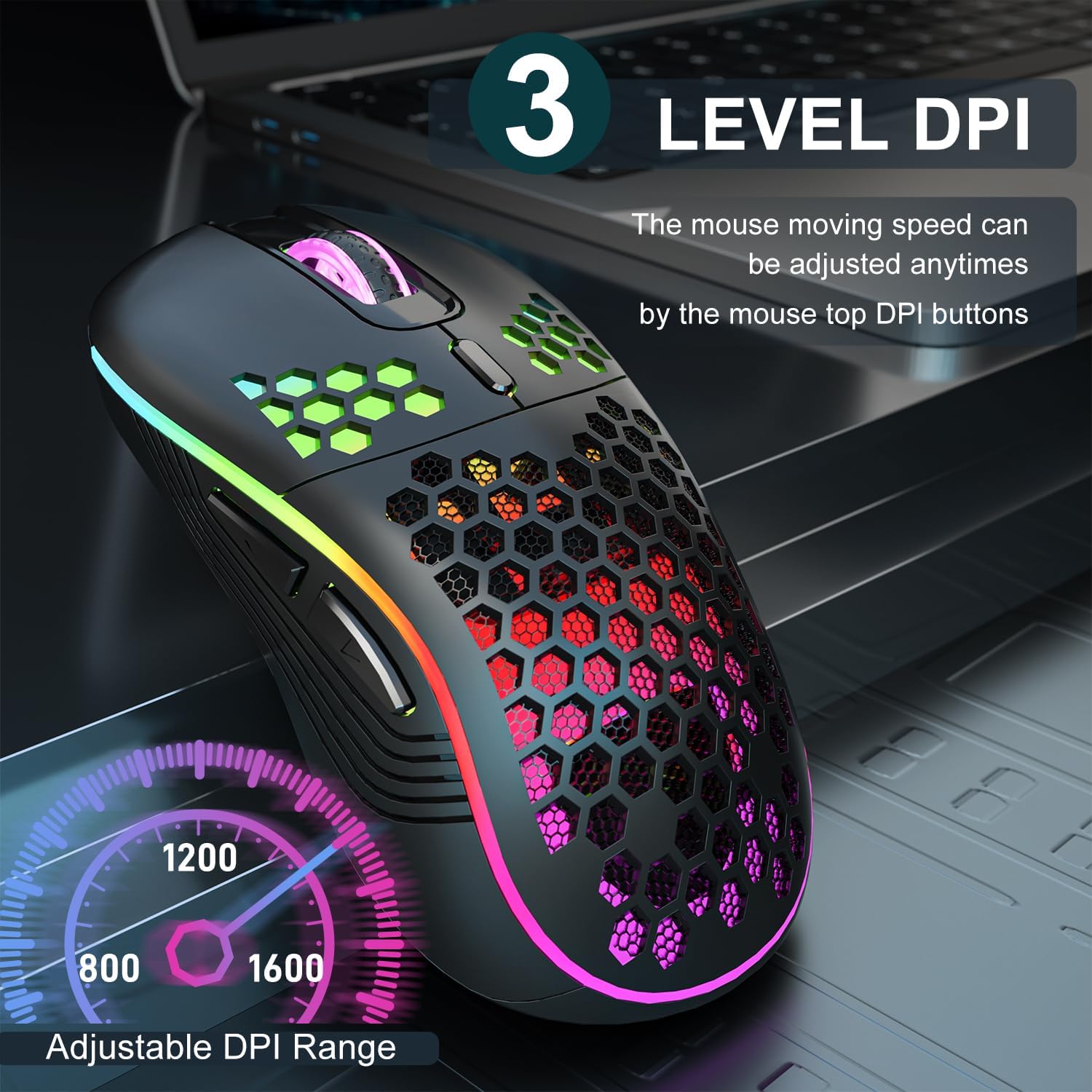
Image 3.2: The AVMTON Wireless Gaming Mouse with an overlay indicating the three adjustable DPI levels: 800, 1200, and 1600. This allows users to easily switch mouse sensitivity.
3.3 RGB foninio apšvietimo valdymas
The mouse features customizable RGB lighting. Use the dedicated light switch on the bottom of the mouse to turn the RGB lighting on or off. Turning off the RGB lighting can help conserve battery life.
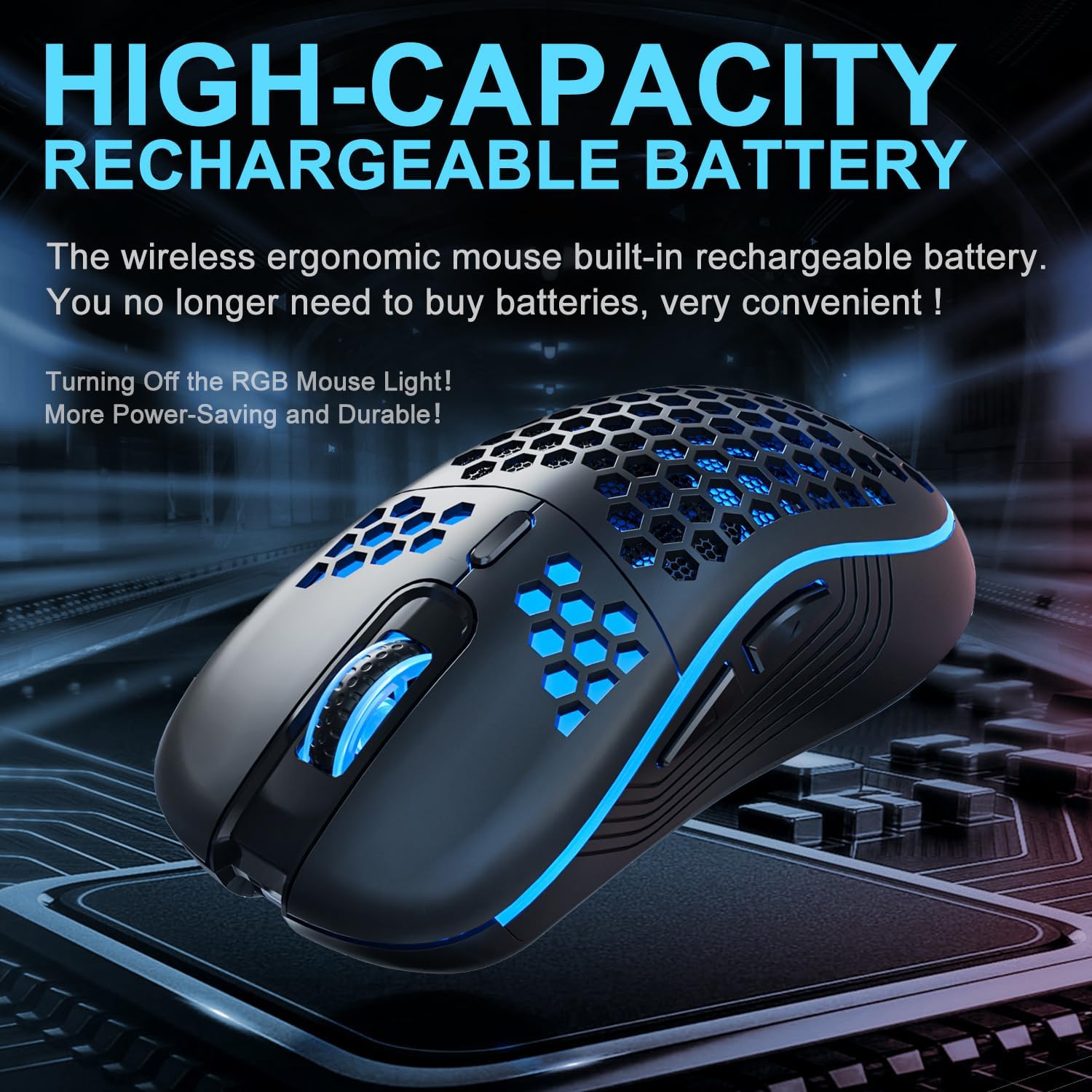
Image 3.3: The AVMTON Wireless Gaming Mouse illuminated with blue RGB lighting, highlighting its aesthetic features and rechargeable battery capacity.
3.4 Energijos taupymo režimas
To conserve battery, the mouse automatically enters a power-saving mode after a period of inactivity. To reactivate the mouse, simply move it or click any button.
3.5 Suderinamumas
The AVMTON Wireless Gaming Mouse is widely compatible with various operating systems, including Windows 2000, XP, Vista, 7, 8, 10, 11, Linux, and Mac OS. It is designed for use with personal computers and laptops.

Image 3.4: Visual representation of the mouse's wide compatibility with Windows, Linux, and Mac OS operating systems.
4. Priežiūra
4.1 Akumuliatoriaus įkrovimas
When the mouse battery is low, connect the provided USB Type-C charging cable to the mouse's charging port and the other end to a USB power source (e.g., computer USB port, USB wall adapter). The mouse can be used normally while charging.
4.2 Pelės valymas
To maintain optimal performance and appearance, clean the mouse regularly. Use a soft, dry cloth to wipe the surface. For stubborn dirt, a slightly damp cloth can be used, ensuring no liquid enters the mouse. Avoid using harsh chemicals or abrasive materials.
5. Problemų sprendimas
- Pelė nereaguoja:
- Įsitikinkite, kad USB imtuvas yra tvirtai prijungtas prie veikiančio USB prievado.
- Verify that the mouse's power switch is in the 'ON' position.
- Check the battery level and charge the mouse if necessary. - Žymeklio judėjimas yra netolygus arba lėtas:
- Adjust the DPI setting using the DPI button.
- Ensure the mouse is used on a clean, non-reflective surface. A mouse pad is recommended.
- Recharge the mouse if the battery is low. - RGB apšvietimas neveikia:
- Ensure the light switch on the bottom of the mouse is in the 'ON' position.
- The mouse may be in power-saving mode; move or click to wake it up. - Latency during large games:
- This mouse is primarily designed for office scenarios and small games. Large, graphically intensive games may experience some latency due to the wireless connection and mouse specifications.
6. Specifikacijos
| Prekės ženklas | AVMTON |
| Modelio pavadinimas | belaidė pelė |
| Ryšio technologija | USB (2.4 GHz belaidis ryšys) |
| Judesio aptikimo technologija | Optinis |
| DPI lygiai | 800 / 1200 (numatytasis) / 1600 |
| Baterijos tipas | Rechargeable Lithium Polymer (included) |
| Vidutinis akumuliatoriaus veikimo laikas | 6 months (approx.) |
| Įkrovimo prievadas | C tipo USB |
| Ypatingos savybės | Honeycomb Design, RGB Backlight, Lightweight, 6 programmable Buttons |
| Rankų orientacija | Abipusis |
| Medžiaga | Plastikiniai |
| Suderinama OS | Windows 2000 / XP / Vista / 7 / 8 / 10 / 11, Linux, Mac OS |
| Siuntinio matmenys | 13.7 x 8.7 x 4.9 cm |
| Prekės svoris | 140 g |
7. Garantija ir palaikymas
Specific warranty details are not provided within this manual. For warranty information, technical support, or any inquiries regarding your AVMTON Wireless Gaming Mouse, please refer to the product packaging or contact AVMTON customer service directly through their official websvetainę arba mažmenininką, iš kurio buvo pirktas produktas.


