Įvadas
This manual provides essential information for setting up, operating, maintaining, and troubleshooting your HP 15 Laptop Computer. Please read this guide thoroughly to ensure optimal performance and longevity of your device. This laptop is equipped with an AMD Ryzen 3 processor, 16GB RAM, and a 512GB SSD, running on Windows 11 Home.

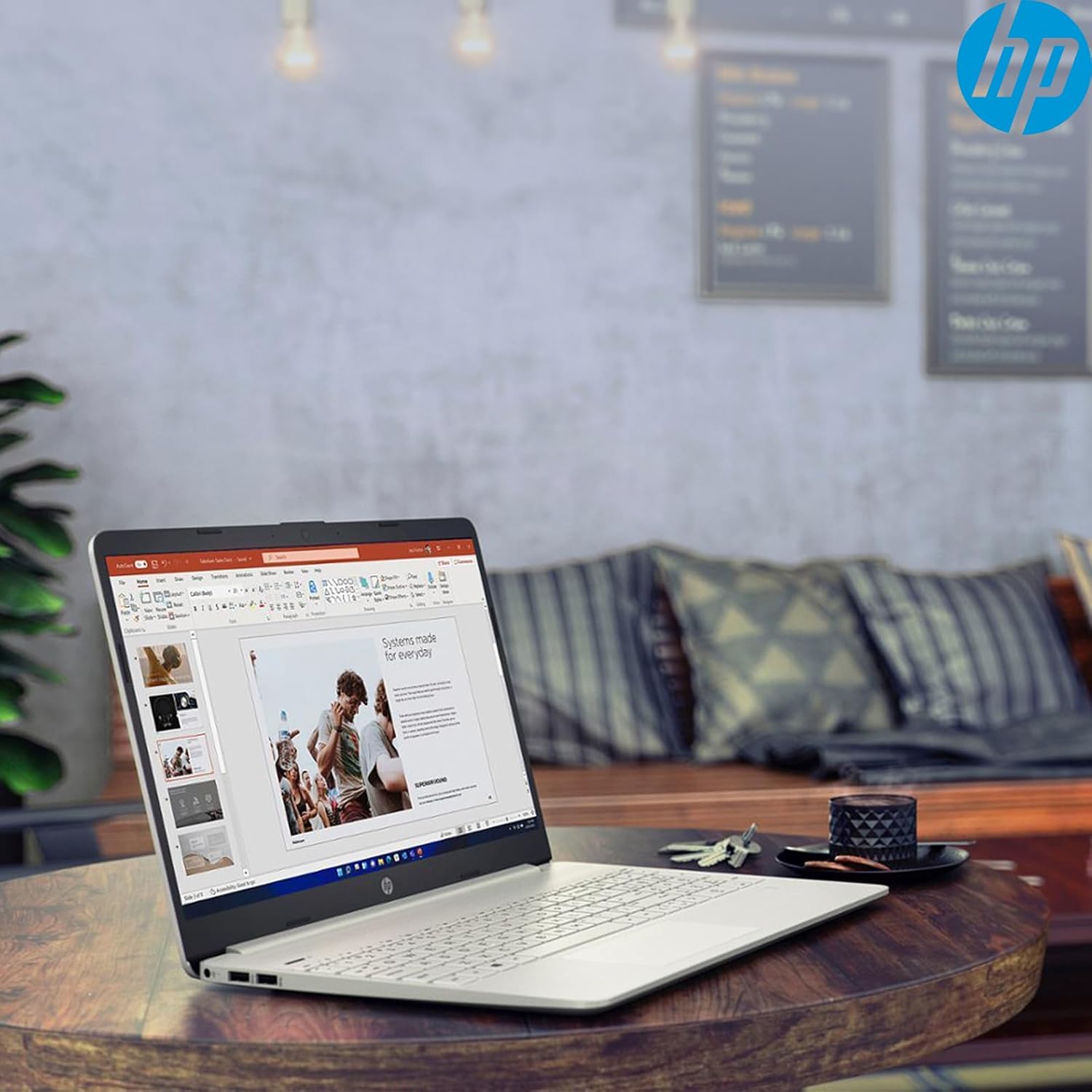
Image: The HP 15 Laptop Computer open, displaying the Windows 11 Home operating system, AMD Ryzen 3 processor, and AMD Radeon Graphics on its screen. An HP earphone case is visible on the palm rest, and the Microsoft Office logo is present on the bottom right.
1. Sąranka
1.1 Išpakavimas ir pirminė apžiūra
Carefully remove all components from the packaging. Verify that all items listed in the 'What's in the Box' section are present. Inspect the laptop for any visible damage.
- HP 15 Laptop
- Maitinimo adapteris
- HP Earphone
- Belaidė pelė
1.2 Maitinimo adapterio prijungimas
Connect the power adapter to the laptop's power jack and then plug it into a wall outlet. It is recommended to fully charge the battery before initial use.
1.3 Pradinis įjungimas ir „Windows 11“ sąranka
Paspauskite maitinimo mygtuką, kad įjungtumėte nešiojamąjį kompiuterį. Vykdykite ekrane pateikiamus nurodymus, kad užbaigtumėte „Windows 11 Home“ sąrankos procesą. Tai apima regiono pasirinkimą, prisijungimą prie „Wi-Fi“ tinklo ir vartotojo paskyros sukūrimą.
2. Operating Your HP 15 Laptop
2.1 Pagrindinės funkcijos
- Maitinimo mygtukas: Located on the top right of the keyboard deck. Press to turn on/off, or put the laptop to sleep.
- Klaviatūra: Features a full-size keyboard with a 10-key numeric keypad for efficient data entry.
- Jutiklinė dalis: Supports multi-touch gestures for navigation.
Vaizdas: Stambus planas view of the HP 15 laptop's keyboard, clearly showing the integrated 10-key numeric keypad on the right side and the central touchpad below the spacebar.
2.2 Prievadai ir jungtys
Your HP 15 laptop is equipped with various ports for connectivity:
- USB-C (5Gbps signaling rate): Duomenų perdavimui.
- USB-A (x2): Standard USB ports for peripherals.
- HDMI 1.4b: Skirta prijungti išorinius ekranus.
- SD kortelių skaitytuvas: Skirta atminties kortelių skaitymui.
- Ausinių lizdas: Ausinėms arba laisvų rankų įrangai prijungti.

Image: This image provides a detailed side view of the HP 15 laptop, illustrating the locations of its various connectivity ports including the power jack, two USB-A ports, an HDMI 1.4b port, an SD card reader, a headset jack, and a SuperSpeed USB Type-C port.
2.3 Webkamera ir garsas
The laptop features an HP True Vision 720p HD camera with dual array digital microphones for video calls. Audio is delivered through B&O-tuned stereo speakers.
2.4 Akumuliatoriaus valdymas
The laptop offers up to 9.75 hours of battery life. HP Fast Charge technology allows for a 50% charge in approximately 45 minutes when the laptop is powered off or in sleep mode.
3. Priežiūra
3.1 Nešiojamojo kompiuterio valymas
Šiek tiek naudokite minkštą, be pūkelių šluostę dampened with water or a specialized screen cleaner to clean the display. For the keyboard and chassis, use a soft, dry cloth. Avoid harsh chemicals.
3.2 Programinės įrangos naujiniai
Regularly check for and install Windows updates and HP driver updates to ensure optimal performance and security. Access Windows updates via Settings > Windows Update.
3.3 Saugojimo valdymas
Periodiškai review ir ištrinkite nereikalingus files to maintain sufficient free space on your 512GB SSD. Utilize cloud storage or external drives for large files.
4. Problemų sprendimas
4.1 Maitinimo problemos
- Nešiojamasis kompiuteris neįsijungia: Įsitikinkite, kad maitinimo adapteris yra tvirtai prijungtas ir lizdas veikia. Išbandykite kitą lizdą.
- Baterija nekraunama: Patikrinkite maitinimo adapterio jungtį. Patikrinkite, ar adapteris ar įkrovimo prievadas nėra pažeisti.
4.2 Ekrano problemos
- Tuščias ekranas: Connect an external monitor to check if the laptop is outputting video. If it displays, the laptop screen may be faulty.
- Pritemdytas ekranas: Adjust brightness settings using the function keys (Fn + F2/F3 typically).
4.3 Našumo problemos
- Lėtas veikimas: Close unnecessary applications. Check Task Manager for high resource usage. Ensure sufficient free storage space.
- Perkaitimas: Įsitikinkite, kad ventiliacijos angos yra švarios. Naudokite nešiojamąjį kompiuterį ant kieto, lygaus paviršiaus.
4.4 Ryšio problemos
- „Wi-Fi“ neprisijungia: Restart your router and laptop. Check Wi-Fi settings in Windows.
- „Bluetooth“ įrenginys nesusijungia: Ensure the device is in pairing mode and within range. Check Bluetooth settings.
5. Specifikacijos
| Funkcija | Detalė |
|---|---|
| Modelis | HP 15 |
| Operacinė sistema | Windows 11 Home |
| Procesorius | AMD Ryzen 3 (up to 3.8GHz, 4 cores, 8 threads) |
| Grafika | AMD Radeon grafika (integruota) |
| RAM | 16 GB DDR4 |
| Sandėliavimas | 512 GB PCIe NVMe M.2 SSD diskas |
| Ekranas | 15.6" HD (1366 x 768), micro-edge, anti-glare, 250 nits, 45% NTSC |
| Belaidis ryšys | Realtek Wi-Fi 5, Bluetooth 5 |
| Uostai | 1x USB-C (5Gbps), 2x USB-A, 1x HDMI 1.4b, 1x SD Card Reader, 1x Headset Jack |
| Webkumštelis | HP True Vision 720p HD camera |
| Garsas | Dual B&O-tuned stereo speakers |
| Baterijos veikimo laikas | Up to 9.75 hours (HP Fast Charge: 50% in 45 mins) |
| Matmenys (IxPxH) | 14.11 x 9.53 x 0.78 colio |
| Svoris | 3.75 svaro |
6. Garantija ir palaikymas
6.1 Gaminio garantija
Your HP 15 Laptop Computer comes with a standard manufacturer's warranty. Please refer to the warranty card included with your product or visit the official HP support websvetainėje, kur rasite išsamias sąlygas.
6.2 Techninė pagalba
For technical assistance, driver downloads, or further information, please visit the official HP Support website or contact HP customer service. Have your product model and serial number ready when contacting support.
HP palaikymas Websvetainė: support.hp.com