1. Įvadas
This manual provides essential information for the installation, operation, and maintenance of your WUPRO Gallery Fixed Frame Projector Screen CBSP ALR. Designed for ultra-short throw projectors, this 100-inch screen supports 4K/8K, HDR, and Active 3D content, delivering an immersive viewing experience with exceptional ambient light rejection.
The screen features a 0.6 gain and 1.5 contrast ratio, enhancing details, color vibrancy, and depth. Its 160° wide viewing angle ensures broad visibility, making it suitable for various environments.
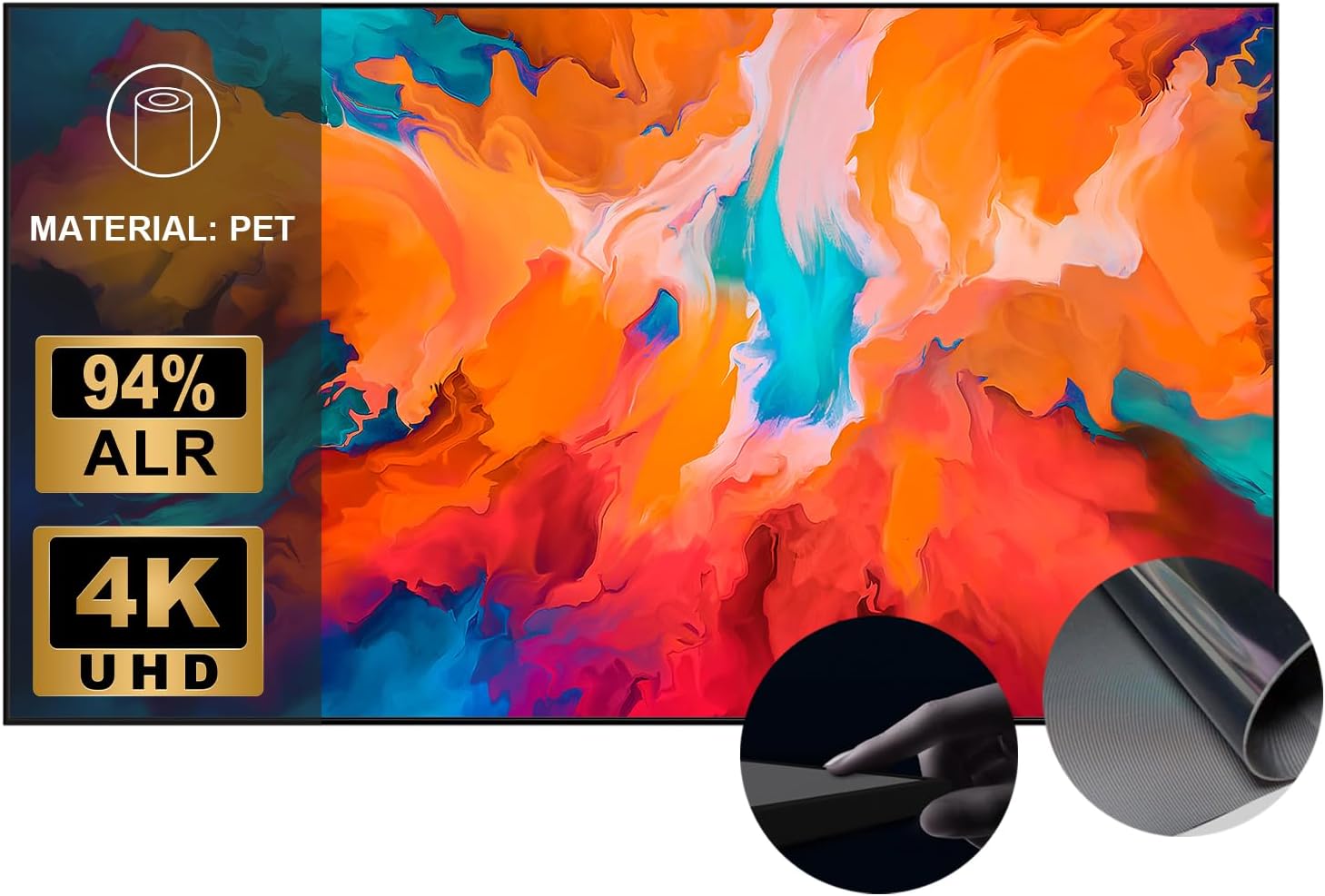
Image 1.1: The WUPRO Gallery Fixed Frame Projector Screen CBSP ALR, showcasing its slim frame and high-quality display capabilities.

1.2 paveikslėlis: Stambus planas view of the screen material, highlighting its PET composition, 94% ALR capability, and 4K UHD support.
2. Kas yra dėžutėje
Please verify that all components are present before beginning installation. If any items are missing or damaged, contact customer support.
- Projector Screen Fabric (CBSP ALR)
- Fixed Frame Components
- Sieniniai laikikliai ir tvirtinimo detalės
- Spring Tensioning System
- Vartotojo vadovas (šis dokumentas)
3. Saugos informacija
Prieš montuodami ir naudodami atidžiai perskaitykite visas instrukcijas. Išsaugokite šį vadovą ateičiai.
- Montavimas: Ensure the screen is securely mounted to a sturdy wall structure. Improper installation can lead to injury or damage to the product.
- Tvarkymas: Handle the screen fabric with care to avoid creases, scratches, or damage to the optical surface. Wear clean gloves if possible.
- Valymas: Use only recommended cleaning methods and materials to prevent damage to the screen surface. Refer to the Maintenance section.
- Aplinka: Avoid exposing the screen to extreme temperatures, humidity, or direct sunlight for prolonged periods, as this may affect performance and longevity.
4. Sąranka ir diegimas
The WUPRO Gallery Fixed Frame Projector Screen requires manual assembly and wall mounting. The quick-install trolley system is designed for straightforward setup.
4.1 Prieš diegiant įvykdomi klausimai
- Ekrano dydis: Prieš pirkimąasing, project an image onto your wall to determine the appropriate screen size. This model is 100 inches.
- Projektoriaus suderinamumas: This CBSP screen is designed exclusively for ultra-short throw (UST) projectors with 1800 ANSI lumens or higher. It is incompatible with standard or long-throw projectors.
- Vieta: Choose a flat, sturdy wall. Ensure there is sufficient space for the screen dimensions and for your UST projector placement.
4.2 Surinkimo žingsniai
- Unpack all components carefully and lay them out on a clean, soft surface to prevent damage.
- Assemble the fixed frame according to the detailed diagrams provided in the included printed instructions. Ensure all frame pieces are securely connected.
- Carefully unroll the screen fabric. With assistance, attach the screen fabric to the assembled frame using the spring tensioning system. Ensure the fabric is taut and evenly stretched to avoid wrinkles.
- Install the wall mount brackets onto your chosen wall location. Use appropriate anchors for your wall type.
- Mount the assembled screen onto the wall brackets. The quick-install trolley system allows for easy hanging and adjustment.

Image 4.1: Visual guide for the easy installation process, showing frame assembly and wall mounting.

4.2 pav.: Buvęs asmuoample of the WUPRO fixed frame screen mounted in a modern living room setting.
5. Naudojimo instrukcijos
Once installed, your WUPRO Gallery Fixed Frame Projector Screen is ready for use with a compatible ultra-short throw projector.
5.1 Ambient Light Rejection (ALR) Technology
The CBSP ALR screen features advanced black grating technology, providing exceptional ambient (ceiling) light rejection of ≥94%. This ensures excellent image reproduction even in brightly lit environments, allowing for vibrant and clear visuals without glare.

Image 5.1: Comparison illustrating the superior image quality and ambient light rejection of the WUPRO Cinema Screen compared to a standard screen.

Image 5.2: Diagram explaining how the Advanced CLR (Ceiling Light Rejection) technology works to reflect image light and reject ambient light.
5.2 Platus Viewing kampas
With a 160° wide viewing angle, the screen provides broad visibility, ensuring that viewers across a large room can enjoy consistent image quality without significant loss of brightness or color accuracy.
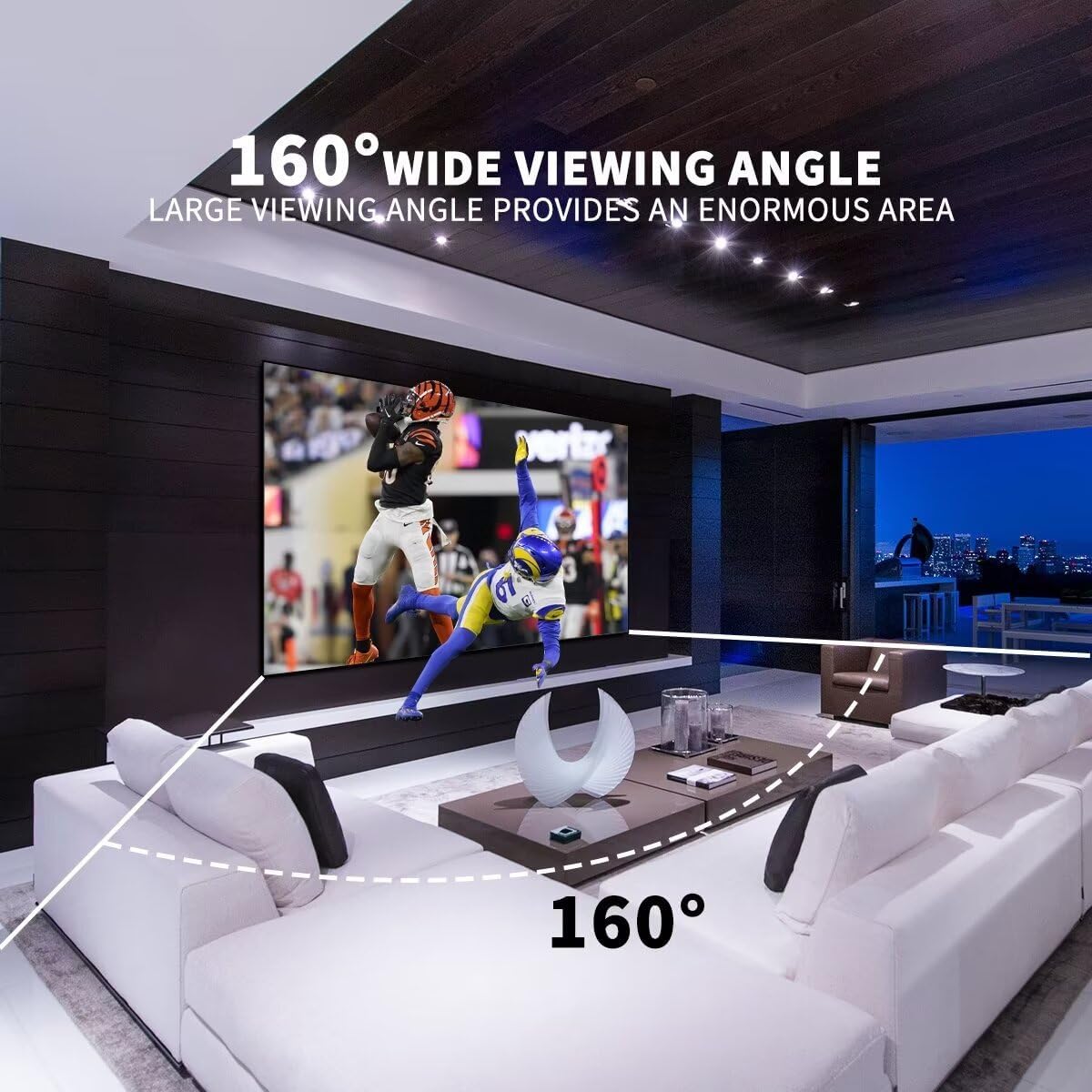
Image 5.3: Illustration demonstrating the 160-degree wide viewing angle, showing clear visibility from various positions in a room.
5.3 Naudojimo scenarijai
The screen's performance characteristics make it ideal for a variety of applications:
- Namų pramogos: Perfect for living rooms and bedrooms for movies, sports, and gaming.
- Professional Settings: Suitable for offices and schools for presentations and collaborative work.
- Renginiai: Can be used for weddings, churches, or outdoor screenings (in appropriate conditions).

5.4 pav.: pvz.amples of the projector screen being used in various settings, including gaming, office presentations, watching sports, and outdoor entertainment.
6. Priežiūra
Proper maintenance will ensure the longevity and optimal performance of your projector screen.
- Ekrano paviršiaus valymas: Gently wipe the screen surface with a soft, lint-free cloth. For stubborn marks, lightly dampen the cloth with distilled water. Do not use harsh chemicals, abrasive cleaners, or excessive pressure, as this can damage the ALR coating.
- Rėmo valymas: The frame can be cleaned with a soft, damp audinys.
- Dulkių šalinimas: Use a soft brush or compressed air to remove dust from the screen and frame regularly.
- Saugykla: If the screen needs to be disassembled and stored, ensure it is rolled carefully (if applicable) and protected from dust, moisture, and physical damage.
7. Problemų sprendimas
Šiame skyriuje aptariamos dažniausiai pasitaikančios problemos, su kuriomis galite susidurti naudodami projektoriaus ekraną.
- Wrinkles/Creases on Screen: Ensure the screen fabric is properly tensioned during assembly. Over time, minor creases may diminish. If persistent, re-check tensioning or contact support.
- Poor Image Quality (Dim/Washed Out):
- Verify that you are using an ultra-short throw projector with at least 1800 ANSI lumens. This screen is not compatible with standard/long-throw projectors.
- Check projector settings for brightness and contrast.
- Ensure the room's ambient light is within acceptable levels for optimal viewing, despite the ALR capabilities.
- Screen Not Level: Adjust the wall mount brackets or the screen's position on the brackets to ensure it is perfectly level.
- Diegimo sunkumai: Refer to the detailed assembly instructions provided with the product. Ensure all parts are correctly identified and assembled.
8. Specifikacijos
Detailed technical specifications for the WUPRO Gallery Fixed Frame Projector Screen CBSP ALR (100-inch).
| Funkcija | Specifikacija |
|---|---|
| Prekės ženklas | WUPRO |
| Modelio numeris | 2023 |
| Ekrano tipas | Fixed Frame, ALR (Ambient Light Rejecting) |
| Ekrano medžiaga | CBSP (Black Grating Technology), PET |
| Ekrano dydis (įstrižainė) | 100 colių |
| Krašto santykis | 16:9 |
| Pelnas | 0.6 |
| Kontrasto santykis | 1.5 |
| Aplinkos šviesos atmetimas | ≥94% (Ceiling Light Rejection) |
| Viewing kampas | 160° |
| Palaikomos rezoliucijos | 4K/8K, HDR, Active 3D |
| Montavimo tipas | Sieninis laikiklis |
| Gaminio matmenys (P x A) | 87.99 colio x 49.84 colio (223.5 cm x 126.6 cm) |
| Ekrano matmenys (P x A) | 87.17 colio x 49.02 colio (221.4 cm x 124.5 cm) |
| Prekės svoris | 31.2 svaro (14.15 kg) |
| Darbinė temperatūra | -10°C iki 50°C |

Image 8.1: Detailed table outlining various screen sizes, projection dimensions, border widths, package sizes, and weights.

Image 8.2: Visual summary of key product specifications including thickness, gain, viewing angle, material, ALR, operating temperature, eye protection, and ease of assembly.
9. Garantija ir palaikymas
WUPRO is committed to providing high-quality products and customer satisfaction. For specific warranty details, please refer to the warranty card included with your product or visit the official WUPRO websvetainę.
For technical support, troubleshooting assistance, or inquiries regarding parts and service, please contact WUPRO customer service through the contact information provided on our websvetainėje arba pirkimo dokumentuose.


