1. Įvadas
The SanDisk Ultra Luxe 256GB USB Type-C Flash Drive is designed for efficient and stylish file transfer across various USB Type-C compatible devices. This manual provides essential information for setting up, operating, maintaining, and troubleshooting your flash drive to ensure optimal performance and longevity.
2. Pagrindinės savybės
- Visuotinis suderinamumas: Sklandus perkėlimas files between your USB Type-C devices, including laptops, tablets, and smartphones.
- Aukščiausios kokybės dizainas: Features a luxurious and durable metal enclosure, offering both style and robust protection for your data.
- Didelės spartos našumas: Experience rapid data access with read speeds of up to 400MB/s, utilizing USB 3.2 Gen 1 technology for quick file pervedimai.
- Retractable Connector: A smooth, retractable USB Type-C connector helps protect the drive from wear and tear when not in use.
- Patobulintas perkeliamumas: Equipped with a convenient keyring hole, allowing you to easily attach the drive to your keys or bag for secure transport.
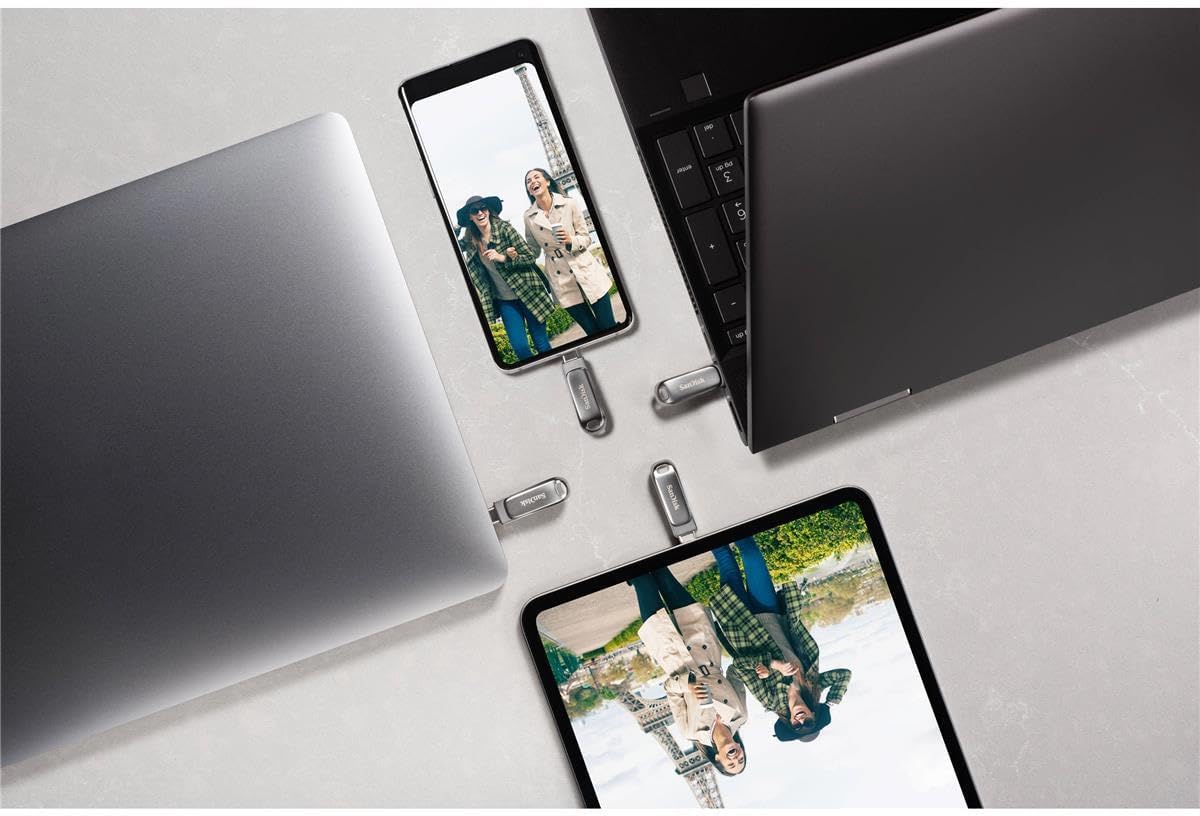


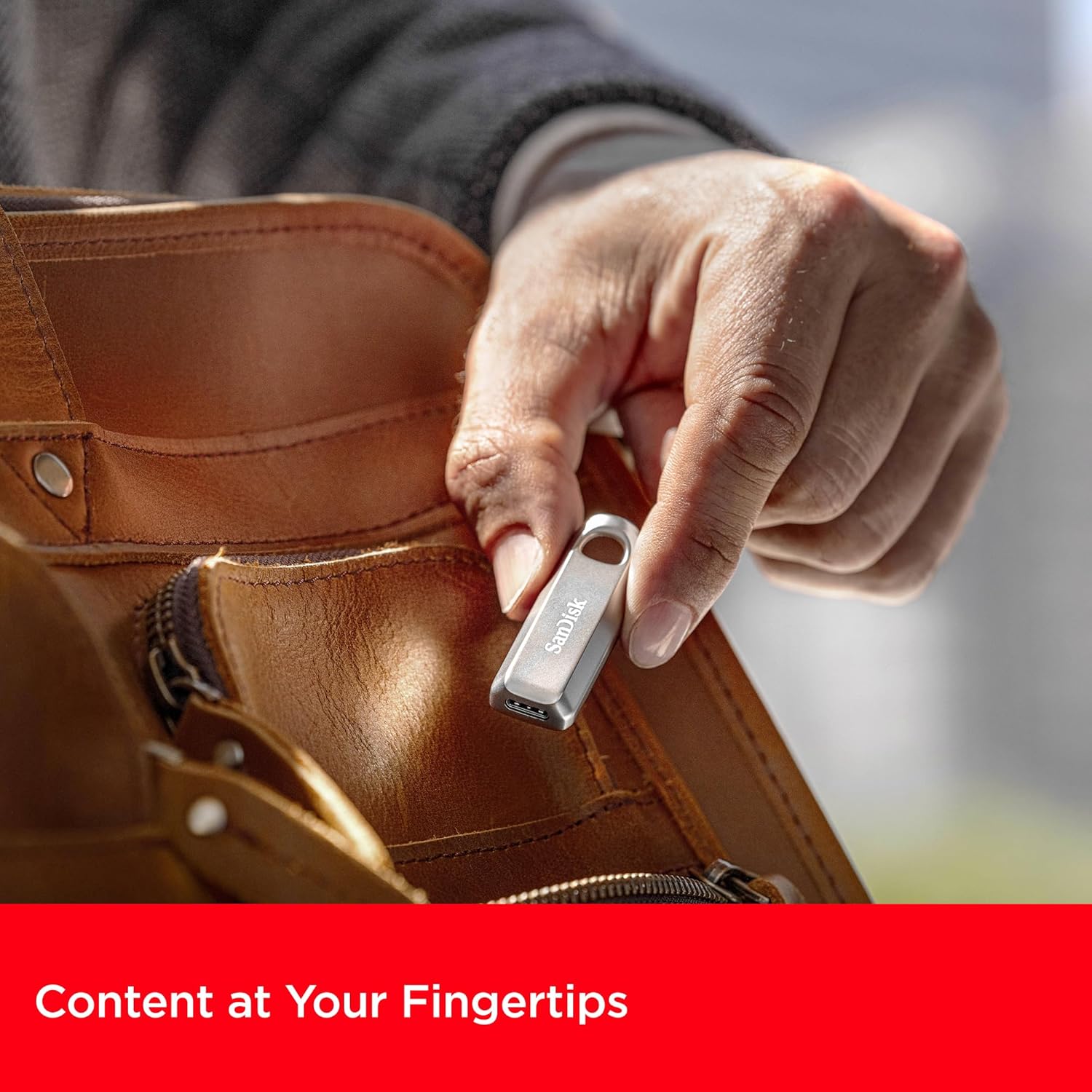
3. Sąrankos instrukcijos
The SanDisk Ultra Luxe USB Type-C Flash Drive is designed for plug-and-play functionality, requiring no special software installation for basic use on most operating systems (Windows, macOS, Linux, Android, iOS with compatible devices).
- Išpakuokite diską: Atsargiai išimkite „flash“ atmintinę iš pakuotės.
- Identify USB Type-C Port: Locate an available USB Type-C port on your computer, tablet, or smartphone.
- Įdėkite diską: Gently slide the retractable connector out and insert the flash drive into the USB Type-C port. Ensure it is fully seated.
- Automatinis atpažinimas: Your device should automatically detect the flash drive and display its contents or prompt you to open it.
4. Naudojimo instrukcijos
4.1. Perkėlimas Files
Once the drive is recognized by your device, you can transfer files using standard operating system functions:
- Vilkite ir numeskite: Spustelėkite ir vilkite files or folders from your device's storage to the flash drive's folder, or vice versa.
- Kopijuoti ir įklijuoti: Right-click (or long-press on touch devices) on the desired file(s), select 'Copy', navigate to the destination (flash drive or device storage), right-click (or long-press), and select 'Paste'.

4.2. Safely Ejecting the Drive
Always safely eject the flash drive before physically removing it to prevent data corruption or loss.
- „Windows“: Right-click the drive icon in 'This PC' or the system tray, then select 'Eject'. Wait for the 'Safe to Remove Hardware' notification.
- macOS: Drag the drive icon from the desktop to the Trash, or click the 'Eject' icon next to the drive in Finder.
- Android: Go to 'Settings' > 'Connected devices' > 'USB' and tap 'Eject' or 'Unmount'.

5. Priežiūra
- Fizinė priežiūra: Laikykite diską švarų, be dulkių ir šiukšlių. Valymui naudokite minkštą, sausą šluostę.
- Temperatūra: Venkite įrenginio laikymo ekstremaliose temperatūrose ar tiesioginiuose saulės spinduliuose.
- Duomenų atsarginė kopija: Regularly back up important data stored on the flash drive to another storage medium to prevent accidental loss.
- Firmware atnaujinimai: Periodically check the SanDisk website for any available firmware updates for your drive model to ensure optimal performance and compatibility.
6. Problemų sprendimas
6.1. Diskas neatpažintas
- Ensure the drive is fully inserted into the USB Type-C port.
- Try connecting the drive to a different USB Type-C port on your device.
- Test the drive on another compatible device to determine if the issue is with the drive or the original device.
- Paleiskite kompiuterį arba įrenginį iš naujo.
6.2. Mažas perdavimo greitis
- Ensure you are using a USB 3.2 Gen 1 (or higher) compatible port on your device for optimal speeds. Older USB 2.0 ports will result in significantly slower transfers.
- Uždarykite visas nereikalingas fone veikiančias programas, kurios gali eikvoti sistemos išteklius.
- Venkite perkelti daug mažų filevienu metu; suspaudus juos į vieną archyvą, kartais galima padidinti greitį.
6.3. Duomenų sugadinimas arba praradimas
- Always perform a safe ejection of the drive before physically removing it.
- If data appears corrupted, try running a disk check utility on your operating system (e.g., 'Error Checking' on Windows, 'Disk Utility' on macOS).
7. Specifikacijos
| Atributas | Detalė |
|---|---|
| Prekės ženklas | SanDisk |
| Modelio pavadinimas | SanDisk Ultra Luxe |
| Prekės modelio numeris | SDCZ75-256G-G46 |
| Atminties talpa | 256 GB |
| Techninės įrangos sąsaja | C tipo USB |
| Ryšio technologija | USB |
| Skaitymo greitis | Iki 400 megabaitų per sekundę |
| Rašymo greitis | Iki 400 XNUMX MB/s |
| Spalva | Sidabras |
| Gaminio matmenys (IxPxH) | 1.8 x 0.63 x 0.47 colio |
| Prekės svoris | 0.368 uncijos |
| Ypatinga funkcija | Greitas duomenų perdavimas |
| UPC | 619659203511 |
8. Oficialūs produktų vaizdo įrašai
9. Garantija ir palaikymas
Dėl išsamios informacijos apie garantiją, produkto registraciją ir techninės pagalbos apsilankykite oficialioje „SanDisk“ svetainėje websvetainėje. Išsaugokite pirkimo kvitą kaip pirkimo įrodymą bet kokiems garantiniams prašymams.
Palaikymas internetu: www.sandisk.com/support


