1. Įvadas
The TP-Link VIGI NVR2016H is a 16-channel network video recorder designed for comprehensive surveillance systems. It supports 4K HDMI video output and offers a 16MP decoding capacity, ensuring high-resolution video capture and playback. This NVR utilizes H.265+ video compression for efficient storage and network usage, is ONVIF compatible for broad camera integration, and features plug-and-play functionality for simplified setup. It also includes two-way audio and remote monitoring capabilities.

1 pav.: priekis view TP-Link VIGI NVR2016H tinklo vaizdo įrašymo įrenginio.
2. Pagrindinės savybės
The VIGI NVR2016H offers a range of features to enhance your surveillance experience:
- 4K HDMI Video Output & 16MP Decoding Capacity: Provides sharp image definition up to 8MP (4K) and supports 8-channel at 2MP decoding for simultaneous live view ir atkūrimas.
- 16-Channel Simultaneous Playback: Leidžia reviewing footage from up to 16 cameras concurrently, with options to increase replay speed and locate events via the video schedule.
- H.265+ vaizdo glaudinimas: Reduces video file size without compromising quality, optimizing network bandwidth and storage space.
- ONVIF suderinamumas: Ensures seamless integration with VIGI and other ONVIF-compliant IP cameras, facilitating flexible network expansion.
- Plug & Play: Automatically detects and activates new VIGI IP Cameras, simplifying the installation process.
- Dvipusis garsas: Supports voice intercom for communication and deterrence.
- Nuotolinis stebėjimas: Prieiga gyvai views and playback via the VIGI app or client software from anywhere.
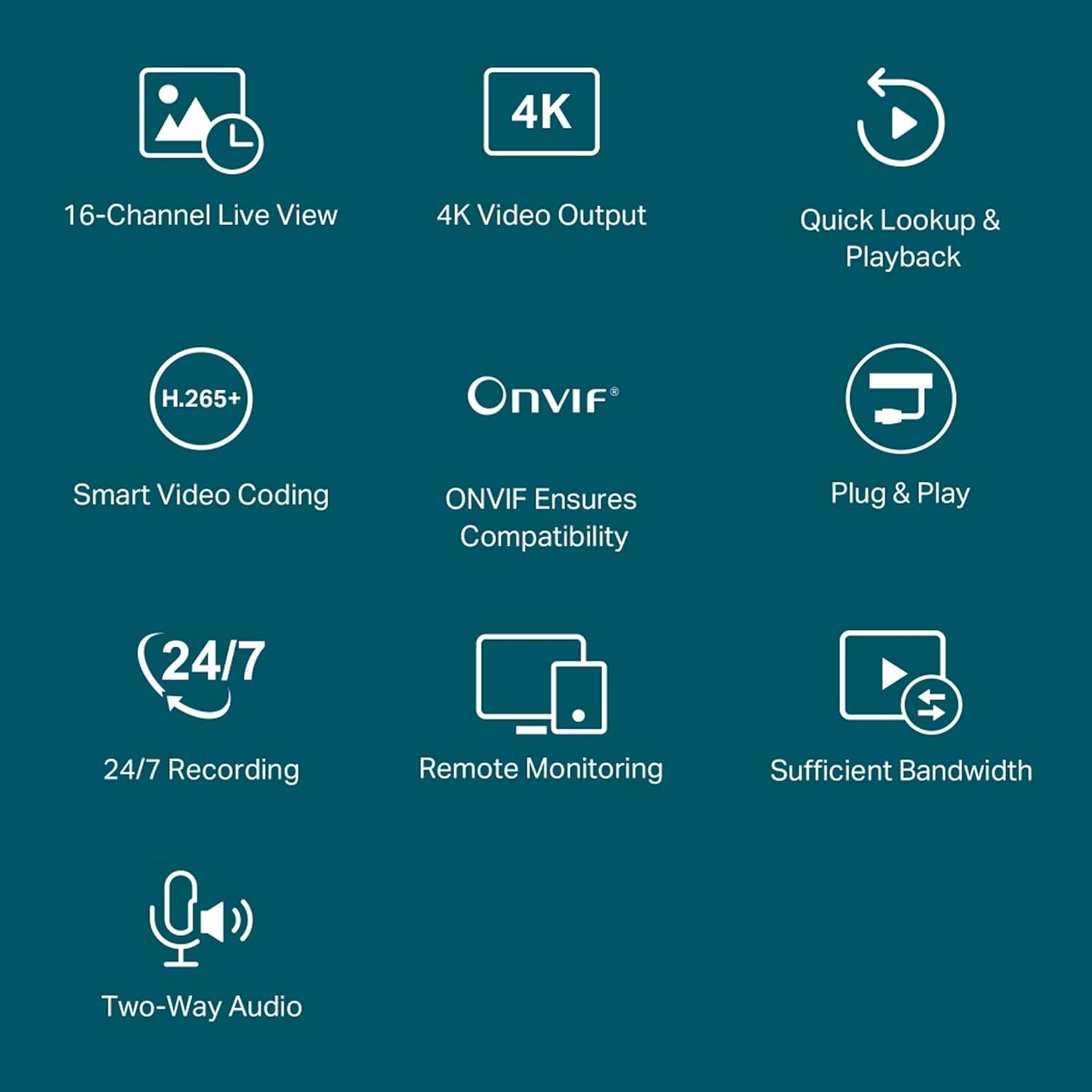
Figure 2: Visual representation of the NVR's core functionalities.
3. Produktas baigtasview
Familiarize yourself with the physical components and ports of the VIGI NVR2016H.

Figure 3: Rear panel connections and their functions.
- Maitinimas: Prijunkite pridedamą maitinimo adapterį čia.
- USB 2.0 prievadai: Two ports for connecting a mouse, keyboard, or external hard disk.
- HDMI and VGA Ports: For simultaneous video output to a monitor.
- eSATA prievadas: Connect an external storage device for expanded capacity.
- AUDIO IN and AUDIO OUT: For two-way audio functionality.
- LAN prievadas: Ethernet ryšiui su jūsų tinklu.
4. Sąrankos vadovas
Follow these steps to set up your VIGI NVR2016H:
4.1 Pradinis aparatinės įrangos prijungimas
- Kietojo disko (HDD) įdiegimas: Atidarykite NVR casing and securely install one or two SATA HDDs (up to 10TB each) using the provided screws. Ensure the HDD is properly connected to the SATA data and power cables.
- Prijungti monitorių: Prijunkite monitorių prie NVR HDMI arba VGA prievado.
- Prijungti pelę: Prijunkite USB pelę prie vieno iš NVR USB prievadų.
- Prisijunkite prie tinklo: Use an Ethernet cable to connect the NVR's LAN port to your router or network switch.
- Maitinimas: Prijunkite maitinimo adapterį prie vaizdo įrašymo įrenginio ir įjunkite jį į maitinimo lizdą. Vaizdo įrašymo įrenginys įsijungs automatiškai.
4.2 Camera Connection and Initialization (Plug & Play)
The VIGI NVR supports Plug & Play for VIGI IP Cameras, simplifying the addition of new cameras.

Figure 4: Plug & Play camera connection process.
- Paprastas ryšys: Connect your VIGI IP Cameras to the same network as the NVR (e.g., via a TP-Link Switch).
- Auto Initialize: On the NVR interface, enable the "Auto Initialize" function. The NVR will automatically detect and add new VIGI IP Cameras.
- Padaryta: Once detected, the cameras will be activated and ready for use, making installation faster and easier.
5. Naudojimo instrukcijos
5.1 Tiesiogiai View
NVR leidžia view live feeds from up to 16 cameras simultaneously on a single screen.

Figure 5: 16-Channel Simultaneous Live View.
Navigate the on-screen display using the connected mouse to select specific camera feeds, adjust display layouts, or access camera settings.
5.2 Atkūrimas
Review įrašytas footage efficiently with the NVR's playback features.

Figure 6: 16-Channel Simultaneous Playback Timeline.
Access the playback menu to select specific dates and times. The timeline displays recorded events, allowing for quick navigation. You can increase playback speed to review footage faster and easily find specific incidents.
5.3 Įrašymas
The NVR supports continuous recording and efficient storage management.

Figure 7: 24/7 Continuous Recording and Storage Capacity.
- Nepertraukiamas įrašymas visą parą: The NVR automatically and continuously stores footage iš prijungtų kamerų.
- H.265+ suspaudimas: This advanced video compression technology reduces file sizes significantly, allowing for more footage to be stored on the same disk space while maintaining video quality.
- Saugojimo talpa: Supports up to 20 TB of storage across two HDDs (10TB per HDD).
5.4 Dvipusis garsas
Utilize the two-way audio feature for interactive communication through connected cameras that support this function.

Figure 8: Two-Way Audio in action.
Connect a microphone to the AUDIO IN port and speakers to the AUDIO OUT port on the NVR to enable this feature. This allows for voice intercom support, useful for deterring intruders or communicating with individuals near the cameras.
5.5 Nuotolinis stebėjimas
Access and manage your surveillance system remotely using the VIGI app or VIGI Security Manager software.

Figure 9: Remote Management via VIGI App and Software.
- Tiesiogiai Views and Real-Time Alerts: Monitor your cameras in real-time and receive instant notifications for detected events.
- Easy & Smart Playback: Review įrašytas footage conveniently from your mobile device or computer.
- Customized Monitoring Patterns: Configure specific monitoring schedules and alert settings.
- Four-Way Management: Manage your cameras flexibly via the web UI, NVR UI, VIGI app, and VIGI Security Manager.
6. Priežiūra
6.1 Kietojo disko (HDD) valdymas
Regularly check the status of your installed HDDs through the NVR's interface to ensure optimal recording performance. If an HDD fails or reaches its capacity, you may need to replace it or configure overwriting settings.
6.2 Firmware atnaujinimai
TP-Link regularly provides software updates to improve performance, add features, and enhance security. It is recommended to check for and install available firmware updates through the NVR's system settings or the TP-Link support website to ensure your device operates with the latest functionalities and security patches.
7. Problemų sprendimas
7.1 NVR Stuck on TP-Link Screen During Boot
If the NVR gets stuck on the TP-Link logo screen during its initial boot or after an update, this can sometimes be a minor software glitch. To resolve this:
- Išjungti: Disconnect the power adapter from the NVR.
- Access Reset Button: Atsargiai atidarykite NVR casing to locate the internal reset button.
- Press Reset: Press and hold the reset button for a few seconds.
- Iš naujo paleiskite įrenginį: Reconnect the power adapter. The NVR should now boot normally.
7.2 Judesio aptikimo problemos
If motion detection behaves erratically (e.g., continuous detection without apparent reason), review your camera's motion detection settings. Adjust sensitivity levels, detection zones, and schedules to optimize performance and reduce false alarms. Ensure camera firmware is up to date.
7.3 No LAN Cable Included
While some NVR packages may not include a LAN cable, a wired internet connection is essential for the system's proper functioning. Ensure you have a standard Ethernet cable to connect the NVR to your network.
8. Specifikacijos
| Funkcija | Detalė |
|---|---|
| Modelio numeris | VIGI NVR2016H |
| Gamintojas | TP-LINK CORPORATION LIMITED |
| Gaminio matmenys | 14.2 x 36.8 x 40 cm |
| Prekės svoris | 1.89 kg |
| Kanalų skaičius | 16 |
| Atminties talpa | 20 TB (2 x 10TB HDDs) |
| Ryšio technologija | Laidinis |
| Suderinami įrenginiai | Fotoaparatas |
9. Kas yra dėžutėje
Produkto paketą sudaro šie elementai:
- VIGI tinklo vaizdo įrašymo įrenginys
- Maitinimo adapteris
- HDD varžtai
- Pelė
- Greito montavimo vadovas
10. Palaikymas ir garantija
For technical support, warranty information, or further assistance, please contact TP-Link customer service.
- Importuotojas / gamintojas: TP-Link India Private Limited
- Adresas: Office No.1, Tower 2, Level 2, Raiaskaran Tech Park, Andheri Kurla Road, M.V Road, Andheri East-400072
- Nemokamas: 1800-209-4168
- El. paštas: support.in@tp-link.com
Please refer to the official TP-Link website or the Quick Installation Guide for the most up-to-date support resources and warranty details applicable to your region.