1. Įvadas ir pabaigaview
This manual provides comprehensive instructions for the setup, operation, and maintenance of your Maxview Alphatronics SL Line+ Smart TV. Designed for mobile use, this versatile television operates on both 12v and 240v power, making it ideal for motorhomes, caravans, trucks, and boats. It features a Full HD LED display, integrated DVD player, Wi-Fi, Bluetooth, and access to popular streaming services via WebOS.

Vaizdas: priekis view of the Maxview Alphatronics SL Line+ Smart TV, highlighting its smart features and integrated DVD player.
Pagrindinės funkcijos:
- Full HD LED Smart TV with Freeview.
- WebOS for access to Netflix, Amazon Prime, Disney+, iPlayer, ITVX, Sky Store, YouTube, and more.
- Dual power compatibility (12v or 240v).
- Built-in DVD Player, Bluetooth, Wi-Fi, and Ethernet.
- Multiple connectivity options: 2 HDMI ports, USB Port, and AV connections.
2. Kas yra dėžutėje
Patikrinkite savo siuntinio turinį pagal toliau pateiktą sąrašą:
- Alphatronics TV (TVSL/22)
- Nuotolinio valdymo pultas
- 240v Mains Lead
- 12v maitinimo adapteris
- Vartotojo vadovas (šis dokumentas)

Image: The included remote control for the Maxview Alphatronics Smart TV.
3. Sąranka
3.1. Įdėjimas ir montavimas
Choose a stable and flat surface for your TV. Ensure adequate ventilation around the unit. If mounting, refer to your specific wall mount instructions and ensure the mount is compatible with VESA standards for your TV size.

Vaizdas: pvzample of the TV installed within a caravan interior.
3.2. Maitinimo prijungimas
The TV can be powered by either 12v DC or 240v AC.
- For 240v AC: Connect the supplied 240v Mains Lead to the TV's AC input and then to a standard wall socket.
- For 12v DC: Connect the supplied 12v Power Adapter to the TV's DC input and then to a 12v power source (e.g., vehicle's 12v socket).
Ensure the correct power source is used to prevent damage.
3.3. Išorinių įrenginių prijungimas
Televizoriuje yra įvairių prievadų išoriniams įrenginiams prijungti:
- HDMI prievadai (x2): For high-definition audio and video devices like satellite receivers, game consoles, or laptops.
- USB prievadas: Skirta USB atmintinėms prijungti ir medijos atkūrimui files.
- AV Connections: Senesniems įrenginiams, naudojantiems kompozicinį vaizdo įrašą ir stereo garsą.
- Antenos / palydovo įvestis: Connect your terrestrial antenna or satellite dish cable for Freeview or satellite TV reception.

Image: Rear panel of the TV displaying available connection ports.
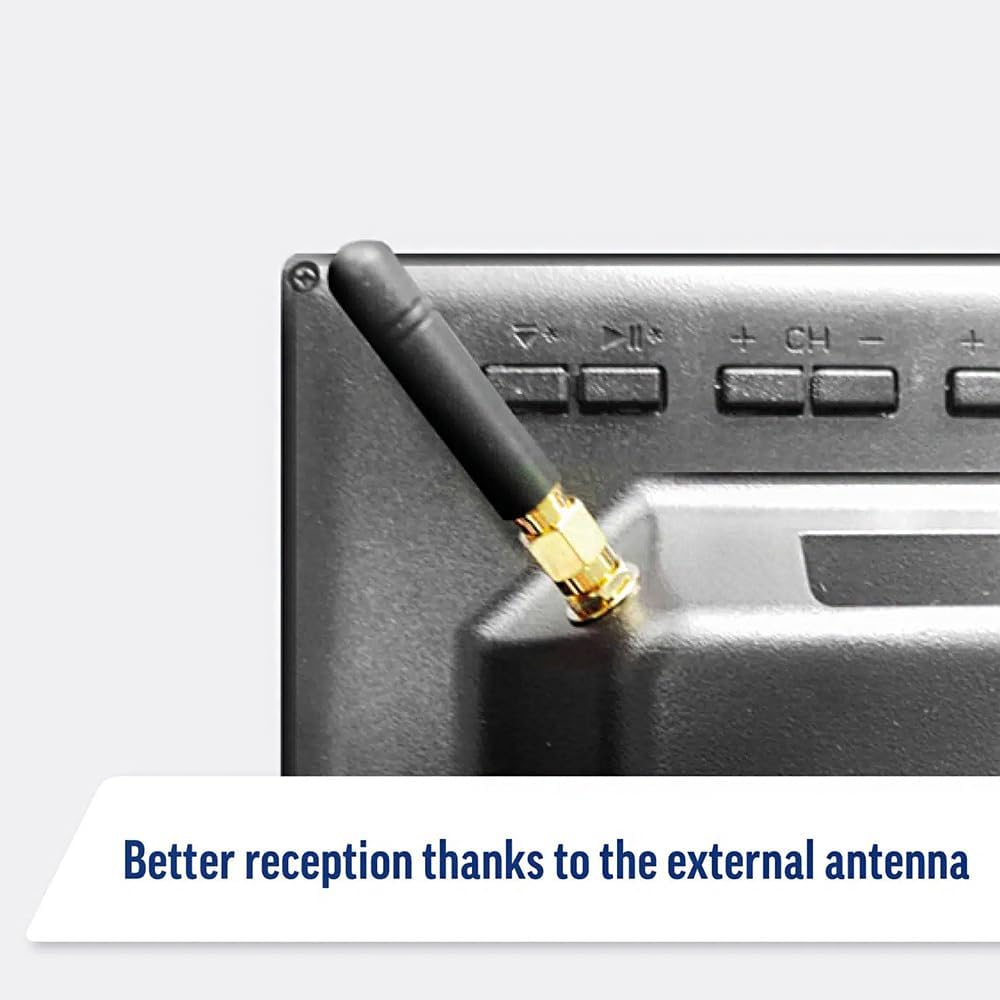
Image: Detail of the external antenna connection for improved signal reception.
3.4. Pradinės sąrankos vedlys
Pirmą kartą įjungus televizorių, bus pateiktas pradinio nustatymo vedlys. Tai apima:
- Kalbos pasirinkimas: Pasirinkite pageidaujamą kalbą.
- Tinklo prisijungimas: Connect to your Wi-Fi network or via Ethernet for internet access. This is crucial for Smart TV features.
- Kanalo nuskaitymas: Scan for available Freeview or satellite channels.
- Laiko ir datos nustatymai: Nustatykite teisingą laiko juostą ir datą.
4. Televizoriaus valdymas
4.1. Pagrindiniai valdikliai
Use the supplied remote control to navigate the TV. Common functions include:
- Maitinimo mygtukas: Įjungia / išjungia televizorių arba perjungia jį į budėjimo režimą.
- Garsumo didinimas / sumažinimas: Reguliuoja garso lygį.
- Kanalas aukštyn/žemyn: Keičia televizijos kanalus.
- Šaltinis / Įvestis: Selects the input source (HDMI, AV, TV, DVD).
- Naršymo mygtukai (rodyklių klavišai, Gerai): Naršyti meniu ir pasirinkti parinktis.
- Namų mygtukas: Prieina prie WebOS išmaniojo televizoriaus pagrindinis ekranas.
- Greitos prieigos mygtukai: Dedicated buttons for Netflix and Amazon Prime Video for direct access.
4.2. Išmaniojo televizoriaus funkcijos (WebOS)
Your Maxview Alphatronics TV runs on WebOS, providing a user-friendly interface for accessing a wide range of applications and content.
- Pagrindinis prietaisų skydelis: Paspauskite Pradžia button to access the main dashboard, where you can find installed apps, input sources, and settings.
- App Store: Atsisiųskite ir įdiekite papildomas programas iš integruotos programų parduotuvės.
- Srautinio perdavimo paslaugos: Easily access popular services like Netflix, Amazon Prime Video, Disney+, BBC iPlayer, ITVX, and YouTube.
- Ekrano bendrinimas: Share content from your smartphone or tablet to the TV screen.
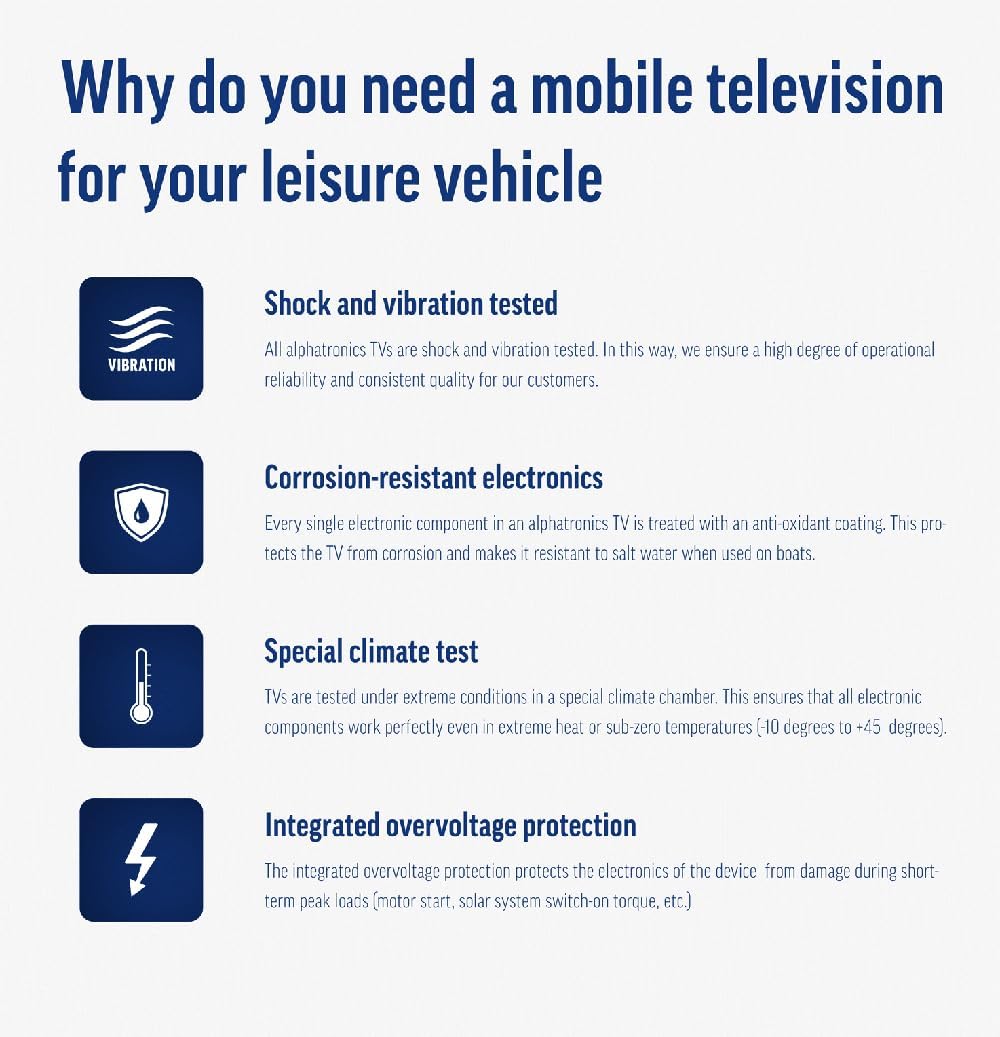
Image: Using a smartphone as a remote control for the TV.
4.3. DVD grotuvo valdymas
The integrated DVD player allows you to enjoy your movie collection on the go.
- Įdėkite DVD diską į televizoriaus šone esančią angą.
- The TV should automatically switch to the DVD input. If not, press the Šaltinis / įvestis button on your remote and select "DVD".
- Use the remote control's playback buttons (Play, Pause, Stop, Fast Forward, Rewind) to control the DVD.
- To eject the disc, press the Eject button on the remote or the TV.
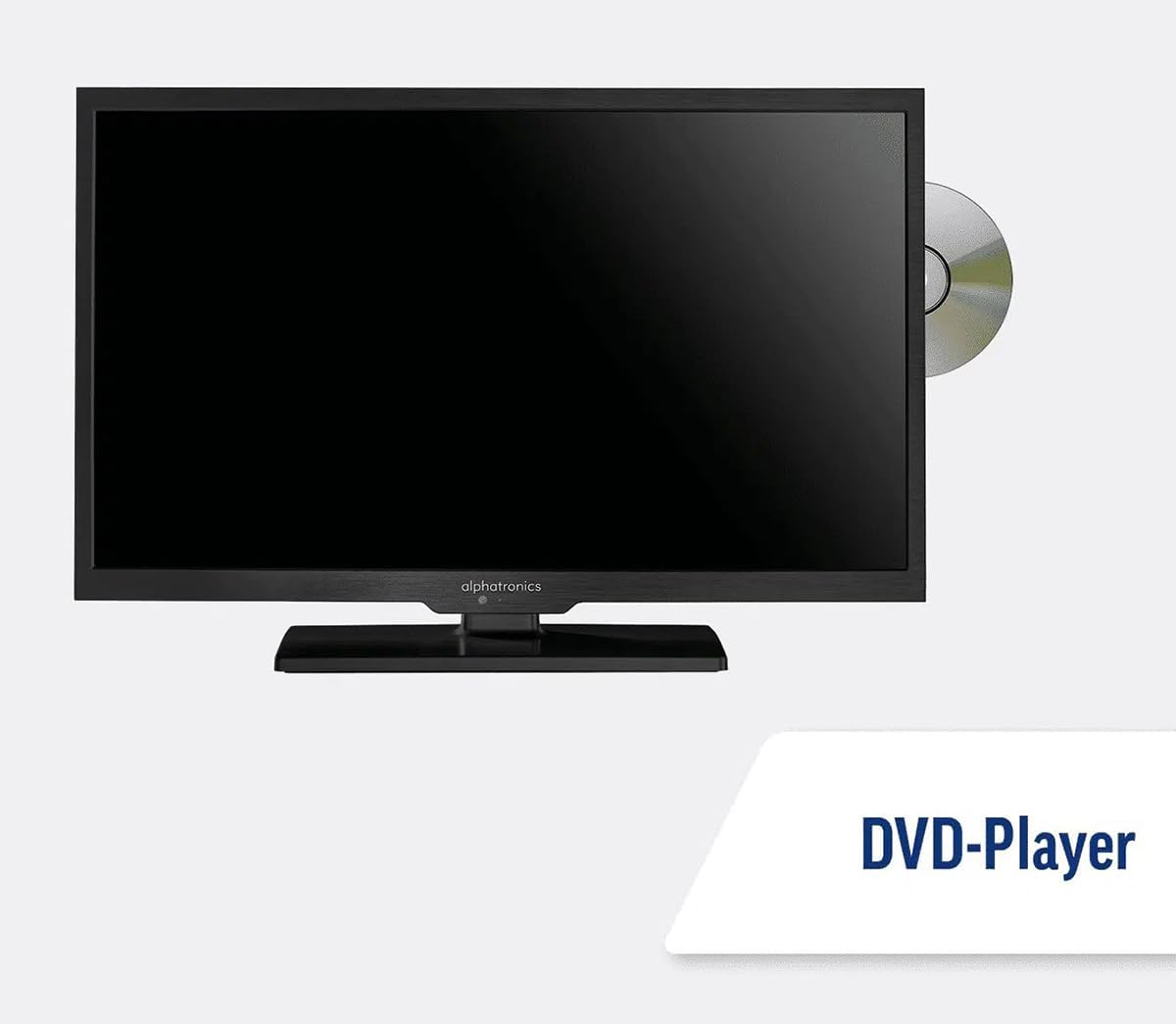
Image: The TV with a DVD disc being inserted into its built-in player.
5. Priežiūra
5.1. Valymas
To clean the TV screen, gently wipe it with a soft, lint-free cloth. For stubborn marks, dampŠluostę šiek tiek sudrėkinkite vandeniu arba ekrano valymo tirpalu. Nepurkškite skysčio tiesiai ant ekrano. Valykite televizoriųasing sausu, minkštu skudurėliu.
Atsargiai: Always unplug the TV from the power source before cleaning.
5.2. Programinės įrangos atnaujinimai
Your Maxview Alphatronics Smart TV supports automatic software updates via the internet. Ensure your TV is connected to a stable Wi-Fi or Ethernet network to receive the latest firmware and feature enhancements.
- To check for updates manually, navigate to the Nustatymai menu on your TV, then look for Programinės įrangos atnaujinimas or Sistemos informacija.
- Follow the on-screen prompts to download and install any available updates. Do not power off the TV during an update process.

Image: The TV screen indicating a software update in progress.
6. Problemų sprendimas
Jei kyla problemų dėl televizoriaus, prieš kreipdamiesi į palaikymo tarnybą, peržiūrėkite toliau nurodytas dažniausiai pasitaikančias problemas ir jų sprendimus.
| Problema | Galima priežastis | Sprendimas |
|---|---|---|
| Nėra galios | Power cable disconnected; no power from outlet/source. | Check power connections. Ensure outlet/source is active. Try a different outlet. |
| Nėra signalo | Incorrect input selected; antenna/cable disconnected or faulty. | Paspauskite Šaltinis / įvestis to select correct input. Check antenna/cable connections. Perform a channel scan. |
| Nėra interneto ryšio | Wi-Fi password incorrect; router issue; TV too far from router. | Iš naujo įveskite „Wi-Fi“ slaptažodį. Paleiskite maršrutizatorių iš naujo. Perkelkite televizorių arčiau maršrutizatoriaus arba naudokite eternetą. |
| DVD negrojamas | Disc dirty or scratched; incorrect input selected; region code mismatch. | Clean the disc. Ensure "DVD" input is selected. Check disc region compatibility. |
| Nuotolinio valdymo pultas neveikia | Batteries low/dead; obstruction between remote and TV; remote not paired (if Bluetooth). | Replace batteries. Remove obstructions. Re-pair remote if necessary (refer to TV settings). |
If the problem persists after trying these solutions, please contact Maxview klientų aptarnavimas.
7. Specifikacijos
| Funkcija | Detalė |
|---|---|
| Modelio numeris | TVSL/22 |
| Ekrano dydis | 22 coliai (56 cm matoma įstrižainė) |
| Ekrano technologija | LED |
| Rezoliucija | 1080p (viskas viename) |
| Gaminio matmenys (D x P x A) | 12D x 58W x 38H centimetrai |
| Maitinimo įvestis | 12v DC / 240v AC |
| Ryšys | Wi-Fi, Bluetooth, Ethernet |
| Uostai | 2x HDMI, 1x USB, AV connections, Antenna/Satellite input |
| Ypatingos savybės | Smart TV (WebOS), Built-in DVD Player |
| Krašto santykis | 16:9 |
| Gamintojas | Alfatronika |
8. Garantija ir palaikymas
Your Maxview Alphatronics SL Line+ Smart TV comes with a 3 metų garantija, providing peace of mind regarding your purchase. This warranty covers manufacturing defects and ensures reliable operation.
For warranty claims, technical support, or further assistance, please contact Maxview customer service. You can typically find contact information on the official Maxview webvietoje arba ant pakavimo medžiagų.
Please have your model number (TVSL/22) and proof of purchase ready when contacting support.
Pastaba: Pateiktuose duomenyse nerasta jokių oficialių pardavėjo produktų vaizdo įrašų, kuriuos būtų galima įterpti į šį vadovą.


