Įvadas
The Fenix HM65R-T V2.0 is a high-performance running headlamp designed for trail running and outdoor activities. It features a powerful 1600-lumen white light and a warm white dual beam, offering versatile illumination for various conditions. Built with a lightweight magnesium alloy body, it is durable, USB-C rechargeable, and includes a comfortable, adjustable headband.

Image: The Fenix HM65R-T V2.0 Running Headlamp in Dark Purple, showcasing its compact design and dual light sources.
Sąranka
Kas yra dėžutėje
- Fenix HM65R-T V2.0 ausinėsamp
- Galvos juosta
- USB-C įkrovimo laidas
- Atsarginis O žiedas
Akumuliatoriaus montavimas
- Atsukite galinį dangtelįamp.
- Insert the included Fenix ARB-L18-3400 battery with the anode (+) side facing the headlamp galva.
- Tvirtai užsukite uodegos dangtelį.
Galvaamp is also compatible with two CR123A batteries for alternative power.
Įkrovimas
- Raskite USB-C įkrovimo prievadą ant galvosamp body, usually protected by a rubber boot.
- Open the rubber boot and connect the USB-C charging cable to the port.
- Kitą laido galą prijunkite prie USB maitinimo šaltinio.
- The battery level indicators will illuminate to show charging status. Charging typically takes approximately 3 hours.
- Once fully charged, disconnect the cable and securely close the rubber boot to maintain water resistance.

Image: The Fenix HM65R-T V2.0 headlamp connected to a USB-C charging cable, illustrating the charging process.
Galvos juostos reguliavimas
Galvaamp features a two-way SPORT fit system fastener for easy adjustment. Simply rotate the dial clockwise to tighten the headband or counter-clockwise to loosen it, ensuring a steady and comfortable fit during use.

Image: A person adjusting the headband of the Fenix HM65R-T V2.0, demonstrating the two-way SPORT fit system.
Naudojimo instrukcijos
The Fenix HM65R-T V2.0 features dual top switches for simple and accurate operation, with separate controls for the white light and warm white light.
Paveikslėlis: detalus view of the Fenix HM65R-T V2.0 headlamp, highlighting its dual top switches for independent control of light modes.
Maitinimo įjungimas/išjungimas
- Įjungti: Press and hold either of the switches for 0.5 seconds.
- Išjungti: Press and hold either of the switches for 0.5 seconds.
Mode Switching (White Light)
With the white light on, single-click the white light switch to cycle through Low, Medium, and High modes.
Mode Switching (Warm White Light)
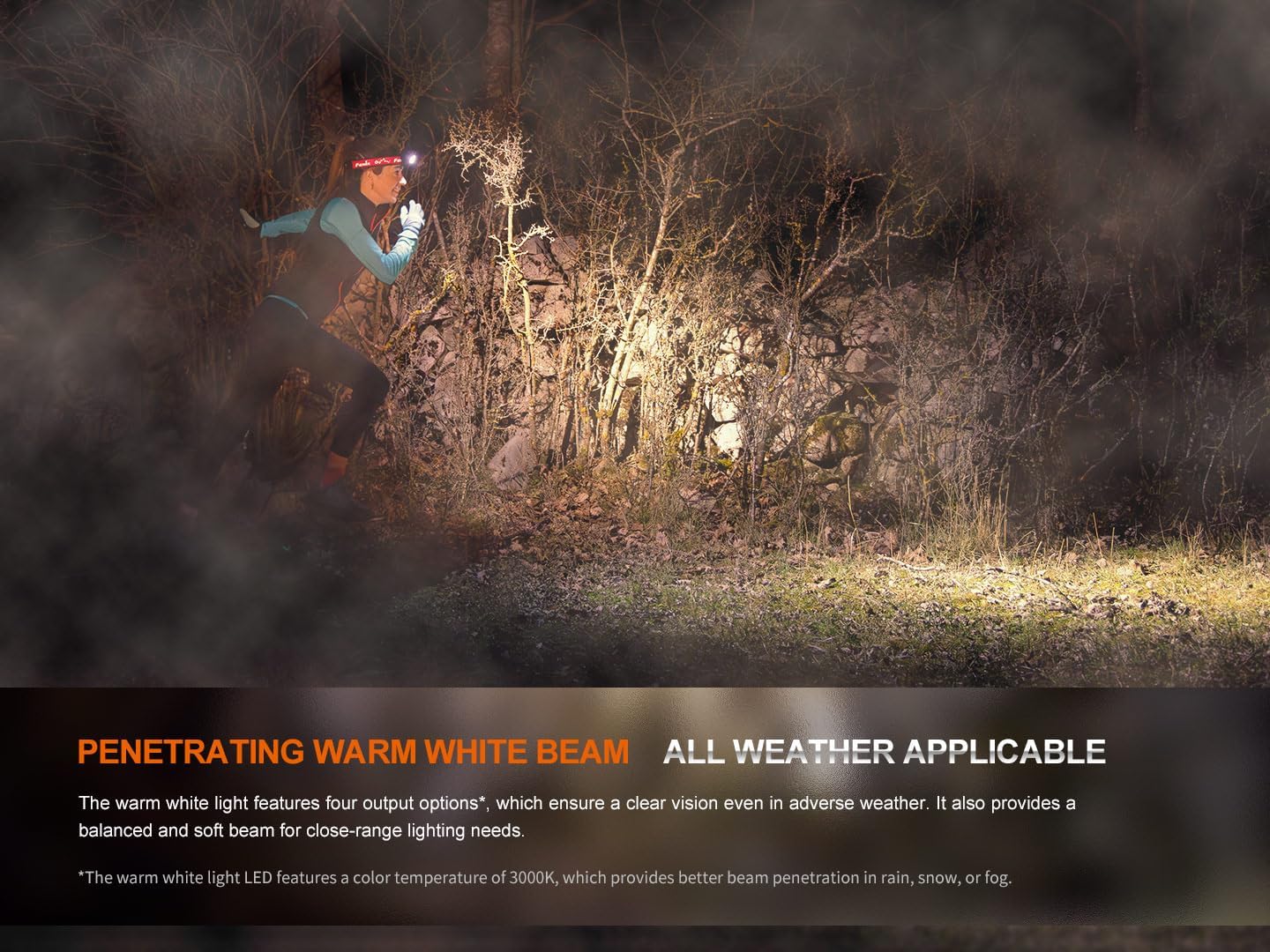
With the warm white light on, single-click the warm white light switch to cycle through Eco, Low, Medium, and High modes.
SOS režimas
To activate SOS mode, press and hold the warm white light switch for 1.2 seconds. The headlamp will emit a flashing SOS signal at 5 lumens.
Electronic Lockout Function
- Užrakinti: Su antgaliuamp off, press and hold both switches simultaneously for 3 seconds. The headlamp will flash 4 times in Eco mode to indicate it is locked.
- Norėdami atrakinti: Press and hold both switches simultaneously for 3 seconds. The headlamp will flash 4 times in Eco mode and then turn on in Eco mode to indicate it is unlocked.
Baterijos lygio indikacija
Kai vadamp is off, single-click either switch to activate the battery level indicators located in the middle of the switches. The indicators will show the remaining battery percentage:
- 4 lights on: 100 % – 80 %
- 3 lights on: 80 % – 60 %
- 2 lights on: 60 % – 40 %
- 1 light on: 40 % – 20 %
- 1 light flashes: 20 % – 1 %
Official Product Video: HM65R-T V2 Full Review
Vaizdo įrašas: išsamus perrašymasview of the Fenix HM65R-T V2.0 headlamp, detailing its features, operation, and comparison with previous models. This video provides visual demonstrations of setup, light modes, and adjustment mechanisms.
Priežiūra
Valymas
Reguliariai valykite galvutęamp korpusas ir objektyvas su švelniu, damp šluoste. Nenaudokite abrazyvinių valiklių ar tirpiklių, kurie gali pažeisti apdailą ar optinius komponentus.
Akumuliatoriaus priežiūra
To ensure optimal performance and longevity, store the battery in a cool, dry place. Recharge the battery regularly, even if not in frequent use, to prevent deep discharge. If using CR123A batteries, ensure they are of high quality and from a reputable brand.
O žiedo keitimas
Periodically inspect the O-ring for wear and tear. If damaged, replace it with the provided spare O-ring to maintain the headlamp's IP68 waterproof rating.
Trikčių šalinimas
Headlamp Neįsijungia
- Patikrinkite, ar baterija tinkamai įdėta, laikantis teisingo poliškumo.
- Ensure the battery is charged. Refer to the Battery Level Indication section.
- Patikrinkite, ar antgalisamp is not in Electronic Lockout mode. Follow the unlocking procedure.
- Clean the battery contacts and the contact points inside the headlamp švaria šluoste.
Pritemdyta arba mirganti šviesa
- Baterija gali būti išsikrovusi. Įkraukite arba pakeiskite bateriją.
- Įsitikinkite, kad akumuliatoriaus kontaktai yra švarūs ir be šiukšlių.
- Check for any loose connections or damage to the headlamp.
Įkrovimo problemos
- Įsitikinkite, kad USB-C laidas tinkamai prijungtas prie abiejų ausiniųamp ir maitinimo šaltinį.
- Išbandykite kitą USB-C laidą arba maitinimo adapterį.
- Verify that the charging port is clean and free from obstructions.
Specifikacijos
| Funkcija | Vertė |
|---|---|
| Modelis | HM65R-T V2.0 |
| Prekės ženklas | Fenix |
| Baltas ryškumas (maks.) | 1600 liumenų |
| Warm White Brightness (Max) | 800 liumenų |
| Maitinimo šaltinis | Battery Powered (1 Lithium Ion battery included, compatible with 2 CR123A) |
| Medžiaga | Magnio lydinys |
| Atsparumo vandeniui lygis | Neperšlampamas (IP68) |
| Atsparumas smūgiams | 2 metrų |
| Prekės svoris | 5 uncijos (0.31 svaro) |
| Gaminio matmenys | 1.37 "D x 1.84" P x 3.15" A |
| Ypatingos savybės | Adjustable Light Modes, Adjustable Strap, Durable, High Lumens, Rechargeable |
| Įtraukti komponentai | Charging Cable, Head Band, Headlamp |
Garantija ir palaikymas
Informacija apie garantiją
The Fenix HM65R-T V2.0 comes with a Limited Warranty. For specific details regarding the warranty period and coverage, please refer to the warranty card included in your product packaging or visit the official Fenix websvetainę.
Pagalba klientams
For any questions, technical assistance, or warranty claims, please contact Fenix customer support through their official websvetainėje arba kontaktinę informaciją, pateiktą jūsų produkto dokumentuose.


