1. Įvadas
This manual provides essential information for the safe and efficient use of your Xgody A54 smartphone. Please read it thoroughly before operating the device to ensure proper functionality and to understand its features.
2. Įrenginys baigtasview
The Xgody A54 is an Android 10 smartphone featuring a 6.52-inch HD display, dual SIM support, and a 4500mAh battery. It is designed for everyday communication and multimedia use.

Vaizdas: Viršview of the Xgody A54 smartphone's main features, including its Android 10 operating system, 4G connectivity, memory configuration, processor, navigation capabilities, face unlock, and card slot design.
3. Sąranka
3.1. SIM ir SD kortelių įdėjimas
The Xgody A54 supports two SIM cards (1 Nano SIM, 1 Micro SIM) and one SD card for expandable storage. Ensure the phone is powered off before inserting or removing cards.
- Suraskite SIM kortelės dėklą įrenginio šone.
- Norėdami atidaryti dėklą, naudokite pateiktą SIM kortelės išstūmimo įrankį.
- Carefully place your Nano SIM, Micro SIM, and SD card into their respective slots on the tray.
- Švelniai stumkite dėklą atgal į įrenginį, kol jis bus lygus.

Image: Illustration of the dual SIM and SD card slot configuration, demonstrating how to insert the cards into the Xgody A54 smartphone. It also highlights the phone's 4G LTE network compatibility and supported frequency bands.
3.2. Pradinis įkrovimas ir įjungimas
- Connect the USB cable to the phone's Type-C port and the other end to a power adapter.
- Allow the phone to charge until the battery indicator shows a sufficient charge.
- Press and hold the Power button until the Xgody logo appears to turn on the device.
3.3. Veido atpažinimo atrakinimo sąranka
To set up Face Unlock for convenient access:
- Eikite į Nustatymai > Saugumas ir vieta > Atrakinimas pagal veidą.
- Vykdykite ekrane pateikiamus nurodymus, kad užregistruotumėte savo veidą. Užtikrinkite gerą apšvietimą ir laikykite telefoną akių lygyje.

Image: Visual guide to the Face Recognition feature on the Xgody A54, detailing the process of facial scanning for unlocking the device. It also highlights the specifications of the front (8MP) and rear (15MP with LED flash) cameras.
4. Naudojimo instrukcijos
4.1. Pagrindinė navigacija
- Jutiklinis ekranas: Palieskite, kad pasirinktumėte, braukite, kad slinktumėte, suspauskite, kad priartintumėte.
- Pagrindinis ekranas: Pasiekite programas, valdiklius ir pranešimus.
- Būsenos juosta: Displays notifications, time, battery status, and signal strength.
4.2. Skambinimas ir žinučių siuntimas
- Skambučiai: Atidarykite programėlę „Telefonas“, įveskite numerį ir bakstelėkite skambinimo piktogramą.
- Žinutės: Open the Messages app, tap the new message icon, enter the recipient and message, then send.
4.3. Kameros naudojimas
The Xgody A54 features a 15MP rear camera and an 8MP front camera.
- Atidarykite fotoaparato programą.
- Select between front and rear cameras using the switch icon.
- Norėdami nufotografuoti, palieskite užrakto mygtuką.
- Explore various modes like Beauty Mode for enhanced photos.
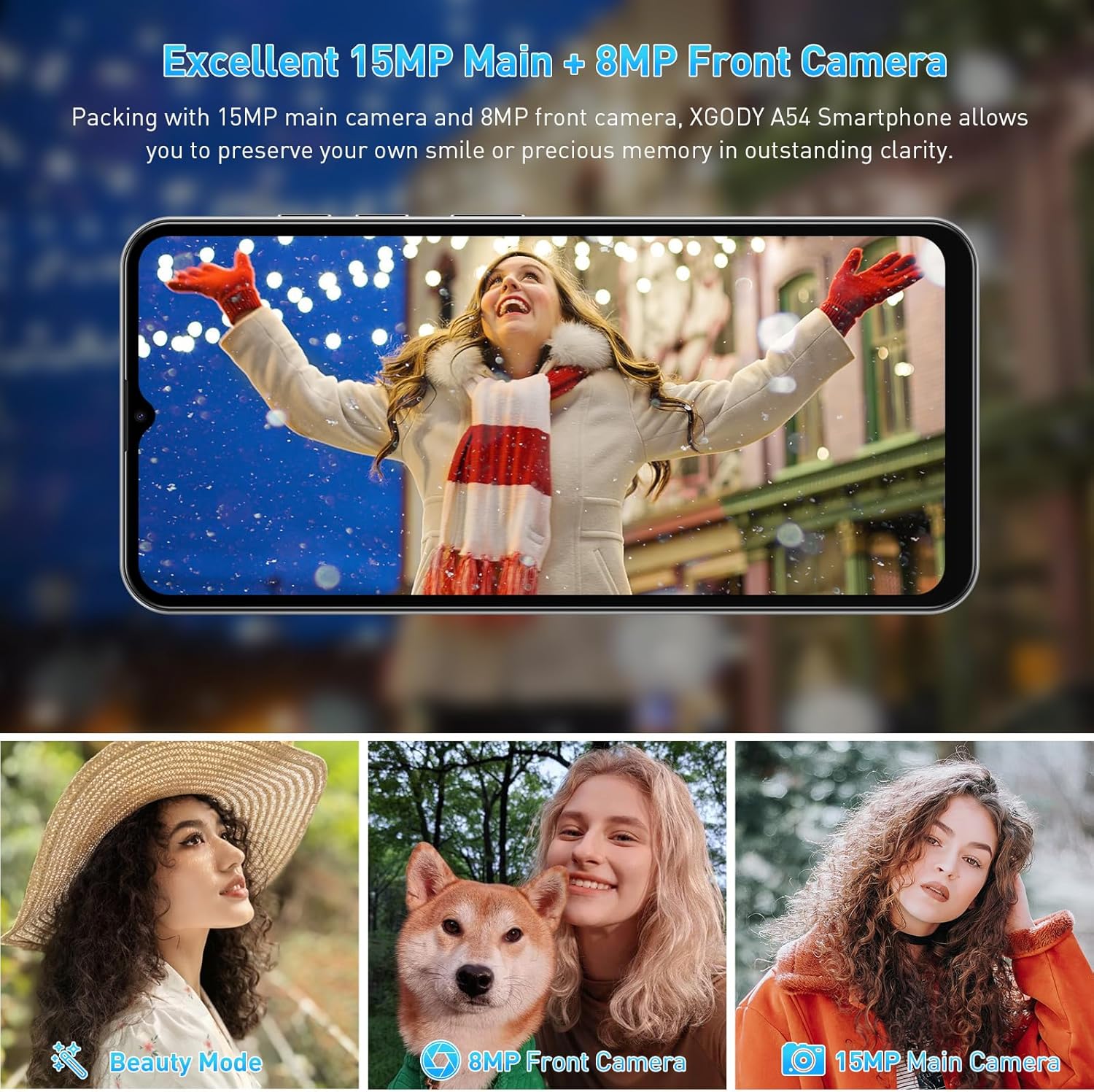
Vaizdas: pvzamples of photographs captured using the Xgody A54's 15MP main camera and 8MP front camera, demonstrating its photographic capabilities in various settings.
4.4. Sandėliavimo valdymas
The device comes with 2GB RAM and 32GB ROM, expandable up to 256GB via an SD card. Regularly manage your storage to maintain optimal performance.
- Norėdami patikrinti saugyklą: eikite į Nustatymai > Sandėliavimas.
- To free up space: Uninstall unused apps, delete old photos/videos, or move files į SD kortelę.

Image: A visual representation of the Xgody A54's storage capabilities, highlighting the 2GB RAM and 32GB ROM, and the potential for significant expansion with an SD card for various media types.
4.5. OTG funkcionalumas
The Xgody A54 supports On-The-Go (OTG) functionality, allowing you to connect USB devices like flash drives to your phone for data transfer.
5. Priežiūra
5.1. Akumuliatoriaus priežiūra
4500 mAh baterija užtikrina ilgesnį naudojimą. Norėdami pailginti baterijos veikimo laiką:
- Venkite ekstremalių temperatūrų.
- Use the provided charger for fast charging.
- Uždarykite nenaudojamas programas, veikiančias fone.
- Sureguliuokite ekrano ryškumą iki patogaus lygio.

Image: A visual representation of the Xgody A54's 4500mAh battery performance, indicating approximate usage durations for various activities such as gaming, video playback, calls, and music listening.
5.2. Prietaiso valymas
Wipe the screen and body with a soft, lint-free cloth. Avoid using harsh chemicals or abrasive materials.

Image: A close-up of the Xgody A54's rear panel, emphasizing its textured leather-like finish which is designed to be skin-friendly and resistant to fingerprints.
5.3. Programinės įrangos atnaujinimai
Periodically check for system updates to ensure your device has the latest features and security patches. Go to Nustatymai > Sistema > Sistemos atnaujinimas.
6. Problemų sprendimas
If you encounter issues with your Xgody A54, refer to the following common solutions:
| problema | Galimas sprendimas |
|---|---|
| Telefonas lėtas arba vėluoja | Uždarykite fonines programas. Išvalykite talpyklą. Įsitikinkite, kad pakankamai vietos saugykloje. Paleiskite įrenginį iš naujo. |
| Camera flash is dim or poor photo quality | Ensure adequate lighting. Clean the camera lens. Adjust camera settings. |
| "System UI" message or freezing | Restart the phone. If persistent, consider a factory reset (back up data first). |
| Prietaiso perkaitimas | Close resource-intensive applications. Avoid direct sunlight. Disconnect from charger if charging. |
| Network data issues (4G/3G/2G) | Verify SIM card installation. Check APN settings (Access Point Names) with your carrier. Contact support for assistance with APN or IMEI number adjustments if necessary. |
| Face Unlock unreliable | Re-register your face in good lighting conditions. Ensure your face is fully visible to the front camera. |
7. Specifikacijos
| Funkcija | Specifikacija |
|---|---|
| Modelio pavadinimas | A54 |
| Operacinė sistema | Android 10.0 |
| Ekrano dydis | 6.52 colių |
| Rezoliucija | 720 x 1600 |
| RAM atmintis | 2 GB |
| Sandėliavimo talpa | 32 GB (išplečiama iki 256 GB naudojant SD kortelę) |
| Galinė kamera | 15 MP |
| Priekinė kamera | 8 MP |
| Baterijos talpa | 4500 mAh |
| Ryšys | 4G korinis ryšys, „Bluetooth“, GPS |
| Ypatingos savybės | Dual SIM, Expandable Memory, Face Unlock, OTG |
| Matmenys | 7.64 x 6.18 x 1.81 colio |
| Prekės svoris | 1.17 svaro |
| Spalva | Porcelianas |
8. Garantija ir palaikymas
8.1. Informacija apie garantiją
The Xgody A54 smartphone comes with a 12-month warranty service from the date of purchase. This warranty covers manufacturing defects under normal use. Please retain your proof of purchase for warranty claims.
8.2. Pagalba klientams
For any questions, technical assistance, or warranty claims, please contact Xgody customer support. When contacting support, provide your order ID for efficient service.
Xgody is committed to continuously improving product quality and enhancing user experience. Your feedback is valuable.