Įvadas
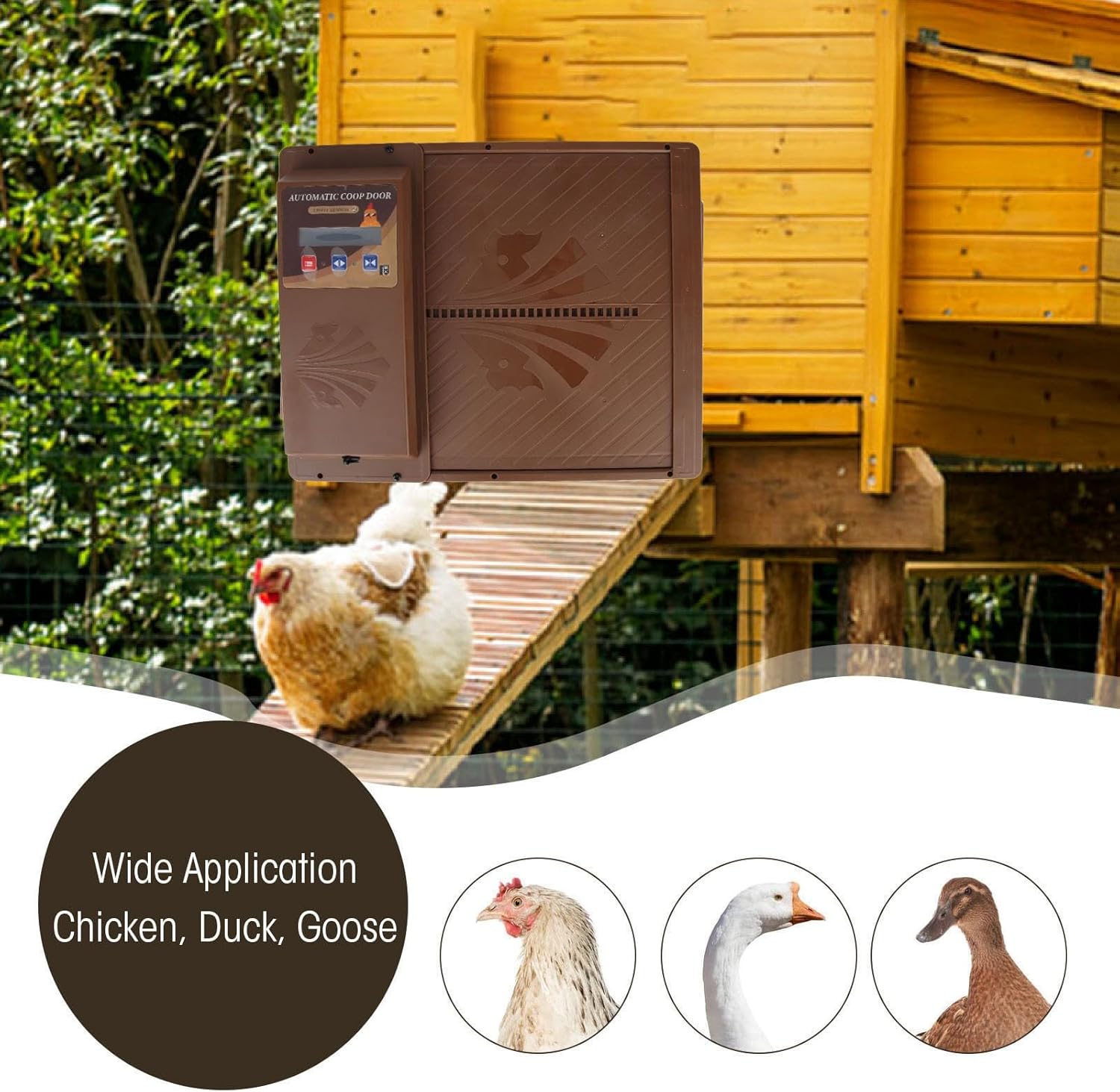
This manual provides detailed instructions for the installation, operation, and maintenance of your Jectse Automatic Solar Chicken Coop Door. Designed for convenience and poultry protection, this door features an LED display, timer function, light sensor, and remote control capabilities. It is suitable for various poultry, including chickens and ducks.
Produkto savybės
- HD LED Display Screen: Clear display for easy time setting and monitoring of door status.
- Laikmačio funkcija: Manually set specific opening and closing times based on seasonal changes or poultry routines.
- 3-in-1 Automatic Operation: Combines light detection, timer, and remote control for versatile use.
- Solar and USB Power: Flexible power options with a solar panel and USB-C charging port.
- Poultry Protection: Robust plastic construction designed to secure your poultry from predators.
- Nuotolinio valdymo pultas: Operate the door from up to 16 meters away.
Pakuotės turinys
Prieš montuodami įsitikinkite, kad yra visi komponentai:
- Automatinis vištidės durų blokas
- Saulės skydas
- Nuotolinio valdymo pultas
- USB kabelis
- Mounting Screws and Tools (Screwdriver)

1 paveikslas: Package contents showing the automatic coop door, solar panel, remote, USB cable, and installation tools.
Sąranka ir diegimas
- Pasirinkite vietą: Select a suitable location on your chicken coop for horizontal door operation. Ensure the area is clear for the door to slide open and close freely.
- Durų bloko montavimas: Securely attach the main door unit to the coop using the provided screws. Ensure it is level and the opening mechanism is unobstructed.
- Įdiekite saulės kolektorių: Mount the solar panel in a location that receives maximum direct sunlight throughout the day. Connect the solar panel to the main door unit using the provided cable.
- Pradinis įjungimas: The unit can be powered via the solar panel or by connecting the USB cable to the Type-C port on the main unit. Ensure the unit has sufficient power before programming.

2 paveikslas: Example installation of the automatic coop door on a chicken coop.
Naudojimo instrukcijos
LED Display and Button Functions
The high-definition LED display allows for clear viewing and easy programming. Use the buttons to navigate and set parameters.
3 paveikslas: Išsamus view of the LED display and control panel.
Laikmačio režimo nustatymas
The timer mode allows you to manually set specific opening and closing times for the door. This is useful for adapting to different seasons or specific routines for your poultry.
- Paspauskite Meniu/Nustatyti button (usually indicated by three horizontal lines or a gear icon) to enter the settings menu.
- Naudokite Up ir Žemyn arrow buttons to navigate to the "Timer Setting" option.
- Paspauskite Patvirtinti button (often a checkmark or play icon) to select.
- Set the desired opening time (e.g., "Open in the morning") and closing time (e.g., "Close at night") using the arrow buttons. Confirm each setting.
- Exit the menu to save your settings. The door will now operate according to your programmed schedule.

4 paveikslas: Visual representation of setting open and close times.
Šviesos jutiklio režimas
The light sensor automatically detects dawn and dusk to open and close the door. This mode provides hands-free operation.
- Access the settings menu as described above.
- Navigate to the "Light Sensor Mode" option.
- Select this mode. The door will now open automatically at dawn and close at dusk based on ambient light levels.
Nuotolinio valdymo pulto veikimas
The included remote control allows you to open or close the door manually from a distance of up to 16 meters.

5 paveikslas: The automatic coop door and its remote control.
- Paspauskite ON button on the remote to open the door.
- Paspauskite IŠJUNGTA button on the remote to close the door.
- Ensure there are no significant obstacles between the remote and the door unit for optimal range.
Energijos valdymas
The Jectse Automatic Solar Chicken Coop Door offers flexible power options:
- Saulės energija: The integrated solar panel charges the internal battery during daylight hours. The solar panel features a power display to indicate charge level.
- USB-C įkrovimas: In periods of low sunlight or for quick charging, connect the provided USB cable to the Type-C port on the main unit and a suitable USB power adapter (not included).
- Direct USB Power: The unit can also be powered directly via the USB-C cable, bypassing the solar panel if preferred.
Regularly check the power display on the solar panel to ensure adequate charge for continuous operation.
Priežiūra
- Valymas: Periodically clean the door and the LED display with a soft, damp audinys. Venkite abrazyvinių valiklių.
- Saulės skydas: Keep the solar panel clean and free from dirt, dust, or debris to ensure efficient charging.
- Kliūčių patikrinimas: Regularly inspect the door's track and opening area for any obstructions that might hinder its movement.
- Medžiagos patvarumas: The door is made of durable plastic, designed to be rust-free and long-lasting.
Trikčių šalinimas
| Problema | Galima priežastis | Sprendimas |
|---|---|---|
| Door does not open/close at set time. | Incorrect timer settings; low battery; light sensor interference. | Verify timer settings on the LED display. Ensure the unit is adequately charged (check solar panel display or use USB). If using light sensor mode, ensure the sensor is not obstructed or exposed to artificial light sources at night. |
| Door does not respond to remote control. | Remote battery low; remote out of range; signal obstruction. | Replace remote control batteries. Move closer to the door unit (within 16m). Ensure no large objects are blocking the signal path. |
| Door movement is sluggish or stuck. | Obstruction in the door track; dirt buildup; low power. | Inspect the door track and clear any debris. Clean the door mechanism. Ensure the unit is fully charged. |
| Saulės baterija neįsikrauna. | Insufficient sunlight; dirty panel; faulty connection. | Relocate the solar panel to an area with more direct sunlight. Clean the solar panel surface. Check all cable connections. |
Specifikacijos
| Modelio numeris | Jectsemeoqki98a4-12 |
| Prekės ženklas | Jectse |
| Matmenys (I x P x A) | 37 x 32 x 7 cm |
| Svoris | 1.42 kilogramo |
| Medžiaga | Plastikiniai |
| Spalva | Ruda |
| Maitinimo šaltinis | Solar, USB-C |
| Nuotolinio valdymo pulto diapazonas | Iki 16 metrų |
| Rekomenduojamos rūšys | All sizes of chickens and ducks |
Garantija ir palaikymas
For warranty information, technical support, or any inquiries regarding your Jectse Automatic Solar Chicken Coop Door, please refer to the manufacturer's official websvetainėje arba susisiekite su jų klientų aptarnavimo skyriumi. Išsaugokite pirkimo kvitą, jei prireiktų pateikti pretenziją dėl garantijos.
Gamintojas: Jectse
ASIN: B0CWN13JMW


