Įvadas
Thank you for choosing the BINNUNE Wireless Gaming Headset. This manual provides detailed instructions on how to set up, operate, and maintain your headset to ensure optimal performance and a superior gaming experience. Please read this manual thoroughly before using the product.
Kas yra dėžutėje
Upon unboxing your BINNUNE Wireless Gaming Headset, please verify that all the following components are included:
- BINNUNE Wireless Gaming Headset (Blue)
- 2.4 GHz USB raktas
- 3.5 mm garso laidas
- USB įkrovimo laidas
- Vartotojo vadovas (šis dokumentas)

Image: The BINNUNE Wireless Gaming Headset in blue, accompanied by its 2.4GHz USB dongle and a 3.5mm audio jack. These are the primary components included in the product package.
Produktas baigtasview
Familiarize yourself with the key features and components of your BINNUNE Wireless Gaming Headset:
- Reguliuojama galvos juosta: Patogiam dėvėjimui.
- Minkštos ausinės: Large-size memory foam earmuffs (110mm diameter, 45mm thickness) made of breathable PU leather and mesh material for extended comfort.
- 50 mm garsiakalbiai: High-performance 50mm driver units for clear and rich stereo sound.
- Unidirectional Noise-Canceling Microphone: A 120° adjustable boom mic designed to filter out background noise for clear communication.
- Valdikliai ant ausinių: Buttons for power, volume adjustment, and microphone mute.

Paveikslėlis: detalus view of the BINNUNE Wireless Gaming Headset's unidirectional boom microphone, highlighting its flexible design and noise-canceling capabilities.

Image: An exploded diagram illustrating the internal components of the 50mm audio drivers within the BINNUNE headset, emphasizing their design for rich, full-range sound.
Sąranka
Ausinių įkrovimas
Before first use, fully charge the headset. A full charge takes approximately 3 hours. A 10-minute quick charge can provide up to 3 hours of battery life. The headset offers up to 80 hours of continuous use in 2.4GHz mode and up to 120 hours in Bluetooth mode.
- Prijunkite USB įkrovimo laidą prie ausinių įkrovimo prievado.
- Kitą USB kabelio galą prijunkite prie suderinamo USB maitinimo šaltinio (pvz., kompiuterio USB prievado, USB sieninio adapterio).
- The LED indicator on the headset will show charging status (refer to the headset's LED guide for specific indications).

Image: The BINNUNE Wireless Gaming Headset displayed alongside a visual representation of its impressive 120-hour battery life, indicating extended usage time.
Ryšio parinktys
Your BINNUNE headset supports three connection modes:
- 2.4 GHz belaidis ryšys (USB adapteris): Provides ultra-low latency (15ms) for gaming. Ideal for PS5, PS4, PC, and Mac.
- "Bluetooth 5.3": For wireless connection to mobile phones, tablets, PC, and Mac.
- 3.5 mm laidinis jungtis: Universal compatibility with any device featuring a 3.5mm audio jack.
2.4GHz Wireless Connection (for PS5, PS4, PC, Mac)
- Insert the 2.4GHz USB dongle into an available USB port on your PS5, PS4, PC, or Mac.
- Įjunkite ausines. Jos automatiškai bandys prisijungti prie adapterio.
- Once connected, the LED indicator on the headset will confirm the connection (refer to LED guide).
- On your device, ensure the BINNUNE headset is selected as the audio output and input device.
Bluetooth 5.3 Connection (for PC, Mac, Mobile Phone, Tablet)
- Ensure the headset is powered on and in Bluetooth pairing mode (usually indicated by a blinking LED). If not, double-press the power button to switch to Bluetooth mode.
- On your device (PC, Mac, mobile phone, tablet), go to Bluetooth settings and search for available devices.
- Select "BINNUNE BW01" (or similar) from the list of found devices to pair.
- Once paired, the LED indicator will show a solid light (refer to LED guide).
3.5mm Wired Connection (for All Platforms)
- Prijunkite vieną 3.5 mm garso kabelio galą prie ausinių 3.5 mm prievado.
- Connect the other end of the 3.5mm audio cable to the 3.5mm audio jack on your device (e.g., PS4/PS5 controller, PC, mobile phone).
- The headset will function in passive wired mode. Note that some headset features (like LED lighting or specific controls) may be limited in wired mode.
Note: The BINNUNE Wireless Gaming Headset is not compatible with Xbox consoles.
Suderinamumas baigtasview
The following table provides a quick reference for device compatibility across different connection modes:

Image: A visual compatibility chart detailing which devices (PC, PS4/PS5 Console, PS4/PS5 Controller, Switch, Cell Phone, Tablet) support sound, microphone, and microphone mute functions across 2.4GHz Wireless (USB Dongle), Bluetooth 5.3, and 3.5mm Wired connection modes.
Naudojimo instrukcijos
Maitinimo įjungimas/išjungimas
- Maitinimas: Paspauskite ir palaikykite maitinimo mygtuką maždaug 3 sekundes, kol užsidegs LED indikatorius.
- Išjungti: Paspauskite ir palaikykite maitinimo mygtuką maždaug 3 sekundes, kol užges LED indikatorius.
Switching Between 2.4GHz and Bluetooth Modes
The headset supports simultaneous wireless operation, allowing quick toggling between 2.4GHz and Bluetooth modes.
- Norėdami perjungti režimus: Double-press the Power button. The headset will switch between 2.4GHz wireless mode and Bluetooth mode.
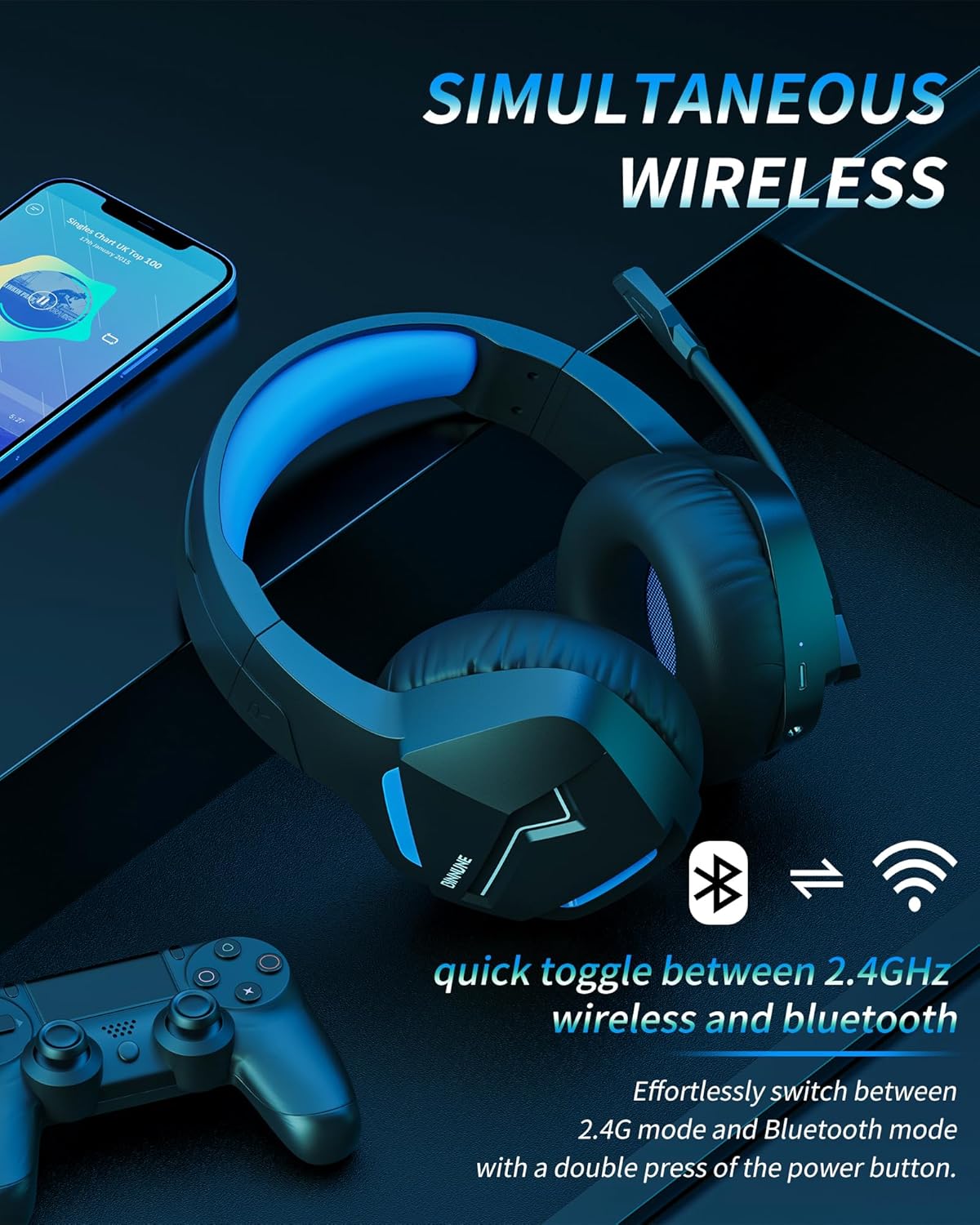
Image: The BINNUNE Wireless Gaming Headset shown with icons representing both 2.4GHz wireless and Bluetooth connectivity, indicating its ability to switch between these modes for versatile use.
Garsumo valdymas
- Padidinti garsumą: Paspauskite garsumo didinimo (+) mygtuką.
- Sumažinti garsumą: Paspauskite garsumo mažinimo (-) mygtuką.
Mikrofono valdymas
- Nutildyti / įjungti mikrofoną: Press the Microphone Mute button. A red LED on the microphone tip usually indicates it is muted.
- Mikrofono padėties reguliavimas: The 120° adjustable memory line microphone can be freely shaped and adjusted to your ideal angle.
Žaidimų našumas
The headset is designed for an immersive gaming experience with features like:
- Accurate Sound Positioning: The 50mm drivers provide clear and rich stereo sound, allowing you to accurately pinpoint in-game sounds like footsteps and environmental details.
- Maža delsa: The 2.4GHz wireless technology ensures an ultra-low latency of 15ms, providing synchronized audio and video for competitive gaming.
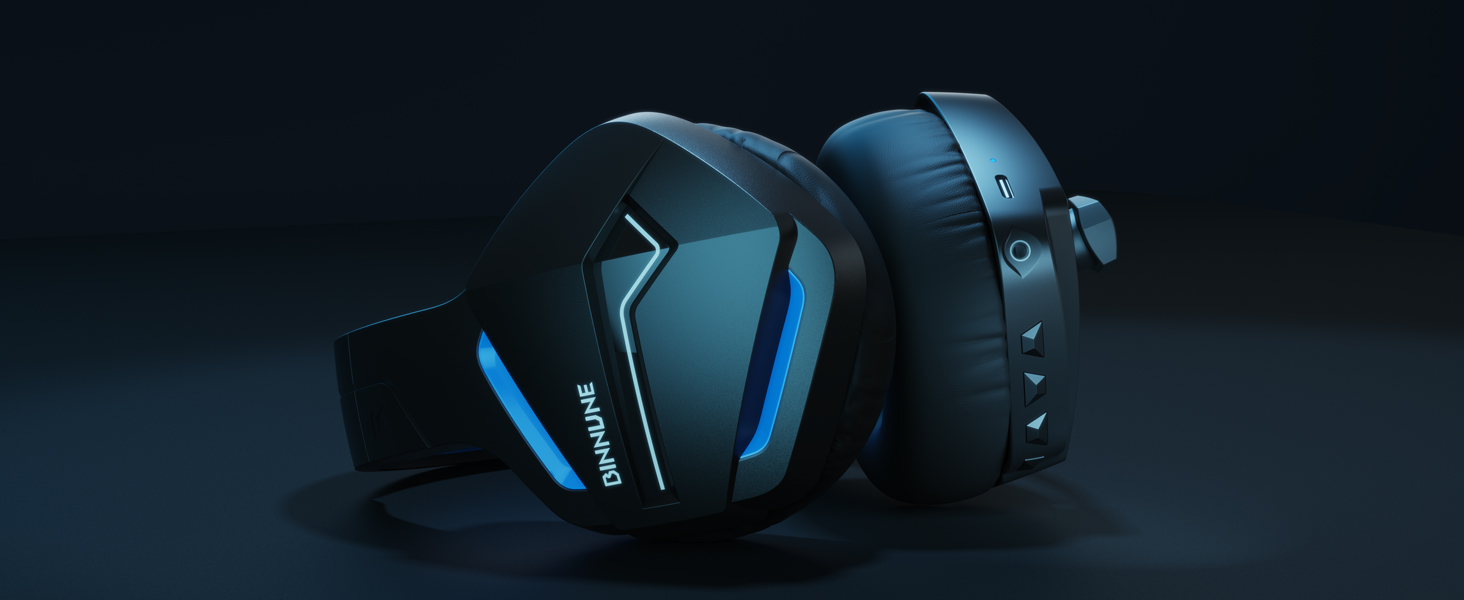
Image: A gamer immersed in a game, wearing the BINNUNE headset, highlighting the benefits of low latency and stable wireless connection for an enhanced gaming experience.
Priežiūra
Proper maintenance ensures the longevity and performance of your BINNUNE Wireless Gaming Headset.
- Valymas:
- Use a soft, dry, lint-free cloth to clean the headset's surfaces.
- For earmuffs, gently wipe with a slightly damp šluoste ir prieš naudojimą leiskite visiškai išdžiūti ore.
- Nenaudokite stiprių cheminių medžiagų, valymo tirpiklių ar stiprių ploviklių.
- Saugykla:
- Laikykite ausines vėsioje, sausoje vietoje, toliau nuo tiesioginių saulės spindulių ir ekstremalių temperatūrų.
- Venkite dėti sunkių daiktų ant ausinių.
- Akumuliatoriaus priežiūra:
- Venkite dažnai visiškai iškrauti akumuliatorių.
- If storing for a long period, charge the headset to about 50% every few months to preserve battery health.
Trikčių šalinimas
If you encounter issues with your BINNUNE Wireless Gaming Headset, please refer to the following common solutions:
| Problema | Galima priežastis | Sprendimas |
|---|---|---|
| Nėra garso / mažas garsumas |
|
|
| Mikrofonas neveikia |
|
|
| Connection Issues (Intermittent/No Connection) |
|
|
| Headset Not Compatible with Xbox |
|
|
Specifikacijos
Detailed technical specifications for the BINNUNE Wireless Gaming Headset (Model: BW01):
| Funkcija | Detalė |
|---|---|
| Modelio pavadinimas | BW01 |
| Ryšio technologija | Wireless (2.4GHz USB Dongle, Bluetooth 5.3), Wired (3.5mm Jack) |
| Belaidžio ryšio technologija | Bluetooth 5.3 |
| Bluetooth diapazonas | Iki 10 metrų (33 pėdų) |
| Garso delsa (2.4 GHz) | 15ms (Ultra Stable 2.4GHz Wireless Connection) |
| Garso tvarkyklės tipas | Dinaminis vairuotojas |
| Garso tvarkyklės dydis | 50 milimetrų |
| Dažnio atsakas | 20 Hz–20 000 Hz |
| Jautrumas | 96 dB |
| Mikrofonas | Unidirectional Noise-Canceling Mic (120° adjustable) |
| Baterijos veikimo laikas | Up to 80 hours (2.4GHz mode), Up to 120 hours (Bluetooth mode) |
| Įkrovimo laikas | apytiksliai 3 valandos pilnam įkrovimui |
| Ausinės forma | Oval (110mm diameter, 45mm thickness memory foam) |
| Medžiaga | Plastic (headset), PU leather and mesh (earmuffs) |
| Prekės svoris | 10.7 uncijos (apie 303 gramų) |
| Gaminio matmenys | 8.27 x 7.48 x 4.33 colio |
| Suderinami įrenginiai | Gaming Consoles (PS4, PS5), Laptops, PC, Mac, Mobile Phones, Tablets |
| Valdymo tipas | Mygtukų valdymas |
| Įtraukti komponentai | User Manual, 2.4GHz USB Dongle, 3.5mm Audio Cable, USB Charging Cable |
Informacija apie garantiją
BINNUNE products are manufactured with high-quality standards. While specific warranty details are not provided in this manual, BINNUNE typically offers a limited warranty against defects in materials and workmanship. For detailed warranty terms, conditions, and registration, please refer to the official BINNUNE websvetainėje arba susisiekite su klientų aptarnavimo tarnyba.
Pagalba klientams
For further assistance, technical support, or inquiries regarding your BINNUNE Wireless Gaming Headset, please contact BINNUNE customer support through the following channels:
- Official BINNUNE Websvetainė: Visit the official BINNUNE webDUK, pagalbos išteklių ir kontaktinių formų svetainė.
- „Amazon“ parduotuvė: Taip pat galite apsilankyti BINNUNE Store on Amazon dėl produkto informacijos ir pardavėjo kontaktinių galimybių.
Please have your product model (BW01) and purchase details ready when contacting support.


