Įvadas
Ačiū, kad pirkoteasing the ZEBRONICS Zeb-Escape 10 Wireless BT Earphone. This manual provides essential information for setting up, operating, and maintaining your device. Please read it carefully before use to ensure optimal performance and longevity of your earphones.
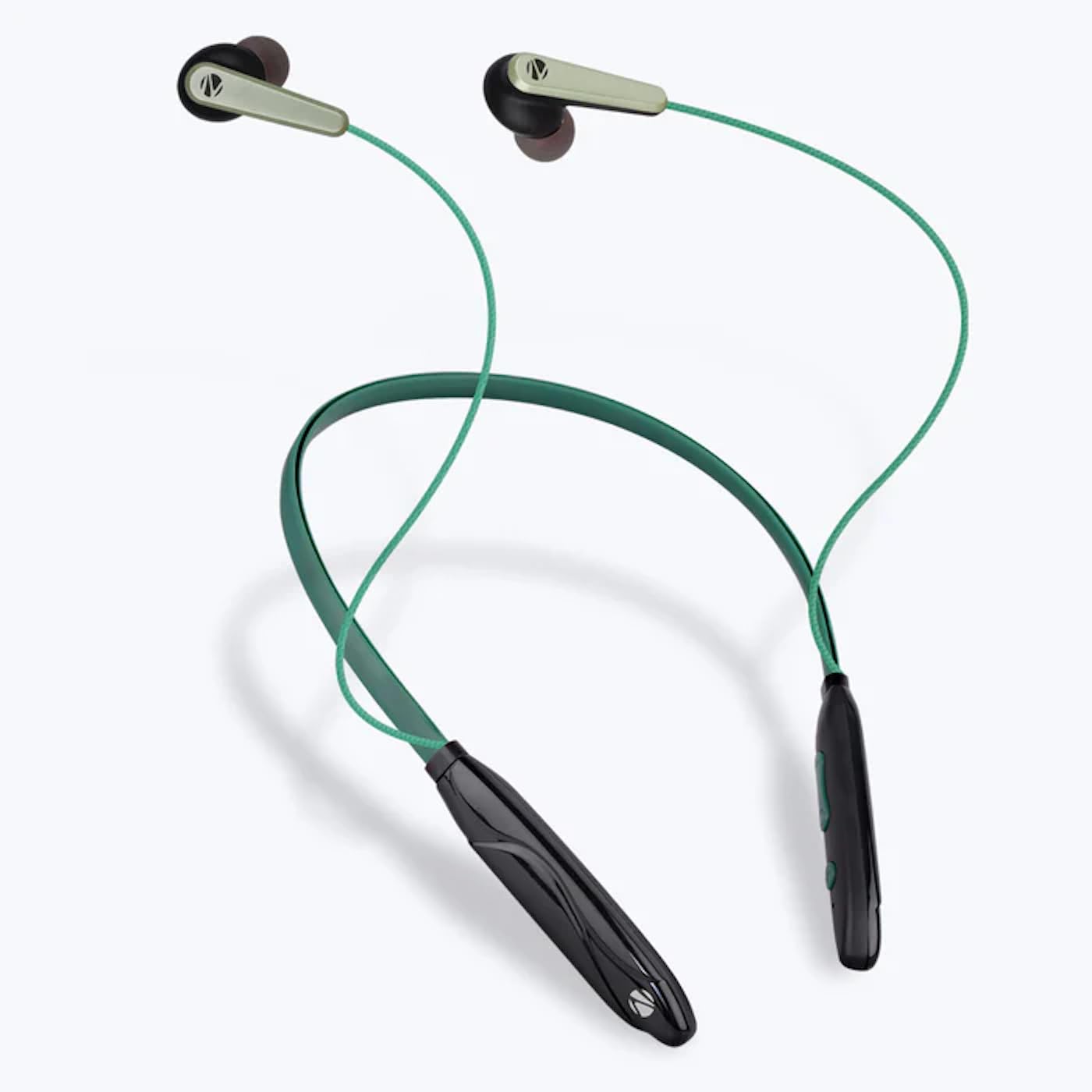
Image: The ZEBRONICS Zeb-Escape 10 Wireless BT Earphone, featuring a green and black neckband design with in-ear earbuds.
Pakuotės turinys
Jūsų gaminio pakuotėje yra šie elementai:
- 1 U Neckband Earphone
- 1 U Charging Cable (Type-C)
- 1 U QR Code Guide
Sąranka
1. Ausinių įkrovimas
Before first use, fully charge the earphone. Use the provided Type-C charging cable to connect the earphone to a USB power source (e.g., computer USB port, wall adapter). The LED indicator will show the charging status.
- Įkrovimo laikas: Maždaug 1.5 valandos.

Image: The earphone's control module with a Type-C charging port, showing a charging cable connected.
2. „Bluetooth“ poravimas
To connect your earphone to a Bluetooth-enabled device:
- Įsitikinkite, kad ausinės yra įkrautos ir išjungtos.
- Press and hold the multi-function button on the earphone until the LED indicator flashes red and blue, indicating it is in pairing mode.
- Savo įrenginyje (išmaniajame telefone, planšetiniame kompiuteryje ir kt.) įjunkite „Bluetooth“ ir ieškokite galimų įrenginių.
- Select "ZEB-ESCAPE 10" from the list of found devices.
- Prijungus, LED indikatorius lėtai mirksės mėlynai arba užges, priklausomai nuo modelio.

Image: A smartphone display illustrating the Bluetooth pairing process, showing the earphone model 'ZEB-ESCAPE 10' as connected.
Naudojimo instrukcijos
Maitinimo įjungimas/išjungimas
- Maitinimas: Paspauskite ir palaikykite nuspaudę daugiafunkcį mygtuką, kol užsidegs LED indikatorius.
- Išjungti: Paspauskite ir palaikykite nuspaudę daugiafunkcį mygtuką, kol užges LED indikatorius.
Volume and Media Control
The earphone features integrated controls for managing audio playback and volume.
- Pagarsink: Paspauskite mygtuką „+“.
- Patildyti: Paspauskite mygtuką „-“.
- Leisti / pristabdyti: Vieną kartą paspauskite daugiafunkcį mygtuką.
- Kitas takelis: Paspauskite ir palaikykite nuspaudę mygtuką „+“.
- Ankstesnis takelis: Paspauskite ir palaikykite nuspaudę mygtuką „-“.
Skambinimo funkcija
Manage calls directly from your earphone.
- Atsiliepti į skambutį: Vieną kartą paspauskite daugiafunkcį mygtuką.
- Baigti skambutį: Skambučio metu vieną kartą paspauskite daugiafunkcį mygtuką.
- Atmesti skambutį: Paspauskite ir palaikykite daugiafunkcį mygtuką.
- Perrink paskutinį numerį: Dukart paspauskite daugiafunkcį mygtuką.
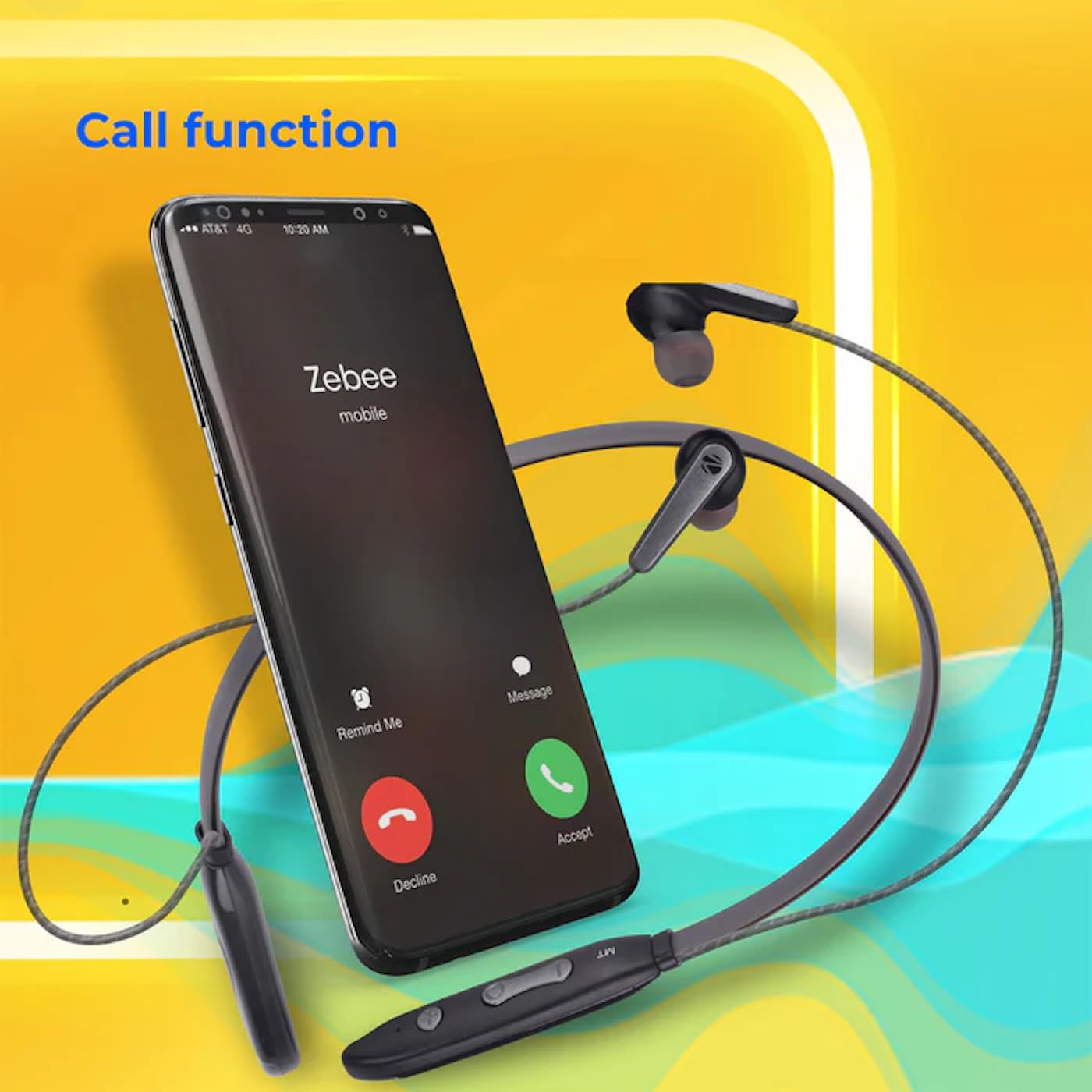
Image: A smartphone showing an incoming call interface, indicating the earphone's call handling capability.
Balso asistento palaikymas
Activate your device's voice assistant (e.g., Google Assistant, Siri) by triple-pressing the multi-function button.
Magnetinė ausinė
The earpieces are magnetic, allowing them to securely attach to each other when not in use, preventing tangling and ensuring they stay in place around your neck.

Paveikslėlis: detalus view of an earbud, illustrating its design for a stable and comfortable fit.
Priežiūra
To ensure the longevity and optimal performance of your ZEBRONICS Zeb-Escape 10 earphones, follow these maintenance guidelines:
- Valymas: Ausinėms valyti naudokite minkštą, sausą šluostę. Nenaudokite stiprių cheminių medžiagų ar abrazyvinių medžiagų.
- Saugykla: Ausines laikykite vėsioje, sausoje vietoje, toliau nuo tiesioginių saulės spindulių ir ekstremalių temperatūrų.
- Atsparumas vandeniui: The earphones are water resistant. Avoid submerging them in water or exposing them to heavy rain.
- Įkrovimas: Naudokite tik pridėtą įkrovimo laidą arba sertifikuotą C tipo laidą. Venkite perkrovimo.
Trikčių šalinimas
If you encounter issues with your earphone, refer to the following common problems and solutions:
| Problema | Galimas sprendimas |
|---|---|
| Ausinės neįsijungia. | Ensure the earphone is fully charged. |
| Nepavyksta susieti su įrenginiu. | Ensure the earphone is in pairing mode (flashing red/blue). Turn off and on Bluetooth on your device. Move closer to the earphone. |
| Nėra garso arba garsas per mažas. | Check volume levels on both the earphone and your connected device. Ensure the earphone is properly paired. |
| Skambučių kokybės problemos. | Ensure you are within Bluetooth range. Check for obstructions between the earphone and your device. |
Specifikacijos
Technical specifications for the ZEBRONICS Zeb-Escape 10 Wireless BT Earphone:
| Funkcija | Detalė |
|---|---|
| Modelio pavadinimas | ZEB-NBI 5 |
| Bluetooth versija | v5.3 |
| Palaikomas BT Profiles | HSP / HFP / A2DP / AVRCP |
| Vairuotojo dydis | 10 mm |
| Garsiakalbio varža | 16Ω |
| Atkūrimo laikas | Iki 20 valandų (esant 50% garsumui) |
| Pokalbių laikas | Iki 20 valandų |
| Įkrovimo laikas | 1.5 valandos |
| Budėjimo laikas | 200 valandos |
| Grynasis svoris | 26g |
| Valdymo tipas | Medijos valdymas, lietimas |
| Atsparumo vandeniui lygis | Atsparus vandeniui |
| Ypatingos savybės | Fast Charging, Foldable, Microphone Included, Sweatproof |

Image: Visual representation of the earphone's 20-hour playback capability.
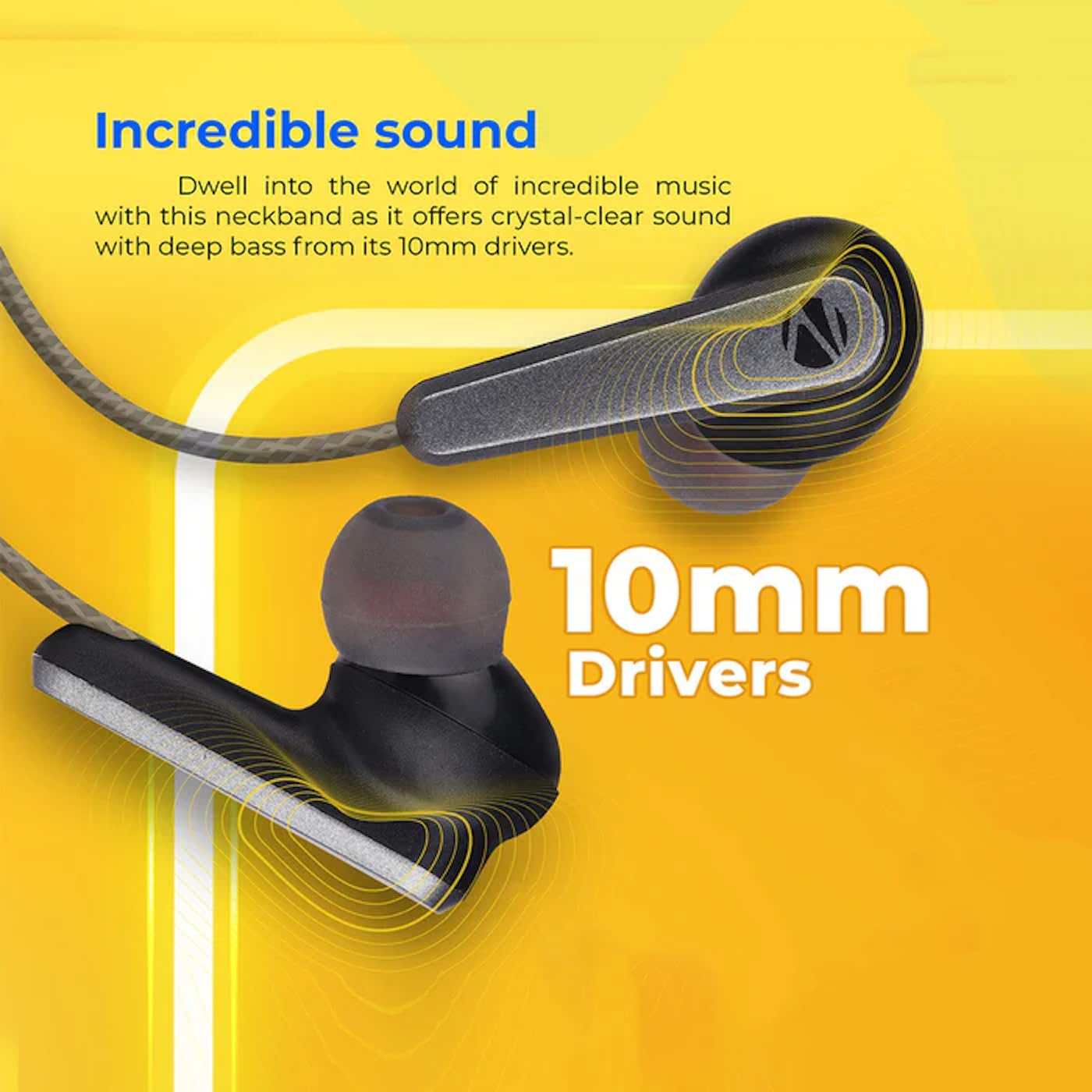
Image: A close-up of an earbud, highlighting the 10mm audio drivers responsible for sound output.
Informacija apie garantiją
The ZEBRONICS Zeb-Escape 10 Wireless BT Earphone comes with a 6 mėnesių garantija from the date of purchase. This warranty covers manufacturing defects. Please retain your purchase receipt as proof of purchase for warranty claims. The warranty does not cover damage caused by misuse, accidents, unauthorized modifications, or normal wear and tear.
Pagalba klientams
For further assistance, technical support, or warranty claims, please contact ZEBRONICS customer service. Refer to the QR code guide included in your package or visit the official ZEBRONICS websvetainė, kurioje rasite kontaktinius duomenis.


