1. Įvadas
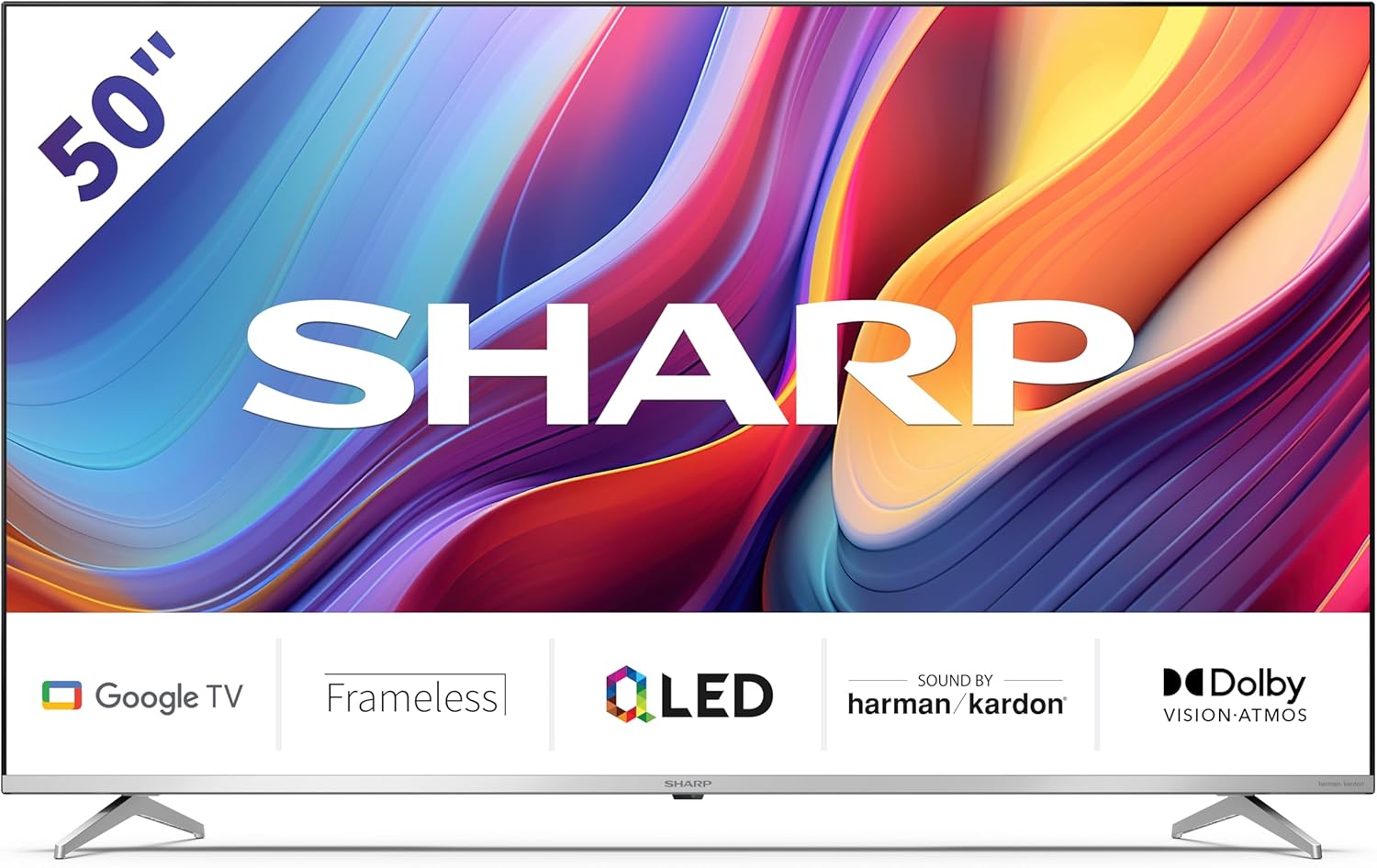
Welcome to the user manual for your new Sharp 50GP6265E 50-inch QLED 4K Ultra HD Google TV. This manual provides essential information for the safe and efficient use of your television. Please read it thoroughly before operating the device and retain it for future reference.
Svarbi saugos informacija
- Ensure the television is placed on a stable surface to prevent it from falling.
- Neužblokuokite ventiliacijos angų. Tinkamas oro srautas yra labai svarbus siekiant išvengti perkaitimo.
- Saugokite maitinimo laidą, kad ant jo neužeitų ar nesuspaustų.
- Do not expose the TV to rain or moisture to reduce the risk of fire or electric shock.
- Visus techninės priežiūros darbus patikėkite kvalifikuotam techninės priežiūros personalui.
2. Kas yra dėžutėje
Išpakuodami patikrinkite, ar yra visi šie komponentai:
- Sharp 50GP6265E 50-inch QLED 4K Ultra HD Google TV
- Nuotolinio valdymo pultas
- 2 x AAA baterijos (nuotolinio valdymo pultui)
- Greitos pradžios vadovas
- TV stands (if not wall-mounted)
- Maitinimo kabelis
3. Sąranka
3.1 Išpakavimas
Carefully remove the television from its packaging. It is recommended to keep the original packaging for potential future transport or servicing.
3.2 Stovo montavimas
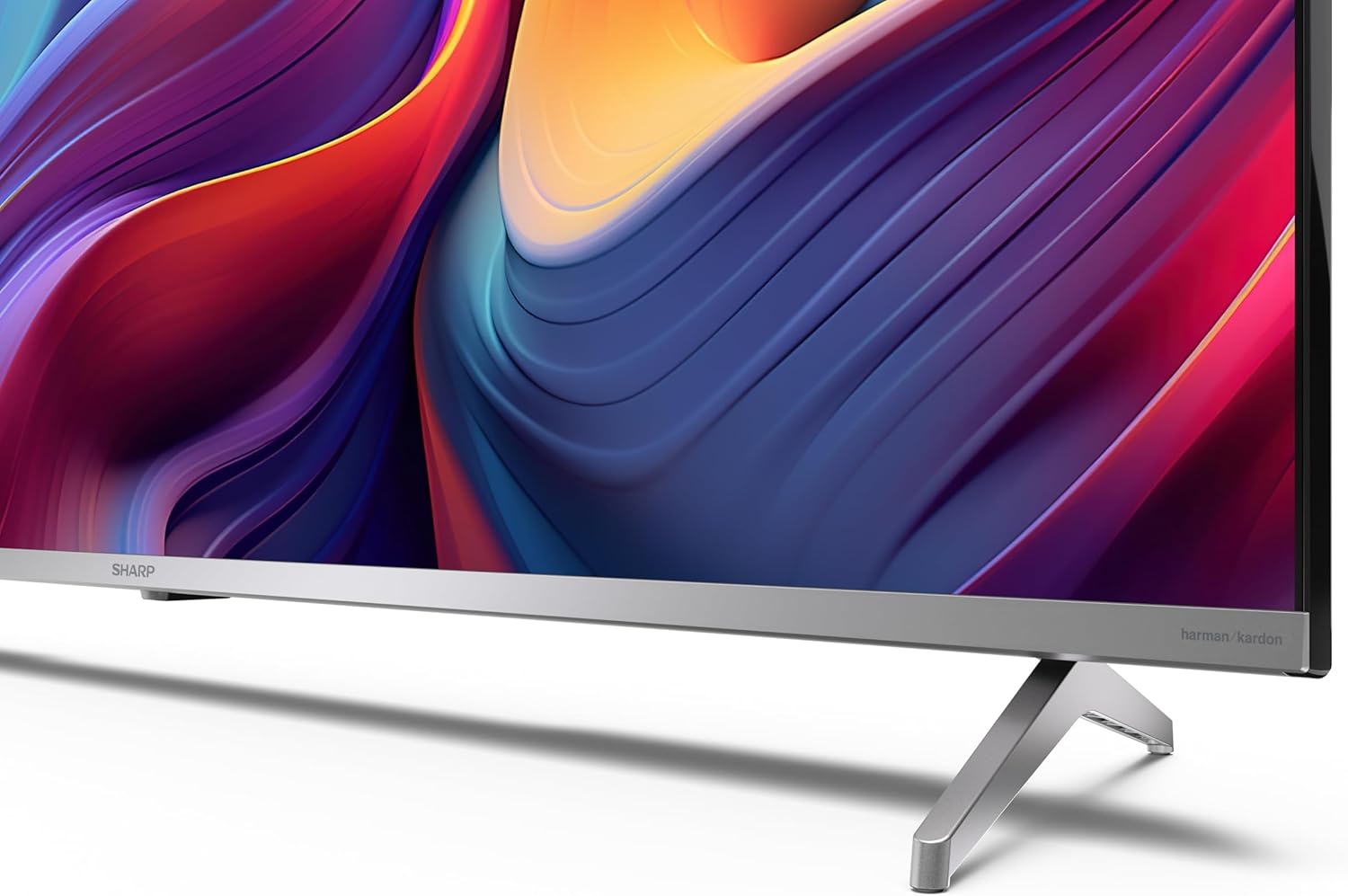
If you are not wall-mounting the television, attach the included stands to the bottom of the TV. Ensure the screws are securely fastened. Refer to the quick start guide for detailed diagrams.
3.3 Tvirtinimas prie sienos
For wall mounting, the VESA dimensions required are 400 x 300 mm. Use a compatible wall mount bracket (sold separately) and follow the instructions provided with the bracket. Ensure the wall can support the weight of the television (9.7 kg net weight).

3.4 Išorinių įrenginių prijungimas
Your Sharp TV offers various connectivity options:
- HDMI: Connect external devices such as Blu-ray players, gaming consoles, or set-top boxes using the 4 HDMI 2.1 ports. One port supports eARC for enhanced audio return channel functionality.
- USB: Use the 2 USB ports for connecting external storage devices to play media or for service updates.
- Ethernet: Stabiliam laidiniam interneto ryšiui.
- „Wi-Fi“: Dėl belaidžio interneto ryšio.
- Bluetooth: Prijunkite belaidės ausines, garso juostas ar kitus „Bluetooth“ priedus.

3.5 Pirmasis nustatymas
After connecting the power cable and turning on the TV, follow the on-screen instructions to complete the initial setup. This typically includes language selection, network connection, and Google account sign-in for Google TV features.
4. Televizoriaus valdymas
4.1 Nuotolinis valdymas
The included remote control allows you to navigate the TV's interface, adjust volume, change channels, and access smart features. Insert the 2 AAA batteries into the remote control, ensuring correct polarity.
4.2 „Google TV“ sąsaja
Your Sharp TV runs on Google TV, which organizes movies, shows, and live TV from all your apps and subscriptions. The home screen provides personalized recommendations and quick access to your favorite content.

Supported internet services include Netflix, Amazon Prime Video, HBO, Disney+, Movistar+, DAZN, Atresmedia, KODI, IPTV, Steamlink, Twitch, VLC, YouTube, Puffin TV Browser, Spotify, Deezer, TuneIn Radio, and many more available on Google Play for Google TV.
4.3 Vaizdo nustatymai
Experience stunning visuals with 4K Ultra HD resolution and Quantum Dot technology for vibrant colors. The TV supports Dolby Vision and HDR10 for enhanced contrast and brightness. Access picture settings through the TV menu to customize brightness, contrast, color, and sharpness to your preference. AQUOS Smooth Motion technology provides image interpolation for smoother motion.
4.4 Garso nustatymai
The integrated Harman/Kardon speaker system (2 x 12 W) delivers immersive audio. With Dolby Atmos support, you can enjoy a rich, multi-dimensional sound experience. Adjust sound modes and equalizer settings in the audio menu.
4.5 Išmaniosios funkcijos
- „Google“ padėjėjas: Naudokite balso komandas turiniui ieškoti, išmaniųjų namų įrenginiams valdyti ir informacijai gauti.
- Įtaisytasis „Chromecast“: Cast content from your smartphone, tablet, or computer directly to your TV screen.
5. Priežiūra
5.1 Televizoriaus valymas
- Prieš valydami visada atjunkite televizorių nuo elektros tinklo.
- Ekraną ir korpusą nuvalykite minkšta, sausa šluoste. Jei dėmės sunkiai įveikiamos, švelniai nuvalykiteampnuvalykite šluostę vandeniu arba specializuotu ekrano valikliu.
- Nenaudokite abrazyvinių valiklių, vaškų ar tirpiklių.
5.2 Programinės įrangos naujiniai
Jūsų televizorius gali gauti programinės įrangos atnaujinimus, kad pagerintų našumą ir pridėtų naujų funkcijų. Įsitikinkite, kad jūsų televizorius prijungtas prie interneto, kad šie atnaujinimai būtų gaunami automatiškai, arba rankiniu būdu patikrinkite juos nustatymų meniu.
6. Problemų sprendimas
Jei kyla problemų dėl televizoriaus, žr. toliau pateiktas dažniausiai pasitaikančias problemas ir sprendimus:
| Problema | Galimas sprendimas |
|---|---|
| Nėra galios | Patikrinkite, ar maitinimo laidas tvirtai prijungtas prie televizoriaus ir maitinimo lizdo. Įsitikinkite, kad lizdas veikia. |
| Nėra vaizdo, bet yra garsas | Patikrinkite, ar pasirinktas teisingas įvesties šaltinis. Patikrinkite išorinių įrenginių jungtis. |
| Nėra garso, bet vaizdas yra | Check the volume level and mute status. Ensure audio cables are correctly connected for external devices. |
| Nuotolinio valdymo pultas neveikia | Pakeiskite AAA baterijas. Įsitikinkite, kad tarp nuotolinio valdymo pulto ir televizoriaus IR jutiklio nėra jokių kliūčių. |
| Wi-Fi ryšio problemos | Restart your router and the TV. Re-enter the Wi-Fi password. Ensure the TV is within range of your Wi-Fi network. |
7. Specifikacijos
| Funkcija | Detalė |
|---|---|
| Prekės ženklas | Aštrus |
| Modelio numeris | 50GP6265E |
| Ekrano dydis | 50 colių |
| Ekrano technologija | QLED, Quantum Dot |
| Rezoliucija | 4K Ultra HD (3840 x 2160 pikselių) |
| Atnaujinimo dažnis | 60 Hz |
| Operacinė sistema | Google TV |
| HDR palaikymas | Dolby Vision, HDR10 |
| Garso sistema | Harman/Kardon (2 x 12 W), Dolby Atmos |
| Ryšys | 4x HDMI 2.1 (with eARC), 2x USB, Wi-Fi, Bluetooth, Ethernet |
| Ypatingos savybės | Google Assistant, Chromecast built-in, AQUOS Smooth Motion |
| VESA sieninis laikiklis | 400 x 300 mm |
| Matmenys (su stovu) | 111.6P x 26.5l x 69.3H cm (1116.4 x 692.9 x 264.7 mm) |
| Matmenys (be stovo) | 111.6P x 9.2l x 65.1H cm (1116.4 x 651.3 x 91.5 mm) |
| Grynasis svoris | 9.7 kg |
| Energijos vartojimo efektyvumo klasė (SDR) | G (69 kWh/1000 val.) |
| Energijos vartojimo efektyvumo klasė (HDR) | G (98 kWh/1000 val.) |

Išsamesnės informacijos apie gaminius ir energijos vartojimo efektyvumo duomenis rasite EPREL duomenų bazėje: https://eprel.ec.europa.eu/qr/1942440
8. Garantija ir palaikymas
Information regarding spare parts availability and software updates is not explicitly provided for a guaranteed period. Please refer to the manufacturer's official websvetainėje, kurioje rasite naujausias garantijos sąlygas ir informaciją apie pagalbą.
Gamintojas: SHARP
Oficialus Websvetainė: www.sharpconsumer.com
For customer service inquiries, please visit the Sharp consumer website or contact their support channels as listed on their official site.


