1. Įvadas
This manual provides detailed instructions for the installation, operation, and maintenance of your Hikity Android Car Stereo. Please read this manual thoroughly before using the product to ensure proper functionality and safety.
2. Produkto ypatybės
- Suderinamumas: Designed for Jeep Grand Cherokee 2004-2007 (LHD).
- Ekranas: 10.1-inch capacitive IPS 2.5D touchscreen with 1024 x 600 resolution.
- Operacinė sistema: Latest Android 13 system.
- Atmintis: 2GB RAM and 64GB ROM for application storage and smooth operation.
- Ryšys: Built-in Wireless/Wired CarPlay, Wireless/Wired Android Auto, Mirror Link, Bluetooth, WiFi, USB, FM, AUX.
- Navigacija: Integrated GPS with offline map support (HereWego) and online map capabilities via WiFi/hotspot.
- Garsas: High-quality FM radio with RDS (18 preset stations), EQ adjustment (classical, rock, pop, etc.), Stereo audio output.
- Fotoaparato palaikymas: Includes AHD rear view camera with night vision and 170-degree viewing kampas.
- Valdymas: Supports steering wheel controls (SWC).
- Vartotojo sąsaja: Split-screen functionality, 53 UI themes.
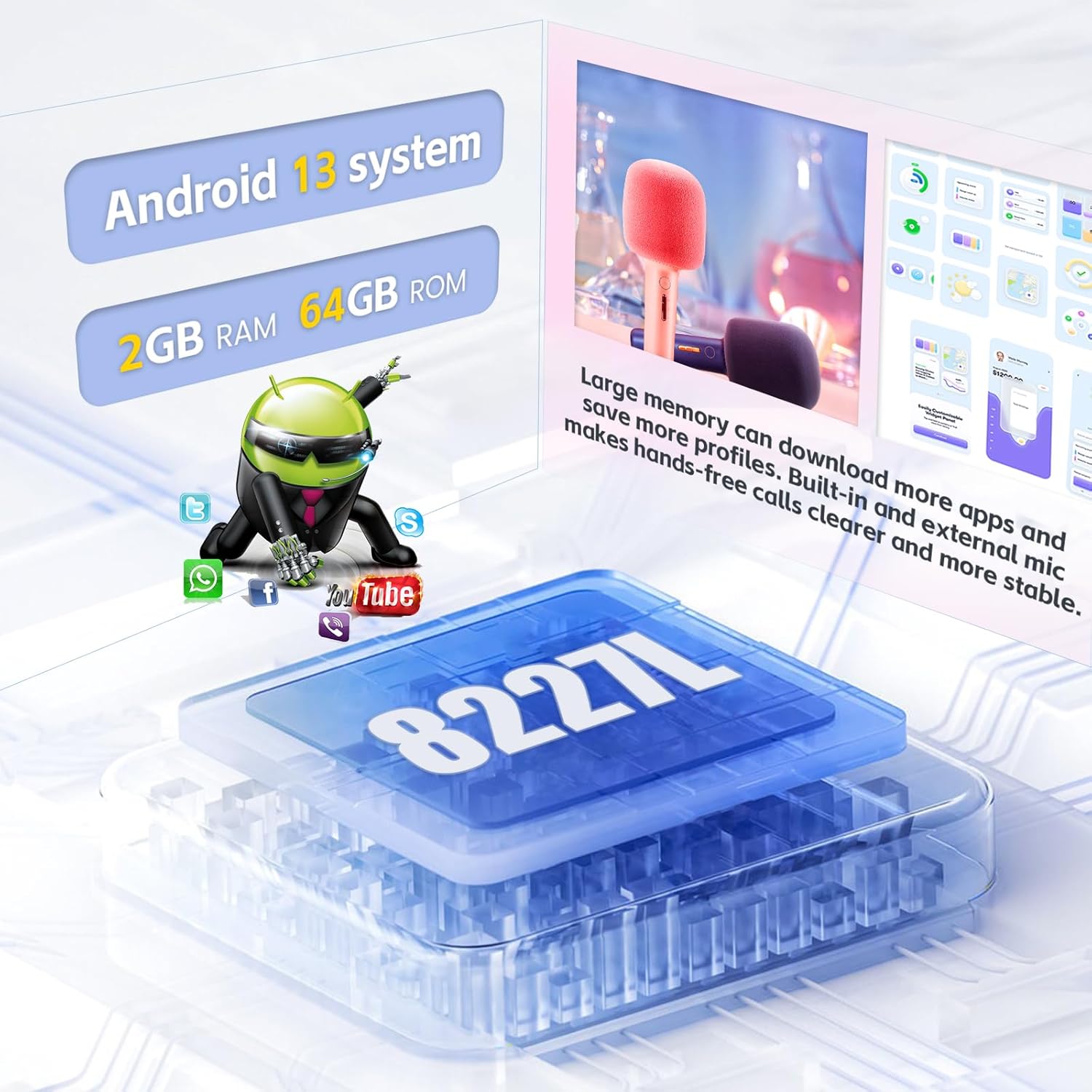
Figure 2.1: Android 13 System with 2GB RAM and 64GB ROM.
3. Pakuotės turinys
Patikrinkite, ar pakuotėje yra visi toliau išvardyti daiktai:
- 1 x „Android“ automobilio stereofoninis įrenginys
- 1x maitinimo laidas
- 1 x atsarginė kamera
- 2x USB adapteris
- 1 x radijo antena
- 1x GPS antena
- 1 x CAM-VIN laidas
- 1 x Vartotojo vadovas
- 1 x „Canbus“ dekoderis

Figure 3.1: Product Size and Package List.
4. Sąranka ir diegimas
Rekomenduojamas profesionalus montavimas. Prieš pradėdami montavimą, įsitikinkite, kad transporto priemonės maitinimas yra atjungtas.
4.1 Laidų jungtys
Refer to the wiring diagram for proper connection of all components. Incorrect wiring can damage the unit or vehicle.
- Maitinimo kabelis: Prijunkite prie transporto priemonės maitinimo laido.
- RCA kabelis: Garso / vaizdo įvesties / išvesties jungtims.
- USB kabelis: For USB devices and data transfer.
- Galinio kameros įvestis: Connect the AHD backup camera.
- Radijo antena: Prijunkite automobilio radijo anteną.
- GPS antena: Sumontuokite vietoje su skaidria view dangaus optimaliam signalo priėmimui.
- Canbus: Prijunkite „Canbus“ dekoderį, jei jūsų transporto priemonei jo reikia vairo valdymui ar kitoms integruotoms funkcijoms.

Figure 4.1: Wiring Port Diagram.
4.2 Galinio vaizdo kameros įrengimas
Į komplektą įeina AHD galinis view camera provides a clear image when reversing. Connect the camera as shown in the diagram below.
- Connect the camera's video output to the "CAM-VIN" input on the stereo.
- Connect the red wire of the camera power cable to the vehicle's reversing lamp power (+12V).
- Connect the black wire of the camera power cable to ground (GND).

4.2 pav.: AHD galinis View Kameros laidai.
4.3 Pradinis įjungimas
After installation, turn on the vehicle's ignition. The stereo should power on automatically. Follow any on-screen prompts for initial setup.

4.3 pav.: Prieš ir po įdiegimo View.
5. Naudojimo instrukcijos
5.1 „CarPlay“ ir „Android Auto“
The unit supports both Wireless/Wired CarPlay and Wireless/Wired Android Auto. Connect your smartphone via USB or Bluetooth/WiFi for seamless integration.
- Belaidis ryšys: Enable Bluetooth and WiFi on your phone, then pair with the car stereo. Follow on-screen instructions.
- Laidinis ryšys: Connect your phone to the stereo's USB port using a certified USB cable.
- Once connected, you can access navigation, make calls, send messages, and play music using voice commands (Siri/Google Assistant) or the touchscreen.

5.1 pav.: „CarPlay“ ir „Android Auto“ sąsaja.
5.2 GPS navigacija ir „Wi-Fi“
The stereo comes with pre-installed offline maps (HereWego). For online maps and app downloads, connect to WiFi or a mobile hotspot.
- Neprisijungus pasiekiami žemėlapiai: Download map data via WiFi during initial setup.
- Internetiniai žemėlapiai: Connect to a WiFi network or your phone's hotspot to use real-time navigation and traffic updates.
- Programų atsisiuntimai: Access the app store to download navigation apps (e.g., Waze), streaming services (e.g., YouTube, Spotify), and other applications.
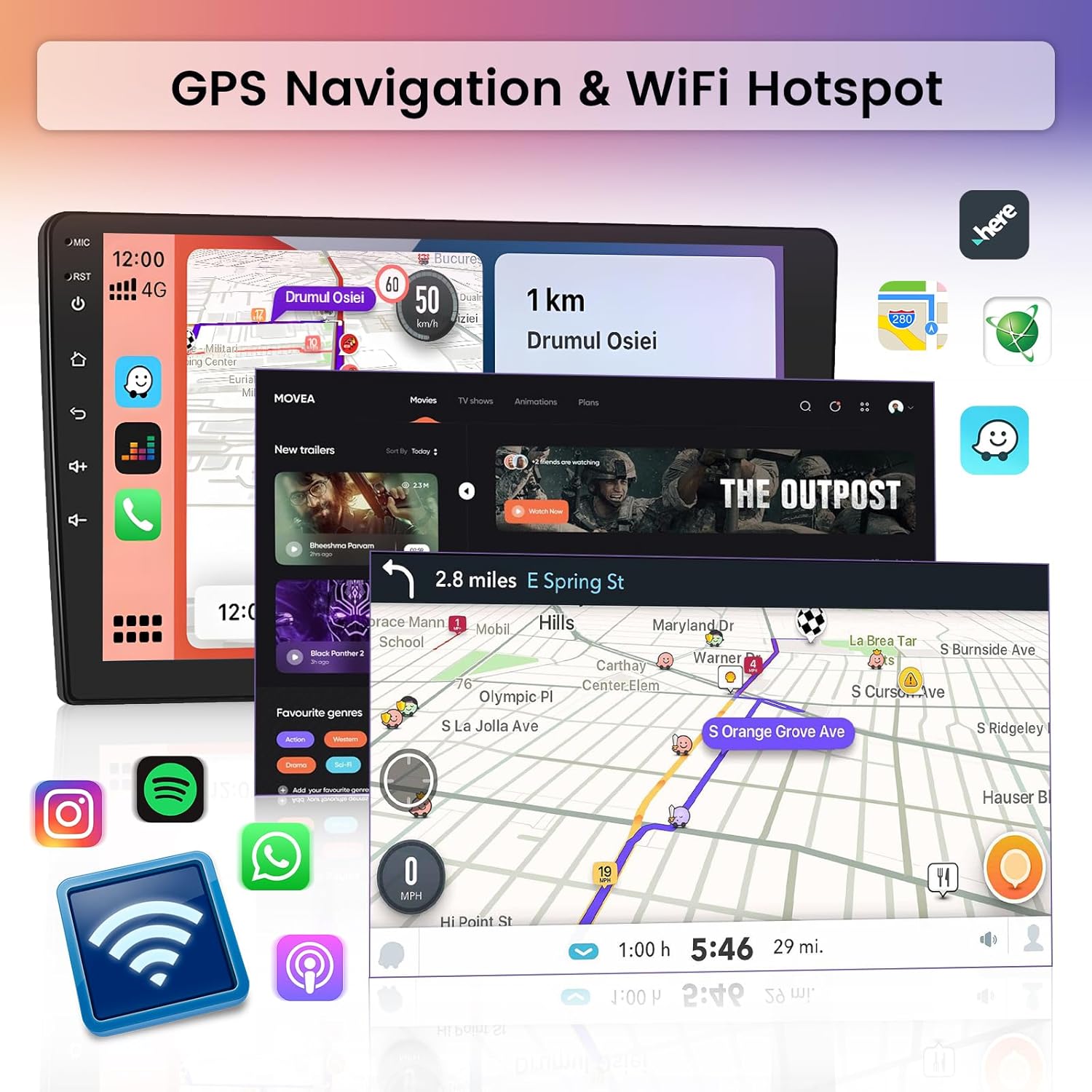
Figure 5.2: GPS Navigation and WiFi Hotspot Functionality.
5.3 FM Radio and RDS
Tune into your favorite radio stations with the built-in FM tuner. RDS (Radio Data System) provides additional information like station name and traffic updates.
- Access the "Radio" application from the main menu.
- Norėdami rasti prieinamas stotis, naudokite nuskaitymo funkciją arba rankiniu būdu nustatykite stotis.
- Save up to 18 preferred stations for quick access.

Figure 5.3: FM/RDS Radio, Bluetooth, and Steering Wheel Control Interface.
5.4 „Bluetooth“ ryšys
Susiekite telefoną per „Bluetooth“, kad galėtumėte skambinti laisvų rankų įranga ir transliuoti garsą.
- Stereo sistemoje eikite į „Nustatymai“ > „Bluetooth“.
- Įjunkite „Bluetooth“ savo telefone ir ieškokite galimų įrenginių.
- Select the stereo's Bluetooth name (e.g., "Hikity Car Stereo") and pair.
- Susiejus, galite skambinti / priimti skambučius ir leisti muziką iš savo telefono.
5.5 Equalizer (EQ) and Multimedia Playback
Customize your audio experience with the built-in equalizer and enjoy multimedia from various sources.
- EQ nustatymai: Access the EQ settings to adjust sound profiles (e.g., Classical, Rock, Pop) or create custom settings.
- Multimedija: Play music and videos from USB drives, SD cards, or connected smartphones.

Figure 5.4: Multimedia Playback and EQ Settings.
5.6 Padalintojo ekrano funkcionalumas
Pasinaudokite padalinto ekrano funkcija, kad vienu metu paleistumėte dvi programas, pvz., navigaciją ir muzikos atkūrimą.
- Long-press the recent apps button or follow specific gestures (depending on UI theme) to activate split-screen mode.
- Select the two applications you wish to display side-by-side.
6. Priežiūra
- Ekrano valymas: Jutiklinį ekraną valykite minkšta, nepūkuota šluoste. Venkite abrazyvinių valiklių ar tirpiklių.
- Programinės įrangos atnaujinimai: Periodically check for software updates via WiFi to ensure optimal performance and access to new features.
- Bendra priežiūra: Venkite įrenginio ilgalaikio laikymo tiesioginiuose saulės spinduliuose, itin aukštose temperatūrose ar drėgmės.
7. Problemų sprendimas
7.1 Bendrosios problemos ir sprendimai
- Nėra galios:
- Patikrinkite visas maitinimo jungtis ir saugiklius.
- Įsitikinkite, kad transporto priemonės uždegimas įjungtas.
- Nėra garso:
- Patikrinkite garsiakalbių jungtis.
- Patikrinkite garsumo lygius ir nutildymo nustatymus.
- Įsitikinkite, kad pasirinktas teisingas garso šaltinis.
- GPS signalo praradimas:
- Ensure the GPS antenna is mounted in a clear location.
- Patikrinkite antenos jungtį su įrenginiu.
- Jei reikia, atnaujinkite žemėlapio duomenis.
- „Bluetooth“ poravimo problemos:
- Įsitikinkite, kad „Bluetooth“ įjungtas ir stereo sistemoje, ir telefone.
- Delete previous pairings and try again.
- Iš naujo paleiskite abu įrenginius.
- Galinio vaizdo kamera nerodoma:
- Check camera power and video signal connections.
- Įsitikinkite, kad transporto priemonė yra įjungta atbulinės eigos pavara.
Jei problemos išlieka, kreipkitės pagalbos į klientų aptarnavimo tarnybą.
8. Specifikacijos
| Funkcija | Detalė |
|---|---|
| Modelis | B0DB1NTZSF |
| Suderinamos transporto priemonės | Jeep Grand Cherokee 2004-2007 (LHD) |
| Operacinė sistema | Android 13 |
| RAM | 2 GB |
| ROM | 64 GB |
| Ekrano dydis | 10.1 colių |
| Rezoliucija | 1024 x 600 |
| Ryšys | Bluetooth, USB, FM, AUX, Wireless, WiFi |
| Ypatingos savybės | Touchscreen, Carplay, Android Auto, GPS Navigation, FM RDS, EQ, Mirror Link, Split Screen, AHD Backup Camera Support, SWC |
| Žemėlapio tipas | Worldwide (Offline HereWego) |
| Garso išvesties režimas | Stereo |
| Montavimo tipas | Prietaisų skydelio laikiklis |
| Prekės svoris | 6.14 svaro |
| Gaminio matmenys | 16.7 x 6.88 x 4.1 colio |
9. Garantija ir palaikymas
Hikity offers a comprehensive warranty and support for this product:
- Pinigų grąžinimo garantija: 15-day.
- Pakeitimo garantija: 12-month.
- Techninė pagalba: Life-time technical support.
For technical assistance or warranty claims, please contact Hikity customer service through the retailer where the product was purchased or visit the official Hikity websvetainę.


