Įvadas
The Docooler USB PC Thermometer, Model TEMPer, is a compact device designed for real-time temperature measurement and data logging when connected to a computer via a USB port. It allows users to monitor temperature, record data, analyze dynamic curves, and set alarms. This manual provides instructions for its proper setup, operation, and maintenance.
Pakuotės turinys
- 1 x USB Thermometer (Model TEMPer)
Sistemos reikalavimai
- Operating System: Windows XP, Vista, 7, 10
- USB Port: Available USB 2.0 or 3.0 port
- Note: Linux and macOS are not supported.
Sąrankos instrukcijos
- Prijunkite įrenginį: Insert the USB PC Thermometer into an available USB port on your computer.
- Programinės įrangos diegimas:
Upon first connection, your operating system may attempt to install drivers automatically. If not, please refer to the manufacturer's website for the latest software and driver downloads. Install the provided software to enable full functionality.

Image: The Docooler USB PC Thermometer connected to a computer, illustrating its use for real-time temperature monitoring in environments such as greenhouses.
- Paleisti programinę įrangą: Once installed, launch the Docooler temperature monitoring software.
Naudojimo instrukcijos
The software provides various functions for temperature monitoring and data management.
- Stebėjimas realiuoju laiku: The software displays the current temperature readings from the device in real-time.
- Duomenų įrašymas:
Initiate data recording through the software interface. The device supports continuous data logging, allowing you to track temperature changes over time.

Image: The USB PC Thermometer positioned beside a laptop, highlighting its capability for data recording and dynamic curve analysis.
- Dynamic Curves Analysis: View temperature data graphically as dynamic curves within the software, enabling detailed analysis of temperature trends.
- Signalizacijos funkcija: Set custom temperature thresholds. The software can trigger an alarm (e.g., email notification) if the temperature exceeds or falls below the set limits.
- Duomenų eksportavimas:
The software allows you to transmit temperature data directly to text files, such as Microsoft Excel, using functions like NumLock/CapsLock for easy integration.
- Nuotolinis Viewing and Email Support: The device supports remote viewing capabilities and can send temperature alerts via email.
- API Function: An API function for DLL of Windows OS is available for advanced users and custom applications (optional).
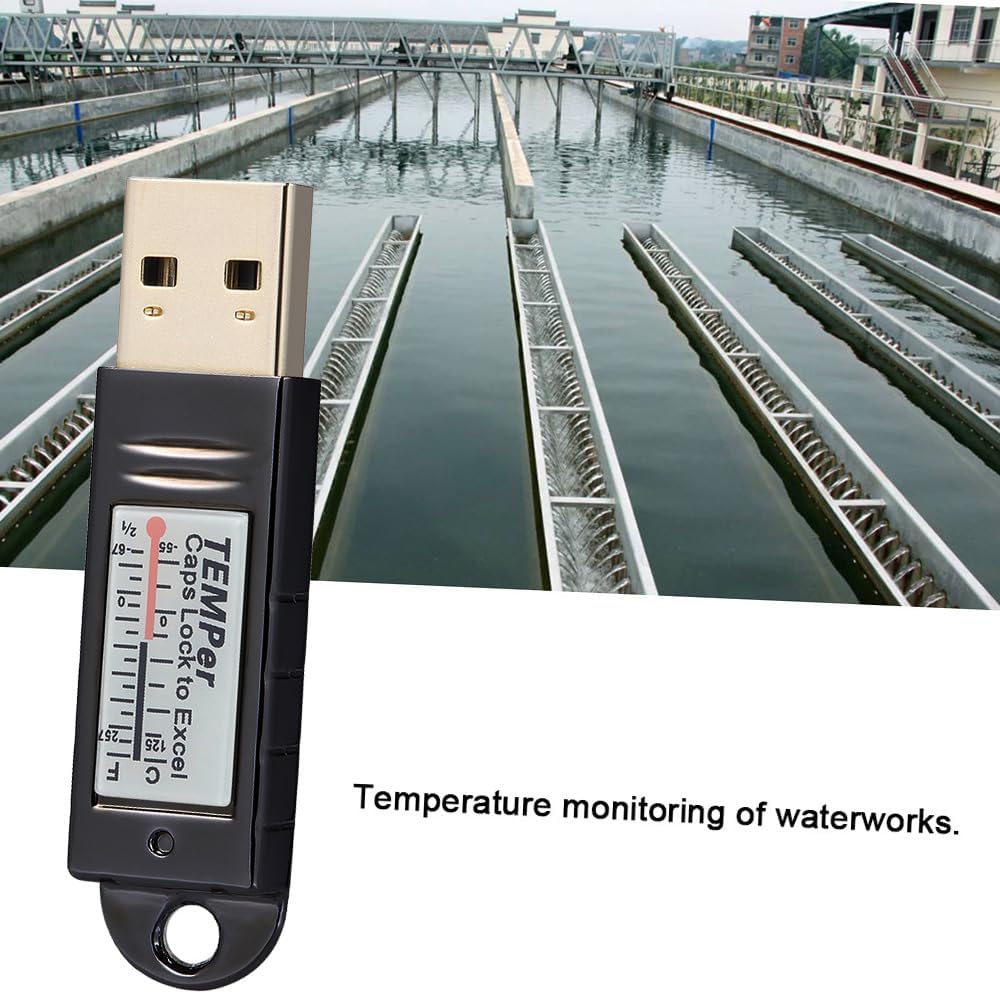
Image: The USB PC Thermometer being utilized for temperature monitoring in an industrial setting, specifically a water treatment facility.
Priežiūra
- Valymas: Įrenginį valykite minkštu, sausu skudurėliu. Nenaudokite skystų valiklių ar tirpiklių.
- Saugykla: Store the thermometer in a cool, dry place away from direct sunlight and extreme temperatures when not in use.
- Tvarkymas: Saugokitės, kad prietaisas nenukristų ir nepatirtų stipraus smūgio.
Trikčių šalinimas
- Įrenginys neatpažintas:
Ensure the device is securely plugged into a functional USB port. Try a different USB port or computer. Verify that the necessary drivers are installed.
- Software Not Displaying Data:
Confirm that the device is connected and recognized by the system. Restart the software and/or your computer. Check for software updates from the manufacturer.
- Netikslūs rodmenys:
Ensure the thermometer is placed in an environment where it can accurately measure the desired temperature, away from direct heat sources or drafts that could affect readings.
Specifikacijos
| Modelis | TEMPer |
| Medžiaga | Plastic (Die-casting electroplating shell) |
| Maksimali matavimo temperatūra | 125°C |
| Sistemos suderinamumas | Windows XP, VISTA, 7, 10 (Not compatible with Linux, MAC) |
| Prekės dydis | Maždaug 5.3 cm x 1.4 cm x 0.7 cm (2 col. x 0.55 col. x 0.28 col.) |
| Prekės svoris | Apytiksliai 13.3 g (0.46 oz) |
| Pakuotės dydis | Maždaug 12.5 cm x 11 cm x 1 cm (4.92 col. x 4.3 col. x 0.4 col.) |
| Pakuotės svoris | Apytiksliai 33.2 g (1.16 oz) |
Garantija ir palaikymas
For warranty information and technical support, please refer to the documentation provided with your purchase or visit the official Docooler website. Contact the seller directly for specific warranty terms applicable to your region.