1. Įvadas
The XTOOL D6 is a portable and powerful OBD2 scanner and vehicle maintenance solution designed for professionals, DIY enthusiasts, and home mechanics. It offers comprehensive diagnostic capabilities across all vehicle systems, along to 15 essential reset functions, ensuring your vehicle remains in optimal condition. This manual provides detailed instructions for its effective use.
2. Kas yra dėžutėje
- XTOOL D6 Scan Tool
- OBD2 laidas
- C tipo įkrovimo laidas
- Trumpas vadovas
- Techninės pagalbos informacija
3. Pagrindinės savybės
- Comprehensive All System Diagnostics: Full access to vehicle systems including engine, transmission, ABS, airbag, and more.
- 15 Essential Reset Functions: Includes Oil Light Maintenance, Throttle Relearn, EPB (Parking Brake Reset), TPMS Reset, SAS Calibration, Injector Coding, ABS Bleeding, Gearbox Match, Suspension Adjustment, and Crank Sensor Relearn.
- CAN FD Protocol & FCA AutoAuth Support: Compatible with modern vehicles, including 2018 and newer FCA vehicles, without needing additional cables.
- Real-time Live Data Monitoring: Displays up to 4 dynamic data graphs simultaneously for accurate analysis.
- Patogi vartotojo sąsaja: 5.45-inch high-resolution touchscreen (1440x720) for clear visibility.
- Free Lifetime Updates: Access to the latest features via Wi-Fi updates with no subscription fees.
- Baterijos tūristage Ekranas: Monitors the vehicle's electrical system in real-time.
- Išmanusis „AutoVIN“: Automatically identifies vehicle VIN for faster diagnostics (may not work on all vehicles).
- Integruota DTC biblioteka: Helps interpret fault codes easily.
- Patvarus dizainas: Features silicone grips and reinforced cables for longevity.
- Platus transporto priemonių suderinamumas: Works with OBDII-equipped vehicles made after 1996, covering over 90 brands.
4. Specifikacijos
| Funkcija | Detalė |
|---|---|
| Prekės ženklas | XTOOL |
| Operacinė sistema | Linux |
| Ekrano raiška | 1440x720 |
| Prekės svoris | 1.76 svaro |
| Sandėliavimas | 32 GB (išplečiama) |
| Baterijos talpa | 3150 mAh |
| Įkrovimo prievadas | C tipas |
| Ryšys | Wi-Fi, OBD2 Cable |
| Palaikomi protokolai | Most OBDII protocols, including CAN FD |
5. Sąrankos vadovas
5.1 Pradinis įjungimas ir prijungimas
1. Ensure the XTOOL D6 is sufficiently charged using the provided Type C cable.
2. Locate your vehicle's OBD2 port, typically found under the dashboard on the driver's side.
3. Connect the OBD2 cable to the XTOOL D6 and then to your vehicle's OBD2 port.
4. Turn on the vehicle's ignition (do not start the engine unless instructed by a specific function).
5. The XTOOL D6 will power on automatically upon connection or can be manually powered on.
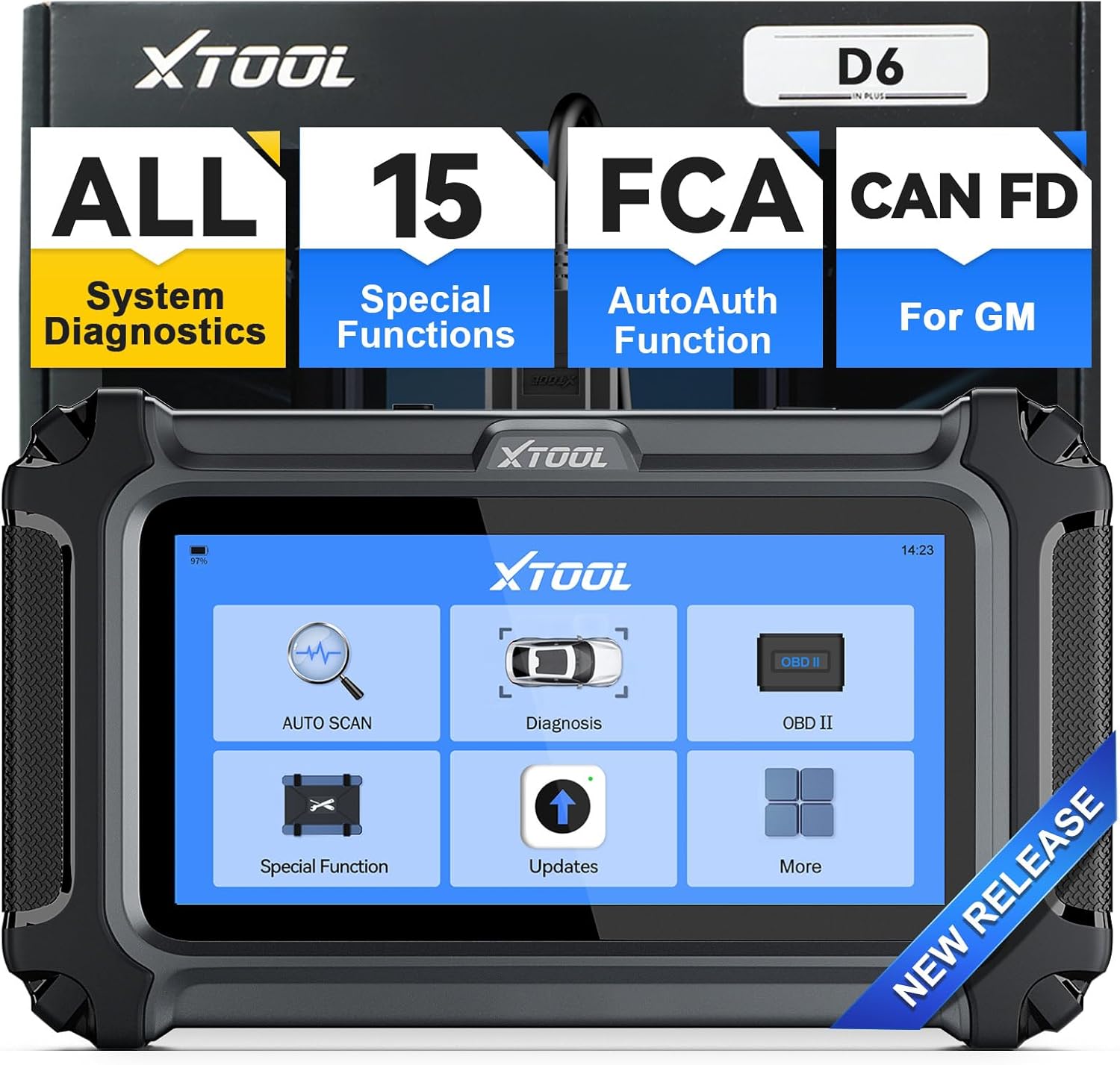 Image: The XTOOL D6 device displaying its main menu interface, ready for operation.
5.2 Programinės įrangos naujiniai
The XTOOL D6 offers free lifetime updates via Wi-Fi. It is recommended to regularly update the software to ensure access to the latest features and vehicle compatibility.
- From the main menu, select 'Updates'.
- Prijunkite įrenginį prie stabilaus „Wi-Fi“ tinklo.
- Vykdykite ekrane pateikiamus nurodymus, kad atsisiųstumėte ir įdiegtumėte galimus naujinimus.
 Image: The XTOOL D6 showing its update interface, highlighting the one-click online update feature.
5.3 Kalbos nustatymai
The device comes with a built-in English language option. For other languages, you may need to contact XTOOL customer service.
- Navigate to 'Settings' from the main menu.
- Select 'Language' to choose your preferred language.
- If your desired language is not available, send your serial number (S/N) along with the desired language to xtoolofficial@hotmail.com to request a language change.
6. Naudojimo instrukcijos
6.1 Bendroji navigacija
The XTOOL D6 features a clear touchscreen interface. Use the touch screen to navigate through menus and select functions. The main menu provides quick access to core diagnostic features.
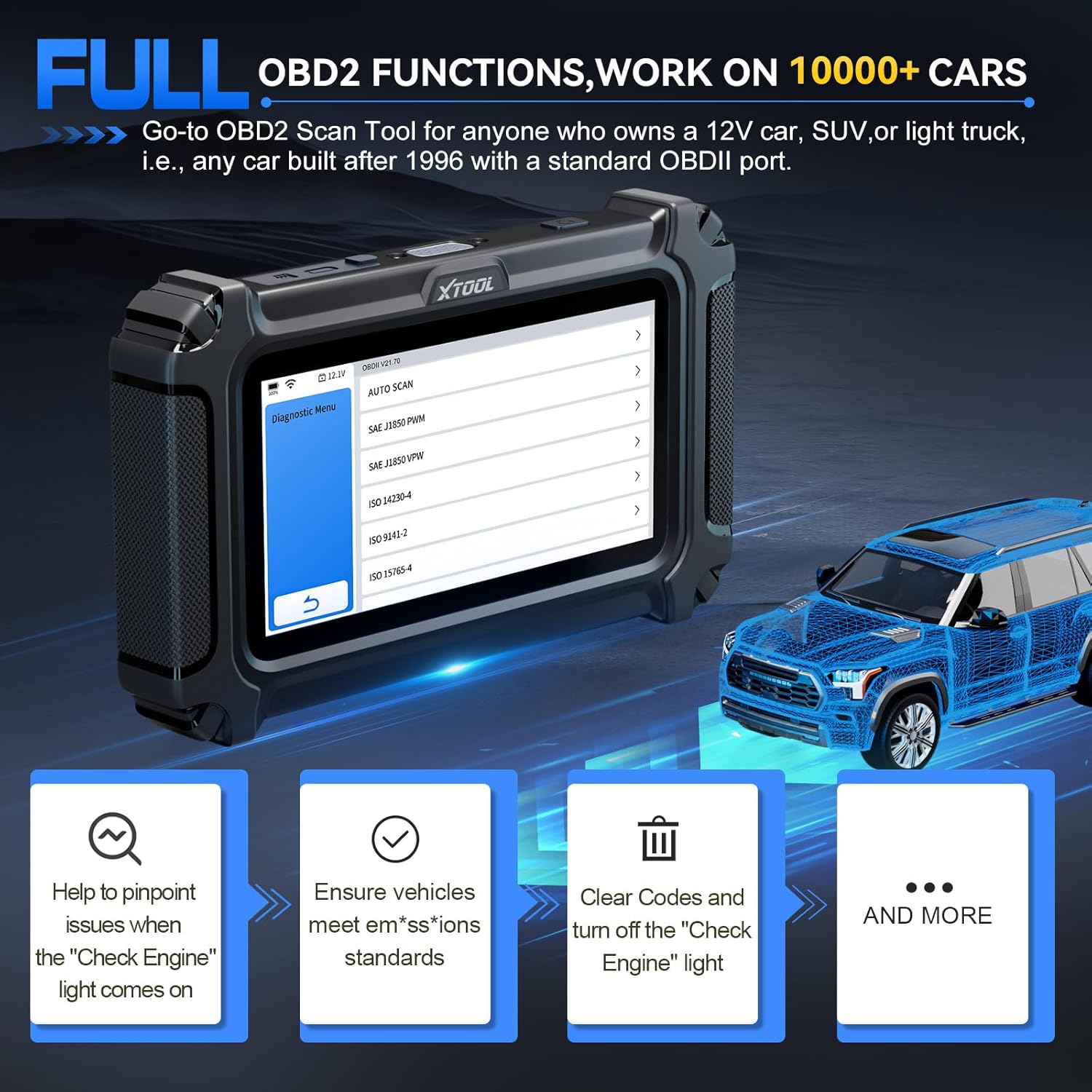 Image: The XTOOL D6 interface showing clear navigation options for various diagnostic tasks.
6.2 Visos sistemos diagnostikos
This function allows you to access and diagnose all available systems in your vehicle, including engine, transmission, ABS, airbag, and more.
- From the main menu, select 'Diagnosis' or 'Auto Scan'.
- The tool will automatically identify your vehicle (if AutoVIN is supported) or prompt for manual selection.
- Once connected, you can read and clear Diagnostic Trouble Codes (DTCs), view tiesioginius duomenis ir prieigą prie transporto priemonės informacijos.
 Image: The XTOOL D6 performing an all-system diagnostic, illustrating its ability to read codes, view tiesioginius duomenis ir prieigą prie ECU informacijos.
6.3 Special Functions (15 Reset Services)
The D6 offers 15 essential reset functions for various vehicle maintenance tasks. Select 'Special Function' from the main menu to access these options.
- Alyvos lemputės atstatymas: Atstato alyvos keitimo lemputę.
- EPB (elektroninio stovėjimo stabdžio) atstatymas: Resets the electronic parking brake system.
- TPMS atstatymas: Padangų slėgio stebėjimo sistemos jutikliai atstatomi.
- SAS (vairo kampo jutiklio) kalibravimas: Kalibruoja vairavimo kampo jutiklį.
- Purkštuko kodavimas: Koduoja naujus purkštukų numerius ECU.
- ABS kraujavimas: Performs ABS brake bleeding to restore brake sensitivity.
- Droselio perprogramavimas: Adapts the throttle body to its new position after cleaning or replacement.
- Pavarų dėžės atitikimas: Adapts the transmission control unit.
- Pakabos reguliavimas: Adjusts the vehicle's suspension system.
- Alkūninio veleno jutiklio perprogramavimas: Relearns crankshaft position sensor.
- Priekinių žibintų reguliavimas: Reguliuoja priekinių žibintų nustatymus.
- Window Initialization: Inicializuoja elektra valdomus langus.
- And more, depending on vehicle compatibility.
 Image: The XTOOL D6 showing its array of 15 essential maintenance functions, such as throttle relearn and ABS bleeding.
6.4 Tiesioginis duomenų stebėjimas
Monitor real-time live data streams from various sensors. This helps in diagnosing intermittent issues and verifying repairs.
- After selecting 'Diagnosis' and connecting to the vehicle, choose 'Live Data'.
- You can select up to 4 data streams to display simultaneously for comparative analysis.
 Image: The XTOOL D6 displaying multiple live data streams graphically, allowing for real-time monitoring and analysis.
6.5 DTC Definition
The built-in DTC library provides definitions for diagnostic trouble codes, helping you understand vehicle issues without needing external resources.
- When DTCs are read, select the code to view its definition and potential causes.
6.6 Akumuliatoriaus talpatage Ekranas
The D6 includes a real-time battery voltage display to monitor your vehicle's electrical system, helping prevent unexpected module breakdowns.
- Baterijos ttage is typically displayed on the top bar of the device screen.
6.7 Diagnostikos ataskaita
Save and share diagnostic reports to keep track of your vehicle's performance and maintenance history.
- After completing a diagnostic scan, look for options to 'Save' or 'Share' the report.
7. Specific Operation: Throttle Body Relearn
This procedure is crucial after cleaning or replacing a throttle body to ensure proper engine idle and response. The XTOOL D6 simplifies this process.
7.1 Būtinos sąlygos
- Ensure the XTOOL D6 is properly connected to the vehicle's OBD2 port.
- Turn on the vehicle's ignition (engine off).
- Transporto priemonės akumuliatoriaus ttage turi būti ne mažesnė kaip 11.5 V.
- The engine should have no active fault codes. Clear any existing DTCs before proceeding.
- Do not press the accelerator pedal during the procedure.
- Turn off all electrical equipment and accessories (e.g., radio, lights, AC).
- The engine should be at operating temperature (warmed up).
7.2 Step-by-Step Procedure
- From the XTOOL D6 main menu, select 'Special Function'.
- Choose 'Throttle Matching' or 'Throttle Relearn'.
- Select your vehicle's manufacturer from the list. The tool will attempt to recognize the vehicle.
- Confirm the prerequisites displayed on the screen. Press 'OK' to proceed.
- The device will connect and initialize the diagnostic program.
- You may be prompted to select a specific channel for the throttle body reset. Refer to your vehicle's service manual or online resources to find the correct channel (e.g., for a Skoda Fabia, it might be Type 1, 060 channel).
- Once the correct channel is selected, the throttle body relearn process will begin. You may hear clicking or buzzing sounds from the throttle body as it performs the reset. This process typically takes less than a minute.
- Once the process is complete, exit all menus on the XTOOL D6.
- Start the vehicle's engine. If the reset was successful, the engine should start immediately and idle normally.
- Disconnect the XTOOL D6 from the OBD2 port.
- It is recommended to take the vehicle for a short test drive to confirm improved throttle response and engine performance.
Video: A detailed demonstration of performing a throttle body relearn using an XTOOL diagnostic tool. The video shows connecting the device, navigating through the special functions menu, selecting the throttle matching option, confirming prerequisites, and observing the throttle body's physical movement during the reset process.
8. Priežiūra
- Laikyti švarų: Nuvalykite įrenginį minkštu, sausu skudurėliu. Venkite naudoti stiprias chemines medžiagas ar abrazyvinius valiklius.
- Tinkamai laikykite: Store the XTOOL D6 in its original packaging or a protective case when not in use to prevent damage.
- Programinės įrangos atnaujinimai: Regularly perform software updates as described in Section 5.2 to ensure optimal performance and compatibility.
- Akumuliatoriaus priežiūra: Reguliariai kraukite įrenginį, net jei juo nesinaudojate dažnai, kad palaikytumėte akumuliatoriaus veikimo laiką.
9. Problemų sprendimas
- Įrenginys neįsijungia: Ensure the device is fully charged or connected to the vehicle's OBD2 port with the ignition on. Check the OBD2 cable for any damage.
- Ryšio klaida: Verify that the OBD2 cable is securely connected to both the device and the vehicle's port. Ensure the vehicle's ignition is on. Try a different vehicle if possible to rule out a vehicle-specific issue.
- Funkcija neveikia: Ensure your vehicle model and year are compatible with the specific function you are trying to perform. Check for any pending software updates.
- Incorrect Readings/DTCs: Ensure the vehicle's VIN is correctly identified. Perform a full system scan to get a comprehensive overview.
- Physical Durability: The XTOOL D6 is designed to be robust. A drop test video demonstrates its ability to withstand impacts and continue functioning, indicating good physical durability.
Video: A demonstration of the XTOOL D6's durability through a drop test. The device is shown being dropped multiple times and continuing to function, highlighting its robust construction.
10. Garantija ir palaikymas
XTOOL stands by its products with a 2-year warranty and continued technical support.
- Garantija: The XTOOL D6 comes with a 2-year warranty from the date of purchase. Please retain your proof of purchase for warranty claims.
- Techninė pagalba: For any technical issues, questions, or assistance, you can contact XTOOL technical support at xtoolofficial@hotmail.com.
- Internetiniai ištekliai: Visit the official XTOOL website for additional resources, FAQs, and product information.


