Įvadas
The OnePlus Buds Pro 3 are advanced wireless Bluetooth earbuds designed to deliver a high-quality audio experience with features such as adaptive noise cancellation, dual-driver audio, and extended battery life. This manual provides essential information for setting up, operating, and maintaining your earbuds.

Image: OnePlus Buds Pro 3 earbuds and their charging case in Midnight Opus.
Kas yra dėžutėje
Your OnePlus Buds Pro 3 package includes the following items:
- OnePlus Buds 3 Pro x 1 pair
- OnePlus Buds 3 Pro charging case x 1
- Vartotojo vadovas x 1
- Silikoniniai ausų antgaliai x 3 (S, M, L)
- C tipo USB įkrovimo laidas x 1

Image: All items included in the OnePlus Buds Pro 3 retail packaging.
Produktas baigtasview
The OnePlus Buds Pro 3 feature a sleek design with a metallic finish on the earbud stems and a textured charging case. Each earbud is equipped with dual drivers for enhanced audio quality.

Priekyje view of earbuds and case.

Šoninė view of earbuds and case.
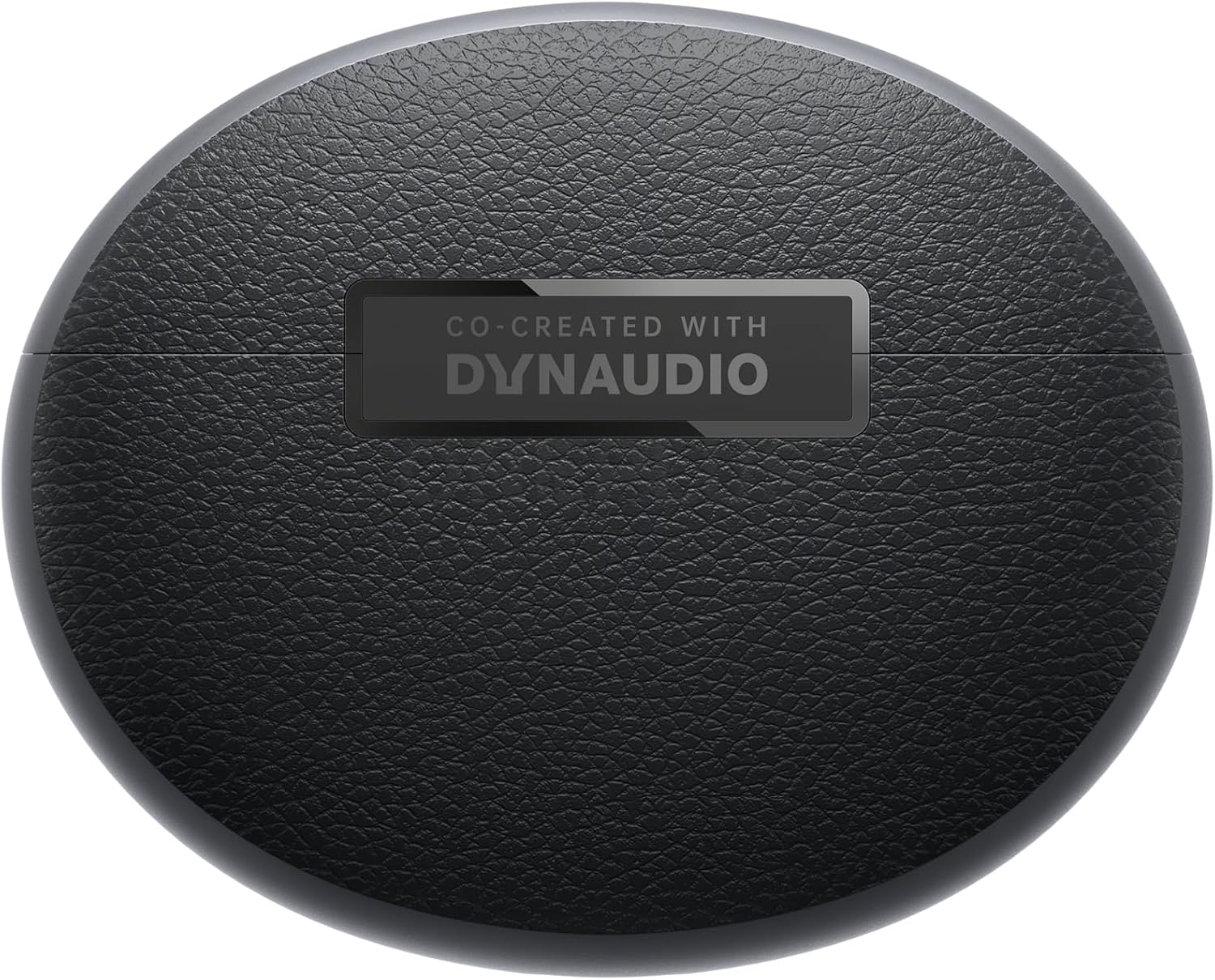
Atgal view of earbuds and case.
Sąranka
Poravimas
- Ensure your OnePlus Buds Pro 3 are charged.
- Atidarykite įkrovimo dėklą. Ausinės automatiškai įsijungs susiejimo režimu.
- Savo įrenginyje (išmaniajame telefone, planšetiniame kompiuteryje ir kt.) įjunkite „Bluetooth“.
- Ieškokite "OnePlus Buds Pro 3" in the list of available Bluetooth devices and select it to pair.
- For quick pairing with compatible Android devices, Google Fast Pair is supported.
HeyMelody App Installation
For full functionality and customization of your OnePlus Buds Pro 3, download the HeyMelody app from your device's app store (Google Play Store for Android, Apple App Store for iOS). The app allows you to manage settings, update firmware, and access advanced features.
Earbud Fit Test
Use the HeyMelody app to perform an earbud fit test. This ensures you have the optimal seal for the best audio quality and effective noise cancellation. Experiment with the included silicone eartips (S, M, L) to find the size that provides the best fit for your ears.
Naudojimo instrukcijos
Palieskite valdiklius
The OnePlus Buds Pro 3 feature intuitive touch and squeeze controls on the earbud stems. These controls can be customized via the HeyMelody app.
- Quick Squeeze: Leisti / pristabdyti garsą.
- Dvigubas suspaudimas: Kitas takelis.
- Trigubas suspaudimas: Ankstesnis takelis.
- Slide on Earbud Stem: Garsumo valdymas.
- Suspauskite ir laikykite: Switch between Noise Cancellation and Transparency modes.
Triukšmo valdymo režimai
The earbuds offer various noise control modes to adapt to your environment:
- Aktyvus triukšmo slopinimas (ANC): Sumažina aplinkos triukšmą iki 50 dB, kad klausymosi patirtis būtų įtraukianti.
- Adaptyvusis triukšmo slopinimas: Automatically adjusts the noise cancellation level based on your surroundings.
- Skaidrumo režimas: Leidžia girdėti aplinką ir mėgautis garsu, todėl naudingas budrumui judrioje aplinkoje.
Spatial Audio with Head Tracking
Experience immersive 3D sound with dynamic head tracking. This feature creates a sound environment that adapts to your head movements, providing a more realistic audio experience for supported music, video, and game apps.

Image: Spatial Audio with head tracking provides an immersive sound experience.
Mažos delsos žaidimų režimas
Activate Gaming Mode via the HeyMelody app to reduce audio lag, ensuring seamless sound synchronization for an enhanced gaming experience.
Smart Dual Connection
The earbuds support dual connection, allowing you to seamlessly switch between two paired devices (e.g., a smartphone and a laptop) without manually disconnecting and reconnecting.
Sound Master EQ
The HeyMelody app provides access to various Sound Master EQ presets, including Dynaudio-featured tuning, to customize your audio experience. You can also adjust the BassWave™ feature for deeper bass with clarity and fidelity.
Įkrovimas
Pailgintas akumuliatoriaus veikimo laikas
The earbuds offer up to 9 hours of playback on a single charge. With the charging case, the total battery life extends up to 44 hours.
Greito įkrovimo technologija
A quick 10-minute charge provides up to 5 hours of playback, ensuring your music is always ready when you are.
Belaidis įkrovimas
The charging case supports wireless charging for convenient power replenishment.

Image: Battery life details for various usage scenarios.
Priežiūra ir priežiūra
IP55 Water and Sweat Resistance
The earbuds are rated IP55 for water and sweat resistance, making them suitable for workouts and outdoor activities. This rating protects against splashes and sweat, but they are not designed for submersion in water.

Image: IP55 rating ensures protection against water splashes and sweat.
Valymas
Regularly clean the earbuds and charging case with a soft, dry cloth. Remove any earwax or debris from the eartips and speaker grilles to maintain optimal sound quality and hygiene.
Trikčių šalinimas
- Nėra garso / ryšio problemų: Ensure earbuds are charged, Bluetooth is enabled on your device, and the earbuds are paired correctly. Try unpairing and re-pairing.
- Prasta garso kokybė: Check earbud fit using the HeyMelody app's fit test. Ensure eartips are clean and free of debris.
- Triukšmo slopinimas neveiksmingas: Verify ANC mode is active and that earbuds have a good seal.
- Neįkraunamos ausinės: Ensure the charging case is charged and that the earbuds are properly seated in the case. Clean charging contacts if necessary.
Specifikacijos
| Funkcija | Specifikacija |
|---|---|
| Modelio pavadinimas | OnePlus Buds Pro 3 (E512A) |
| Triukšmo valdymas | Adaptyvus triukšmo slopinimas (iki 50 dB) |
| Garso tvarkyklės tipas | Hybrid Driver (11mm woofer, 6mm tweeter) |
| Ryšio technologija | Bluetooth 5.2 |
| Baterijos veikimo laikas (ausinės) | Iki 9 valandų |
| Baterijos veikimo laikas (su dėklu) | Iki 44 valandų |
| Greitas įkrovimas | 10 minučių įkrovimas suteikia 5 valandas klausymosi |
| Atsparumas vandeniui | IP55 (ausinės) |
| Valdymo tipas | Palieskite valdymą |
| Varža | 18 omai |
| Jautrumas | 100 dB |
| Dažnio atsakas | 40 Hz |
| Svoris | 7.4 uncijos (0.21 kilogramo) |
Oficialus produkto vaizdo įrašas
Video: An official short preview šouasing the design and features of the OnePlus Buds Pro 3.
Garantija ir palaikymas
For detailed warranty information and support, please refer to the official OnePlus website or contact OnePlus customer service. Keep your proof of purchase for warranty claims.


