1. Produktas baigtasview
The BESTHERM ILLO CONNECT 2000W is a Wi-Fi connected ceramic dry inertia electric radiator designed for efficient and homogeneous heating of indoor spaces. It features a ceramic heating core that provides lasting warmth even after the unit is switched off. This radiator offers smart control options via mobile applications and includes various energy-saving modes.
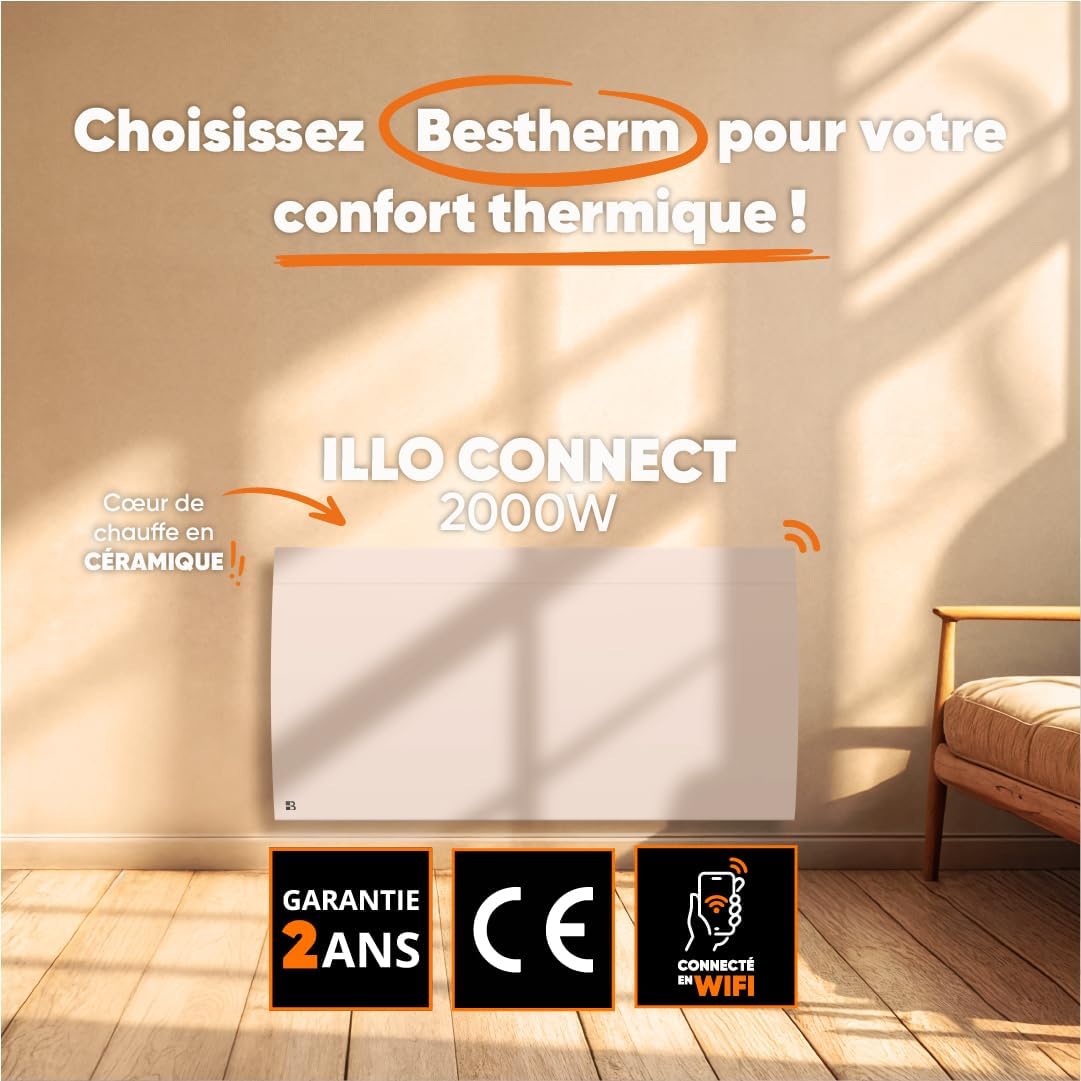
1.1 vaizdas: priekis view of the BESTHERM ILLO CONNECT 2000W electric radiator.
2. Saugos informacija
Prieš montuodami ir naudodami atidžiai perskaitykite visas saugos instrukcijas. Išsaugokite šį vadovą ateičiai.
- Elektros sauga: Ensure the power supply matches the radiator's requirements. Do not operate with a damaged cord or plug. Avoid overloading electrical circuits.
- Vieta: Install the radiator on a stable, flat surface or securely wall-mount it. Maintain adequate clearance from combustible materials (curtains, furniture). Do not cover the radiator.
- Vaikai ir pažeidžiami asmenys: Šį prietaisą gali naudoti vaikai nuo 8 metų ir asmenys, turintys ribotų fizinių, jutiminių ar protinių gebėjimų arba neturintys patirties ir žinių, jei jie yra prižiūrimi arba yra instruktuojami, kaip saugiai naudoti prietaisą ir supranta su tuo susijusius pavojus. . Vaikai neturi žaisti su prietaisu. Vaikai be priežiūros negali valyti ir atlikti naudotojo priežiūros.
- Apsauga nuo perkaitimo: The radiator is equipped with an overheat protection system. If it overheats, it will automatically shut off. Unplug the unit and allow it to cool before restarting.
- Valymas: Always unplug the radiator before cleaning. Use a soft, damp Nenaudokite abrazyvinių valiklių ir nemerkite įrenginio į vandenį.
- Naudoti tik patalpose: Šis prietaisas skirtas naudoti tik patalpose. Nenaudokite lauke arba drėgnoje aplinkoje.
3. Pakuotės turinys
Patikrinkite, ar pakuotėje yra visi komponentai:
- BESTHERM ILLO CONNECT 2000W Electric Radiator
- Sieninio tvirtinimo komplektas (laikikliai, varžtai, inkarai)
- Vartotojo vadovas
4. Produkto ypatybės
- Ceramic Dry Inertia Heating Core: Provides homogeneous and long-lasting heat distribution.
- „Wi-Fi“ ryšys: Remote control via Tuya or Smart Life mobile applications.
- Išmanus energijos taupymas: Customizable weekly programming, 6 Pilot Wire modes, and 4 operating modes.
- Elegantiškas dizainas: Discreet finish with an integrated LCD screen.
- Padidintas saugumas: Electronic thermostat, parental lock, and overheat protection.

Image 4.1: Detail of the ceramic heating core, highlighting its efficient design.
5. Montavimas
The BESTHERM ILLO CONNECT 2000W radiator is designed for wall mounting. Ensure you have the appropriate tools and follow local electrical codes.
5.1. Vietos pasirinkimas
- Select a wall location away from direct drafts, windows, and doors for optimal performance.
- Ensure there is sufficient clearance around the radiator (minimum 15 cm from the floor, 30 cm from the ceiling, and 20 cm from sides).
- The wall must be capable of supporting the radiator's weight (approximately 11.1 kg).
5.2. Mounting the Radiator
- Mark the desired mounting points on the wall using the provided template or by measuring the bracket positions on the back of the radiator.
- Drill holes at the marked points and insert the wall anchors.
- Pritvirtinkite tvirtinimo laikiklius prie sienos naudodami varžtus.
- Carefully lift the radiator and hook it onto the installed wall brackets. Ensure it is securely seated.
- Connect the radiator to a suitable electrical outlet.

5.1 paveikslas: Nugara view of the radiator, showing mounting points for wall installation.
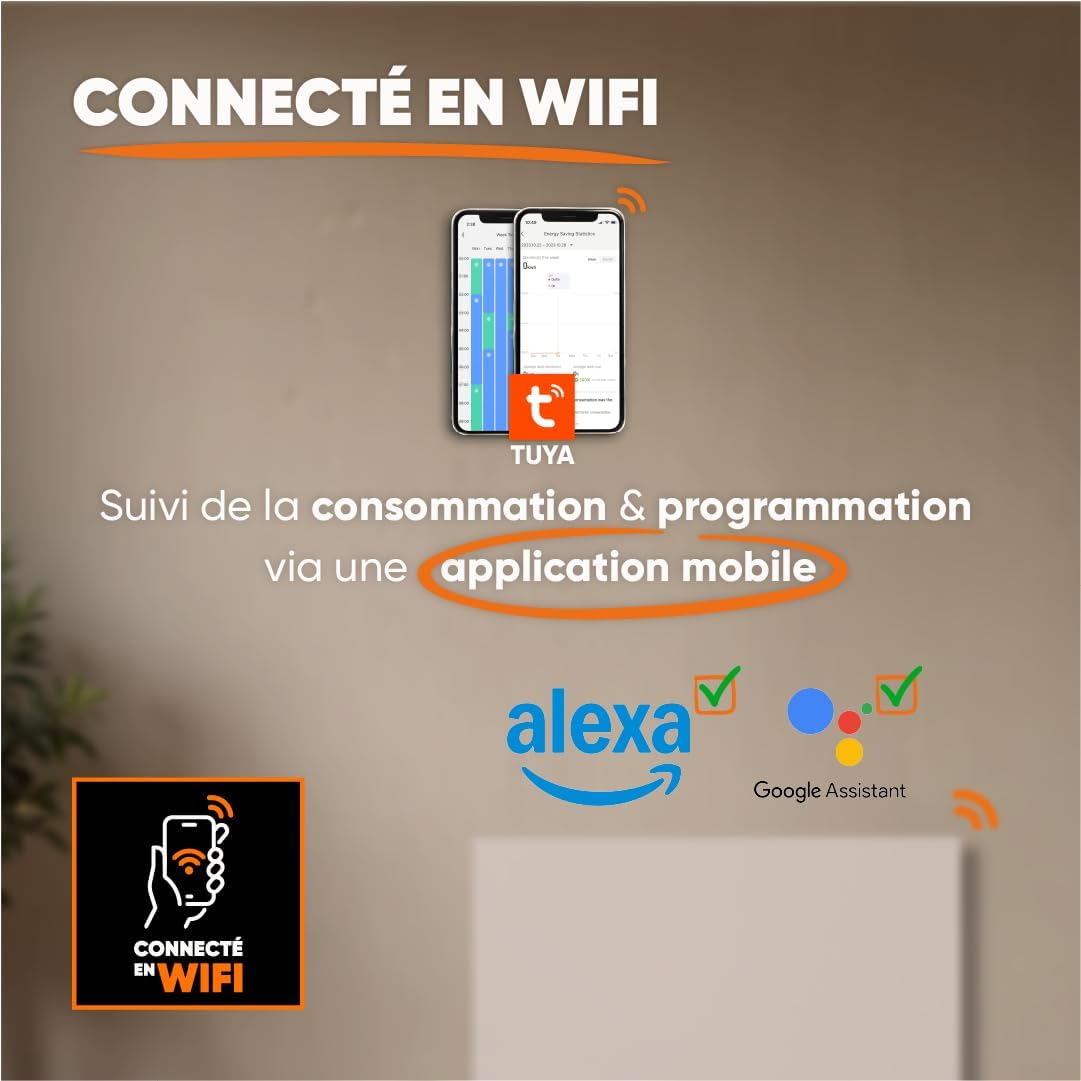
Image 5.2: Radiator dimensions (85 cm width, 45 cm height, 11 cm depth) and weight (11.1 kg).
For detailed visual instructions on installation and programming, scan the QR code below or visit the BESTHERM YouTube channel:

Image 5.3: Scan this QR code to access installation and programming videos.
Video resources: „BESTHERM“ „YouTube“ kanalas
6. Sąranka
6.1. Pradinis įjungimas
After installation, plug the radiator into a grounded electrical outlet. The LCD screen will illuminate, indicating the unit is powered on. Follow the on-screen prompts for initial setup, such as setting the current time and date.
6.2. „Wi-Fi“ ryšys
The ILLO CONNECT 2000W radiator can be controlled remotely via a mobile application. This requires a 2.4 GHz Wi-Fi network.
- Atsisiųskite Tuya Smart or Protingas gyvenimas programėlę iš savo išmaniojo telefono programėlių parduotuvės (galima naudoti „iOS“ ir „Android“ įrenginiuose).
- Registruokitės arba prisijunkite prie savo paskyros programoje.
- Ensure your radiator is powered on and in pairing mode (refer to the radiator's display for specific instructions, usually indicated by a blinking Wi-Fi icon).
- In the app, tap '+' to add a new device. Select 'Heater' or 'Radiator' from the device list.
- Follow the in-app instructions to connect the radiator to your Wi-Fi network. This typically involves entering your Wi-Fi password.
- Once connected, you can control the radiator, monitor consumption, and set programming schedules from your smartphone. The radiator is also compatible with voice assistants like Amazon Alexa and Google Assistant.

Image 6.1: The radiator supports Wi-Fi connectivity via the Tuya Smart or Smart Life app, and is compatible with Alexa and Google Assistant for smart home integration.
7. Naudojimo instrukcijos
7.1. Valdymo skydelis baigtasview
The radiator features an integrated LCD screen and control buttons for direct operation. Refer to the specific icons and button functions detailed in the full product manual for precise control.
7.2. Veikimo režimai
The radiator offers 4 distinct operating modes to suit various heating needs:
- Komforto režimas: Palaiko nustatytą komfortišką temperatūrą.
- Ekologinis režimas: Reduces the temperature by a few degrees compared to Comfort Mode for energy savings.
- Apsaugos nuo užšalimo režimas: Palaiko minimalią temperatūrą (pvz., 7 °C), kad neužšaltų.
- Programos režimas: Follows a pre-set weekly heating schedule.
7.3. Savaitinis programavimas
Customize your heating schedule for each day of the week to optimize energy consumption. This can be done directly on the radiator's control panel or more conveniently through the Tuya/Smart Life mobile application.
7.4. Pilot Wire Modes (6 Modes)
For installations with a pilot wire system, the radiator supports 6 different pilot wire commands, allowing integration into a centralized heating management system. Consult a qualified electrician for pilot wire connection and configuration.
7.5. Užraktas nuo vaikų
To prevent accidental changes to settings, activate the child lock feature. This will disable the physical control buttons on the radiator. The child lock can typically be activated and deactivated by pressing and holding a specific button combination on the control panel, or via the mobile app.
8. Priežiūra
8.1. Valymas
Regular cleaning helps maintain the radiator's efficiency and appearance.
- Before cleaning, always unplug the radiator from the power outlet and allow it to cool completely.
- Išorinius paviršius nuvalykite minkšta, damp šluoste. Nenaudokite abrazyvinių valiklių, tirpiklių ar stiprių cheminių medžiagų, nes jos gali pažeisti apdailą.
- Įsitikinkite, kad į vidinius komponentus nepatenka vanduo.
- Dust the air vents regularly to ensure proper airflow.
8.2. Sandėliavimas
Jei radiatorių sandėliuosite ilgesnį laiką, įsitikinkite, kad jis švarus ir sausas. Laikykite jį vėsioje, sausoje vietoje, geriausia originalioje pakuotėje, kad apsaugotumėte nuo dulkių ir pažeidimų.
9. Problemų sprendimas
Jei kyla problemų dėl radiatoriaus, žr. šias dažniausiai pasitaikančias problemas ir sprendimus:
| Problema | Galima priežastis | Sprendimas |
|---|---|---|
| Radiatorius neįsijungia. | No power, power cord loose, overheat protection activated. | Check power outlet, ensure cord is securely plugged in. Unplug and allow to cool for 30 minutes if overheat protection is suspected. |
| Nėra šilumos perdavimo. | Temperature setting too low, operating mode incorrect, child lock active. | Increase target temperature. Select an appropriate operating mode (e.g., Comfort). Deactivate child lock. |
| „Wi-Fi“ ryšys neveikia. | Incorrect Wi-Fi password, router too far, 5 GHz network used, radiator not in pairing mode. | Verify Wi-Fi password. Move radiator closer to router. Ensure router is broadcasting 2.4 GHz. Put radiator into pairing mode. |
| Radiatorius skleidžia neįprastus garsus. | Normal expansion/contraction, loose mounting. | Minor clicking is normal during heating/cooling. Check mounting screws for tightness. If noise persists or is loud, contact support. |
Jei problema išlieka ir išbandžius šiuos sprendimus, susisiekite su BESTHERM klientų aptarnavimo tarnyba.
10. Specifikacijos
| Funkcija | Specifikacija |
|---|---|
| Prekės ženklas | Bestherm |
| Modelis | ILLO CONNECT 2000W |
| Maitinimo išvestis | 2000W |
| Šildymo būdas | Convection, Ceramic Dry Inertia |
| Spalva | Baltas |
| Ypatinga funkcija | Child Lock, Wi-Fi Connectivity |
| Naudojimas viduje / lauke | Vidinis |
| Maitinimo šaltinis | Elektros kabelis |
| Gaminio matmenys (D x P x A) | 11 cm x 85 cm x 45 cm |
| Produkto svoris | 11.1 kg |
| Montavimo tipas | Sieninis laikiklis |
| Rekomenduojamas kambario dydis | 15–20 m² |
11. Garantija ir palaikymas
11.1. Garantija
The BESTHERM ILLO CONNECT 2000W radiator comes with a 2 metų garantija from the date of purchase, covering manufacturing defects under normal use conditions. Please retain your proof of purchase for warranty claims.
11.2. Pagalba klientams
Our after-sales service is based in France, providing fast and efficient support to ensure your satisfaction.

Image 11.1: BESTHERM After-Sales Service contact information.
- DUK internete: Apsilankykite mūsų webdažnai užduodamų klausimų svetainė: www.bestherm.fr/pages/faq
- Pagalba telefonu: 03 20 47 05 37
- Pagalba el. paštu: sav@hom-y.fr


