1. Įvadas
Ačiū, kad pirkoteasing the ZEBRONICS Envy 2 Wireless Over-Ear Headphone. This manual provides essential information for the proper setup, operation, and maintenance of your device. Please read it carefully before use and retain it for future reference.
2. Pakuotės turinys
- Headphone - 1 Unit
- Aux cable - 1 Unit
- External MIC - 1 Unit
- QR code guide - 1 Unit
- Charging cable (Type-C) - 1 Unit
3. Produktas baigtasview
The ZEBRONICS Envy 2 features a comfortable over-ear design with intuitive controls and versatile connectivity options.
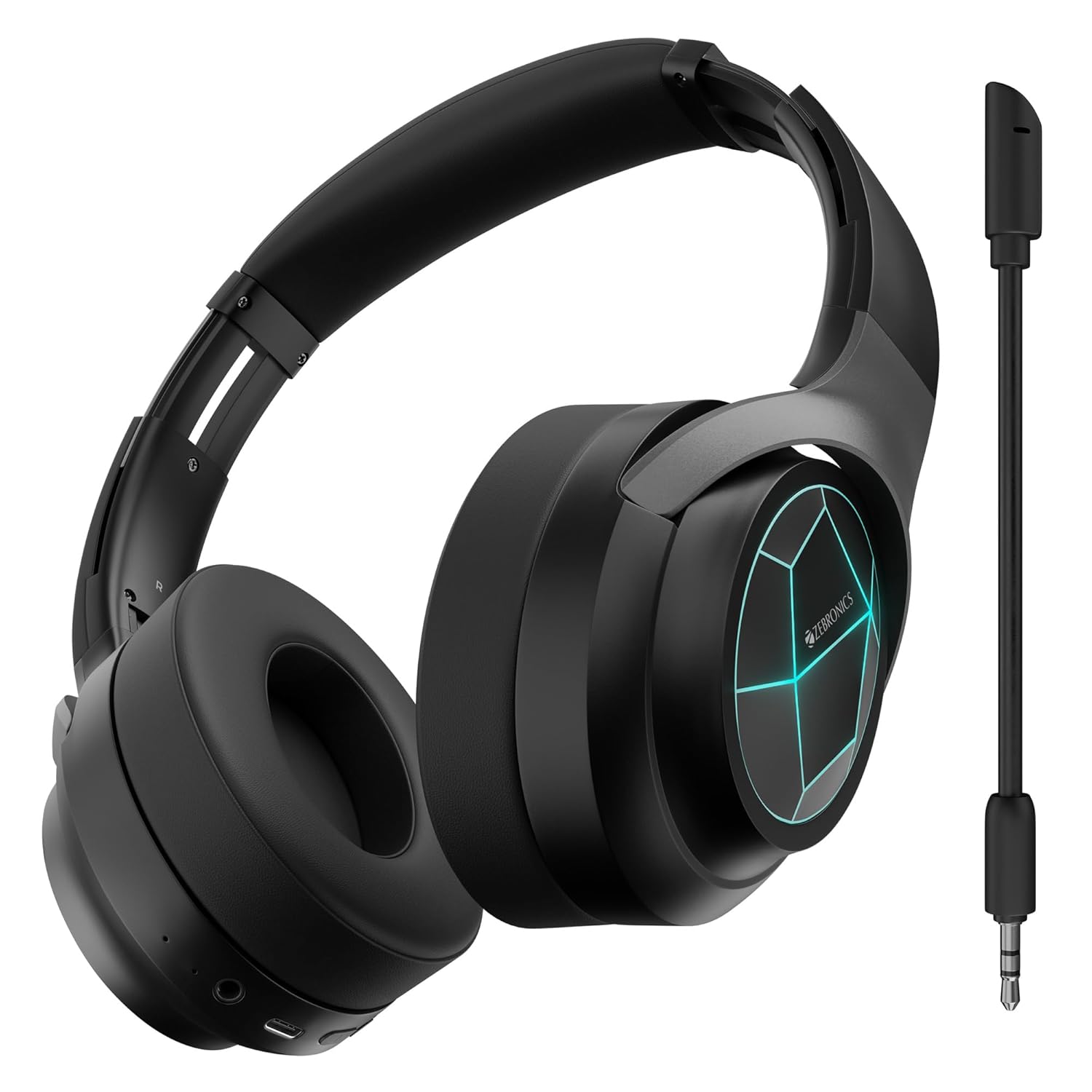
1 pav.: priekis view of the ZEBRONICS Envy 2 Wireless Over-Ear Headphone, showcasing its sleek black design and illuminated earcups.
3.1 Komponentai ir valdikliai
- Ausinės: Padded for comfort, housing 40mm drivers.
- Galvos juosta: Adjustable and foldable for portability.
- Maitinimo / daugiafunkcis mygtukas: For power on/off, play/pause, call management.
- Garsumo didinimo / kito takelio mygtukas: Adjust volume or skip tracks.
- Garsumo mažinimo / ankstesnio takelio mygtukas: Adjust volume or go to previous tracks.
- Režimo mygtukas: To switch between modes (e.g., Gaming Mode).
- C tipo įkrovimo prievadas: Skirta vidinei baterijai įkrauti.
- 3.5 mm AUX įvestis: Laidiniam garso prijungimui.
- Mikrofono prievadas: Skirta nuimamam mikrofonui pritvirtinti.
- LED indikatoriai: For power, pairing, and charging status.

Figure 2: Close-up showing the 40mm drivers for deep bass, media and volume controls, foldable design, and LED lights on the earcups.
4. Pagrindinės savybės
- Dinaminis bosas: Equipped with dual 40mm powerful drivers for enhanced audio experience.
- Belaidis ryšys: Utilizes Bluetooth v5.3 for stable and efficient wireless connection.
- Laidinis ryšys: Supports 3.5mm AUX input for universal compatibility.
- Nuimamas mikrofonas: Includes a flexible, detachable microphone for clear communication, especially during gaming.
- Aplinkos triukšmo slopinimas (ENC): Sumažina aplinkos triukšmą, kad skambučiai būtų aiškesni.
- Ilgas atkūrimo laikas: Offers up to 65 hours of playback on a single charge (at 50% volume with LED off).
- Žaidimų režimas: Provides a low-latency audio experience optimized for gaming.
- Dvigubas poravimas: Allows simultaneous connection to two devices, enabling seamless switching.
- Balso asistento palaikymas: Suderinamas su balso asistentais, kad būtų galima valdyti laisvų rankų įranga.
- Sulankstomas dizainas: Pagerina nešiojamumą ir patogumą sandėliuoti.
- Minkštos ausų pagalvėlės: Designed for extended comfort during long listening sessions.
- LED lemputės: Integrated LED lights on the earcups for a distinctive visual appeal.
5. Ausinių įkrovimas
Before first use, fully charge the headphone. Use the provided Type-C charging cable.
- Connect the Type-C end of the charging cable to the headphone's charging port.
- Prijunkite įkrovimo laido USB-A galą prie suderinamo USB maitinimo adapterio (nepridedamas) arba kompiuterio USB prievado.
- LED indikatorius rodys įkrovimo būseną (pvz., raudonas kraunant, užgęsta, kai visiškai įkrautas).
- A full charge typically takes approximately X hours (refer to product specifications for exact time).

Figure 3: Illustration highlighting the headphone's impressive battery life of up to 65 hours and its built-in rechargeable battery.
6. „Bluetooth“ poravimas
Follow these steps to pair your ZEBRONICS Envy 2 headphone with a Bluetooth-enabled device.
- Įsitikinkite, kad ausinės yra visiškai įkrautos ir išjungtos.
- Paspauskite ir palaikykite maitinimo / daugiafunkcį mygtuką, kol LED indikatorius pakaitomis mirksės mėlynai ir raudonai, rodydamas susiejimo režimą.
- Savo įrenginyje (išmaniajame telefone, planšetiniame kompiuteryje, nešiojamajame kompiuteryje) įjunkite „Bluetooth“ ir ieškokite galimų įrenginių.
- Select "Zeb-Envy 2" from the list of found devices.
- Kai įrenginys bus suporuotas, LED indikatorius lėtai mirksės mėlynai.
6.1 Dvigubas susiejimas
The headphone supports dual pairing, allowing connection to two Bluetooth devices simultaneously.
- Pair the headphone with the first device as described above.
- Disable Bluetooth on the first device. The headphone will re-enter pairing mode.
- Pair the headphone with the second device.
- Re-enable Bluetooth on the first device. The headphone should automatically connect to both devices.

Figure 4: The headphone connected to both a laptop and a smartphone, illustrating the dual pairing feature with Bluetooth v5.3.
7. Laidinis ryšys (AUX)
For a wired connection, use the provided 3.5mm AUX cable.
- Plug one end of the 3.5mm AUX cable into the headphone's AUX input port.
- Plug the other end into the 3.5mm audio output jack of your audio source (e.g., smartphone, computer, gaming console).
- The headphone will automatically switch to AUX mode.

Figure 5: The headphone showing the detachable and flexible microphone, along with the AUX input port for wired audio.
8. Using the Detachable Microphone
The ZEBRONICS Envy 2 comes with a detachable microphone for clear voice input.
- Locate the microphone port on the headphone.
- Insert the detachable microphone firmly into the port.
- Sureguliuokite lanksčią mikrofono laikiklį, kad jis būtų optimaliai išdėstytas jūsų balsui.
- To remove, gently pull the microphone out of the port.
9. Call Function and Voice Assistant
Manage calls and activate your device's voice assistant with ease.
9.1 Call Function (ENC)
- Atsiliepimas / skambučių užbaigimas: Vieną kartą paspauskite maitinimo / daugiafunkcinį mygtuką.
- Skambučių atmetimas: Paspauskite ir 2 sekundes palaikykite nuspaudę maitinimo / daugiafunkcį mygtuką.
- Aplinkos triukšmo slopinimas (ENC): The built-in ENC technology helps reduce background noise during calls for clearer conversations.

Figure 6: Visual representation of the Environmental Noise Cancellation (ENC) feature, showing the headphone surrounded by a noise-reducing field.
9.2 Balso padėjėjas
- Balso asistento suaktyvinimas: Press the Voice Assistant button (if available, or typically a double-press of the Multi-function button) to activate your device's voice assistant (e.g., Siri, Google Assistant).

Figure 7: The headphone highlighting soft ear cushions for comfort, the call function, and support for voice assistants like Siri and Google Assistant.
10. Žaidimų režimas
The ZEBRONICS Envy 2 features a dedicated Gaming Mode for a low-latency audio experience, crucial for competitive gaming.
- Žaidimo režimo aktyvinimas: Press the Mode button (or refer to the QR code guide for specific button press).
- Nauda: Reduces audio delay, ensuring synchronized sound with on-screen action.
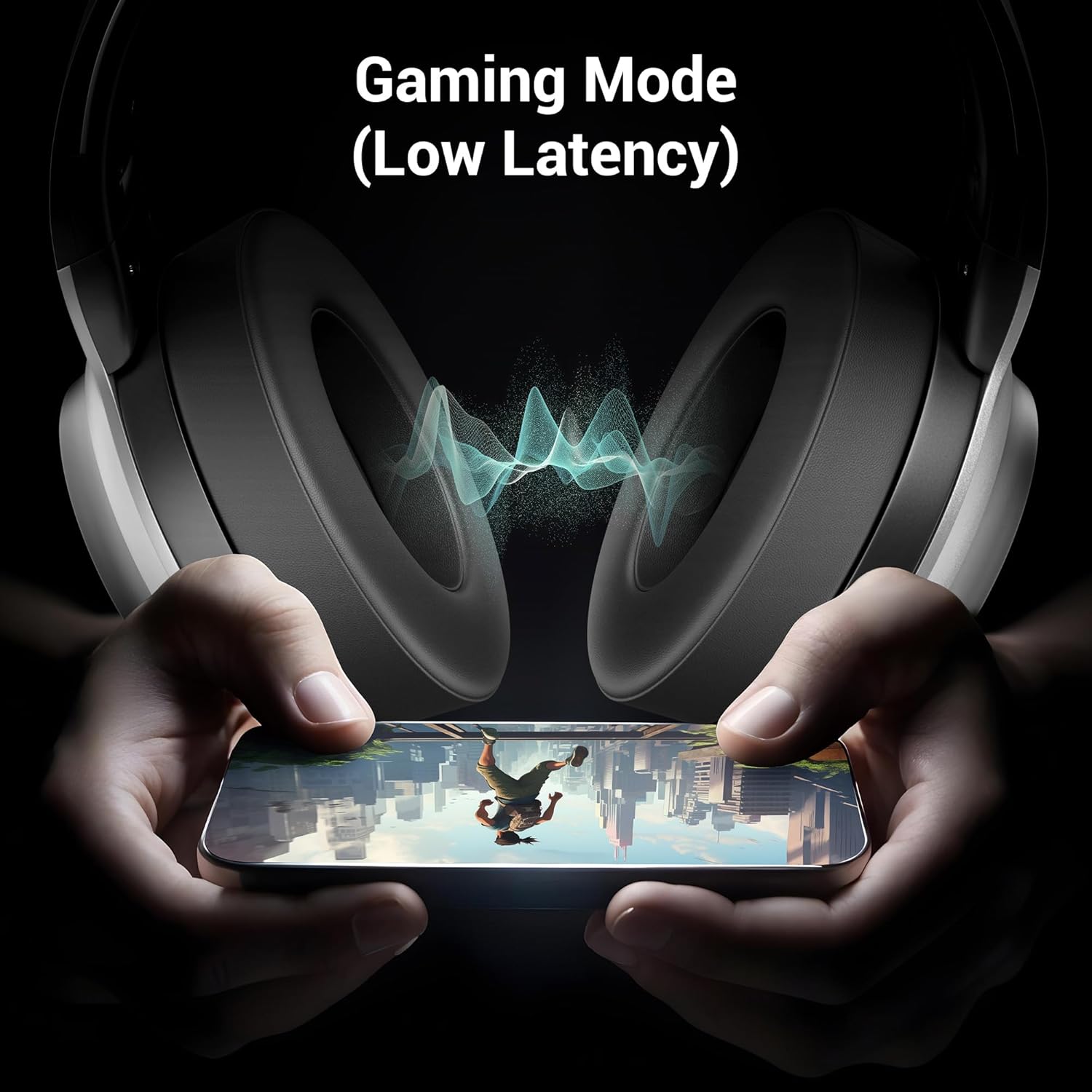
Figure 8: The headphone illustrating its Gaming Mode, emphasizing low latency for an immersive gaming experience.
11. Priežiūra ir priežiūra
- Ausines valykite minkštu, sausu skudurėliu. Nenaudokite stiprių cheminių medžiagų ar abrazyvinių medžiagų.
- Avoid exposing the headphone to extreme temperatures, humidity, or direct sunlight.
- Store the headphone in a cool, dry place when not in use. The foldable design aids in compact storage.
- Nebandykite ardyti ar modifikuoti ausinių, nes tai panaikins garantiją.
12. Problemų sprendimas
| Problema | Galima priežastis | Sprendimas |
|---|---|---|
| Headphone does not power on | Senka baterija | Charge the headphone fully. |
| Nepavyksta susieti per „Bluetooth“ | Headphone not in pairing mode; device Bluetooth off; too far apart | Ensure headphone is in pairing mode (flashing blue/red). Turn on device Bluetooth. Keep devices within 10 meters. |
| Nėra garso | Volume too low; incorrect source; headphone not connected | Increase volume on headphone and device. Check connection (Bluetooth or AUX). Ensure correct audio output is selected on your device. |
| Mikrofonas neveikia | Microphone not properly attached; muted; incorrect input selected | Ensure detachable mic is securely inserted. Check if mic is muted on the headphone or device. Select the correct microphone input on your device settings. |
13. Specifikacijos
| Funkcija | Detalė |
|---|---|
| Modelio pavadinimas | Zeb Envy 2 |
| Ryšio technologija | Belaidis (Bluetooth), Laidinis (AUX) |
| Bluetooth versija | 5.3 |
| Garso tvarkyklės tipas | Dinaminis vairuotojas |
| Vairuotojo dydis | 40 mm |
| Baterijos veikimo laikas | Up to 65 Hours (at 50% Volume, LED OFF) |
| Įkrovimo prievadas | C tipas |
| Mikrofonas | Detachable & Flexible Mic with ENC |
| Ausų išdėstymas | Virš ausies |
| Kontrolės metodas | Mygtukas |
| Suderinami įrenginiai | Laptops, Tablets, Smartphones, Gaming Consoles |
| Prekės svoris | 238 gramų |
| Gaminio matmenys (IxPxH) | 8.4 x 15.4 x 22.2 cm |
| Medžiaga | Plastikiniai |
14. Saugos informacija
- Do not use the headphone at high volume for extended periods to prevent hearing damage.
- Do not use the headphone while driving or in situations where ambient sounds are necessary for safety.
- Keep the device away from water, moisture, and flammable substances.
- Išmeskite gaminį atsakingai, laikydamiesi vietinių taisyklių.
15. Garantija ir palaikymas
Your ZEBRONICS Envy 2 headphone is covered by a manufacturer's warranty. For detailed warranty information, technical support, or service inquiries, please refer to the QR code guide included in your package or visit the official ZEBRONICS websvetainę.


