1. Įvadas
This manual provides essential information for setting up, operating, and maintaining your Dell Precision 5560 laptop. The Dell Precision 5560 is a high-performance mobile workstation designed for demanding tasks, featuring an Intel Core i7-11850H processor, 32GB RAM, a 1TB Solid State Drive, and an Nvidia RTX A2000 4GB graphics card. It comes pre-installed with Windows 11 Pro 64-bit, offering a user-friendly interface and advanced features for an optimal computing experience.
2. Kas yra dėžutėje
- Dell Precision 5560 nešiojamas kompiuteris
- Kintamosios srovės adapteris
3. Produktas baigtasview
3.1 Exterior Features
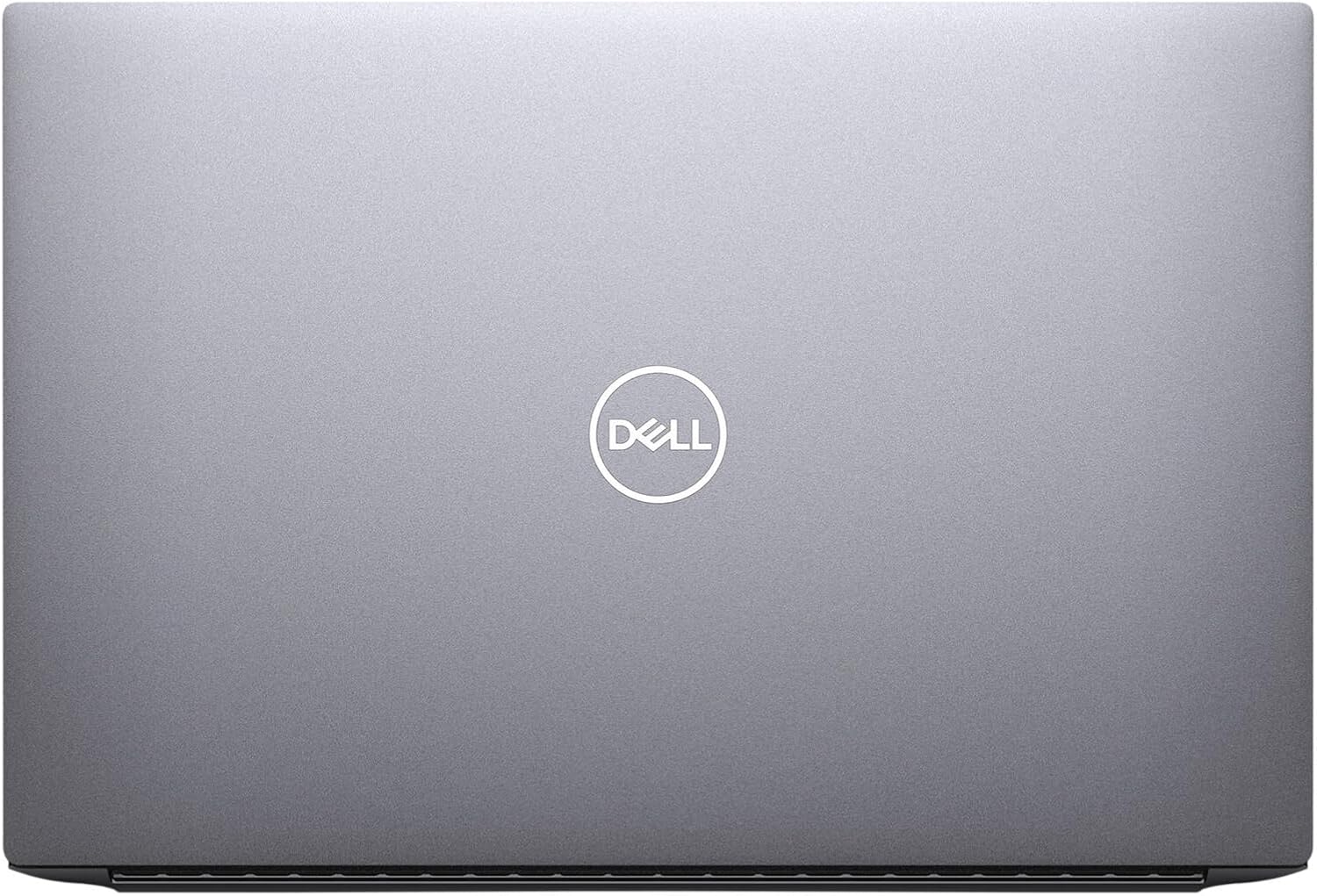
3.1.1 paveikslas: Į viršų view of the Dell Precision 5560 laptop when closed, showcasing its sleek design and Dell logo.

3.1.2 paveikslas: Atidaryti view of the Dell Precision 5560, displaying the full-size keyboard, large touchpad, and the 15.6-inch display.
- Ekranas: 15.6-inch LED Backlight Display with 1920 x 1080 pixels resolution.
- Klaviatūra: Full-size keyboard with tactile keys.
- Jutiklinė dalis: Large, multi-gesture trackpad for precise navigation.
3.2 Prievadai ir jungtys

3.2.1 paveikslas: Left side of the Dell Precision 5560, showing the security cable lock slot and two Thunderbolt 4 ports with Power Delivery.
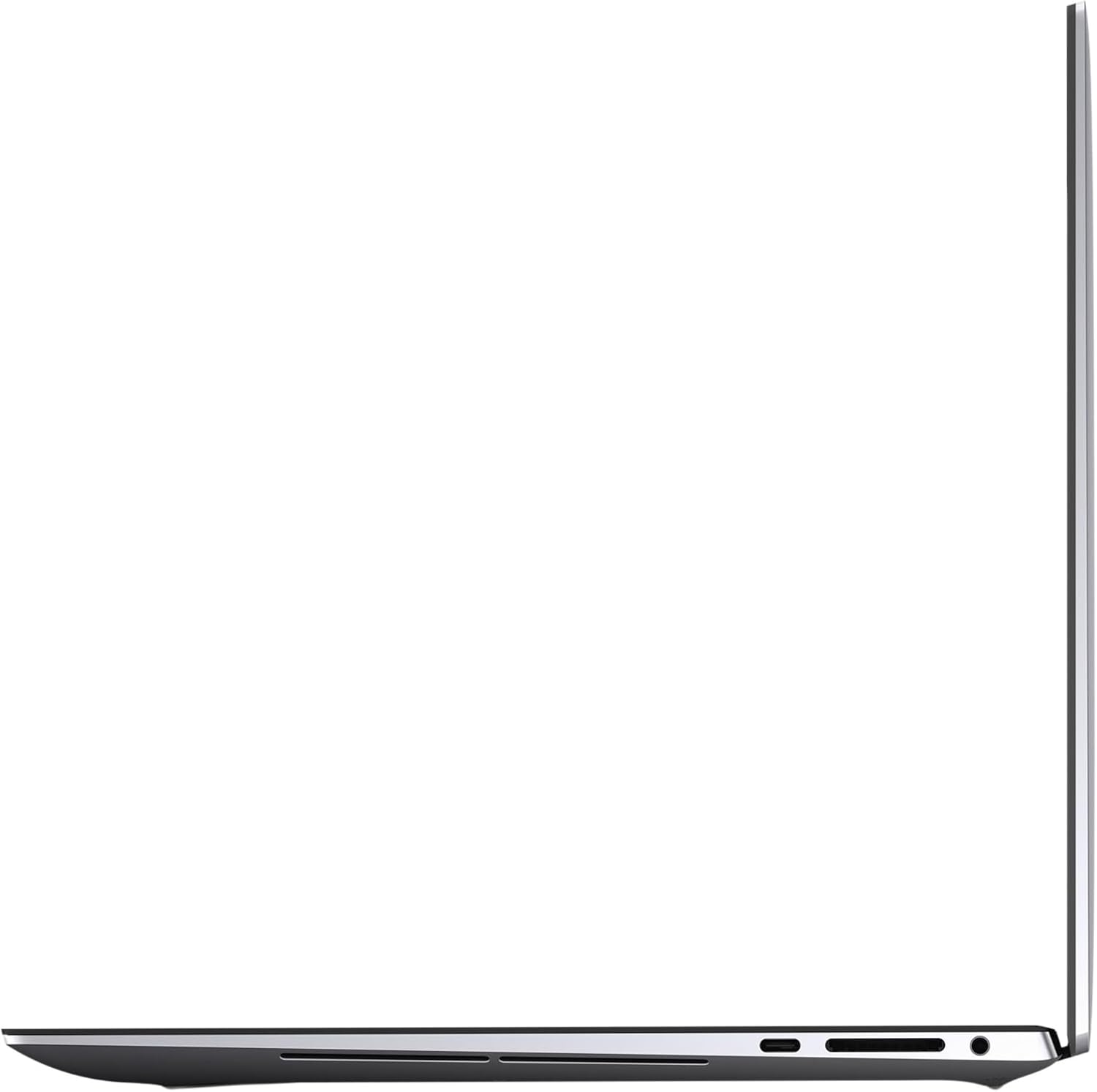
3.2.2 paveikslas: Right side of the Dell Precision 5560, featuring a USB 3.2 Gen 2 Type-C port with DisplayPort Alt Mode, a Secure Digital card slot, and a headphone jack.
- Kairė pusė:
- Security Cable Lock Slot
- 2x Thunderbolt 4 ports with Power Delivery
- Dešinė pusė:
- 1x USB 3.2 Gen 2 Type-C port with DisplayPort Alt Mode
- Secure Digital (SD) Card Slot
- Kombinuotas ausinių/mikrofono lizdas
3.3 Vidaus komponentai

3.3.1 paveikslas: Interjeras view of the Dell Precision 5560, showing the dual M.2 hard drive slots, two DDR4 memory slots, and the 86Wh battery.
- Saugykla: Two M.2 hard drive slots, both supporting PCIe Gen 4x4.
- Atmintis: Two DDR4 memory slots, supporting up to 3200MHz, with a maximum capacity of 64GB RAM.
- Baterija: 86Wh Standard battery.
4. Sąranka
- Išpakuokite nešiojamąjį kompiuterį: Carefully remove the laptop and AC adapter from the packaging.
- Prijunkite maitinimą: Plug the AC adapter into a power outlet and then into the laptop's Thunderbolt 4 port (either on the left side).
- Pradinis įjungimas: Atidarykite nešiojamojo kompiuterio dangtį ir paspauskite maitinimo mygtuką, esantį klaviatūros viršuje, dešinėje.
- Operacinės sistemos sąranka: Vykdykite ekrane pateikiamus nurodymus, kad užbaigtumėte „Windows 11 Pro“ sąranką, įskaitant kalbos, regiono, tinklo ryšio ir vartotojo paskyros kūrimą.
- Prijunkite išorinius įrenginius: Connect any external devices such as a mouse, keyboard, or external monitor to the available ports.
5. Nešiojamojo kompiuterio valdymas
5.1 Klaviatūra ir jutiklinė planšetė
- The keyboard provides a comfortable typing experience. Utilize the function keys (F1-F12) for quick access to system controls like volume, brightness, and external display options.
- The large touchpad supports multi-touch gestures for scrolling, zooming, and navigating. Refer to Windows 11 settings for customizing touchpad gestures.
5.2 Ekrano nustatymai
To adjust display resolution or scaling:
- Right-click on an empty area of the desktop.
- Select 'Display settings'.
- Under 'Scale & layout', you can change the size of text, apps, and other items (scaling) and adjust the 'Display resolution'. The recommended resolution for the 15.6-inch display is 1920x1080 pixels.
5.3 Prievadų naudojimas
- „Thunderbolt 4“ prievadai: Use these for high-speed data transfer, connecting external displays, or charging the laptop.
- USB 3.2 Gen 2 tipo C prievadas: Connect compatible USB-C devices or external displays using DisplayPort Alt Mode.
- SD kortelės lizdas: Insert Secure Digital cards for transferring photos and other media.
- Ausinių / mikrofono jungtis: Prijunkite ausines, išorinius garsiakalbius arba laisvų rankų įrangą su mikrofonu.
6. Priežiūra
- Valymas: Ekraną ir išorę valykite minkšta, nepūkuota šluoste. Venkite stiprių cheminių medžiagų. Klaviatūrą valykite suslėgtu oru, kad pašalintumėte dulkes ir šiukšles.
- Akumuliatoriaus priežiūra: To prolong battery life, avoid extreme temperatures and fully discharging the battery frequently. For optimal performance, keep the laptop plugged in when possible, especially during intensive tasks.
- Programinės įrangos atnaujinimai: Regularly update your Windows operating system and Dell drivers to ensure optimal performance and security.
- Saugyklos valdymas: Periodiškai valykite nereikalingus fileir programas, kad būtų palaikoma pakankamai vietos saugykloje ir sistemos greitis.
7. Problemų sprendimas
If you encounter issues with your Dell Precision 5560, consider the following basic troubleshooting steps:
- Nėra galios: Ensure the AC adapter is securely connected to both the laptop and a working power outlet. Check the power light indicator.
- Rodymo problemos: If the screen is blank or flickering, try adjusting the display brightness using the function keys. If using an external monitor, ensure cables are connected correctly and check display settings.
- Lėtas našumas: Close unnecessary applications, check for background processes, and ensure sufficient free space on your SSD. Restarting the laptop can often resolve temporary performance issues.
- Periferinis įrenginys neaptiktas: Ensure the peripheral is properly connected to the correct port. Try connecting it to a different port or restarting the laptop.
For more detailed troubleshooting or persistent issues, refer to Dell's official support resources.
8. Specifikacijos
| Funkcija | Detalė |
|---|---|
| Procesorius | Intel Core i7-11850H (2.5 GHz) |
| Įdiegtos RAM atminties dydis | 32 GB DDR4 SDRAM |
| Maksimali atminties talpa | 64 GB DDR4 SDRAM |
| Kietojo disko dydis | 1 TB SSD (kietojo kūno diskas) |
| Kietojo disko sąsaja | Solid State (PCIe Gen 4x4) |
| Grafikos koprocesorius | Nvidia RTX A2000 4GB |
| Ekrano dydis | 15.6 colių |
| Maksimali ekrano skiriamoji geba | 1920 x 1080 pikselių |
| Operacinė sistema | Windows 11 Pro 64 bitų |
| Belaidis tipas | 802.11n |
| Gaminio matmenys (IxPxH) | 9.07 x 13.56 x 0.45 colio |
| Spalva | Pilka |
| Maitinimo šaltinis | AC ir akumuliatorius |
| Optinio disko tipas | Nėra optinio disko |
9. Garantija ir palaikymas
This Dell Precision 5560 is a Certified Refurbished product. It has been tested and certified to look and work like new. The refurbishing process includes functionality testing, basic cleaning, inspection, and repackaging. The product ships with all relevant accessories and a minimum 90-day warranty.
For warranty claims, technical support, or additional product information, please visit the official Dell support websvetainėje arba susisiekite su savo pardavėju.


