Įvadas
Thank you for choosing the Amazon Basics Pro Series 4-in-1 USB-C Hub. This compact and versatile hub is designed to expand the connectivity of your PC, MacBook, laptops, phones, monitors, and projectors, offering high-speed data transfer and seamless peripheral integration. This manual provides essential information for proper setup, operation, and maintenance of your device.
Produktas baigtasview
The Amazon Basics Pro Series 4-in-1 USB-C Hub features a durable aluminum alloy and ABS housing, ensuring both portability and resilience. It includes a built-in 150mm USB-C cable for convenient connection to your host device.

Vaizdas: Viršview of the 4-in-1 versatile hub, highlighting its port configuration.
Pagrindinės funkcijos:
- USB-C pagrindinio kompiuterio jungtis: Provides a versatile bridge between your laptop and peripherals.
- Du USB-C prievadai: Both support USB 3.2 Gen 2 standard for data transfer speeds up to 10 Gbps.
- Two USB-A Ports: Skirta standartiniams USB įrenginiams prijungti.
- Didelės spartos duomenų perdavimas: Enables rapid transfer of large files.
- Prijunkite ir paleiskite: Diegimui nereikia tvarkyklių.
- Patvari konstrukcija: Aluminum alloy and ABS housing with a flexible TPE cable.
Sąranka
The Amazon Basics Pro Series 4-in-1 USB-C Hub is designed for immediate use with its plug-and-play functionality. No software drivers are required for installation.
- Prijunkite šakotuvą: Insert the built-in USB-C cable of the hub into an available USB-C port on your host device (PC, MacBook, laptop, phone, etc.).
- Įrenginio atpažinimas: Your operating system will automatically detect and configure the hub. This process usually takes a few seconds.
- Prijunkite išorinius įrenginius: Once the hub is recognized, you can connect your USB-C and USB-A peripherals (e.g., external drives, keyboards, mice) to the corresponding ports on the hub.

Image: The USB-C hub connected to a laptop, demonstrating peripheral connections.
Naudojimo instrukcijos
The hub facilitates high-speed data transfer and expands connectivity for various devices.
Duomenų perdavimas:
- Connect USB 3.2 Gen 2 compatible devices to the USB-C ports for data transfer speeds up to 10 Gbps.
- Connect USB-A devices to the USB-A ports for standard data transfer.
- Ensure your host device's USB-C port supports the required data transfer speeds to achieve optimal performance.

Image: The hub emphasizing its ultra-fast 10Gbps data transfer capability.
Visuotinis suderinamumas:
The hub is compatible with a wide range of devices, including:
- PC
- MacBook
- Nešiojamieji kompiuteriai
- Telefonai
- Monitoriai
- Projektoriai
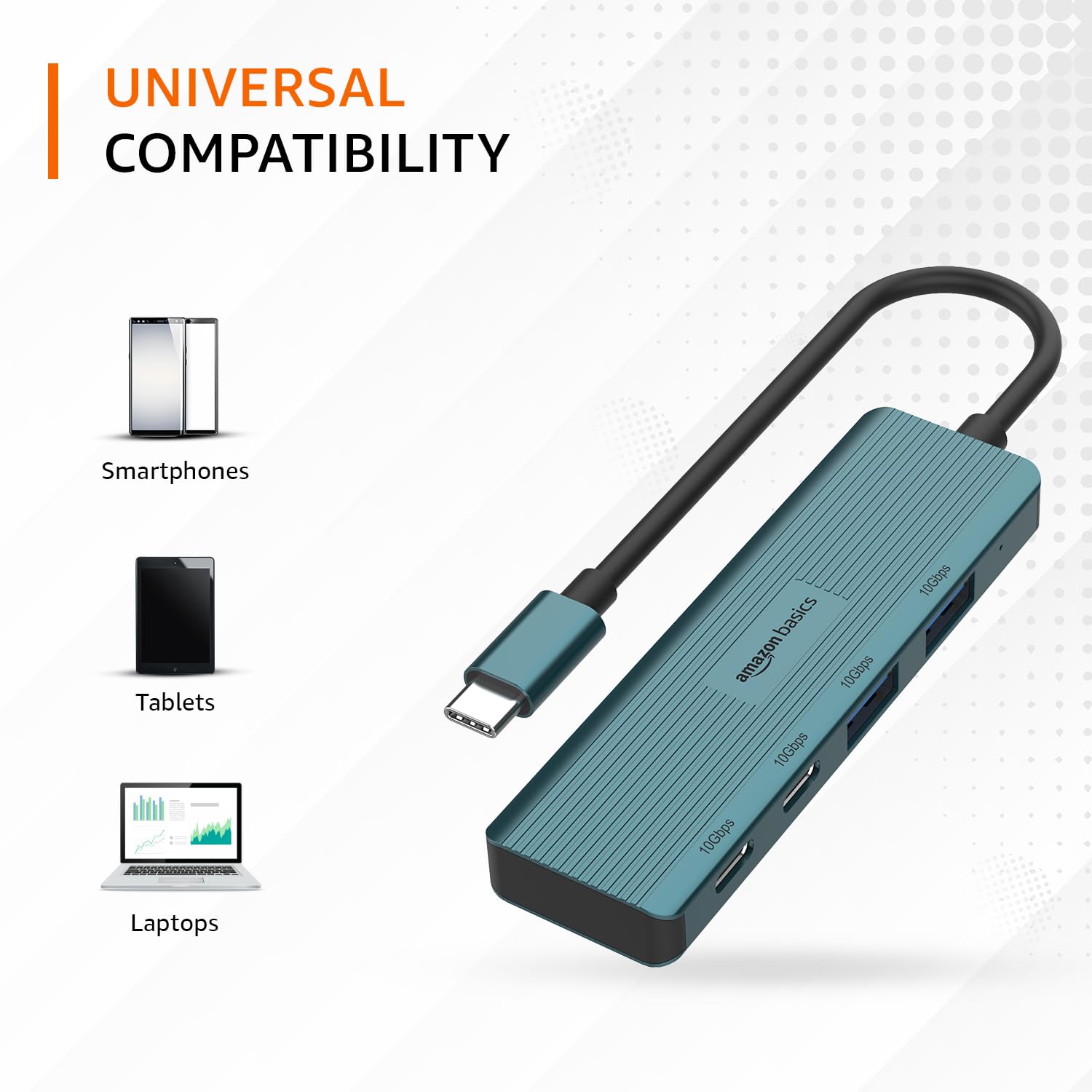
Image: The hub illustrating its compatibility with various devices like smartphones, tablets, and laptops.
Priežiūra
To ensure the longevity and optimal performance of your USB-C hub, follow these maintenance guidelines:
- Valymas: Stebulės išorę valykite minkšta, sausa šluoste. Nenaudokite skystų valiklių ar tirpiklių, nes jie gali pažeisti apdailą ar vidinius komponentus.
- Saugykla: Kai nenaudojate, laikykite šakotį vėsioje, sausoje vietoje, toliau nuo tiesioginių saulės spindulių ir ekstremalių temperatūrų.
- Tvarkymas: Avoid dropping the hub or subjecting it to strong impacts. Do not bend the integrated cable excessively.
- Vėdinimas: Ensure the hub has adequate ventilation during operation to prevent overheating, especially during prolonged high-speed data transfers.
Trikčių šalinimas
If you encounter issues with your Amazon Basics Pro Series 4-in-1 USB-C Hub, refer to the following common troubleshooting steps:
- Įrenginys neatpažintas:
- Įsitikinkite, kad šakotuvo USB-C laidas yra visiškai įkištas į pagrindinio įrenginio USB-C prievadą.
- Pabandykite prijungti šakotuvą prie kito pagrindinio įrenginio USB-C prievado.
- Restart your host device (computer, laptop, phone).
- Verify that the connected peripheral devices are functioning correctly when connected directly to your host device (if applicable).
- Mažas duomenų perdavimo greitis:
- Confirm that both your host device's USB-C port and the connected peripheral support USB 3.2 Gen 2 (10 Gbps) for optimal speeds.
- Avoid connecting multiple high-bandwidth devices simultaneously if you experience performance degradation.
- Ensure the cables used for connecting peripherals are of high quality and support the desired data transfer speeds.
- Pertraukiamas ryšys:
- Check for loose connections at both the hub and the host device.
- Ensure the hub is not being subjected to physical stress or excessive cable bending.
- If using with a power-intensive device, ensure your host device can supply sufficient power, as this hub is not externally powered.
Specifikacijos
| Prekės ženklas | amazon pagrindai |
| Modelis | „4-in-1“ USB-C koncentratorius |
| Priimančiosios sąsaja | USB-C |
| Išvesties prievadai | 2 x USB-C (USB 3.2 Gen 2), 2 x USB-A (USB 3.2 Gen 2) |
| Duomenų perdavimo greitis | Iki 10 Gb/s (USB 3.2 Gen 2) |
| Kabelio ilgis | 150mm (built-in) |
| Medžiaga | Aluminum Alloy, ABS Housing, TPE Cable |
| Spalva | Turkis |
| Prekės svoris | 20 g |
| Suderinami įrenginiai | PC, MacBook, Laptops, Phones, Monitors, Projectors |
| Operacinė sistema | MAC OS (and generally compatible with Windows, Linux, Android) |

Image: Physical dimensions of the USB-C hub.
Garantija ir palaikymas
For warranty information and customer support regarding your Amazon Basics Pro Series 4-in-1 USB-C Hub, please refer to the Amazon Basics official websvetainėje arba susisiekite tiesiogiai su „Amazon“ klientų aptarnavimo tarnyba. Išsaugokite pirkimo kvitą garantiniams reikalavimams.