1. Įvadas
The NEDIS SmartLife Outdoor Pan-Tilt Spotlight Camera (WIFICO22CWT) is designed to enhance your home security with advanced features and seamless integration. This manual provides essential information for the proper installation, operation, and maintenance of your camera.
Key features include a 3MP (1296p) sensor for clear images, remote pan and tilt control, automatic tracking, color and infrared night vision, two-way audio, motion and sound detection with instant notifications, and an IP65 weatherproof rating for outdoor reliability.
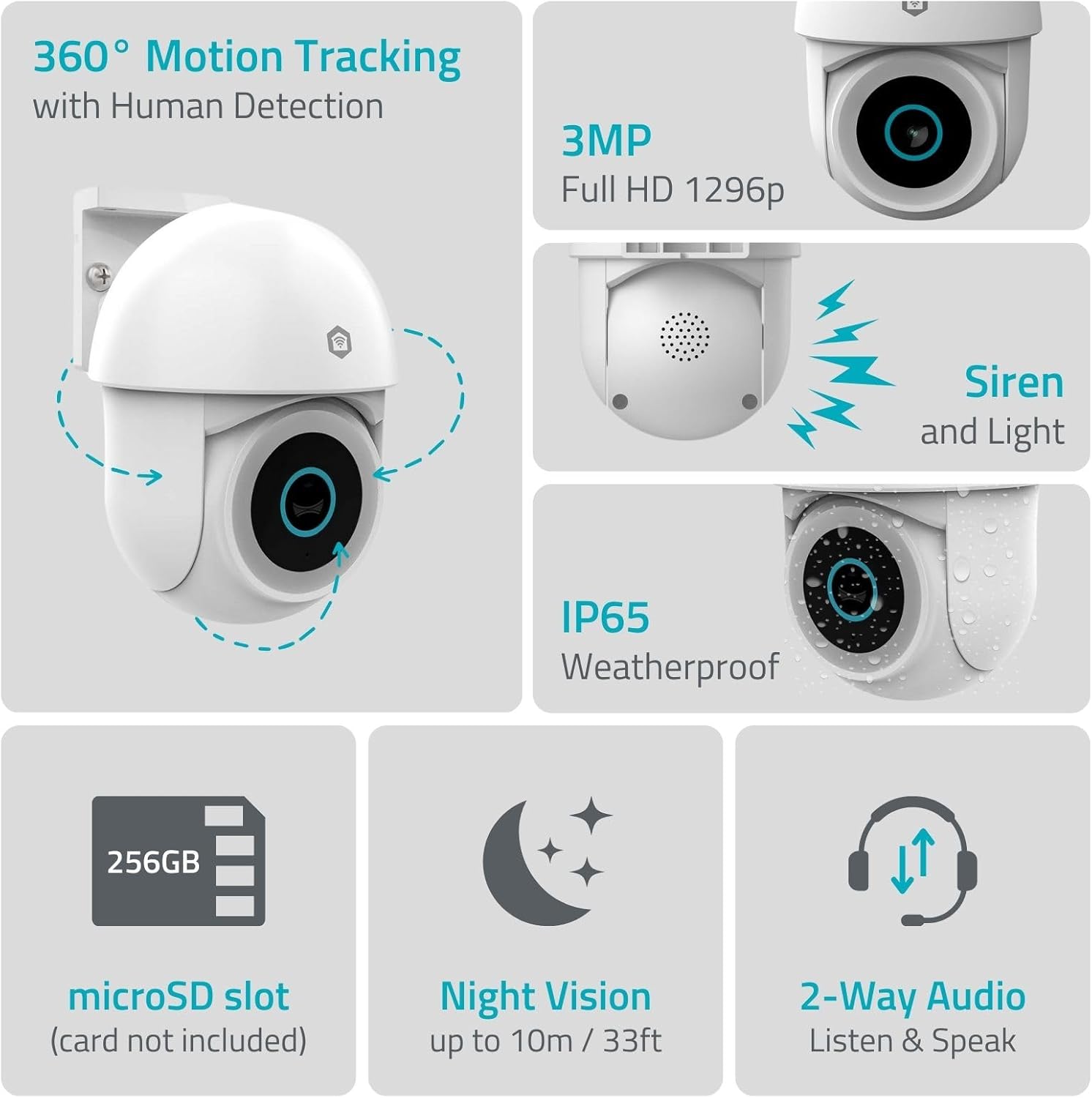
1.1 vaizdas: Baigtaview of NEDIS SmartLife Outdoor Camera features, including 360-degree motion tracking, 3MP resolution, siren and light, IP65 weatherproofing, microSD slot, night vision, and two-way audio.
2. Pakuotės turinys
Patikrinkite pakuotę, ar joje yra šie daiktai:
- NEDIS SmartLife Outdoor Pan-Tilt Spotlight Camera (WIFICO22CWT)
- Maitinimo adapteris (5V DC)
- Montavimo laikiklis ir varžtai
- Greitos pradžios vadovas (šis vadovas)
3. Sąranka
3.1. Programos diegimas
- Atsisiųskite Nedis SmartLife programėlę iš „App Store“ („iOS“) arba „Google Play Store“ („Android“).
- Registruokitės naujai paskyrai arba prisijunkite, jei jau turite.
3.2. Įjungimas ir pradinis prijungimas
- Prijunkite fotoaparatą prie maitinimo adapterio ir įjunkite jį į elektros lizdą.
- Palaukite, kol sumirksės kameros indikatoriaus lemputė, rodanti, kad ji paruošta susiejimui.
- Open the Nedis SmartLife app, tap '+' to add a new device, and follow the on-screen instructions to connect the camera to your 2.4 GHz Wi-Fi network.
3.3. MicroSD Card Installation (Optional)
For local storage of recordings, install a microSD card (up to 256GB, not included).
- Locate the microSD card slot on the camera (refer to the camera diagram in the quick start guide).
- Carefully insert the microSD card into the slot until it clicks into place.
- Format the microSD card via the camera settings in the Nedis SmartLife app.
3.4. Kameros montavimas
The camera comes with a wall/ceiling mount. Choose a suitable location with a clear view ir yra „Wi-Fi“ ryšio diapazone.

Image 3.1: Camera dimensions for mounting reference.
- Mark the drilling positions using the mounting bracket as a template.
- Gręžkite skyles ir, jei reikia, įstatykite sieninius kaiščius.
- Pritvirtinkite tvirtinimo laikiklį prie sienos arba lubų varžtais.
- Attach the camera to the mounting bracket and adjust its initial angle.
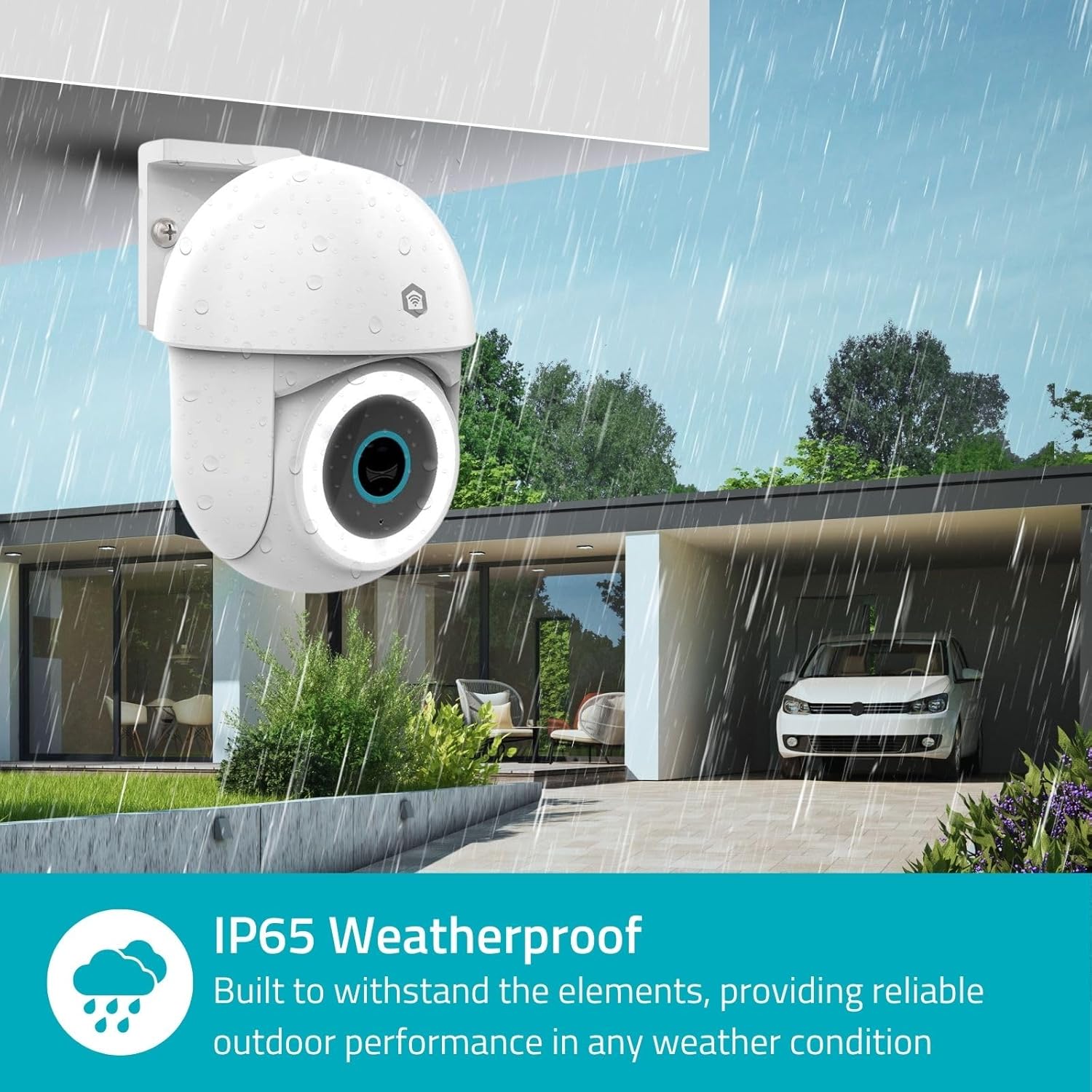
Image 3.2: The IP65 weatherproof design ensures reliable outdoor performance in various weather conditions.
4. Naudojimo instrukcijos
4.1. Gyvai View ir panoraminio/pakreipimo valdymas
Access the live feed from your camera through the Nedis SmartLife app. Use the on-screen controls to remotely pan (horizontal) and tilt (vertical) the camera to monitor a wide area.
4.2. Judesio aptikimas ir sekimas
The camera features advanced motion detection, including human detection, to minimize false alarms. You can customize detection zones within the app.
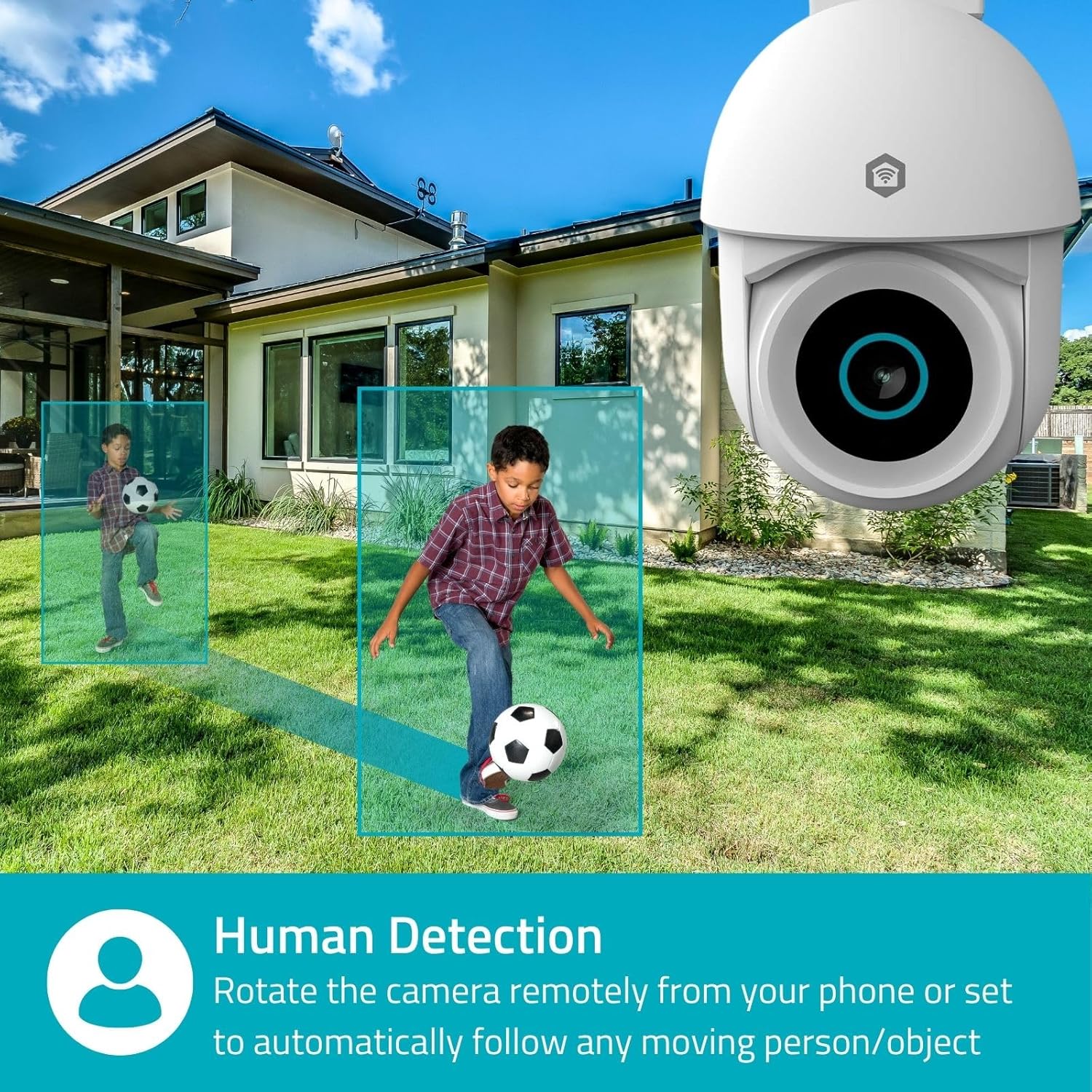
Image 4.1: Human Detection allows the camera to automatically follow moving persons or objects.
Įgalinti Automatinis stebėjimas in the app settings to have the camera automatically follow detected movement.
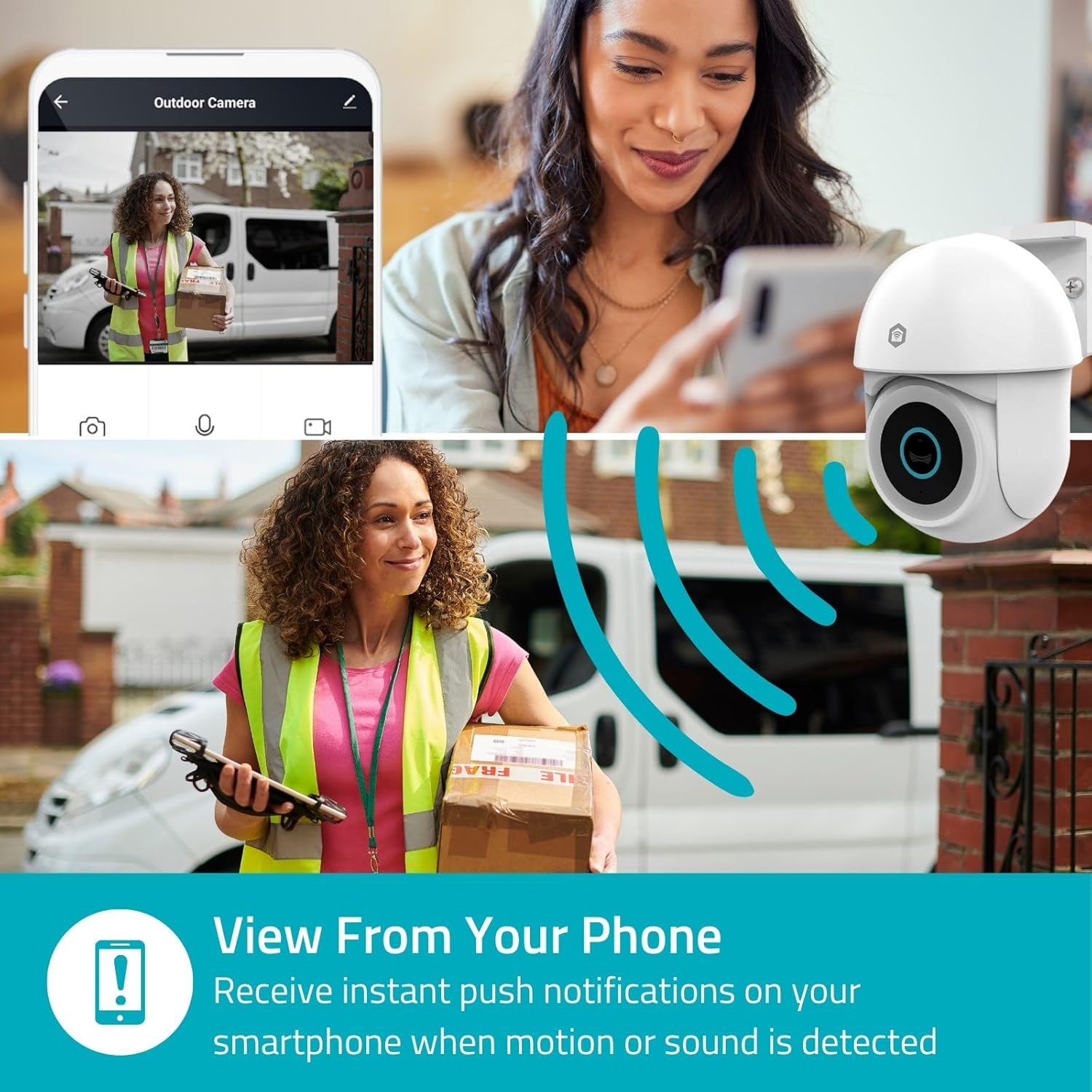
Image 4.2: Receive instant push notifications on your smartphone when motion or sound is detected.
4.3. Dvipusis garsas
Utilize the built-in microphone and speaker for two-way communication. You can listen to the environment and speak through the camera via the app.
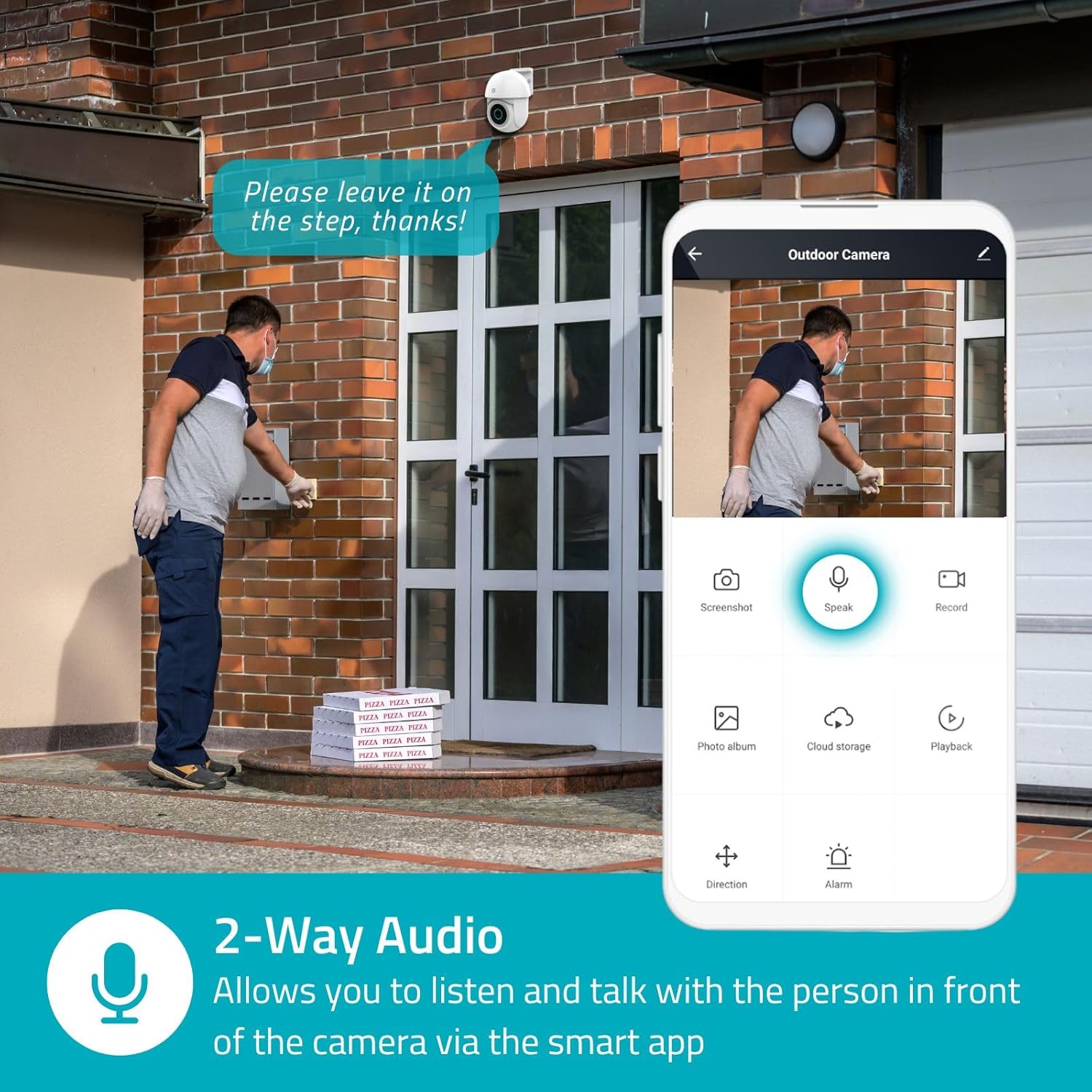
Image 4.3: Two-Way Audio allows you to listen and talk with individuals in front of the camera.
4.4. Naktinis matymas
The camera supports two night vision modes:
- Spalvotas naktinis matymas: Achieved using dimmable white LEDs, providing full-color images in low light.
- Infraraudonųjų spindulių nakties vizija: Standard black and white night vision using infrared LEDs, effective up to 10 meters (33 feet).

Image 4.4: Comparison of Day Mode and Night Mode, illustrating the camera's 3MP resolution and 10m night vision capability.
4.5. Spotlight and Siren
When motion is detected, you can configure the camera to activate its white LEDs (spotlight) and/or a siren. This can deter intruders or provide illumination.

Image 4.5: The camera's light and siren can be activated upon motion detection to deter unwanted visitors.
4.6. Įrašymas ir atkūrimas
Recordings can be stored on a microSD card (up to 256GB) or via optional cloud storage. Access and playback recorded footage through the Nedis SmartLife app.
4.7. Privatumo režimas
Activate Privacy Mode in the app to temporarily disable recording and live view when you are home, ensuring your privacy.
4.8. Išmaniųjų namų integracija
The camera is compatible with Google Home and Amazon Alexa, allowing for voice control and integration into your smart home ecosystem.
5. Priežiūra
- Valymas: Švelniai nuvalykite fotoaparato objektyvą ir korpusą minkšta,amp audinys. Nenaudokite stiprių cheminių medžiagų ar abrazyvinių valiklių.
- Firmware atnaujinimai: Regularly check the Nedis SmartLife app for available firmware updates to ensure optimal performance and security.
- Maitinimas: Įsitikinkite, kad maitinimo adapteris ir laidas nėra pažeisti.
6. Problemų sprendimas
6.1. Kamera neprisijungia prie „Wi-Fi“
- Įsitikinkite, kad jūsų „Wi-Fi“ tinklas yra 2.4 GHz dažnio. Kamera nepalaiko 5 GHz „Wi-Fi“.
- Check that the Wi-Fi password is entered correctly.
- Sąrankos metu padėkite kamerą arčiau „Wi-Fi“ maršrutizatoriaus.
- Iš naujo paleiskite maršrutizatorių ir kamerą.
6.2. Prasta vaizdo kokybė
- Patikrinkite „Wi-Fi“ signalo stiprumą. Silpnas signalas gali paveikti vaizdo kokybę.
- Įsitikinkite, kad kameros objektyvas yra švarus ir be jokių kliūčių.
- Adjust the video resolution settings in the app if your network bandwidth is limited.
6.3. Judesio aptikimas neveikia
- Patikrinkite, ar programėlės nustatymuose įjungtas judesio aptikimas.
- Check the sensitivity settings and detection zones.
- Įsitikinkite, kad nėra jokių fizinių kliūčių, blokuojančių kameros view.
6.4. No Audio or Two-Way Audio Issues
- Patikrinkite mikrofono ir garsiakalbio garsumo nustatymus programėlėje.
- Kalbėdami per programėlę, įsitikinkite, kad jūsų išmaniojo telefono mikrofonas nėra nutildytas.
- Patikrinkite tinklo ryšį, kad galėtumėte perduoti garsą realiuoju laiku.
7. Specifikacijos
| Funkcija | Specifikacija |
|---|---|
| Modelio numeris | WIFICO22CWT |
| Rezoliucija | 3 MP (1296p) |
| Ryšys | „Wi-Fi“ (2.4 GHz) |
| Pan/Tilt Function | Taip |
| Atsparumo oro sąlygoms įvertinimas | IP65 |
| Naktinis matymas | Color (white LEDs) & IR (up to 10m) |
| Dvipusis garsas | Taip |
| Saugojimo parinktys | MicroSD (up to 256GB, not included), Cloud Storage (optional) |
| Maitinimo įvestis | 5V DC |
| Matmenys (I x P x A) | 10 x 8.3 x 11 cm |
| Svoris | 292 gramų |
| Ypatingos savybės | Human Detection, Auto-Tracking, Spotlight, Siren, Privacy Mode, Onvif support |
| Suderinamumas | „Google Home“, „Amazon Alexa“. |
8. Garantija ir palaikymas
This product comes with a standard manufacturer's warranty. For detailed warranty information, please refer to the warranty card included in your package or visit the official NEDIS websvetainę.
For technical support, troubleshooting assistance, or further inquiries, please contact NEDIS customer service through their official websvetainėje arba kontaktinę informaciją, pateiktą ant produkto pakuotės.
Internetiniai ištekliai:
- Aplankykite NEDIS websvetainę for product updates and support.
- Check the Nedis SmartLife app for FAQs and in-app support options.


