Produktas baigtasview
The Xtreme LED Bluetooth Speaker is a portable audio device designed to deliver clear sound and dynamic LED light shows. It features multiple connectivity options and a rechargeable battery for extended use.

Image: The Xtreme LED Bluetooth Speaker shown alongside its retail packaging, highlighting its design and branding.
Pagrindinės funkcijos:
- Įtraukiantis garsas: Delivers rich, full-range sound with clear highs and deep bass.
- Dynamic LED Light Show: Multiple light modes that sync with music, creating a visual atmosphere.
- Extended Bluetooth Range: Connects wirelessly up to 33 feet (10 meters) from your device.
- Universalus ryšys: Supports Bluetooth, Aux-in, USB, and Micro-SD card playback.
- Nešiojamas dizainas: Lightweight with a convenient carrying loop and rechargeable USB-C battery.
Kas yra dėžutėje
- Xtreme LED Bluetooth Speaker
- USB-C įkrovimo laidas
- Instrukcijų vadovas
Valdikliai ir prievadai

Paveikslėlis: detalus view of the speaker's front panel, illustrating the control buttons and highlighting features like multi-color LEDs, loud audio, quality sound, and the portable carrying loop.
- Maitinimo mygtukas: Paspauskite ir palaikykite, kad įjungtumėte / išjungtumėte garsiakalbį.
- Padidinti garsumą / kitas takelis: Trumpai paspauskite, kad padidintumėte garsumą, ilgai paspauskite kitą takelį.
- Sumažinti garsumą / ankstesnis takelis: Trumpas paspaudimas – garsumui sumažinti, ilgas – ankstesniam takeliui.
- Play/Pause / Bluetooth Pairing: Short press to play/pause, long press to enter Bluetooth pairing mode.
- Šviesos režimo mygtukas: Press to cycle through different LED light show modes.
- Režimo mygtukas (M): Press to switch between Bluetooth, Aux, USB, and Micro-SD card modes.
- Įkrovimo prievadas (USB-C): Įkrovimo laido prijungimui.
- Aux įvesties prievadas: Laidiniam garso prijungimui.
- USB prievadas: Skirta garso įrašams leisti iš USB atmintinės.
- Micro-SD kortelės lizdas: For playing audio from a Micro-SD card.
Sąranka
1. Įkraukite garsiakalbį
Before first use, fully charge the speaker. Connect the provided USB-C charging cable to the speaker's charging port and the other end to a USB power adapter (not included) or a computer's USB port. The LED indicator will show charging status and turn off when fully charged.
2. Įjungimas/išjungimas
Paspauskite ir palaikykite Maitinimo mygtukas for approximately 3 seconds to turn the speaker ON or OFF. A sound prompt will indicate the power status.
Naudojimo instrukcijos
"Bluetooth" režimas
- Įjunkite garsiakalbį. Jis automatiškai įsijungs „Bluetooth“ susiejimo režimu, ką parodys mirksintis LED indikatorius.
- Savo įrenginyje (išmaniajame telefone, planšetiniame kompiuteryje ir kt.) įjunkite „Bluetooth“ ir ieškokite galimų įrenginių.
- Select "Xtreme Speaker" from the list of devices.
- Once paired, the LED indicator will stop flashing, and a confirmation sound will play.
- Dabar galite leisti garsą iš savo įrenginio per garsiakalbį.
- To disconnect or pair with a new device, long press the Play/Pause / Bluetooth Pairing Button.
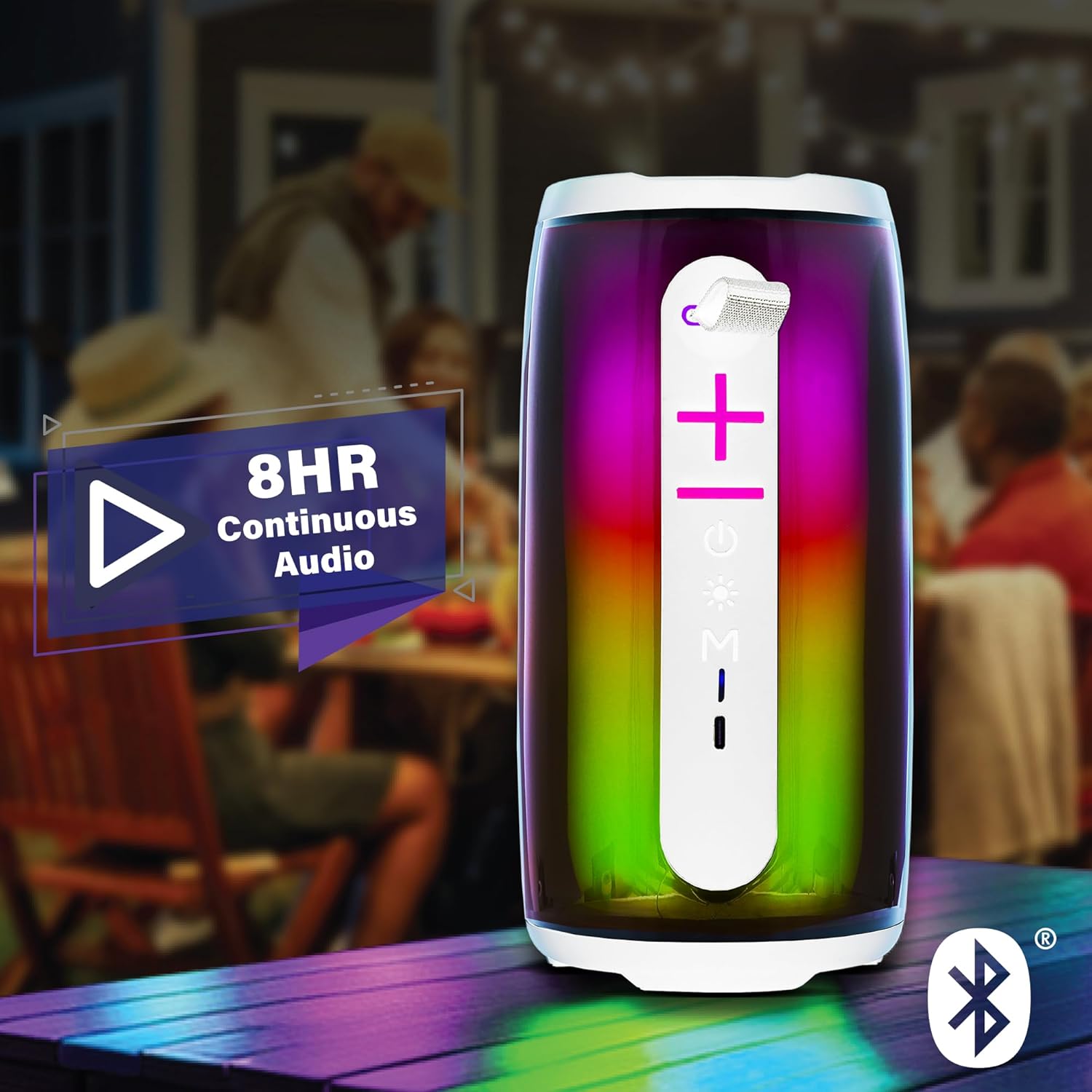
Image: The Xtreme LED Bluetooth Speaker providing music at an outdoor social event, demonstrating its portability and highlighting its 8-hour continuous audio playback capability.
Aux-in režimas
- Connect one end of a 3.5mm audio cable (not included) to the speaker's Aux-in port.
- Kitą galą prijunkite prie savo įrenginio garso išvesties.
- Paspauskite Režimo mygtukas (M) norėdami perjungti į Aux-in režimą.
- Audio will now play through the wired connection.
USB and Micro-SD Card Playback
- Insert a USB drive into the USB port or a Micro-SD card into the Micro-SD card slot.
- Paspauskite Režimo mygtukas (M) to switch to USB or Micro-SD card mode. The speaker will automatically detect and play audio files.
Garso atkūrimo valdymas
- Leisti / pristabdyti: Trumpai paspauskite Atkūrimo/pauzės mygtukas.
- Pagarsink: Trumpai paspauskite Garsumo didinimo (+) mygtukas.
- Patildyti: Trumpai paspauskite Garsumo mažinimo (-) mygtukas.
- Kitas takelis: Ilgai paspauskite mygtuką Garsumo didinimo (+) mygtukas.
- Ankstesnis takelis: Ilgai paspauskite mygtuką Garsumo mažinimo (-) mygtukas.
LED Light Show Modes
Paspauskite Šviesos režimo mygtukas to cycle through various LED light show patterns. The lights will pulse and change color, syncing with the music.
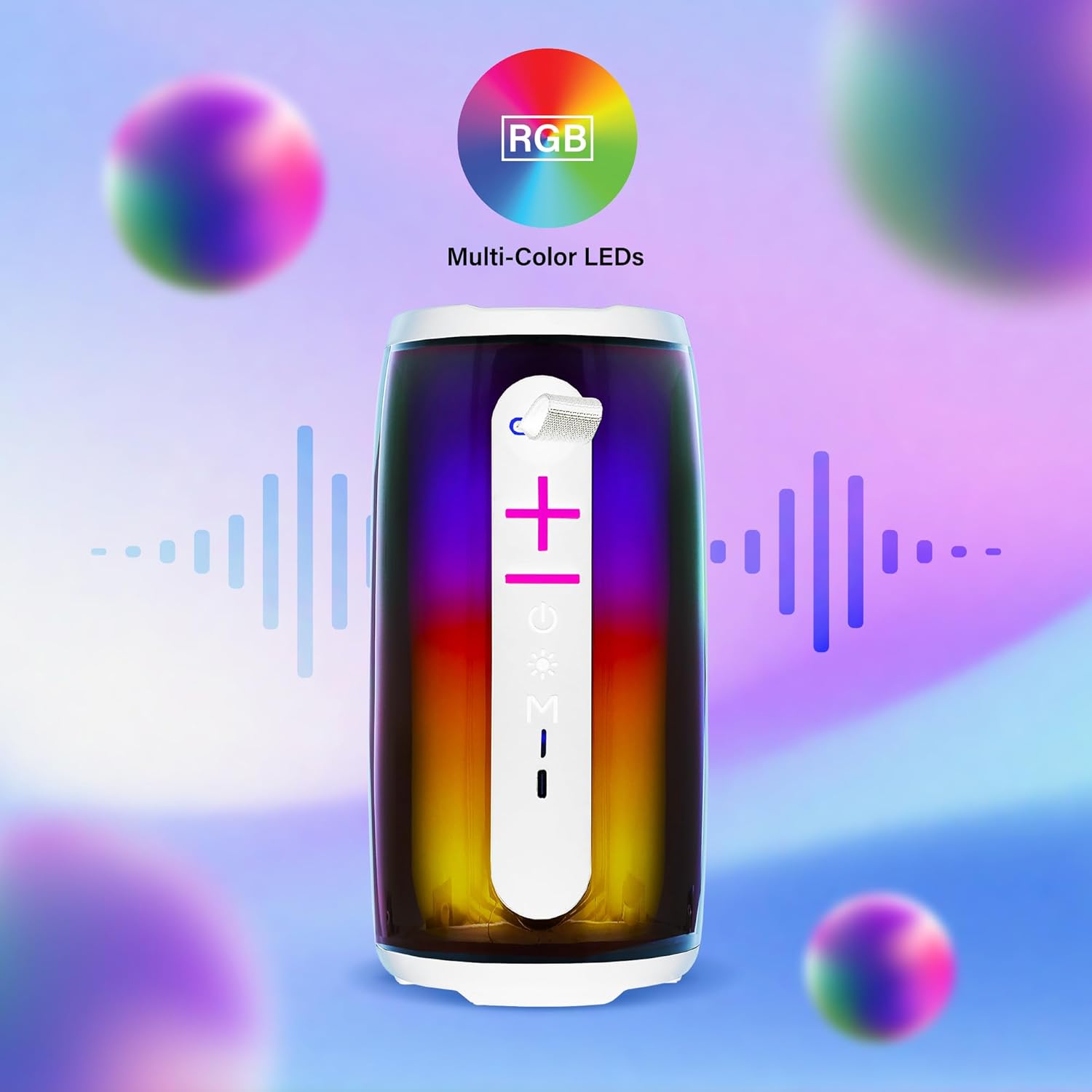
Image: The Xtreme LED Bluetooth Speaker showcasing its vibrant RGB multi-color LED lights, with visual representations of sound waves indicating its audio synchronization feature.
Priežiūra
- Valymas: Garsiakalbio išorę valykite minkšta, sausa šluoste. Nenaudokite abrazyvinių valiklių ar tirpiklių.
- Saugykla: Garsiakalbį laikykite vėsioje, sausoje vietoje, toliau nuo tiesioginių saulės spindulių ir ekstremalių temperatūrų.
- Akumuliatoriaus priežiūra: To prolong battery life, charge the speaker regularly, even if not in frequent use. Avoid fully depleting the battery for extended periods.
- Vandens ekspozicija: Šis garsiakalbis nėra atsparus vandeniui. Saugokite jį nuo vandens ar per didelės drėgmės.
Trikčių šalinimas
| Problema | Sprendimas |
|---|---|
| Garsiakalbis neįsijungia. | Įsitikinkite, kad garsiakalbis įkrautas. Prijunkite jį prie maitinimo šaltinio naudodami USB-C laidą. |
| Nepavyksta susieti per „Bluetooth“. |
|
| Nėra garso. |
|
| LED lemputės neveikia. | Press the Light Mode Button to cycle through the light show modes. Ensure the speaker is powered on. |
Specifikacijos
- Modelis: XBS9-1078
- Prekinis ženklas: XTREME SKAITMENINIO GYVENIMO BŪDO PRIEDAI
- Ryšys: Bluetooth, Aux-in, USB, Micro-SD
- „Bluetooth“ diapazonas: Iki 33 pėdų (10 metrų)
- Garsiakalbio išėjimo galia: 10 Watts (based on product image)
- Baterija: Įkraunamas USB-C
- Baterijos veikimo laikas: Up to 8 hours (continuous audio, varies with usage)
- Matmenys: 7" (Height) x 3" (Width) x 3" (Depth)
- Svoris: Maždaug 0.9 svaro (14.4 uncijos)
- Spalva: Baltas
Garantija ir palaikymas
For warranty information or technical support, please refer to the contact details provided on the product packaging or visit the official XTREME DIGITAL LIFESTYLE ACCESSORIES websvetainėje. Išsaugokite pirkimo kvitą kaip pirkimo įrodymą garantiniams reikalavimams.
Gamintojas: XTREME SKAITMENINIO GYVENIMO BŪDO PRIEDAI
UPC: 805106238797


