Įvadas
This manual provides essential information for the safe and effective use of your Gravity C20 Pro Smartwatch. Please read it thoroughly before operating the device.
The Gravity C20 Pro Smartwatch is designed for durability and advanced functionality, featuring a rugged 1.83-inch TFT display. It is built to withstand various conditions, including dust and water, with an IP68 rating. Key features include Bluetooth calling, AI voice assistant, and comprehensive health monitoring.
Pakuotės turinys
Before proceeding with setup, ensure all items are present in the package:
- Gravity C20 Pro Smartwatch
- Įkrovimo kabelis
- Vartotojo vadovas (šis dokumentas)
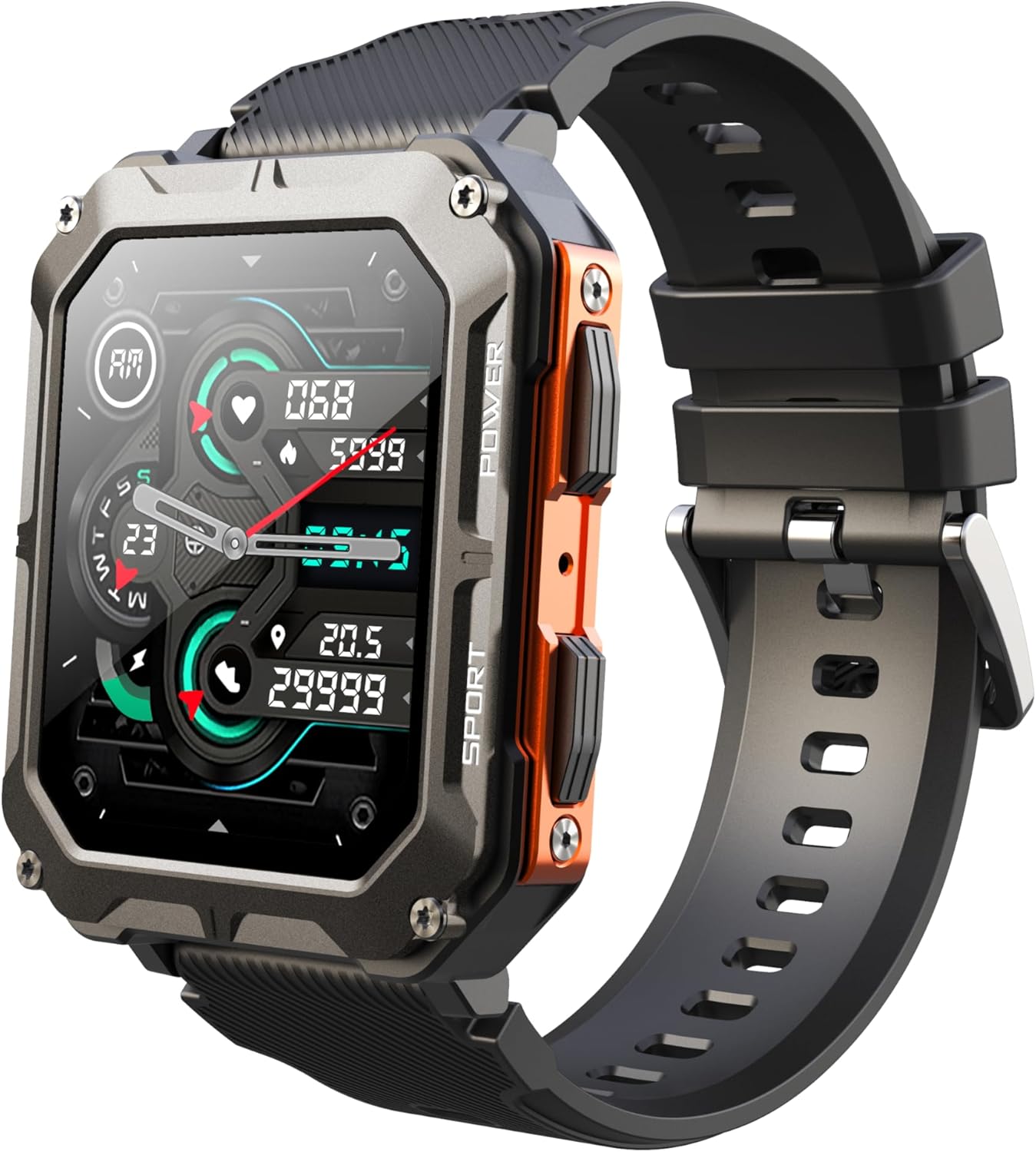
Image: The Gravity C20 Pro Smartwatch, typically accompanied by its charging cable and user manual.
Sąranka
1. Įrenginio įkrovimas
Prieš pirmą kartą naudodami, visiškai įkraukite savo išmanųjį laikrodį. Prijunkite magnetinį įkrovimo laidą prie įkrovimo taškų laikrodžio gale ir įjunkite USB galą į suderinamą maitinimo adapterį (nepridedamas) arba kompiuterio USB prievadą.
- Įkrovimo laikas: Maždaug 2 valandos pilnam įkrovimui.
- Battery life: Up to 20 days standby time.
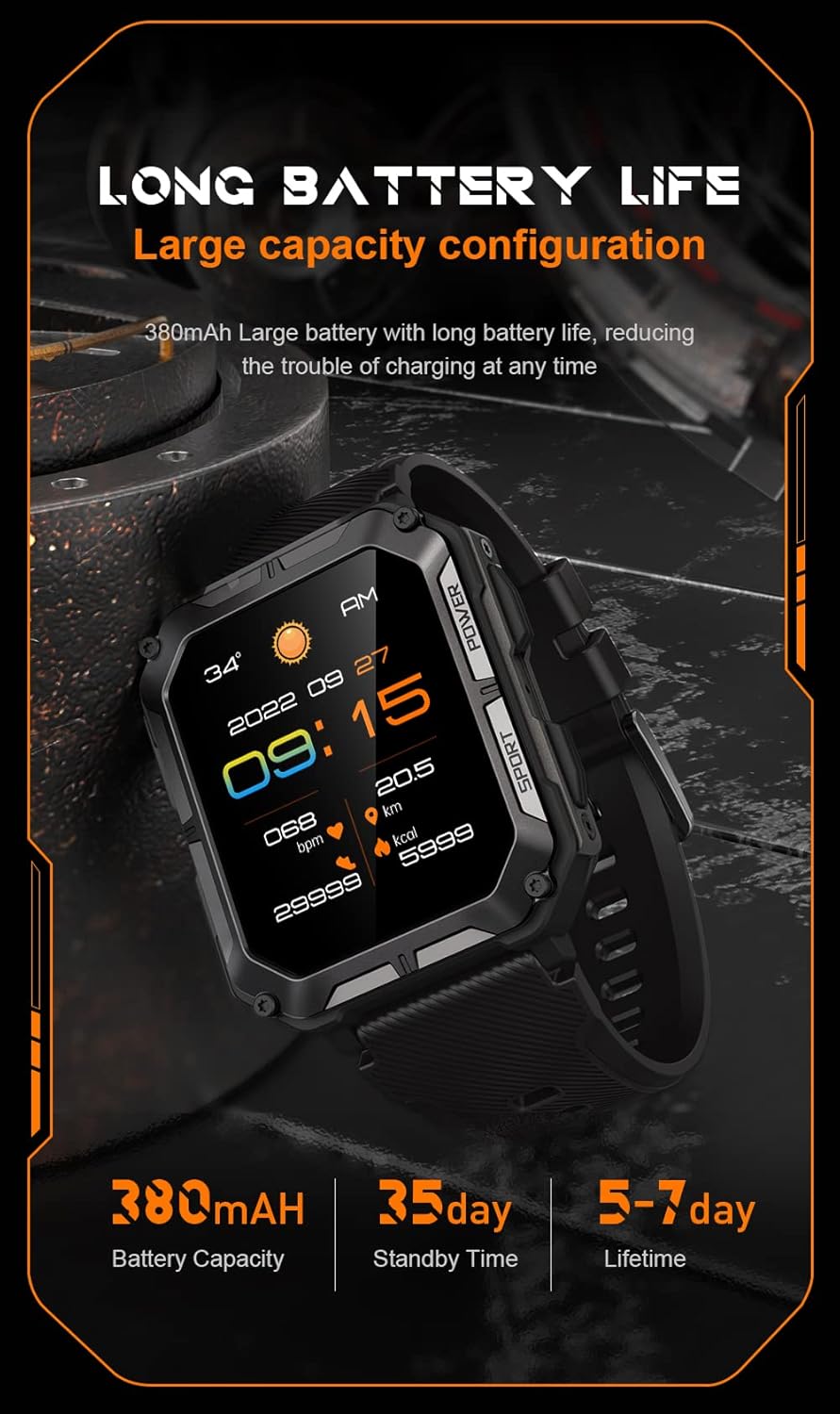
Image: The smartwatch screen showing current time and battery status, indicating long battery life.
2. Papildomos programėlės atsisiuntimas
To unlock the full functionality of your Gravity C20 Pro Smartwatch, download the official companion application on your smartphone. Refer to the product packaging or quick start guide for the specific app name (e.g., Da Fit, GloryFit) and search for it in your device's app store (iOS App Store or Google Play Store).
3. Susiejimas su išmaniuoju telefonu
- Įsitikinkite, kad jūsų išmaniajame telefone įjungtas „Bluetooth“.
- Atidarykite pagalbinę programėlę ir vykdykite ekrane pateikiamus nurodymus, kad pridėtumėte naują įrenginį.
- Select "Gravity C20 Pro" from the list of available devices.
- Patvirtinkite susiejimo užklausą tiek išmaniajame telefone, tiek išmaniajame laikrodyje.
Naudojimo instrukcijos
Pagrindinė navigacija
- Maitinimo mygtukas: Located on the side. Press and hold to power on/off. Short press to return to the watch face or wake the screen.
- Jutiklinis ekranas: Swipe up, down, left, or right to navigate through menus and notifications. Tap to select an option.
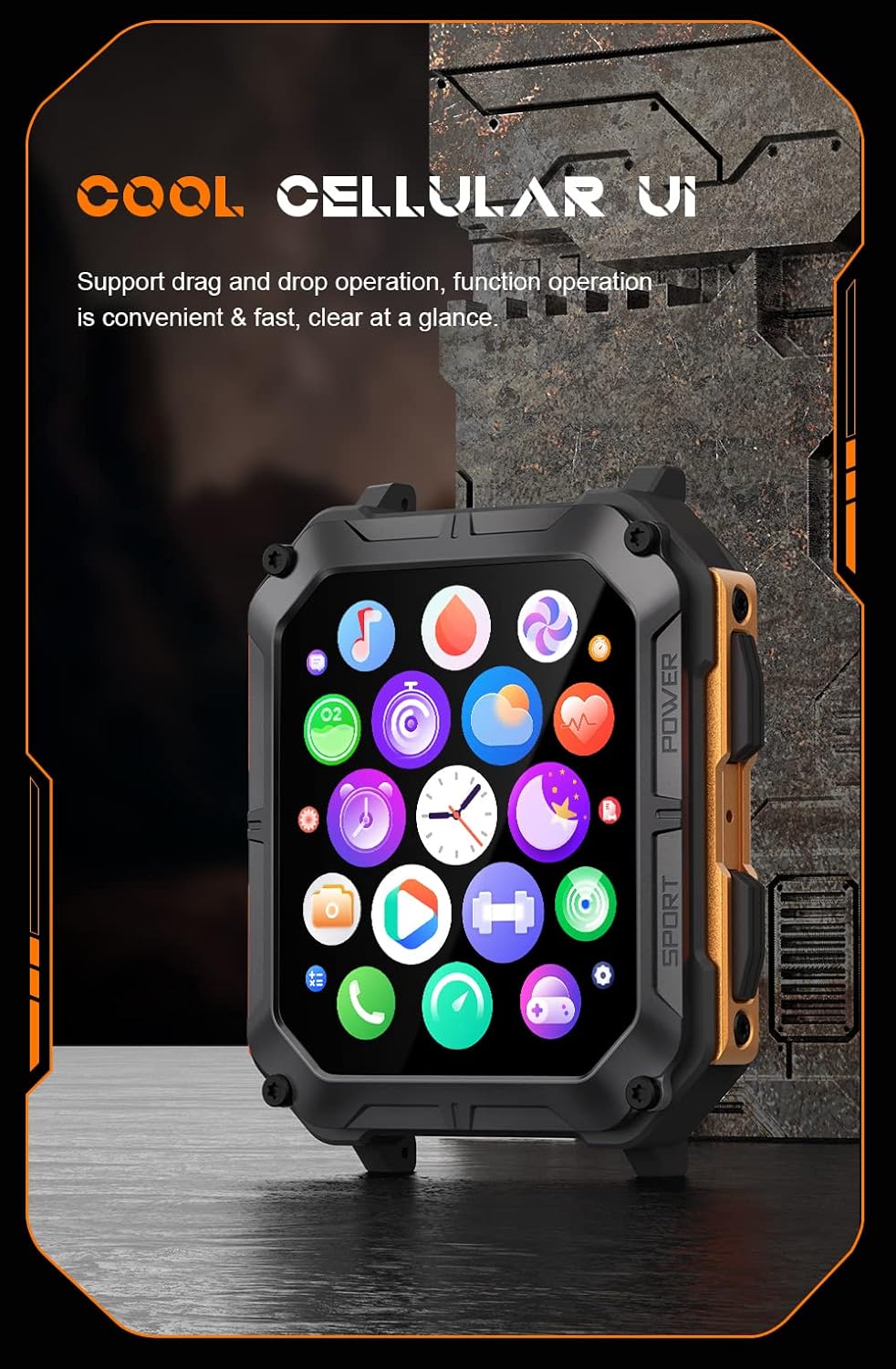
Image: The smartwatch screen showing a grid of application icons, demonstrating the cellular user interface for easy navigation.
Pagrindinės savybės
- „Bluetooth“ skambutis: Once paired, you can make and receive calls directly from your wrist. Access the call function via the watch's menu.
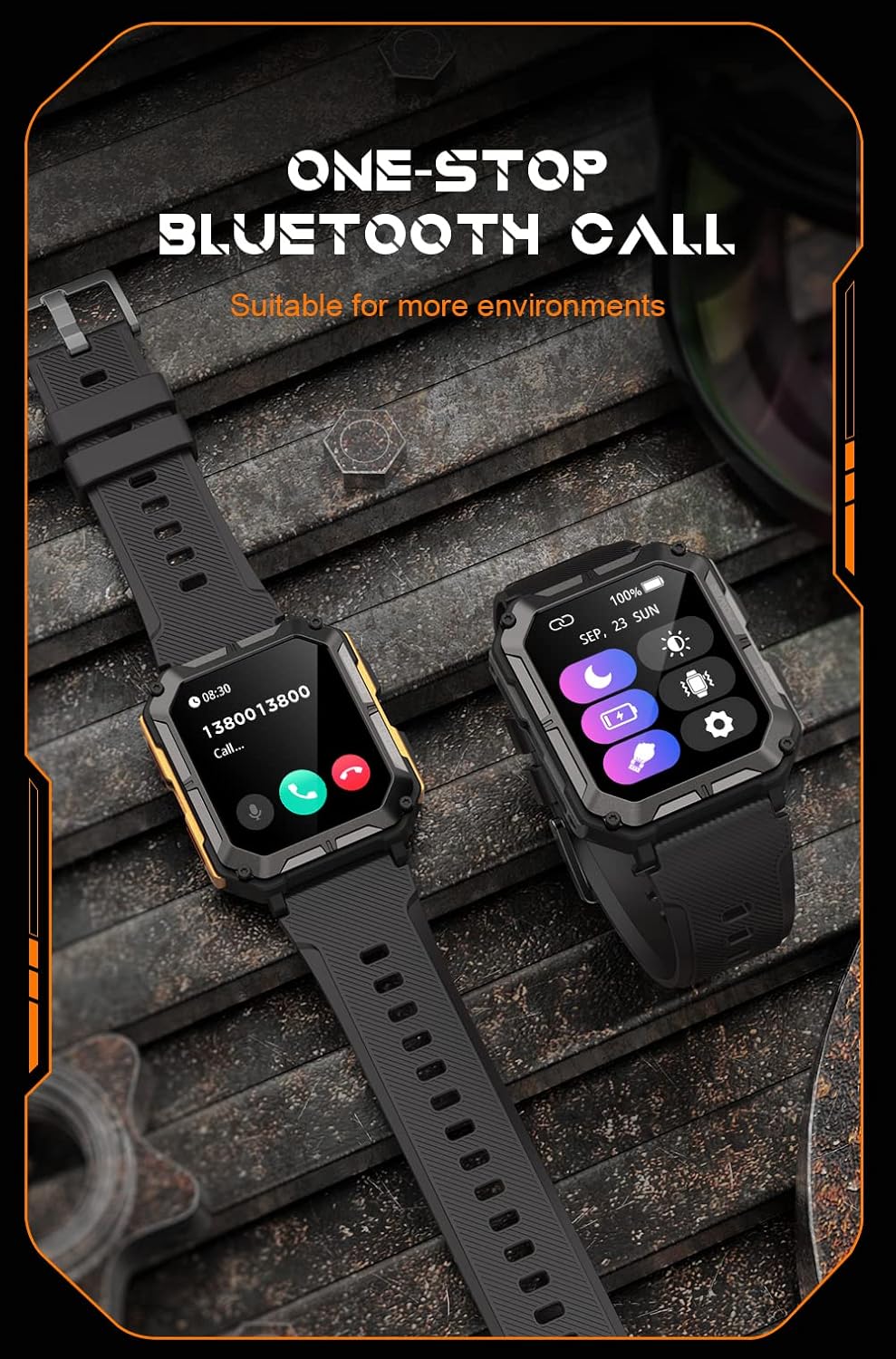
Image: The smartwatch screen showing an incoming call, illustrating the Bluetooth calling feature.
- Sveikatos stebėjimas:
- Širdies ritmas: Stebėkite savo širdies ritmą visą dieną.
- Kraujo deguonis (SpO2): Išmatuokite deguonies kiekį kraujyje.
- Miego stebėjimas: Seka miego modelius ir kokybę.

Image: The smartwatch screen displaying real-time heart rate and blood oxygen saturation (SpO2) data, highlighting its health monitoring capabilities.
- Sporto režimai: The watch supports over 100 sports modes. Select your activity to track performance metrics such as steps, distance, calories burned, and duration.
- Išmanieji pranešimai: Receive alerts for calls, messages, and app notifications directly on your watch. Ensure notification permissions are enabled in the companion app.
- AI balso asistentas: Activate the voice assistant for hands-free control and information retrieval.

Image: A graphic displaying various features of the smartwatch, including heart rate, call reminder, pedometer, information reminder, blood pressure monitor, sleep monitor, calories, sedentary reminder, exercise data, IP68 waterproof, stress monitor, voice assistant, blood oxygen monitor, heart rate warning, and calculator.
Priežiūra
Valymas
Reguliariai valykite savo išmanųjį laikrodį, kad užtikrintumėte optimalų veikimą ir higieną.
- Nuvalykite ekraną ir korpusą minkštu, nepūkuotu skudurėliu.
- Dėl įsisenėjusių nešvarumų, dampŠluostę šiek tiek sudrėkinkite vandeniu. Venkite naudoti stiprias chemines medžiagas ar abrazyvines medžiagas.
- Reguliariai valykite įkrovimo kontaktus, kad užtikrintumėte tinkamą įkrovimą.
Atsparumas vandeniui (IP68)
The Gravity C20 Pro is IP68 rated, meaning it is protected against dust ingress and can withstand immersion in water up to 1.5 meters for up to 30 minutes. While it is waterproof for daily use (e.g., hand washing, rain), it is not recommended for hot showers, saunas, or diving, as steam and high pressure can compromise the seals.
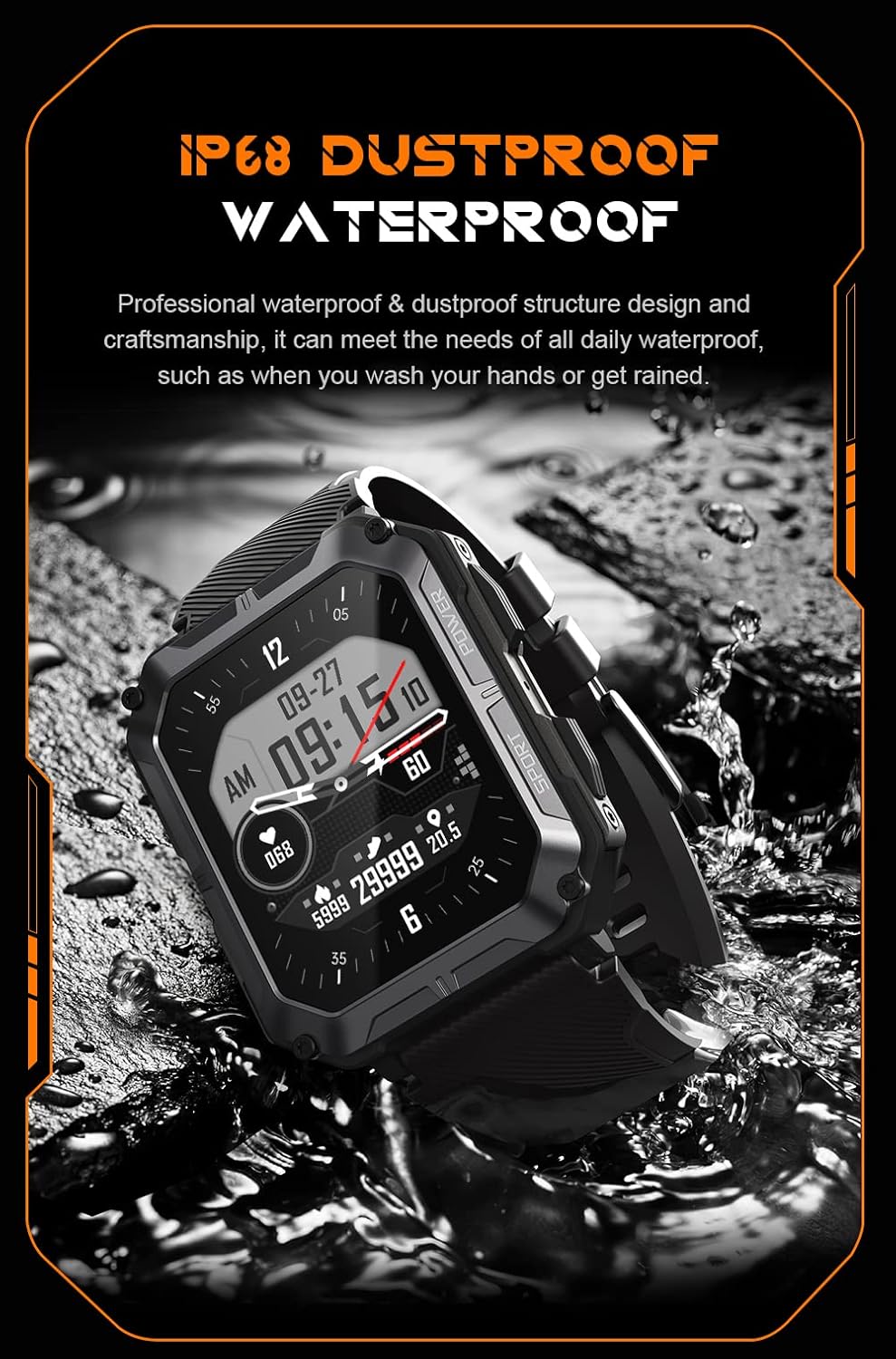
Image: The smartwatch partially submerged in water, demonstrating its IP68 dustproof and waterproof capabilities, suitable for daily exposure to water.
Sandėliavimas
Kai ilgesnį laiką nenaudojate išmaniojo laikrodžio, laikykite jį vėsioje, sausoje vietoje, toliau nuo tiesioginių saulės spindulių ir ekstremalių temperatūrų.
Trikčių šalinimas
| Problema | Galima priežastis | Sprendimas |
|---|---|---|
| Laikrodis neįsijungia. | Senka baterija. | Įkraukite laikrodį mažiausiai 30 minučių. |
| Nepavyksta susieti su išmaniuoju telefonu. | Bluetooth is off; app issue; watch not discoverable. | Ensure Bluetooth is on. Restart the app and watch. Try resetting the watch to factory settings if issues persist. |
| Pranešimų negauta. | App permissions not granted; app not running in background. | Check app notification permissions on your phone. Ensure the app is running and not optimized for battery saving. |
| Netikslūs sveikatos duomenys. | Watch fit is too loose; sensor dirty. | Ensure the watch is snug on your wrist. Clean the heart rate sensor on the back of the watch. |
Specifikacijos
| Funkcija | Detalė |
|---|---|
| Modelio numeris | W4-C28 |
| Ekrano dydis | 1.83 colio TFT |
| Baterijos talpa | 380 mAh |
| Baterijos veikimo laikas (budėjimo režimas) | Iki 20 dienų |
| Atsparumas vandeniui | IP68 |
| Ryšys | Bluetooth |
| Operacinė sistema | Android OS (compatible) |
| Atsparumas temperatūrai | -24°C iki 60°C |
| Prekės svoris | 1 svaro |
| Pakuotės matmenys | 9 x 4 x 1 colio |
Informacija apie garantiją
Gravity products are covered by a limited warranty from the date of purchase. This warranty covers manufacturing defects and workmanship under normal use. It does not cover damage caused by misuse, accidents, unauthorized modifications, or normal wear and tear.
For specific warranty terms and conditions, please refer to the warranty card included with your product or visit the official Gravity websvetainę.
Pagalba klientams
If you encounter any issues or have questions not covered in this manual, please contact Gravity customer support:
- Websvetainė: www.gravity.com/support (Pvzample URL, replace if actual URL is known)
- El. paštas: support@gravity.com (Pvzampel. paštas)
- Telefonas: Kreipkitės į pareigūną webregioninių kontaktinių numerių svetainė.
When contacting support, please have your product model number (W4-C28) and purchase details ready.


