1. Įvadas
Thank you for choosing the DOOGEE Tab A9 Android 15 Tablet. This manual provides essential information for setting up, operating, and maintaining your device. Please read it thoroughly to ensure optimal performance and longevity of your tablet.
The DOOGEE Tab A9 is a 10-inch tablet running on the latest Android 15 system, powered by a Unisoc T310 quad-core processor. It features 12GB RAM, 64GB ROM (expandable up to 2TB), a 6580mAh battery, dual speakers, 8MP AI camera, 5MP front camera, and supports Face ID.

Vaizdas: Priekinė ir galinė dalys view of the DOOGEE Tab A9 tablet, highlighting its 6580mAh battery, 5G WiFi, 10.1-inch IPS display, Android 15, 12GB RAM, 64GB ROM, and Unisoc T310 processor.
2. Kas yra dėžutėje
- DOOGEE Tab A9 Tablet
- Įkroviklis
- C tipo USB kabelis
3. Įrenginio išdėstymas
Familiarize yourself with the physical components of your DOOGEE Tab A9 tablet.

Vaizdas: Šoninė view of the DOOGEE Tab A9 tablet, illustrating the placement of buttons and ports such as the power button, volume rocker, and USB-C port.
- Maitinimo mygtukas: Esantis šone, naudojamas įrenginiui įjungti / išjungti arba pažadinti / užmigdyti.
- Garsumo mygtukai: Reguliuokite garso garsumą.
- C tipo USB prievadas: Įkrovimui ir duomenų perdavimui.
- 3.5 mm garso lizdas: Ausinėms prijungti.
- Priekinė kamera (5MP): Located above the screen, for video calls and selfies.
- Galinė kamera (8MP): Located on the back, for taking photos and videos.
- Dvigubi garsiakalbiai: Located on the sides/bottom for enhanced audio experience.
4. Sąranka
4.1 Pradinis įjungimas
- Paspauskite ir palaikykite Maitinimo mygtukas until the DOOGEE logo appears.
- Vykdykite ekrane pateikiamus nurodymus, kad pasirinktumėte kalbą, prisijungtumėte prie „Wi-Fi“ ir nustatytumėte „Google“ paskyrą.
4.2 Planšetinio kompiuterio įkrovimas
Prijunkite pridėtą C tipo USB laidą prie planšetinio kompiuterio įkrovimo prievado, o kitą galą – prie įkroviklio. Įjunkite įkroviklį į maitinimo lizdą. Ekrane esanti akumuliatoriaus piktograma rodys įkrovimo būseną.

Image: Visual representation of the 6580mAh large battery and 10W fast charging capability of the DOOGEE Tab A9 tablet.
4.3 „Micro SD“ kortelės įdėjimas (pasirinktinai)
The tablet supports storage expansion up to 2TB via a Micro SD card (not included). Locate the SIM/SD card tray on the side of the tablet. Use the provided ejector tool to open the tray and insert the Micro SD card as shown in the diagram (refer to device layout section for tray location). Ensure the tablet is powered off before inserting or removing the card.
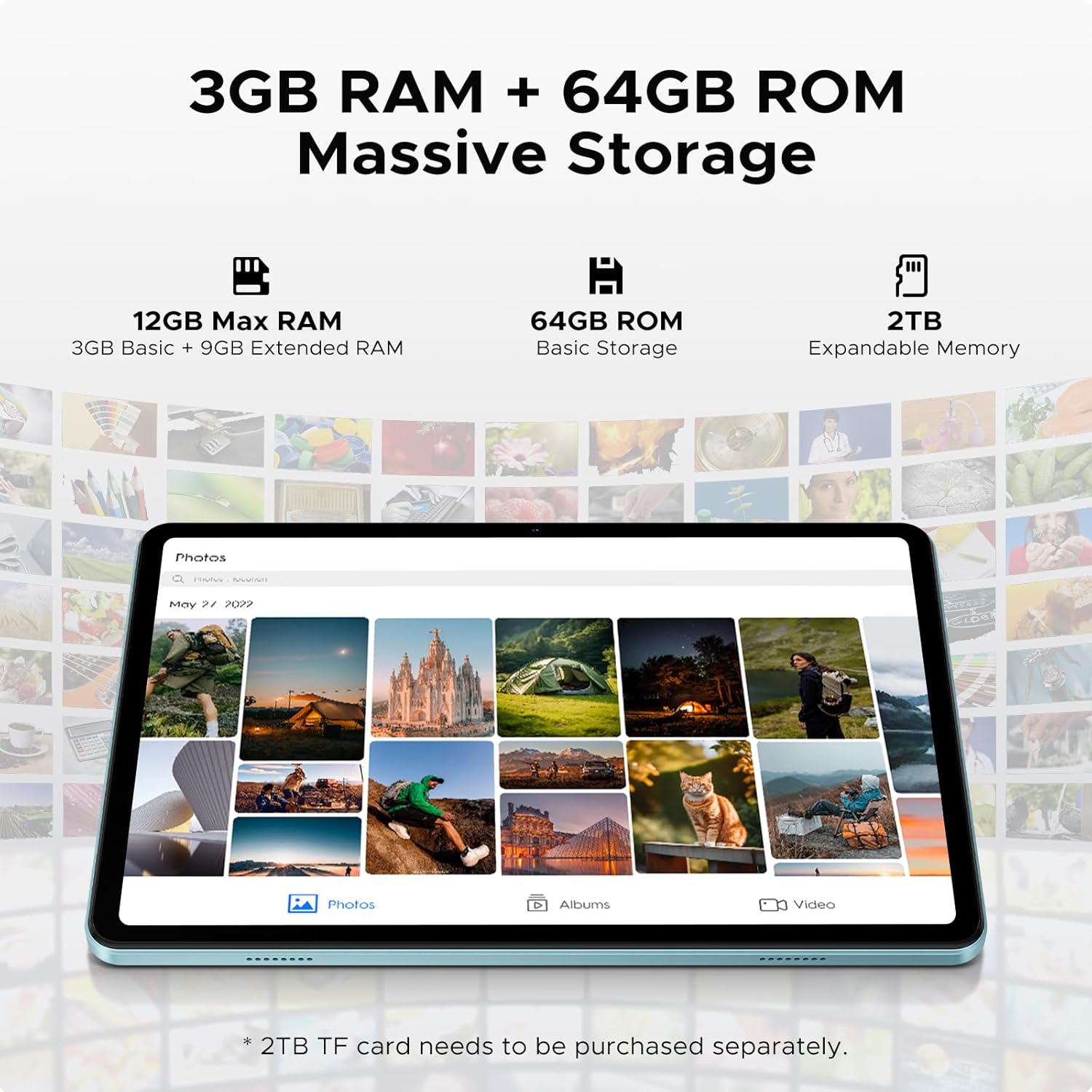
Image: Details on the tablet's 12GB Max RAM (3GB Basic + 9GB Extended RAM) and 64GB ROM Basic Storage, with a note about 2TB Expandable Memory via TF card (sold separately).
5. Naudojimo instrukcijos
5.1 Pagrindinė navigacija
- Palieskite: Palieskite piktogramą arba parinktį, kad ją pasirinktumėte.
- Perbraukimas: Norėdami slinkti per puslapius ar turinį, braukite pirštu per ekraną.
- Žiupsnelis, norint priartinti: Norėdami priartinti arba atitolinti vaizdus, naudokite du pirštus. web puslapių.
5.2 Prisijungimas prie „Wi-Fi“.
- Eikite į Nustatymai > Tinklas ir internetas > Wi-Fi.
- Turn on Wi-Fi. The tablet will scan for available networks.
- Pasirinkite norimą tinklą ir, jei būsite paraginti, įveskite slaptažodį.
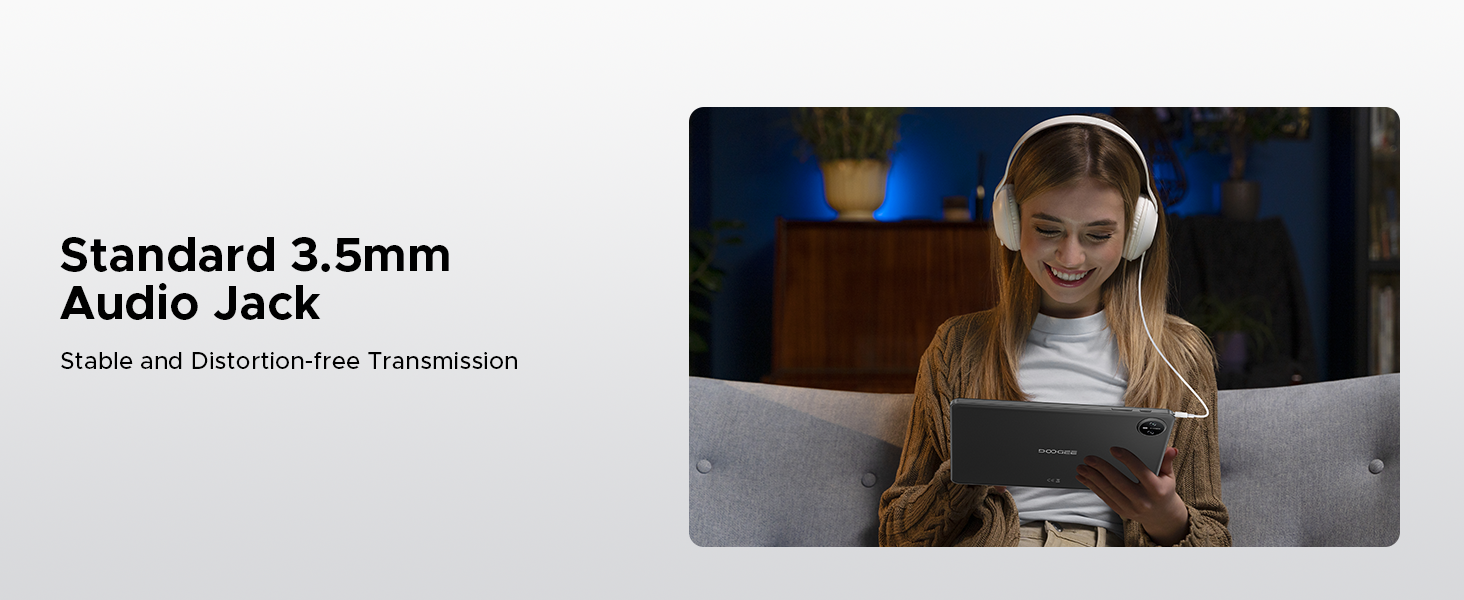
Image: Diagram illustrating the benefits of Faster WiFi 5 connectivity, including low latency, anti-congestion, wide coverage, low power consumption, and high speed.
5.3 Veido ID naudojimas
The DOOGEE Tab A9 supports facial recognition for quick and secure unlocking.
- Eikite į Nustatymai > Saugumas ir privatumas > Atrakinimas pagal veidą.
- Vykdykite ekrane pateikiamus nurodymus, kad užregistruotumėte savo veidą.
- Once registered, you can unlock your tablet by simply looking at the front camera.
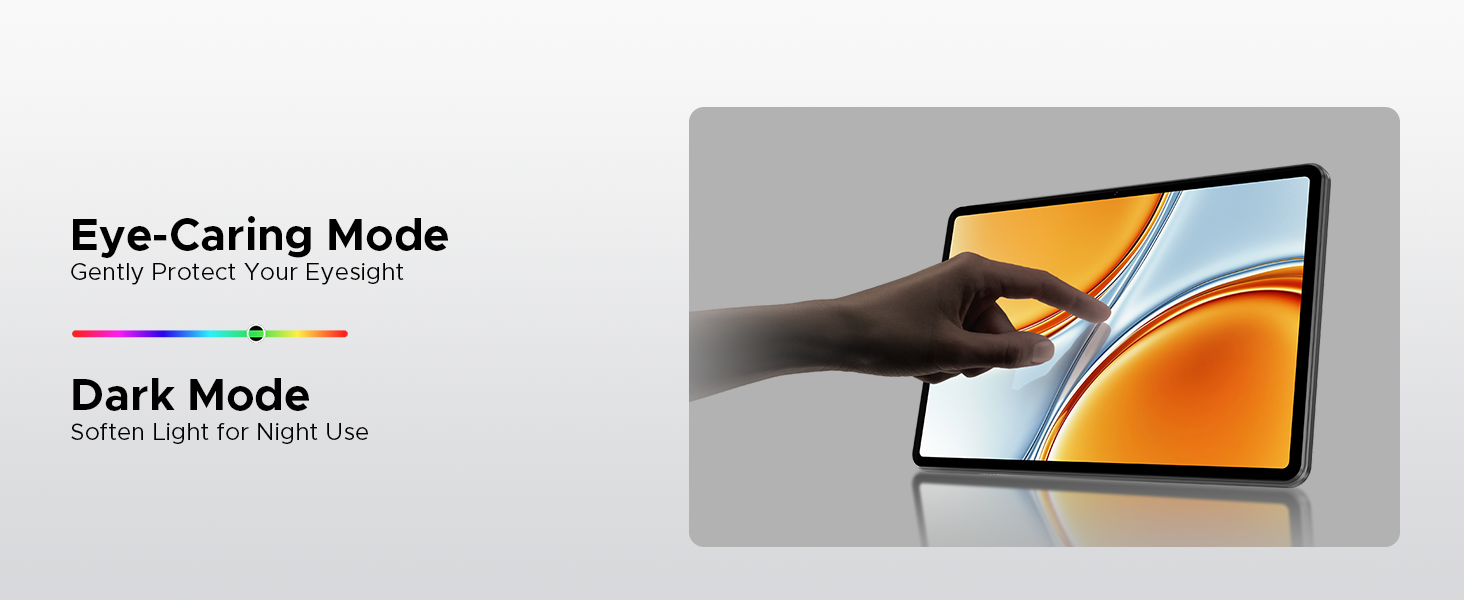
Image: A visual demonstrating the Facial Recognition Unlock feature for effortless access to the tablet.
5.4 Kameros veikimas
Užfiksuokite akimirkas su 8 MP galine ir 5 MP priekine kameromis.
- Atidarykite Fotoaparatas taikymas.
- Norėdami nufotografuoti, palieskite užrakto mygtuką.
- Perjunkite priekinę ir galinę kameras naudodami kameros perjungimo piktogramą.
- Explore various modes like Beauty Mode for enhanced photos.

Image: Depiction of the 8MP main camera and 5MP front camera, highlighting their use for capturing lively moments and video calls.
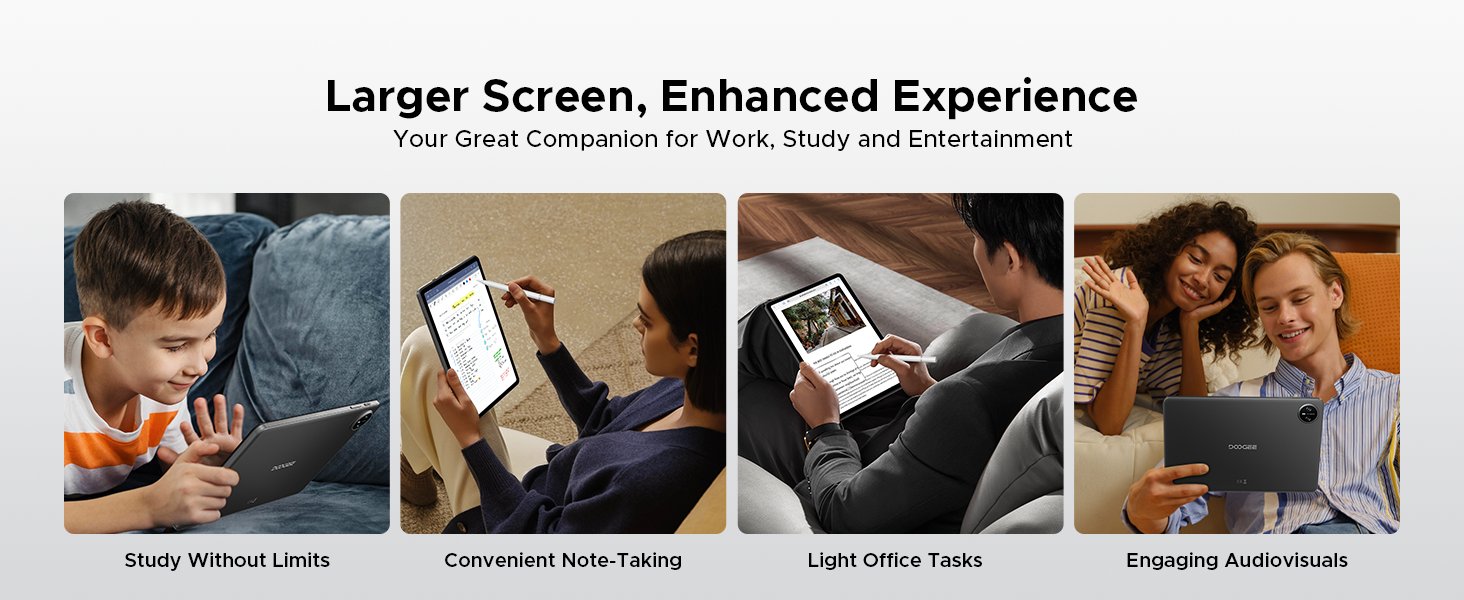
Image: A visual demonstrating the "Beauty Mode" feature for enhancing photos.
5.5 Split-Screen Multitasking
The tablet supports efficient split-screen multitasking, allowing you to use two apps simultaneously.
- Atidarykite pirmąją norimą naudoti programėlę.
- Braukite aukštyn nuo ekrano apačios ir palaikykite, kad pasiektumėte naujausias programas.
- Tap the app icon at the top of the app's card and select "Split screen".
- Pasirinkite antrąją programėlę iš neseniai naudotų programėlių arba programėlių stalčiaus.

Image: A user demonstrating efficient split-screen multitasking on the DOOGEE Tab A9 tablet, with two applications open side-by-side.
6. Pagrindinės savybės
6.1 „Android 15“ sistema
The DOOGEE Tab A9 runs on the latest Android 15, offering enhanced performance, improved app launch speeds, and a more secure privacy management system.
Image: The Android 15 system logo, emphasizing intelligence, seamlessness, and security.

Image: Features of the Fortified Privacy Shield in Android 15, including precision permission control, robust data encryption, timely security patches, and proactive app screening.
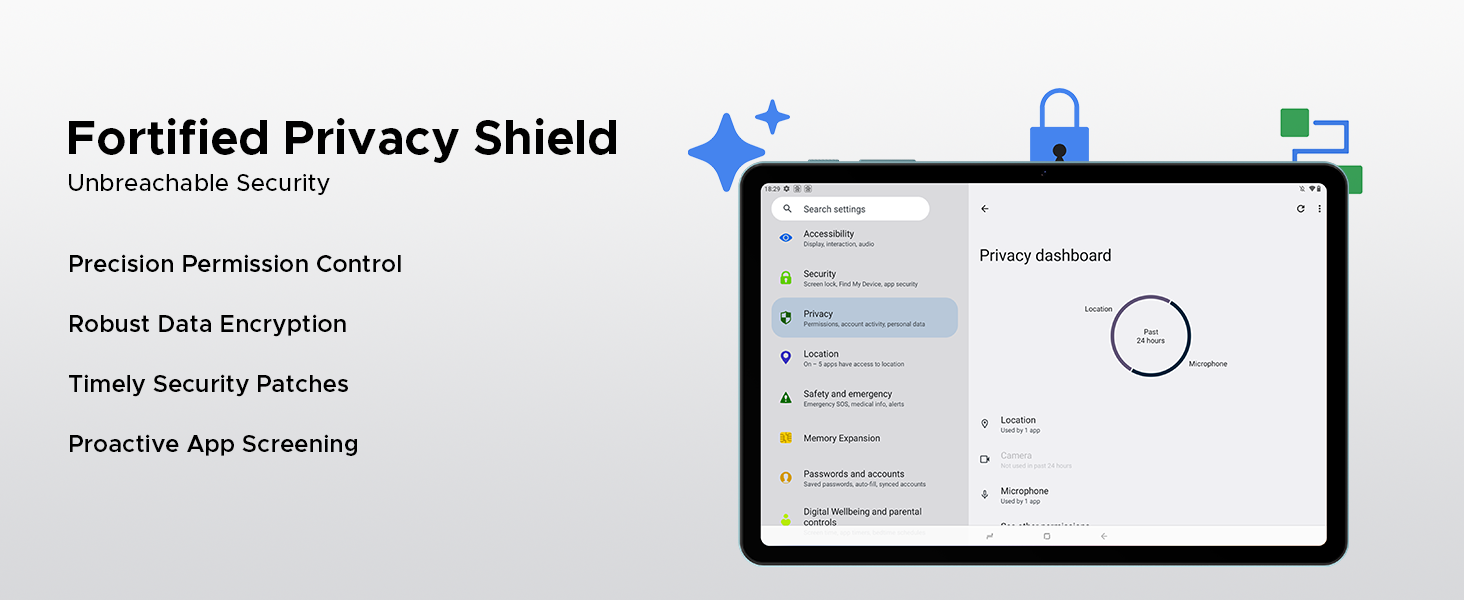
Image: Illustrations of additional Android 15 features such as Bedtime Mode, Multi-user System, and Parental Control.
6.2 Unisoc T310 Quad-Core Processor
Equipped with the Unisoc T310 processor, the tablet delivers smooth performance for daily tasks, web browsing, and office software, while maintaining low power consumption.

Paveikslėlis: Diagramos demonstracijaasing the Unisoc T310 Quad-Core Processor, highlighting its powerful quad-core design, 2.0GHz ultimate frequency, and 12nm advanced process technology.
6.3 10.1" IPS HD Display
Mėgaukitės plačiu laukų spektru view and vibrant colors on the 10.1-inch IPS HD display with 1280x800 resolution.
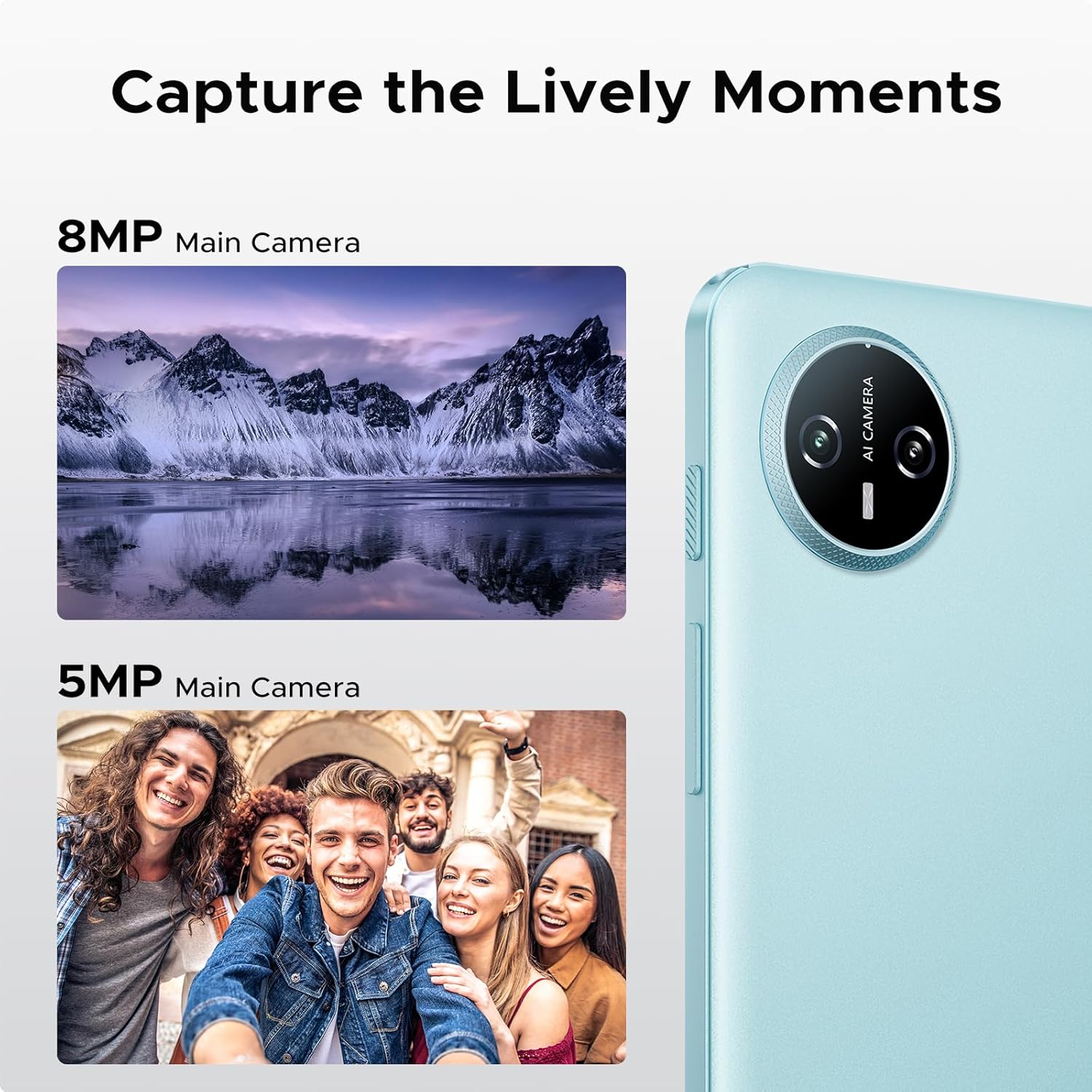
Image: Specifications of the 10.1-inch IPS HD display, including 1280*800 resolution, 16:10 aspect ratio, 80.2% screen-to-body ratio, 1200:1 contrast, 16.7 million screen colors, and 2.5D cover glass.
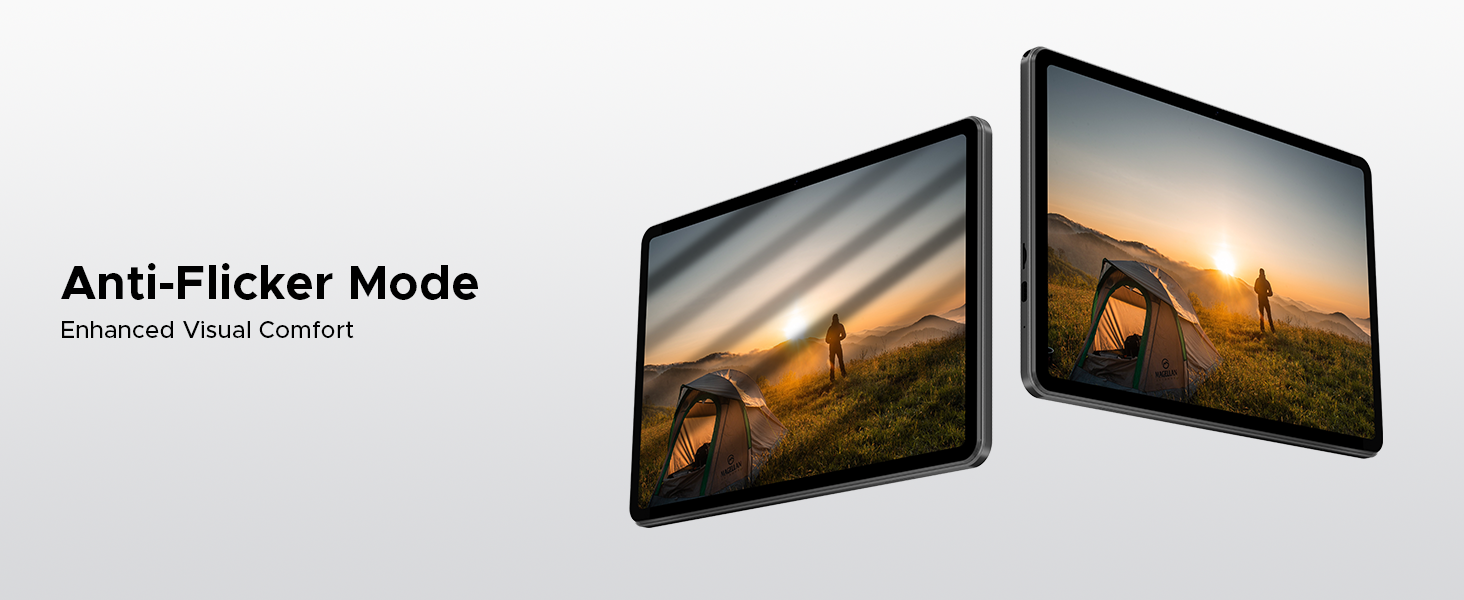
Image: Visuals explaining Eye-Caring Mode to gently protect eyesight and Dark Mode to soften light for night use.
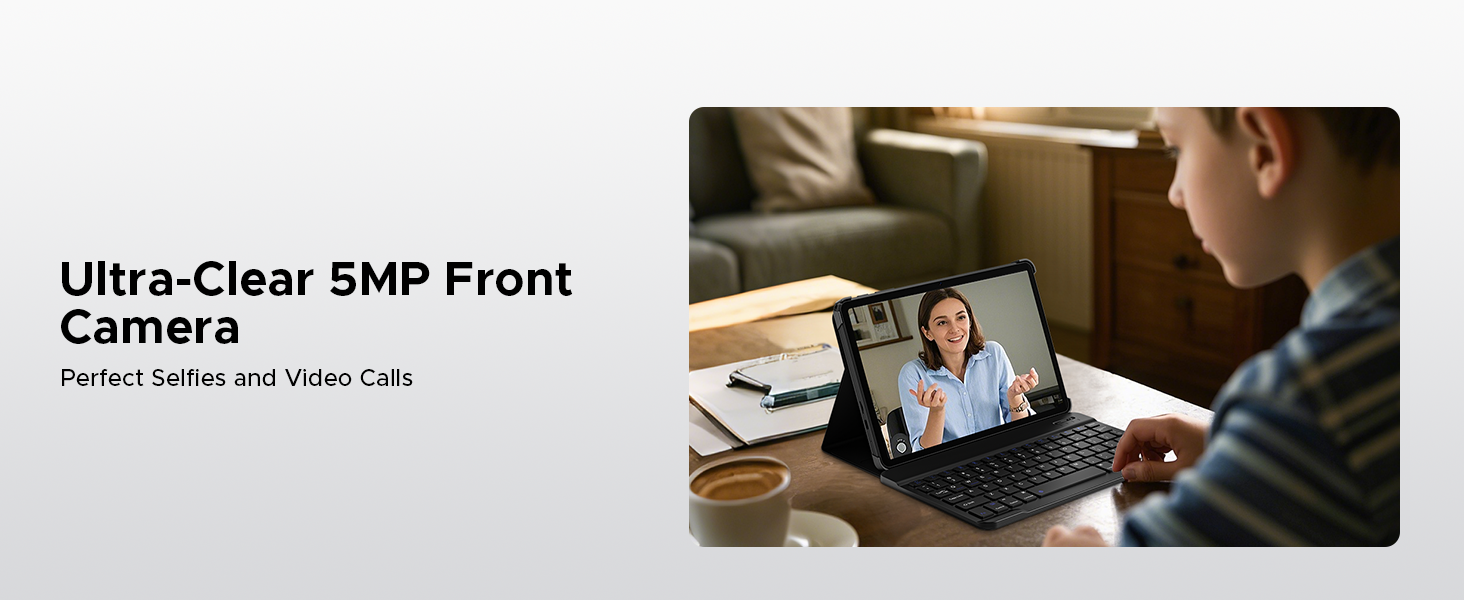
Image: Various usage scenarios for the tablet, including studying, note-taking, light office tasks, and engaging with audiovisuals.
6.4 dvigubi garsiakalbiai
Experience crystal-clear sound with the premium 1217 BOX dual speakers.

Image: Illustration of the 1217 BOX Dual Speakers, indicating sound follows the picture for an immersive experience.
6.5 Built-in WPS Office
The tablet comes with built-in PC-level WPS Office for seamless productivity on-the-go, supporting Word, Excel, and PowerPoint documents.

Image: Tablets displaying WPS Word, Excel, and PPT applications, demonstrating the built-in PC-level WPS Office suite.
7. Priežiūra ir priežiūra
- Keep the tablet dry. Moisture can damage the internal circuits.
- Avoid extreme temperatures. High temperatures can shorten the life of electronic devices and deform certain plastics.
- Do not drop, knock, or shake the tablet. Rough handling can break internal circuit boards and fine mechanics.
- Naudokite tik patvirtintus įkroviklius ir priedus.
- Ekraną valykite minkštu, nepūkuotu skudurėliu. Venkite naudoti stiprias chemines medžiagas.
8. Problemų sprendimas
| Problema | Galimas sprendimas |
|---|---|
| Planšetinis kompiuteris neįsijungia. | Įsitikinkite, kad akumuliatorius įkrautas. Prijunkite įkroviklį ir palaukite kelias minutes, prieš bandydami vėl įjungti. |
| Ekranas nereaguoja. | Perform a forced restart by holding the power button for about 10-15 seconds. If the issue persists, contact support. |
| „Wi-Fi“ ryšio problemos. | Restart your Wi-Fi router. Go to Settings > Network & internet > Wi-Fi and try reconnecting. Forget the network and re-add it if necessary. |
| Programėlės stringa arba užstringa. | Clear the cache of the problematic app (Settings > Apps > [App Name] > Storage & cache > Clear cache). If it continues, uninstall and reinstall the app. Ensure sufficient storage space. |
| Baterija greitai išsikrauna. | Reduce screen brightness, close unused apps running in the background, disable unnecessary notifications, and turn off Wi-Fi/Bluetooth when not in use. |
9. Specifikacijos
- Modelis: Skirtukas A9
- Operacinė sistema: Android 15
- Procesorius: „Unisoc T310“ keturių branduolių, 1.8 GHz
- RAM: 12GB (3GB Basic + 9GB Extended)
- Vidinė saugykla: 64 GB ROM
- Išplečiama saugykla: Up to 2TB via Micro SD (TF card)
- Ekranas: 10.1-inch IPS HD, 1280 x 800 pixels
- Galinė kamera: 8 MP AI kamera
- Priekinė kamera: 5 MP
- Baterija: 6580mAh ličio polimeras
- Ryšys: 5G Wi-Fi, Bluetooth
- Prievadai: USB C tipo, 3.5 mm garso lizdas
- Matmenys: 24.25 x 16.09 x 0.97 cm
- Svoris: 900 g
- Ypatingos savybės: Face ID, OTG Support, Dual Speakers, GMS Certified
10. Oficialūs produktų vaizdo įrašai
Watch these official videos for more information and visual guides on your DOOGEE Tab A9 tablet.
DOOGEE Tab A9 Android tablets
Šis vaizdo įrašas suteikia pabaigąview of the DOOGEE Tab A9 Android tablet, showcasing jo dizainą ir pagrindines funkcijas.
DOOGEE Tablet Android 15-Tab A9
A detailed look at the DOOGEE Tab A9, highlighting its Android 15 operating system and user experience.
DOOGEE 10 Inch Tablet Tab A9 Android Tablets
This video focuses on the 10-inch display and overall design of the DOOGEE Tab A9, suitable for various uses.
DOOGEE Tab A9 Android 15 Tablet
A concise video highlighting the key selling points of the DOOGEE Tab A9 Android 15 Tablet.
11. Garantija ir palaikymas
DOOGEE provides comprehensive support for its products.
- Garantija: This product typically comes with a 2-year limited warranty. Please refer to your purchase documentation for specific terms and conditions.
- Grąžinimai: A 30-day money-back guarantee and free return policy may apply. Check with your retailer for details.
- Klientų aptarnavimas: For technical assistance or customer support, please visit the official DOOGEE websvetainėje arba susisiekite su jų klientų aptarnavimo kanalais.
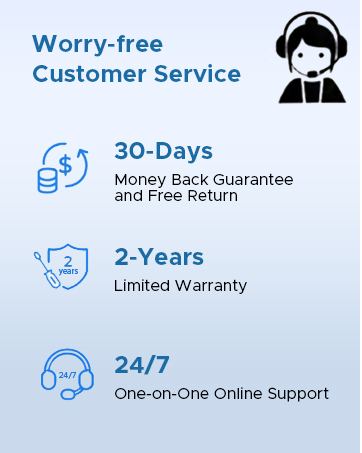
Image: Information on DOOGEE's customer service, including 30-day money back guarantee, 2-year limited warranty, and 24/7 online support.


