Įvadas
This manual provides comprehensive instructions for the setup, operation, and maintenance of your HONOR Choice Watch 2i smartwatch. Please read this manual thoroughly to ensure proper use and to maximize the device's features.
Pakuotės turinys
- HONOR Choice Watch 2i Smartwatch
- Įkrovimo kabelis
- Vartotojo vadovas (šis dokumentas)
Sąranka
1. Įrenginio įkrovimas
Before initial use, fully charge your HONOR Choice Watch 2i. Connect the charging cable to the watch's charging port and a compatible USB power adapter. The watch will display a charging indicator. A full charge typically takes approximately 2 hours.
2. Maitinimo įjungimas/išjungimas
- Maitinimas: Press and hold the side button until the HONOR logo appears.
- Išjungti: From the watch face, swipe down to access quick settings, then tap the power icon, or go to Settings > System > Power Off.
3. Susiejimas su išmaniuoju telefonu
- Atsisiųskite ir įdiekite HONOR Health App from your smartphone's app store (Google Play Store for Android, Apple App Store for iOS).
- Open the HONOR Health App and follow the on-screen instructions to create an account or log in.
- Įsitikinkite, kad jūsų išmaniajame telefone įjungtas „Bluetooth“.
- In the HONOR Health App, navigate to "Devices" and tap "Add Device" or the "+" icon.
- Select "HONOR Choice Watch 2i" from the list of available devices.
- Patvirtinkite susiejimo užklausą ir laikrodyje, ir išmaniajame telefone.
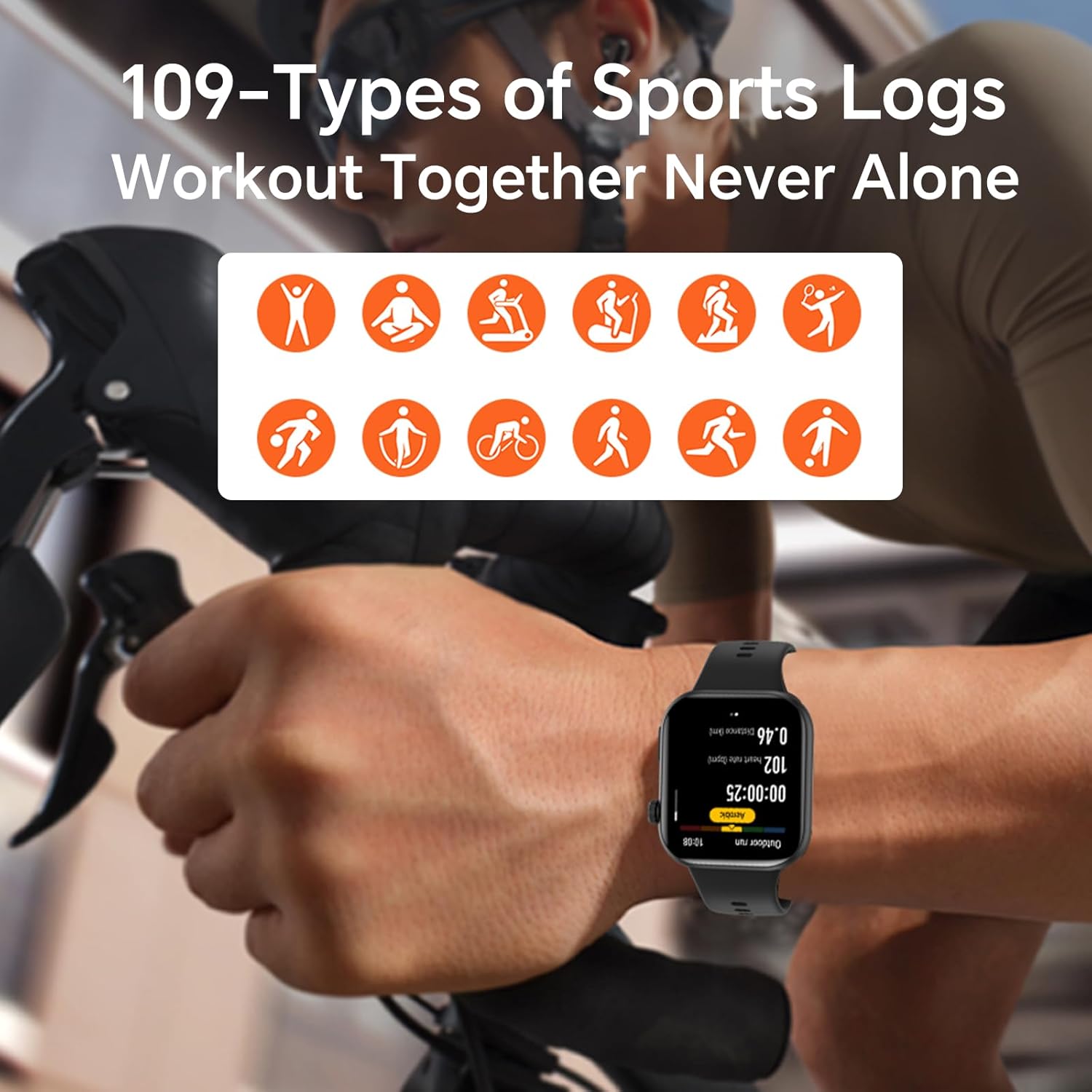
Image: The HONOR Health App interface displaying health data and device management options, essential for pairing and data synchronization.
4. Laikrodžio dirželio reguliavimas
The HONOR Choice Watch 2i features a quick-release strap mechanism for easy replacement. To remove, slide the spring bar lever inwards and gently pull the strap away from the watch body. To attach, align the spring bar with the lug holes and release the lever.
Paveikslėlis: detalus view of the watch's quick-release strap, illustrating how to detach and attach the band.
Laikrodžio valdymas
1. Watch Navigation
- Jutiklinis ekranas: Braukite aukštyn, žemyn, kairėn arba dešinėn, kad naršytumėte meniu, pranešimus ir valdiklius. Palieskite, kad pasirinktumėte elementus.
- Šoninis mygtukas: Press to return to the watch face or access the app list. Press and hold for power options or to activate voice assistant (if configured).

Image: The main watch face of the HONOR Choice Watch 2i, showing typical information displayed during daily use.
2. „Bluetooth“ skambučiai ir pranešimai
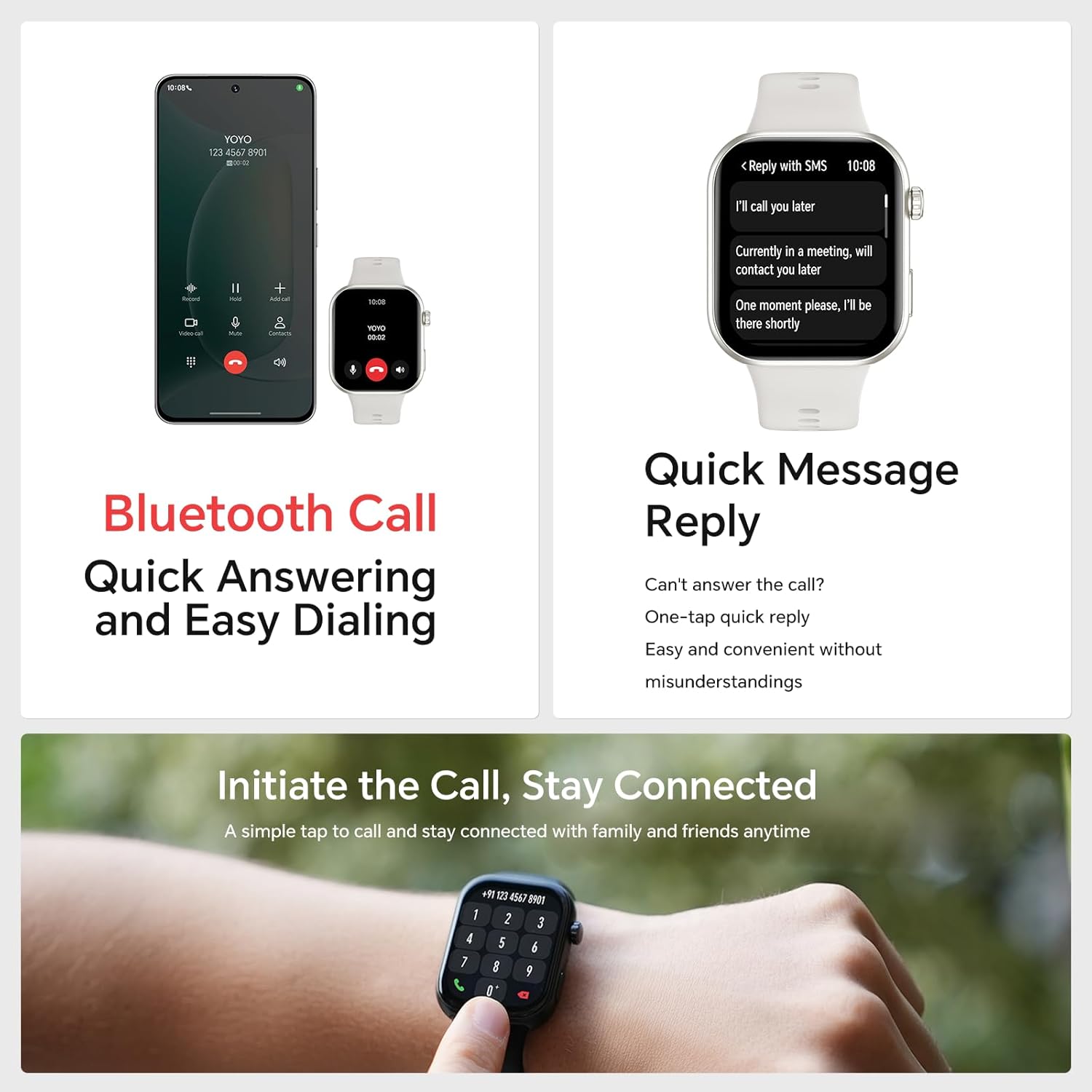
Once paired with your smartphone, the HONOR Choice Watch 2i allows you to make and receive calls directly from your wrist. You can also receive notifications for SMS, emails, and other applications.
- Atsiliepimas į skambučius: Tap the green phone icon on the watch screen when an incoming call is displayed.
- Skambinimas: Access the dialer from the app list on your watch to initiate calls.
- Greitas atsakymas: For incoming messages, use the quick reply feature to send predefined responses.
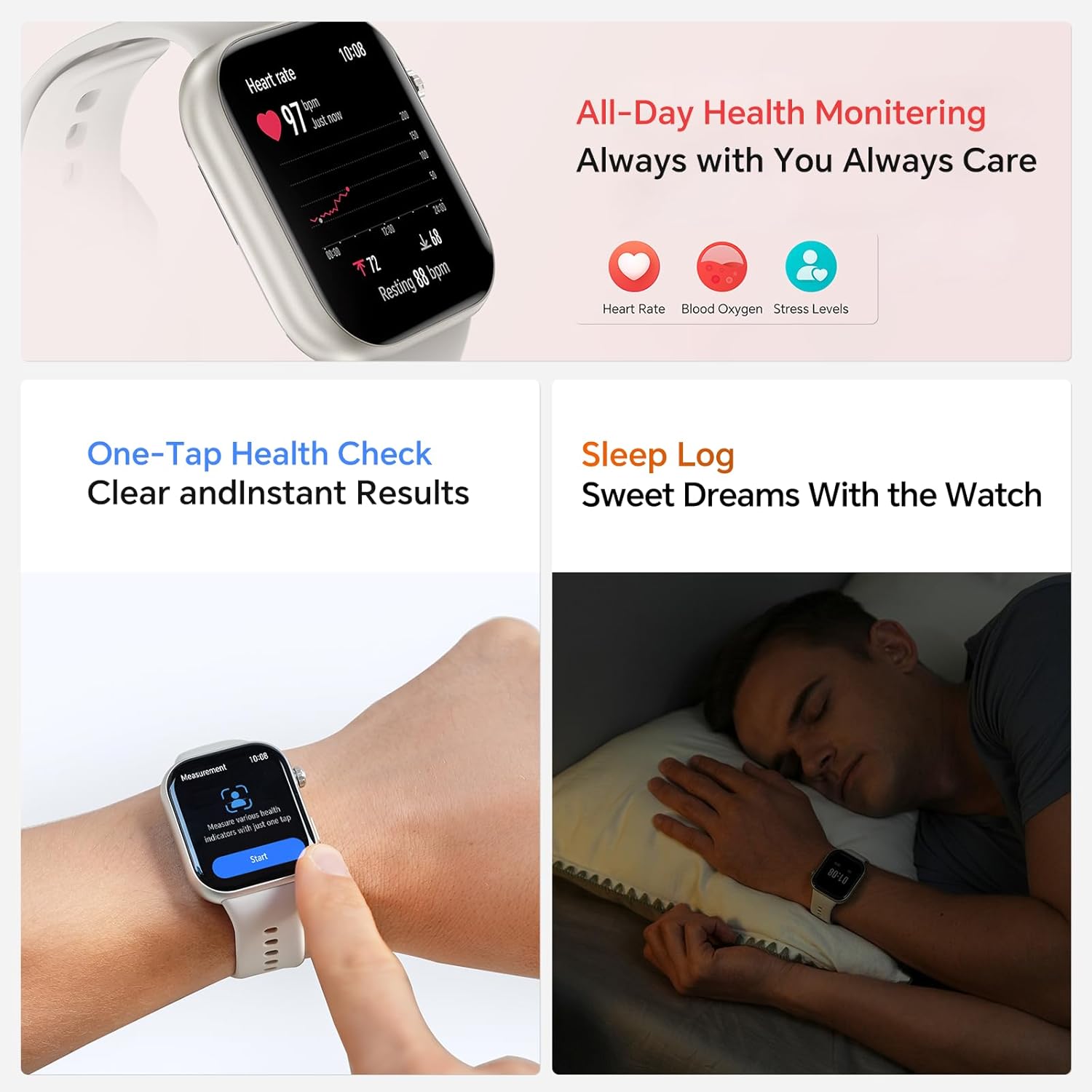
Image: The smartwatch showing both an incoming call interface and options for quick message replies, demonstrating its communication features.
3. Pritaikomi laikrodžio ciferblatai
Personalize your watch by changing the watch face. You can select from various pre-installed faces or download more through the HONOR Health App. To change directly on the watch, press and hold the watch face, then swipe left or right to browse and tap to select.

Image: A collection of HONOR Choice Watch 2i units showcasing various customizable watch faces, highlighting personalization options.
Sveikatos stebėjimo funkcijos
The HONOR Choice Watch 2i is equipped with advanced sensors to track various health metrics continuously.
- Širdies ritmo stebėjimas: Provides 24/7 continuous heart rate tracking and alerts for abnormal readings.
- Kraujo deguonies (SpO2) stebėjimas: Matuoja deguonies kiekį kraujyje.
- Streso lygio stebėjimas: Seka streso lygį visą dieną.
- Miego stebėjimas: Analyzes sleep quality by detecting light, deep, and REM sleep stages.
- Menstruacinio ciklo stebėjimas: Helps women monitor and manage their menstrual cycles.
- One-Tap Health Check: Quickly measure multiple health metrics simultaneously.
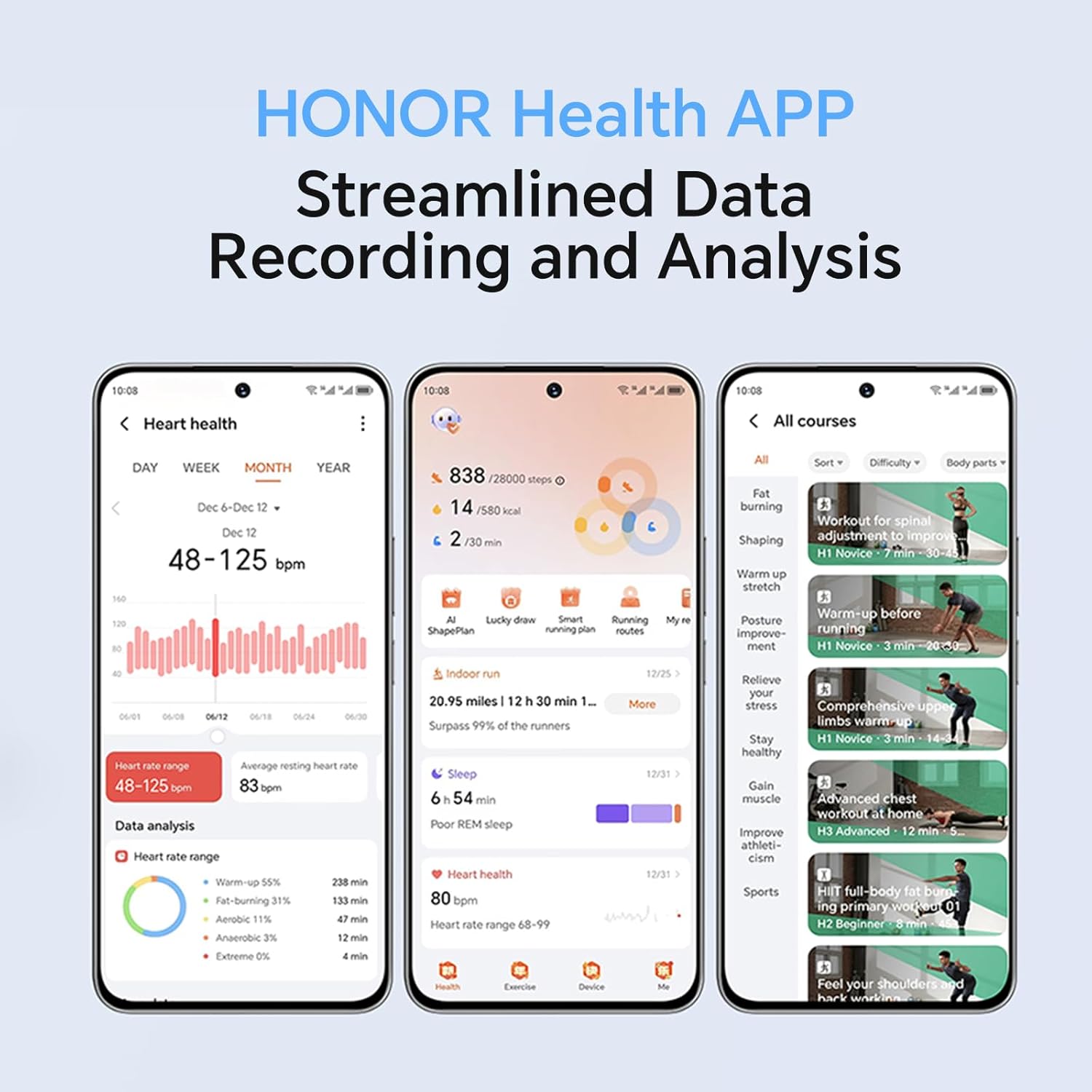
Image: The smartwatch screen showing real-time heart rate data and a user interacting with the "Start" button for a health measurement.
Fitness Tracking and Exercise Modes
The watch supports 109 exercise modes, automatically detecting common activities and providing detailed performance metrics. All data is synchronized with the HONOR Health App for comprehensive analysis.
Image: A user wearing the HONOR Choice Watch 2i while cycling, with the watch screen showing active workout data like duration and distance.
Informacija apie akumuliatorių
The HONOR Choice Watch 2i is equipped with a 330mAh battery. Under normal usage conditions, it provides up to 14 days of battery life. With heavy use, the battery can last up to 10 days.
Atsparumas vandeniui
The watch has a 10-meter water resistance rating (IP68), making it suitable for everyday use, including splashes, rain, and sweat during exercise. It is not recommended for diving or high-pressure water activities.
Priežiūra ir priežiūra
- Valymas: Reguliariai valykite laikrodį ir dirželį minkšta,amp audinys. Venkite naudoti stiprių cheminių medžiagų ar abrazyvinių medžiagų.
- Džiovinimas: Ensure the watch is dry before charging to prevent damage.
- Saugykla: Nenaudojamą laikrodį laikykite vėsioje, sausoje vietoje.
- Venkite ekstremalių temperatūrų: Nelaikykite laikrodžio itin karštyje ar šaltyje.
Trikčių šalinimas
- Laikrodis neįsijungia: Įsitikinkite, kad laikrodis yra visiškai įkrautas. Prijunkite jį prie įkroviklio bent 10 minučių.
- Nepavyksta susieti su telefonu:
- Įsitikinkite, kad jūsų telefone ir laikrodyje įjungtas „Bluetooth“.
- Make sure the HONOR Health App is updated to the latest version.
- Iš naujo paleiskite ir telefoną, ir laikrodį.
- Pabandykite atjungti ir iš naujo susieti įrenginį per programėlę.
- Netikslūs sveikatos duomenys:
- Įsitikinkite, kad laikrodis tvirtai prigludęs prie riešo, maždaug vieno piršto plotyje virš riešo kaulo.
- Jutiklio sritį laikykite švarią ir be jokių kliūčių.
- Trumpas baterijos veikimo laikas:
- Sumažinkite ekrano ryškumą.
- Disable continuous heart rate monitoring or set it to a lower frequency if not needed 24/7.
- Apribokite programų, siunčiančių pranešimus į laikrodį, skaičių.
- Close unused background applications on the watch.
Gaminio specifikacijos
| Prekės ženklas | GARBĖ |
| Modelio numeris | 1f15f2d1-dda6-4d72-84f6-3dcbc74fa2bb |
| Ekrano dydis | 1.85 colių |
| Operacinė sistema | Wear OS |
| Ryšio technologija | Bluetooth |
| Baterijos talpa | 330 milijonųamp Valandos |
| Atsparumas vandeniui | 10 meters (IP68 rating) |
| Ypatingos savybės | Fitness Modes, Battery Life, Oximeter (SpO2), Heart Rate Monitor, Stress Monitor, Sleep Tracking, Menstrual Cycle Tracking, Bluetooth Call |
| Daikto forma | Stačiakampis |
| Pakuotės matmenys | 17.7 x 11.9 x 5.2 cm |
| Prekės svoris | 110 g |
Garantija ir palaikymas
For warranty information and technical support, please refer to the official HONOR websvetainėje arba susisiekite su jų klientų aptarnavimo tarnyba. Išsaugokite pirkimo kvitą kaip pirkimo įrodymą.


