1. Įvadas
Thank you for choosing the ZEBRONICS EnergiPod 10R1 Power Bank. This device is designed to provide portable power for your electronic devices. Please read this manual carefully before use to ensure proper operation and to maximize the lifespan of your power bank.
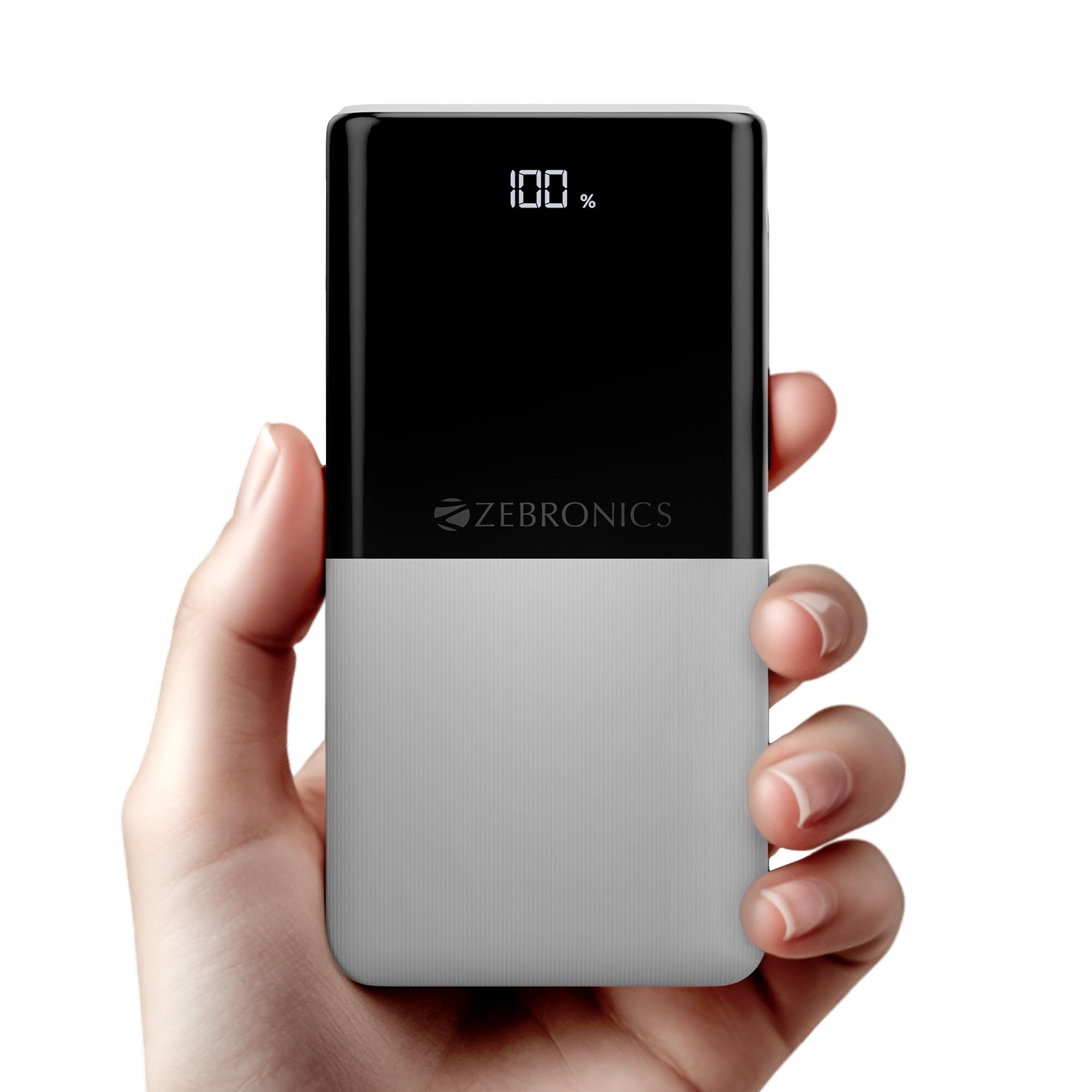
Image: The ZEBRONICS EnergiPod 10R1 Power Bank in white, highlighting its compact and modern design.
Kas yra dėžutėje:
- EnergiPod 10R1 Power Bank - 1 unit
- Charging Cable - 1 unit
- QR Code Guide - 1 unit
2. Saugos informacija
To prevent damage to the power bank or injury to yourself and others, please observe the following safety precautions:
- Nelaikykite išorinės baterijos ekstremaliose temperatūrose (aukštesnėse nei 45 °C arba žemesnėse nei 0 °C).
- Venkite numesti, išardyti ar bandyti taisyti įrenginį patys.
- Laikykite išorinę bateriją atokiau nuo vandens, drėgmės ir degių medžiagų.
- Naudokite tik sertifikuotus įkrovimo laidus ir adapterius.
- Nenaudokite išorinės baterijos, jei ji pažeista arba išsipūtusi.
- Laikyti vaikams nepasiekiamoje vietoje.
3. Produkto ypatybės
-
10000mAh talpa: Suteikia ample power for multiple charges of smartphones and other devices.

Image: The power bank showing its 10000mAh capacity and 22.5W fast charging output.
- 22.5W Super Fast Charging (PD 3.0 PPS): Palaiko greitą suderinamų įrenginių įkrovimą.
-
Dual Type-C & USB Port: Equipped with multiple output options for versatile charging.

Vaizdas: Išsamus view of the power bank's ports, including Type-C PD 3.0 (Input/Output), USB Output, and Type-C Input.
-
LED proctage Rodiklis: Digital display shows the remaining battery percentage ir įkrovimo būsena.

Image: The power bank's LED display showing 100% charge, along with its physical dimensions.
-
Saugos apsauga: Built-in safeguards against overcharge, overload, and short-circuit.

Image: The power bank depicted with a protective shield, illustrating its short circuit, overcharge, and overload protection features.
- Metal Outlook: Sleek and compact design with a patterned finish for enhanced grip.
4. Sąranka
Pradinis išorinės baterijos įkrovimas:
- Connect the provided USB Type-C charging cable to the Type-C1 input port on the power bank.
- Kitą laido galą prijunkite prie suderinamo USB sieninio adapterio (nepridedamas) arba kompiuterio USB prievado.
- LED ekrane bus rodomas įkrovimo procentastage. Allow the power bank to charge until it reaches 100% for optimal initial use.
Prieš pirmąjį naudojimą rekomenduojama visiškai įkrauti išorinę bateriją.
5. Naudojimo instrukcijos
Išorinių įrenginių įkrovimas:
- Connect your device's charging cable to one of the power bank's output ports (Type-C1 or USB-A).
- Kitą laido galą prijunkite prie išmaniojo telefono, planšetinio kompiuterio ar kito suderinamo įrenginio.
- Išorinė baterija automatiškai pradės krauti jūsų įrenginį. LED ekrane bus rodomas likęs išorinės baterijos įkrovos lygis.
- Disconnect your device once it is fully charged or when you wish to stop charging.
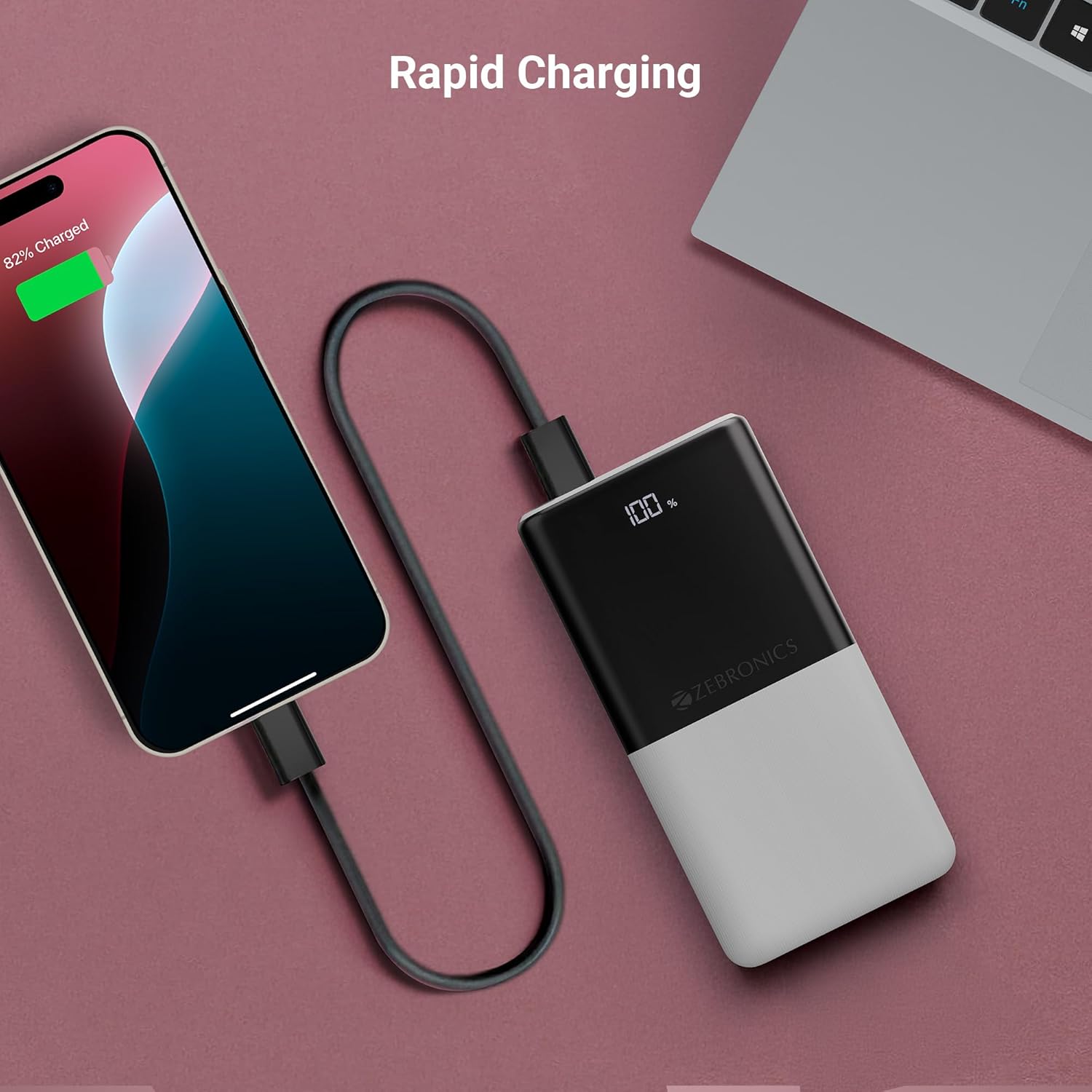
Image: The power bank actively charging a smartphone, demonstrating its rapid charging capability.
Maitinimo banko įkrovimas:
Refer to the "Initial Charging of the Power Bank" section (Section 4) for instructions on how to recharge your power bank.
6. Priežiūra
- Valymas: Išorinės baterijos paviršių valykite minkštu, sausu skudurėliu. Nenaudokite skystų valiklių ar abrazyvinių medžiagų.
- Saugykla: Laikykite išorinę bateriją vėsioje, sausoje vietoje, toliau nuo tiesioginių saulės spindulių ir ekstremalių temperatūrų.
- Akumuliatoriaus priežiūra: Norint optimalios baterijos būklės, visiškai įkraukite ir iškraukite išorinę bateriją bent kartą per tris mėnesius, jei jos nenaudojate reguliariai.
7. Problemų sprendimas
Dažnos problemos ir sprendimai:
-
Maitinimo bankas neįkraunamas:
- Įsitikinkite, kad įkrovimo laidas yra tvirtai prijungtas tiek prie išorinės baterijos, tiek prie maitinimo šaltinio.
- Išbandykite kitą įkrovimo laidą arba sieninį adapterį.
- Patikrinkite, ar maitinimo šaltinis yra aktyvus.
-
Įrenginys neįkraunamas iš išorinės baterijos:
- Patikrinkite, ar išorinė baterija yra pakankamai įkrauta (žr. LED ekraną).
- Ensure your device's charging cable is properly connected to both the power bank and your device.
- Išbandykite kitą įkrovimo laidą arba kitą išorinės baterijos išvesties prievadą.
- Įsitikinkite, kad jūsų įrenginys suderinamas su išorinės baterijos išvesties specifikacijomis.

Image: The power bank demonstrating its compatibility by charging both a tablet and a smartphone simultaneously.
-
LED Display Not Working or Inconsistent:
- Įsitikinkite, kad išorinė baterija yra pakankamai įkrauta.
- Jei problema išlieka po įkrovimo, susisiekite su klientų aptarnavimo tarnyba.
8. Specifikacijos
| Prekės ženklas | ZEBRONIKA |
| Modelio pavadinimas | EnergiPod 10R1 |
| Prekės modelio numeris | ZEB-PB 12 |
| Baterijos talpa | 10000 mAh |
| Išėjimo galia | 22.5 W (maks.) |
| Type-C1 Port Output | DC 5V/3A, 9V/2.22A, 12V/1.67A, 3.3~11V/2A (PPS) |
| USB-A išvestis | DC 5V/3A, 9V/2A, 12V/1.85A |
| Type-C1 Input Port | DC 5V/3A, 9V/2A, 12V/1.5A |
| Type-C2 Input Port | DC 5V/2.4A |
| Jungties tipas | C tipo USB |
| Rekomenduojami naudojimo būdai | Phone, Tablet |
| Prekės svoris | 230 g |
| Pakuotės matmenys | 16.8 x 9.9 x 2.4 cm |
| Kilmės šalis | Indija |
9. Garantija ir palaikymas
Informacija apie garantiją:
The ZEBRONICS EnergiPod 10R1 Power Bank comes with a standard manufacturer's warranty. Please refer to the QR Code Guide included in the box or visit the official ZEBRONICS websvetainėje, kurioje pateikiamos išsamios garantijos sąlygos.
Klientų aptarnavimas:
If you encounter any issues or have questions regarding your power bank, please contact ZEBRONICS customer support. Contact details can typically be found on the official ZEBRONICS websvetainėje arba produkto pakuotėje.
Dėl internetinės pagalbos galite apsilankyti „ZEBRONICS“ parduotuvė „Amazon“ platformoje.


