1. Įvadas
Thank you for choosing the NACODEX AK820 Gasket Mechanical Keyboard. This manual provides essential information for setting up, operating, and maintaining your keyboard. Please read it thoroughly to ensure optimal performance and longevity of your device.
The AK820 features a 75% layout with 82 keys, a gasket structure for enhanced typing feel, hot-swappable switches, PBT keycaps, and a volume control knob. It is designed for both typing and gaming with a focus on comfort and customization.
2. Pakuotės turinys
Įsitikinkite, kad pakuotėje yra visi daiktai:
- NACODEX AK820 Gasket Mechanical Keyboard
- USB-C į USB-A laidas
- Keycap Puller / Switch Puller (2-in-1 tool)
- Vartotojo vadovas
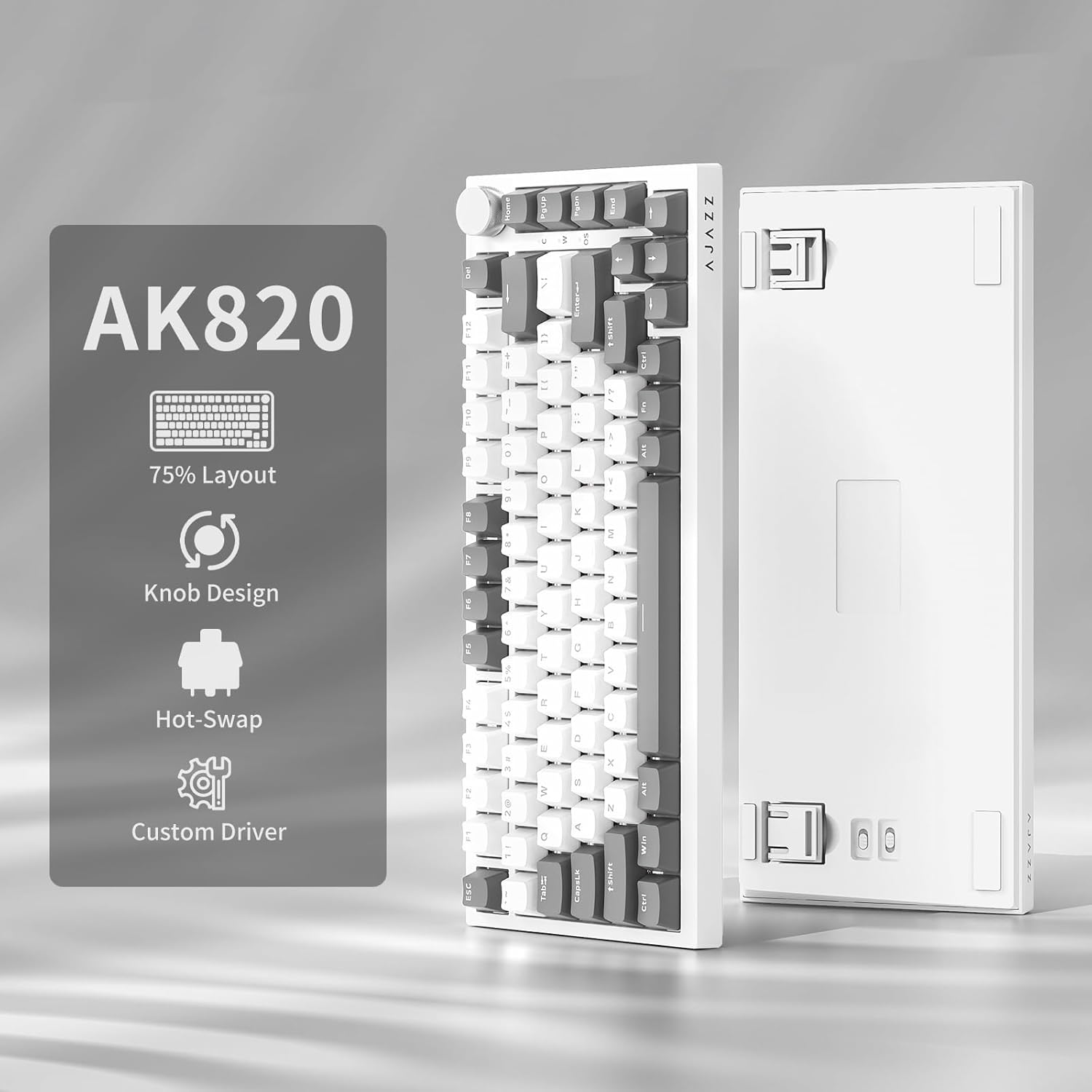
Image: NACODEX AK820 keyboard, USB-C cable, and keycap/switch puller.
3. Sąranka ir ryšys
3.1 Laidinis ryšys
- Connect the USB-C end of the provided cable to the keyboard's USB-C port (located on the back edge).
- Prijunkite USB-A kabelio galą prie laisvo kompiuterio USB prievado.
- The keyboard is now ready for use in wired mode.

Image: NACODEX AK820 keyboard with USB-C cable connected to a laptop.
4. Naudojimo instrukcijos
4.1 Volume Control Knob
The multifunctional knob located on the top-right corner of the keyboard allows for quick audio adjustments.
- Sukite pagal laikrodžio rodyklę: Padidinti garsumą.
- Sukite prieš laikrodžio rodyklę: Sumažinti garsumą.
- Paspauskite žemyn: Nutildyti / įjungti garsą.

Paveikslėlis: detalus view of the volume knob, indicating its turn and press functions for volume control and mute.
4.2 apšvietimo efektai
The AK820 features customizable RGB backlighting. Use the following key combinations to adjust lighting:
- FN + \ (Backslash): Cycle through 20 different lighting effects.
- FN + ↑ (rodyklė aukštyn): Increase backlight brightness (5 levels).
- FN + ↓ (rodyklė žemyn): Decrease backlight brightness (5 levels).
- FN + ← (rodyklė kairėn): Sureguliuokite apšvietimo kryptį.
- FN + → (rodyklė dešinėn): Sureguliuokite apšvietimo kryptį.
- FN + - (Minus): Sumažinkite apšvietimo greitį.
- FN + = (Equals): Increase lighting speed.
- FN + Home: Switch between Windows/MAC system modes.
- FN + ESC: Reset to factory default lighting settings (hold for 3-5 seconds).
Video: Demonstrates various RGB lighting effects and customization options on the NACODEX AK820 keyboard.
4.3 Karštuoju būdu keičiami jungikliai
The AK820 supports 3/5-pin hot-swappable mechanical switches, allowing you to customize your typing experience without soldering.
- Pull out the keycap using the provided keycap puller.
- Norėdami uždaryti, naudokite jungiklio traukiklįamp the buckles on the upper and lower sides of the switch body, then pull the switch up and out.
- Align the pins and holes of the new switch.
- Tap the new switch vertically until it clicks into place.

Vaizdas: Stambus planas view of the keyboard's switches and keycaps, highlighting the hot-swappable design.
Video: Demonstrates the difference in sound and feel between AJAZZ Gift Switches and AJAZZ Dreamy Switches, showcasing the hot-swappable feature.
4.4 Keycap Features
The AK820 comes with durable PBT keycaps, known for their oil resistance and longevity. They feature a two-color design for clear fonts and enhanced light transmission.
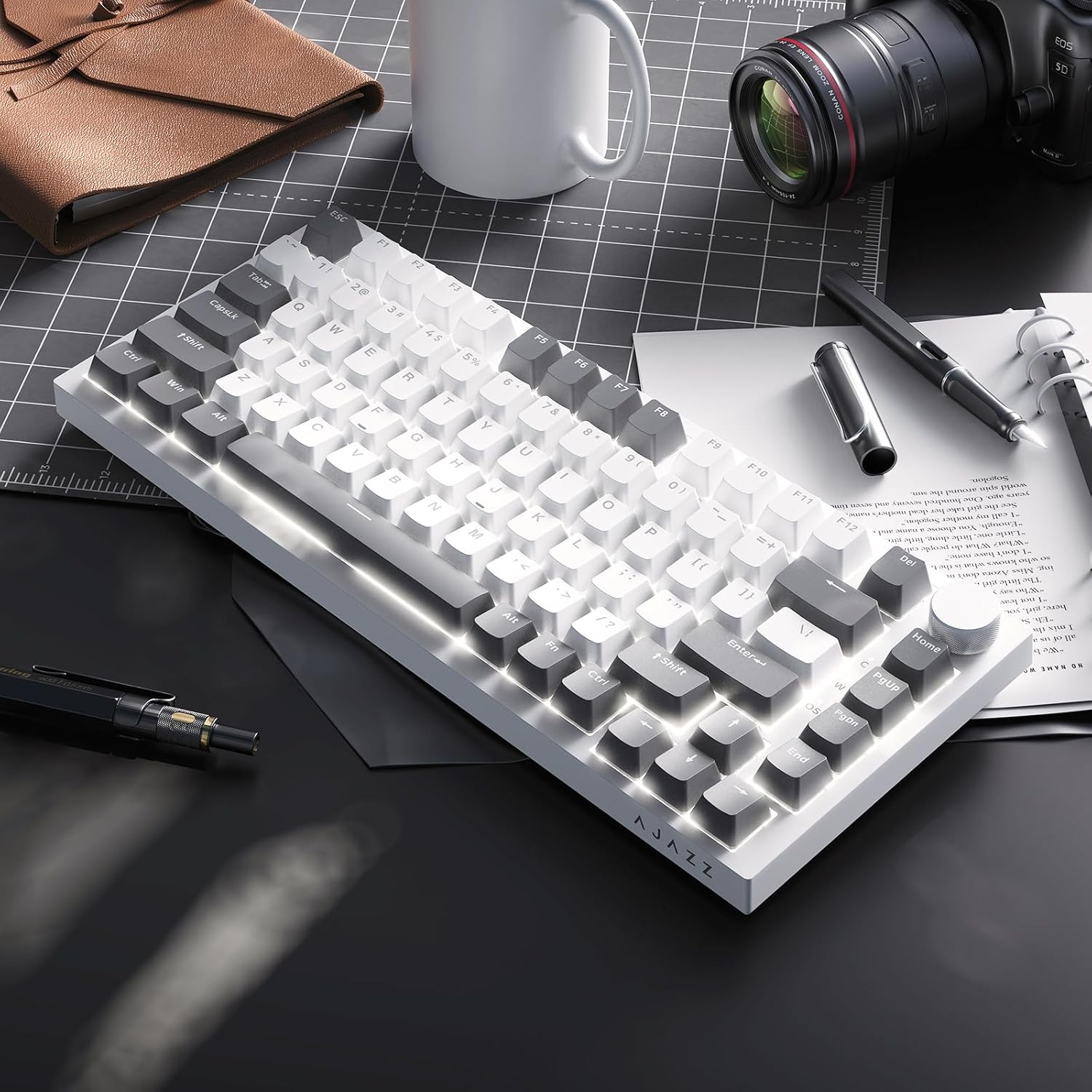
Image: A close-up of the PBT keycaps, highlighting their texture and two-color design.
5. Specifikacijos
| Gaminio matmenys | 12.87 x 5.35 x 1.57 colio |
| Prekės svoris | 1.79 svaro |
| Gamintojas | AJAZZ |
| Modelio numeris | AK820 Gray White |
| Ryšio technologija | USB-C (laidinis) |
| Klaviatūros aprašymas | Mechaninis |
| Ypatinga funkcija | Ergonomic, Gasket Structure, Hot-Swappable |
| Klaviatūros apšvietimas | RGB |
6. Garantija ir palaikymas
For warranty information and technical support, please refer to the official AJAZZ websvetainėje arba susisiekite su jų klientų aptarnavimo tarnyba. Išsaugokite pirkimo kvitą garantiniams reikalavimams.


