1. Įvadas
This manual provides detailed instructions for the setup, operation, and maintenance of your CANYON HEXAGON 7 True Wireless Earbuds. Please read this manual thoroughly before using the product to ensure proper function and longevity. The HEXAGON 7 earbuds feature Bluetooth 5.4 connectivity, Active Noise Cancellation (ANC), Environmental Noise Cancellation (ENC), and wireless charging capabilities.
2. Pakuotės turinys
Patikrinkite, ar pakuotėje yra visi reikalingi daiktai:
- CANYON HEXAGON 7 True Wireless Earbuds (Left and Right)
- Įkrovimo dėklas
- C tipo USB įkrovimo laidas
- Vartotojo vadovas
3. Produktas baigtasview
The CANYON HEXAGON 7 earbuds are designed for comfort and high-quality audio, featuring a distinctive hexagonal design. The charging case provides extended battery life and supports wireless charging.

Image 3.1: CANYON HEXAGON 7 True Wireless Earbuds and Charging Case. The earbuds are white with beige ear tips, resting inside their matching white and beige charging case.
3.1 Unique Design
The Hexagon 7 series features an elegant and angular design, ensuring a comfortable and secure fit while providing a distinct aesthetic.

Image 3.2: The CANYON HEXAGON 7 earbuds and their open charging case are displayed on a laptop keyboard, highlighting their unique hexagonal design.
3.2 Palieskite Valdymas
The earbuds are equipped with intuitive touch controls for managing playback, calls, and other functions.

Image 3.3: The CANYON HEXAGON 7 earbuds and their charging case are shown on a notebook with design sketches, illustrating their compact form factor and touch-sensitive surfaces.
3.3 Aktyvus triukšmo slopinimas (ANC)
The Active Noise Cancelling feature reduces ambient noise, allowing for a more immersive audio experience.
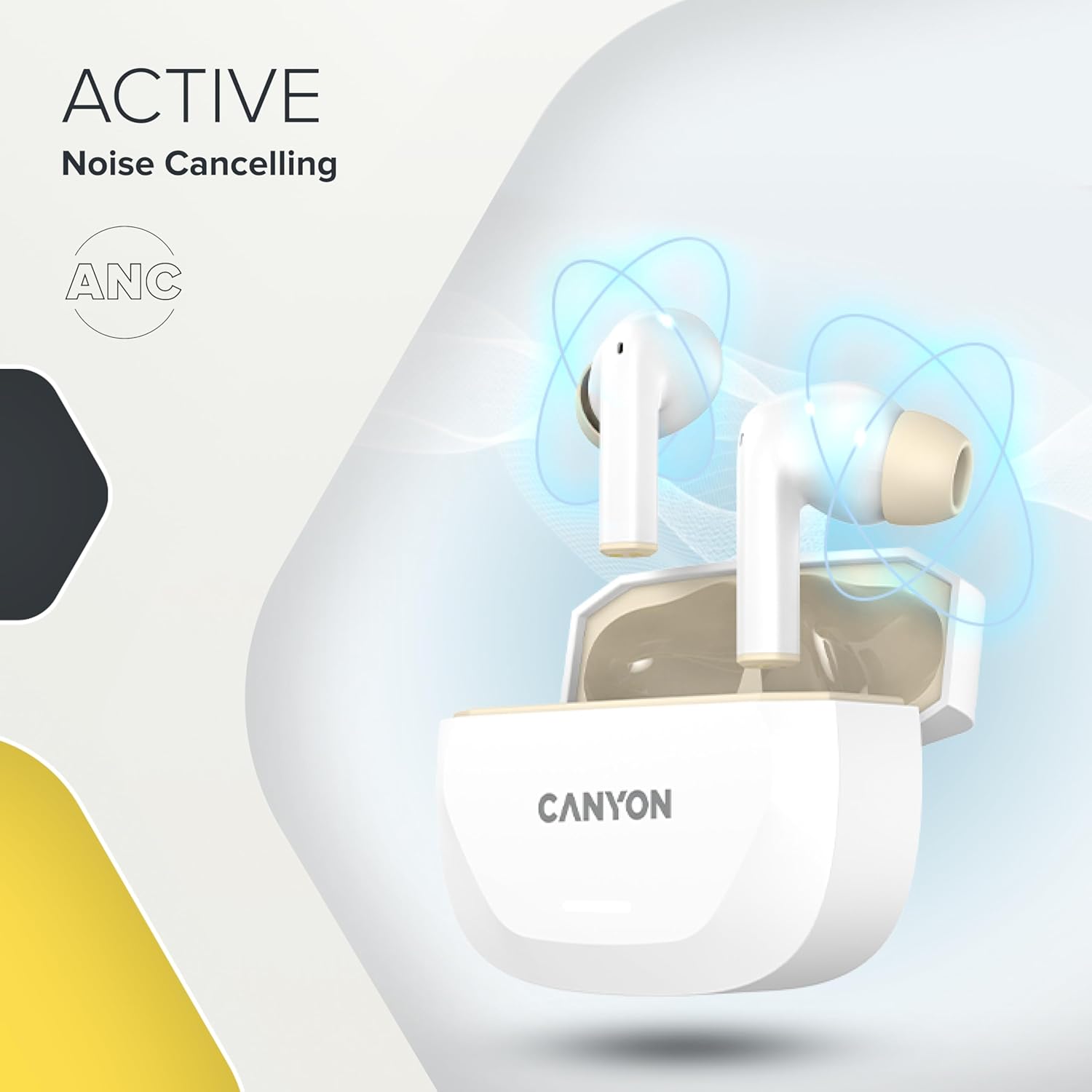
Image 3.4: A visual representation of Active Noise Cancelling (ANC) technology, showing sound waves being canceled around the CANYON HEXAGON 7 earbuds in their open case.
4. Sąranka
4.1 Ausinių ir dėklo įkrovimas
Prieš pirmą kartą naudodami, visiškai įkraukite ausines ir įkrovimo dėklą.
- Naudojant USB-C kabelį: Connect the provided USB Type-C cable to the charging port on the case and to a power source. The charging indicator will show the charging status. A full charge takes approximately 1.5 hours for the earbuds and 2 hours for the case.
- Belaidis įkrovimas: Place the charging case on any Qi-compatible wireless charging pad. Ensure the case is properly aligned for efficient charging.

Image 4.1: The CANYON HEXAGON 7 charging case is shown resting on a wireless charging pad, indicating its wireless charging capability.

Image 4.2: A graphic illustrating the quick recharge feature of the CANYON HEXAGON 7 earbuds, with a battery icon showing rapid charging progress.
4.2 Susiejimas su įrenginiu
- Atidarykite įkrovimo dėklą. Ausinės automatiškai įsijungs susiejimo režimu.
- Savo įrenginyje (išmaniajame telefone, planšetiniame kompiuteryje ir kt.) įjunkite „Bluetooth“.
- Ieškokite available Bluetooth devices and select "CANYON HEXAGON 7".
- Prijungus, pasigirs patvirtinimo garsas ir pasikeis ausinių indikatoriaus lemputė.
4.3 Daugiataškis ryšys
The HEXAGON 7 supports connecting to two devices simultaneously. To use this feature:
- Sujunkite ausines su pirmuoju įrenginiu, kaip aprašyta aukščiau.
- Išjunkite „Bluetooth“ pirmame įrenginyje. Ausinės vėl įsijungs susiejimo režimu.
- Sujunkite ausines su antruoju įrenginiu.
- Re-enable Bluetooth on the first device. The earbuds should automatically connect to both devices. You can then switch between them seamlessly.
5. Naudojimo instrukcijos
5.1 Jutikliniai valdikliai
The touch-sensitive areas on the earbuds allow for various functions:
- Leisti / pristabdyti: Vieną kartą bakstelėkite bet kurią ausinę.
- Kitas takelis: Dukart palieskite dešinįjį ausinės antgalį.
- Ankstesnis takelis: Dukart palieskite kairįjį ausinės antgalį.
- Pagarsink: Tris kartus palieskite dešinįjį ausinės antgalį.
- Patildyti: Tris kartus palieskite kairįjį ausinės antgalį.
- Atsiliepti / Baigti skambutį: Vieną kartą bakstelėkite bet kurią ausinę įeinančio arba aktyvaus skambučio metu.
- Atmesti skambutį: Įeinančio skambučio metu paspauskite ir 2 sekundes palaikykite nuspaudę bet kurią ausinę.
- Suaktyvinti „Voice Assistant“: Paspauskite ir 3 sekundes palaikykite nuspaudę bet kurią ausinę (kai neskambinate).
5.2 ANC and ENC Functions
The HEXAGON 7 features Active Noise Cancellation (ANC) and Environmental Noise Cancellation (ENC) for calls.
- ANC Activation/Deactivation: Press and hold the touch area on the left earbud for 2 seconds to cycle through ANC On, ANC Off, and Transparency modes.
- ENC for Calls: Environmental Noise Cancellation is automatically active during phone calls, utilizing the 4 built-in microphones to filter out background noise and ensure clear voice transmission.
5.3 Baterijos veikimo laikas
The earbuds provide up to 6.5 hours of playback with ANC off, and 5.5 hours with ANC on. The charging case extends the total playtime to 27 hours.
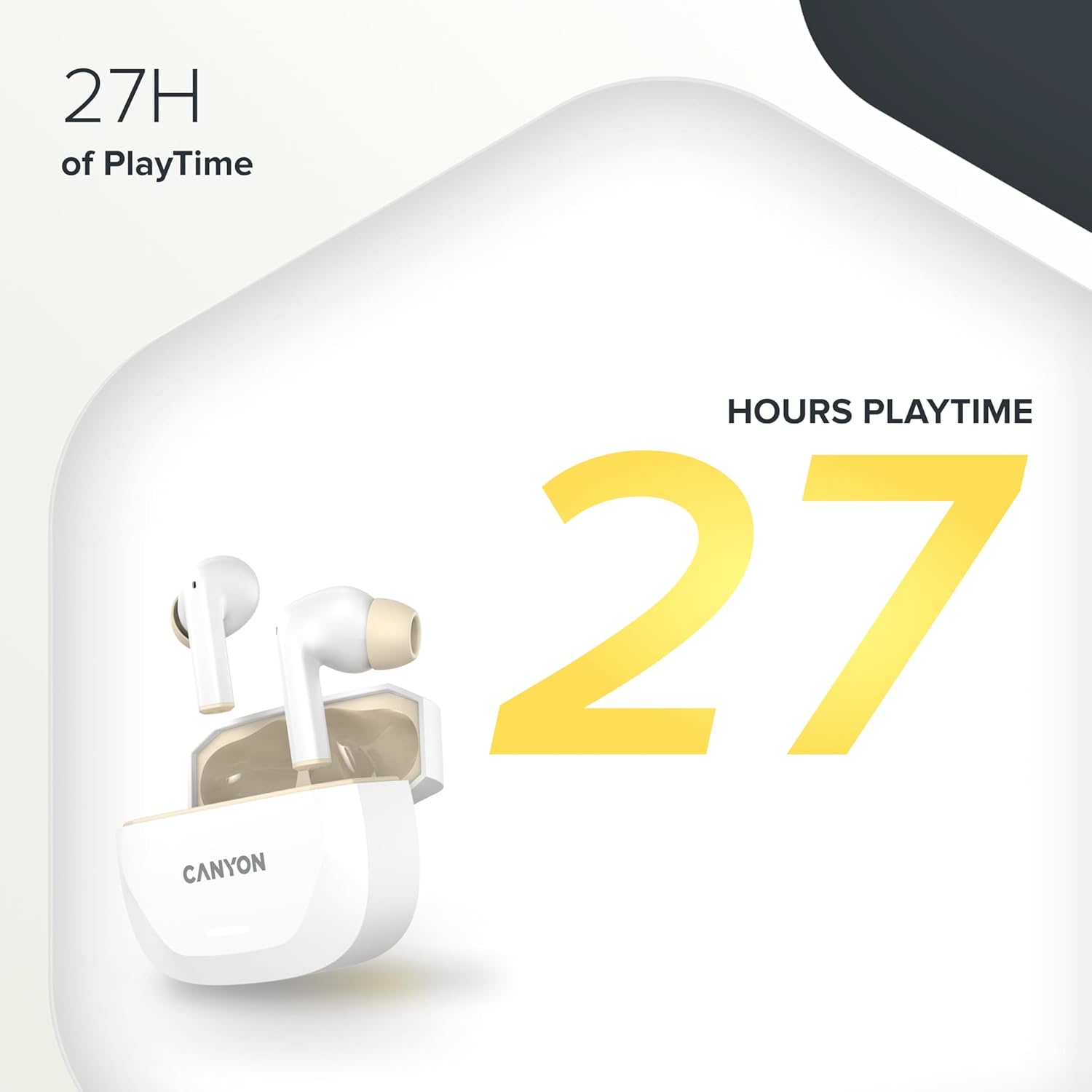
Image 5.1: A graphic highlighting the 27 hours of total playtime offered by the CANYON HEXAGON 7 earbuds with their charging case.
6. Priežiūra
6.1 Valymas
- Reguliariai valykite ausines ir įkrovimo dėklą minkštu, sausu, nepūkuotu skudurėliu.
- Nenaudokite abrazyvinių valiklių, alkoholio ar cheminių tirpiklių.
- Švelniai nuvalykite ausų sierą ar nešvarumus nuo ausų antgalių ir garsiakalbių grotelių, naudodami mažą, minkštą šepetėlį arba vatos tamponėlį.
6.2 Saugykla
- Kai nenaudojate, laikykite ausines įkrovimo dėkle, kad jos būtų apsaugotos ir įkrautos.
- Prietaisą laikykite vėsioje, sausoje vietoje, toliau nuo tiesioginių saulės spindulių ir ekstremalių temperatūrų.
7. Problemų sprendimas
If you encounter issues with your CANYON HEXAGON 7 earbuds, refer to the following common solutions:
| Problema | Galimas sprendimas |
|---|---|
| Ausinės nesusiejamos |
|
| Nėra garso ar mažas garsumas |
|
| Įkrovimo problemos |
|
| ANC neveikia efektyviai |
|
8. Specifikacijos
| Funkcija | Detalė |
|---|---|
| Modelio pavadinimas | Šešiakampis 7 |
| Belaidė technologija | Bluetooth 5.4 |
| Triukšmo panaikinimas | Active Noise Cancellation (ANC), Environmental Noise Cancellation (ENC) with 4 microphones |
| Baterijos veikimo laikas (ausinės) | Iki 6.5 valandos (išjungtas ANC), 5.5 valandos (įjungtas ANC) |
| Bendras grojimo laikas (su dėklu) | Iki 27 valandų |
| Įkrovimo laikas (ausinės) | apytiksliai 1.5 valandas |
| Įkrovimo laikas (dėklas) | apytiksliai 2 valandas |
| Įkrovimo sąsaja | USB Type-C, Wireless (Qi-compatible) |
| Kontrolės metodas | Palieskite valdymą |
| Daugiataškis ryšys | Yes, connect to two devices simultaneously |
| Medžiaga | Plastikiniai |
| Atsparumo vandeniui lygis | Waterproof (specific IP rating not provided) |
| Varža | 32 omai |
| Dažnio atsakas | 20 Hz (lower limit, upper limit not specified) |
| Suderinami įrenginiai | Mobile phones, tablets, PCs |
9. Garantija ir palaikymas
CANYON products are designed for reliability and performance. For warranty information, technical support, or service inquiries, please refer to the official CANYON websvetainėje arba susisiekite su vietiniu pardavėju. Išsaugokite pirkimo įrodymą, jei prireiktų pateikti garantinį prašymą.
Manufacturer: CANYON


