Įvadas
The Joyroom JR-JH1 Wireless Bluetooth Headphones with Active Noise Cancellation are designed to provide high-quality audio, advanced noise cancellation, and exceptional comfort. With a sleek, foldable design and long-lasting battery, these headphones are suitable for various environments, including home, office, and travel. Enjoy an immersive audio experience with the JR-JH1, featuring intuitive controls and powerful 40mm drivers.
Pakuotės turinys
- Joyroom JR-JH1 Wireless Bluetooth Headphones
- Vartotojo vadovas
- Ausų pagalvėlės (iš anksto sumontuotos)
- Charging Cable (USB-C, not explicitly listed but implied for charging)
- Travel Case (implied from description)
Produktas baigtasview
Familiarize yourself with the components of your Joyroom JR-JH1 headphones.
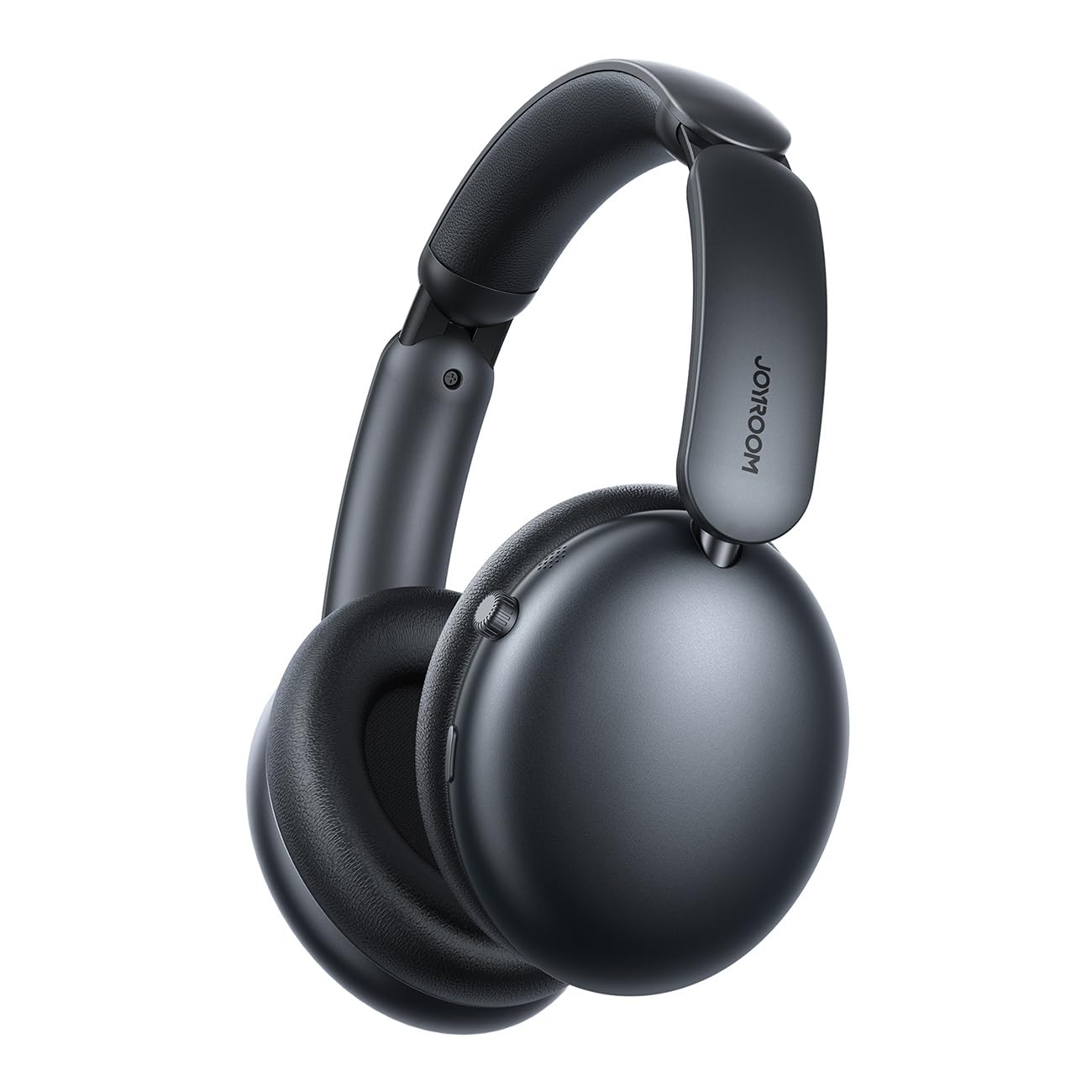
1 paveikslas: Priekyje view of the Joyroom JR-JH1 headphones, showcasing ausų kaušelius ir reguliuojamą galvos juostą.
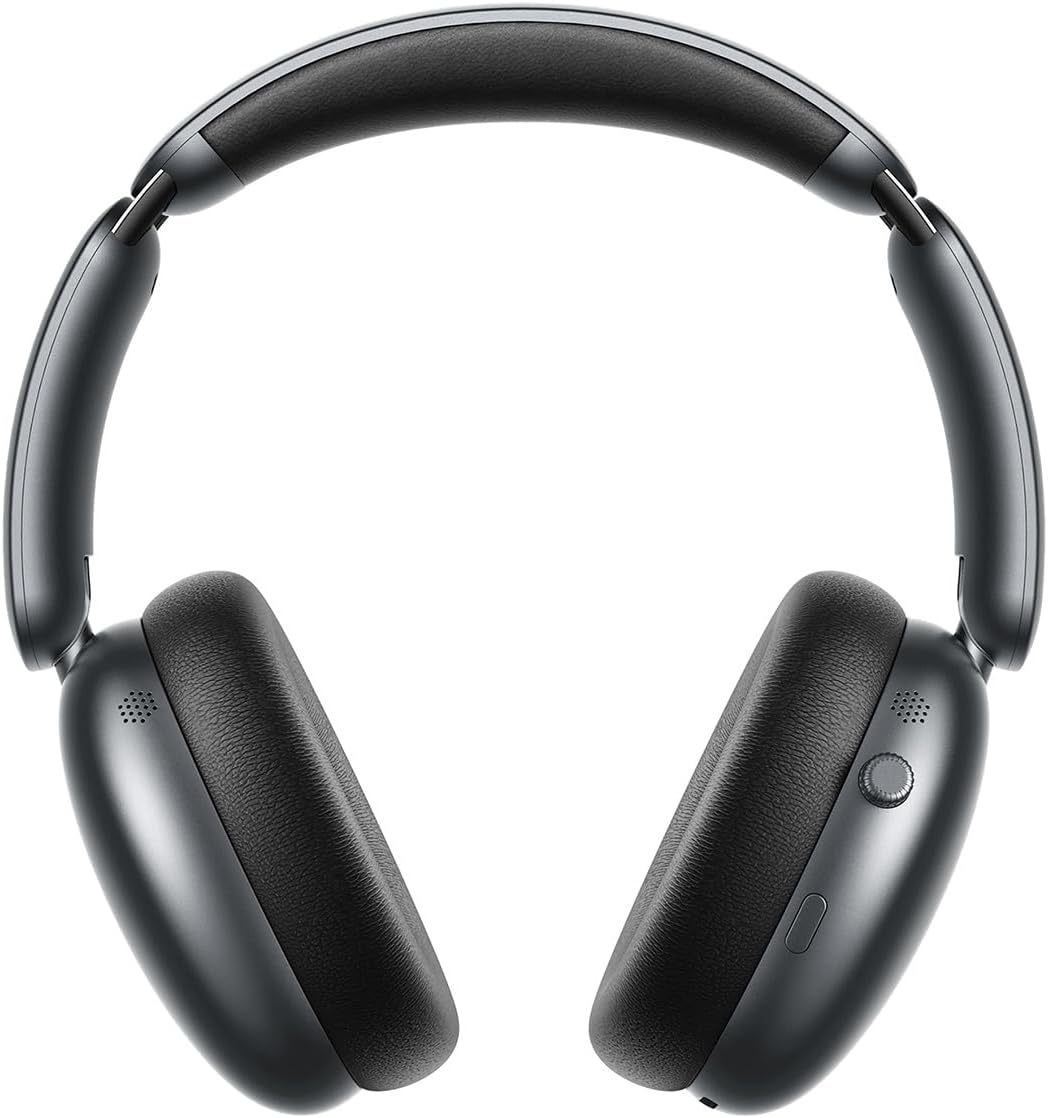
2 paveikslas: Šoninė view of the Joyroom JR-JH1 headphones, highlighting the digital crown and other control buttons on the earcup.

3 paveikslas: Apačia view of the Joyroom JR-JH1 headphones, illustrating the charging port and any auxiliary input ports.
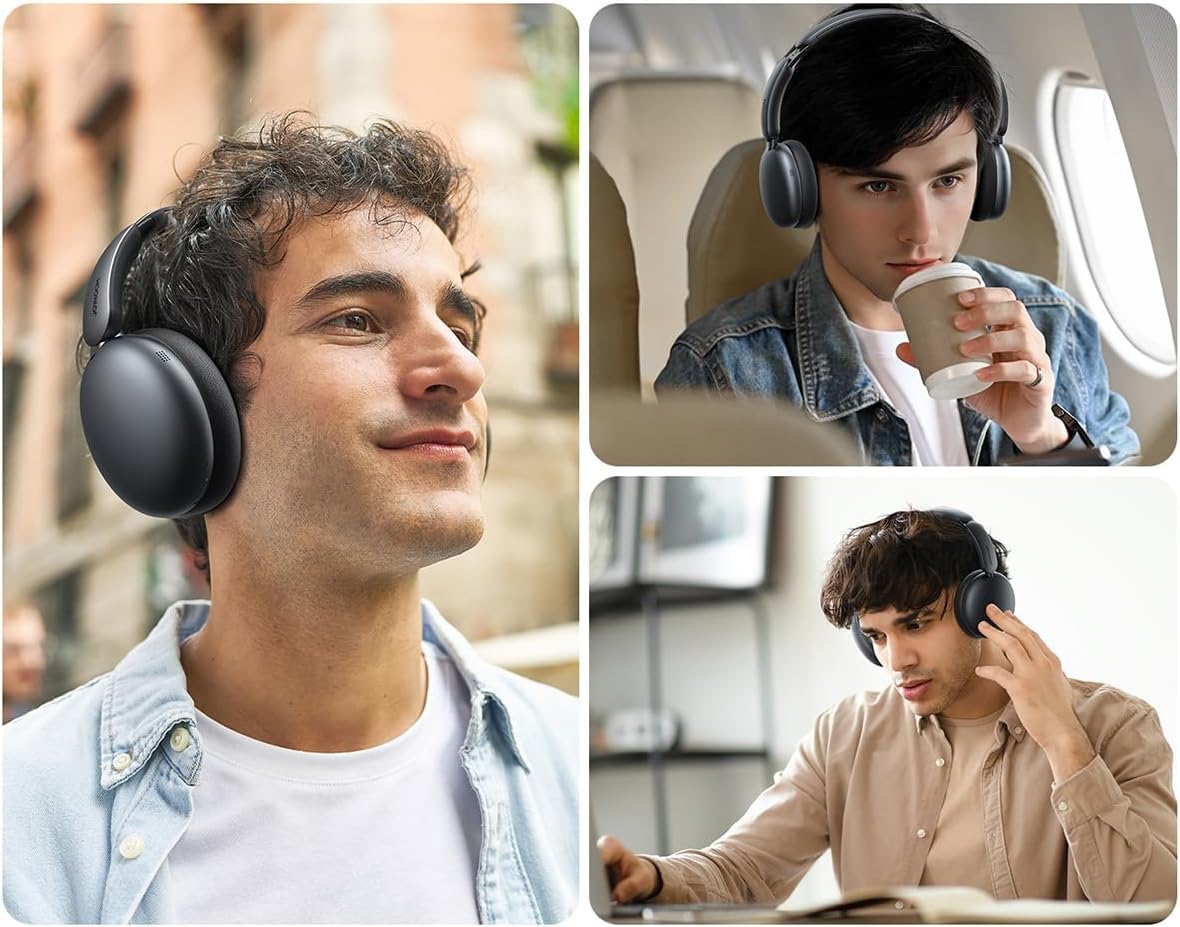
The headphones feature soft memory foam ear cushions and an automatically adjustable headband for extended comfort. The foldable design allows for easy portability and storage in the included travel case.
Sąranka
1. Ausinių įkrovimas
Before first use, fully charge your headphones. A full charge takes approximately 1.5 to 2 hours.
- Connect the charging cable to the charging port on the headphones (refer to Figure 3 for port location).
- Kitą laido galą prijunkite prie USB maitinimo šaltinio (pvz., sieninio adapterio, kompiuterio USB prievado).
- LED indikatorius rodys įkrovimo būseną (pvz., raudona spalva rodo įkrovimą, mėlyna/nešviečia, kai įrenginys visiškai įkrautas).
2. „Bluetooth“ poravimas
Pair your headphones with your device to enable wireless audio.
- Įsitikinkite, kad ausinės yra įkrautos ir išjungtos.
- Press and hold the Power button (usually located on one of the earcups) until the LED indicator flashes rapidly (e.g., blue and red alternately), indicating pairing mode.
- On your device (smartphone, tablet, laptop, etc.), go to Bluetooth settings and turn Bluetooth on.
- Ieškokite available devices. Select "JR-JH1" from the list.
- Prijungus ausines, LED indikatorius paprastai šviečia mėlynai arba lėtai mirksi.
The headphones use Bluetooth 5.4 for a stable and efficient connection. They are compatible with desktop computers, tablet computers, laptops, mobile phones, and game controllers.
Naudojimo instrukcijos
Maitinimo įjungimas/išjungimas
- Maitinimas: Paspauskite ir palaikykite maitinimo mygtuką maždaug 3 sekundes, kol užsidegs LED indikatorius.
- Išjungti: Paspauskite ir palaikykite maitinimo mygtuką maždaug 5 sekundes, kol užges LED indikatorius.
Muzikos atkūrimas
- Leisti / pristabdyti: Paspauskite daugiafunkcį mygtuką (dažnai maitinimo mygtuką arba specialų paleidimo / pauzės mygtuką).
- Garsumo didinimas / sumažinimas: Rotate the digital crown upwards to increase volume, downwards to decrease volume.
- Kitas takelis: Du kartus paspauskite daugiafunkcinį mygtuką.
- Ankstesnis takelis: Tris kartus paspauskite daugiafunkcį mygtuką.
Skambučių valdymas
- Atsiliepti / Baigti skambutį: Vieną kartą paspauskite daugiafunkcį mygtuką.
- Atmesti skambutį: Paspauskite ir 2 sekundes palaikykite daugiafunkcį mygtuką.
Aktyvus triukšmo panaikinimas (ANC)
The JR-JH1 features Hybrid Active Noise Cancellation, reducing ambient noise by up to -40dB.
- ANC įjungimas / išjungimas: Press the dedicated ANC button (refer to product diagram for location). The LED indicator for ANC will illuminate when active.
- Skaidrumo režimas: Some models may feature a transparency mode. If available, a short press of the ANC button might cycle through ANC On, Transparency Mode, and ANC Off.
4 paveikslas: Sprogo view illustrating the internal components, including the 40mm drivers and ANC technology.
Priežiūra
Valymas
- Ausinių išorę valykite minkšta, sausa šluoste.
- Ausų pagalvėles švelniai nuvalykite šiek tiek drėgnu skudurėliu.amp cloth and allow to air dry completely before use. Do not use harsh chemicals or abrasive materials.
Sandėliavimas
- When not in use, store the headphones in their travel case to protect them from dust and damage.
- Venkite laikyti ekstremaliose temperatūrose arba didelėje drėgmėje.
Trikčių šalinimas
| Problema | Galima priežastis | Sprendimas |
|---|---|---|
| Ausinės neįsijungia. | Senka baterija. | Pilnai įkraukite ausines. |
| Nėra garso. | Not paired, volume too low, device issue. | Ensure headphones are paired. Increase headphone and device volume. Check device audio output settings. |
| Nepavyksta susieti su įrenginiu. | Headphones not in pairing mode, device Bluetooth off, interference. | Put headphones in pairing mode. Ensure device Bluetooth is on. Move closer to the device. Turn off other Bluetooth devices. |
| ANC neefektyvus. | ANC not activated, improper fit. | Ensure ANC is turned on. Adjust headphones for a snug fit over your ears. |
Specifikacijos
| Funkcija | Detalė |
|---|---|
| Modelis | JR-JH1 |
| Ryšio technologija | Bevielis |
| Belaidis ryšys | Bluetooth 5.4 |
| Triukšmo valdymas | Hibridinis aktyvus triukšmo slopinimas (iki -40 dB) |
| Vairuotojai | 40 mm |
| Varža | 32 omų |
| Jautrumas | 110 dB |
| Dažnio atsakas | 2480 MHz |
| Įkrovimo laikas | Maždaug 1.5–2 valandos |
| Baterijos veikimo laikas (įprastu režimu) | Iki 120 valandų |
| Baterijos veikimo laikas (ANC režimas) | Iki 70 valandų |
| Valdymo tipas | Button Control, Digital Crown |
| Ausų išdėstymas | Virš ausies |
| Medžiaga | Akrilnitrilo butadieno stirenas (ABS) |
| Prekės svoris | 234 gramų |
| Atsparumo vandeniui lygis | Neatsparus vandeniui |
| Gaminio matmenys | 19.6 x 18.26 x 8 cm |
| Gamintojas | Joyroom |
| Kilmės šalis | Kinija |
Saugos informacija
- Saugokite ausines nuo ekstremalių temperatūrų, drėgmės ar skysčių.
- Venkite klausytis dideliu garsu ilgą laiką, kad nepažeistumėte klausos.
- Do not attempt to disassemble or modify the headphones. This may void the warranty and cause damage.
- Laikyti vaikams nepasiekiamoje vietoje.
Garantija ir palaikymas
For warranty information and customer support, please refer to the warranty card included in your product packaging or visit the official Joyroom websvetainėje. Išsaugokite pirkimo kvitą kaip pirkimo įrodymą garantiniams reikalavimams.