Įvadas
This manual provides essential information for setting up, operating, and maintaining your Philips Ambilight 55MLED920 'The Xtra' Mini LED 4K Smart TV. Please read these instructions carefully before using your television to ensure optimal performance and safety.
Sąranka
1. Išpakavimas ir pakuotės turinys
Atsargiai išimkite visus komponentus iš pakuotės. Įsitikinkite, kad yra visi toliau išvardyti daiktai:
- Televizijos blokas
- Maitinimo kabelis
- Nuotolinio valdymo pultas su 2 AAA baterijomis
- Stovi
- Naudojimo instrukcija ir garantinė kortelė
Keep the packaging for future transport or storage.
2. Televizoriaus stovo arba sieninio laikiklio montavimas
Follow the instructions provided in the separate stand installation guide or wall mount kit. Ensure the TV is placed on a stable, level surface or securely mounted to a wall, away from direct sunlight or heat sources.
3. Prietaisų prijungimas
Connect your external devices such as set-top boxes, gaming consoles, or sound systems to the appropriate ports on your TV.

Vaizdas: Galinė ir šoninė view of the Philips Ambilight TV, illustrating the various connectivity ports available for external devices. These include HDMI, USB, Satellite, TV Antenna, Digital Audio Out, and Network connections.
- HDMI: For high-definition audio and video connections (e.g., Blu-ray players, game consoles). This TV supports HDMI 2.1.
- USB: Skirta USB atmintinėms prijungti ir medijos atkūrimui filearba programinės įrangos atnaujinimams.
- Ethernet (tinklas): Laidiniam interneto ryšiui.
- „Wi-Fi“: Dėl belaidžio interneto ryšio.
- Bluetooth: Skirta belaidžiams priedams, pvz., ausinėms ar garsiakalbiams, prijungti.
- Antena / Palydovas: For connecting to broadcast signals.
- Skaitmeninė garso išvestis: Skirta prijungti prie išorinių garso sistemų.
4. Maitinimo prijungimas
Connect the power cable to the TV and then to a wall outlet. The TV will enter standby mode.
Televizoriaus valdymas
1. Nuotolinio valdymo pultas
The included remote control allows you to navigate menus, adjust settings, and control your TV's functions. Insert the two AAA batteries as indicated in the battery compartment.
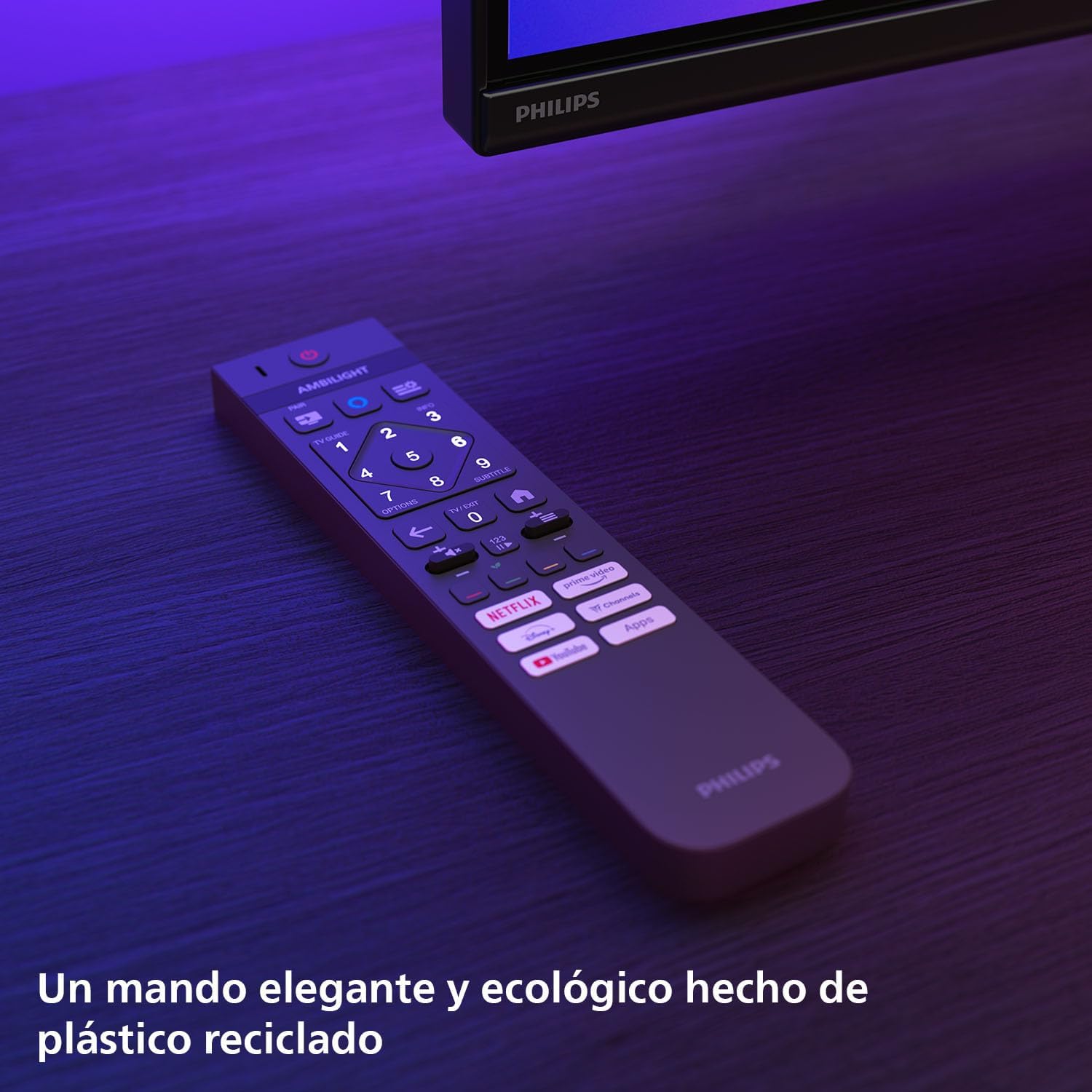
Vaizdas: The Philips TV remote control, designed for ease of use and made from recycled plastic, shown illuminated by the TV's Ambilight feature.
2. Maitinimo įjungimas/išjungimas
Press the power button on the remote control or on the TV to turn the TV on or off. Pressing it once will put the TV into standby mode.
3. „Ambilight“ funkcija
Your Philips Ambilight TV features reactive LED lights integrated into the back of the screen. These lights project colors onto the wall behind the TV, matching the on-screen content to create an immersive viewing experience. You can customize Ambilight settings through the TV menu.

Vaizdas: The Philips Ambilight TV in a living room setting, showcasing its reactive LED lights that extend the visual experience beyond the screen by projecting matching colors onto the surrounding wall.
4. Picture Quality (P5 Picture Engine, Mini LED, Quantum Dot, HDR)
The TV utilizes the P5 Picture Engine to deliver vibrant colors, natural skin tones, and sharp contrast. Combined with Quantum Dot Mini-LED technology, it produces deeper blacks, brighter whites, and a wider color spectrum for clear, detailed images. It supports various HDR formats for enhanced depth and contrast.
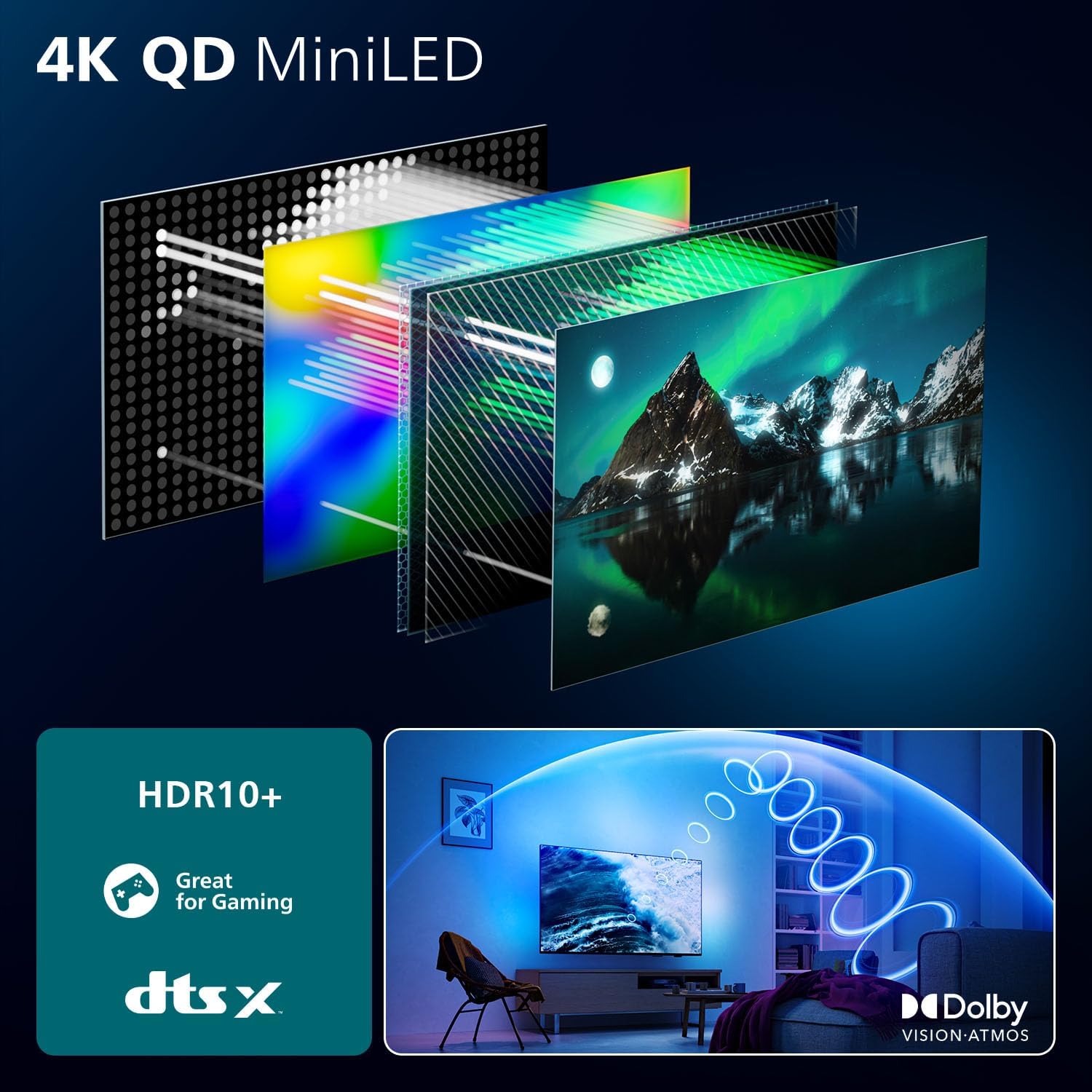
Vaizdas: A detailed diagram illustrating the internal structure of the 4K QD MiniLED display, highlighting the layers responsible for producing enhanced color and contrast.
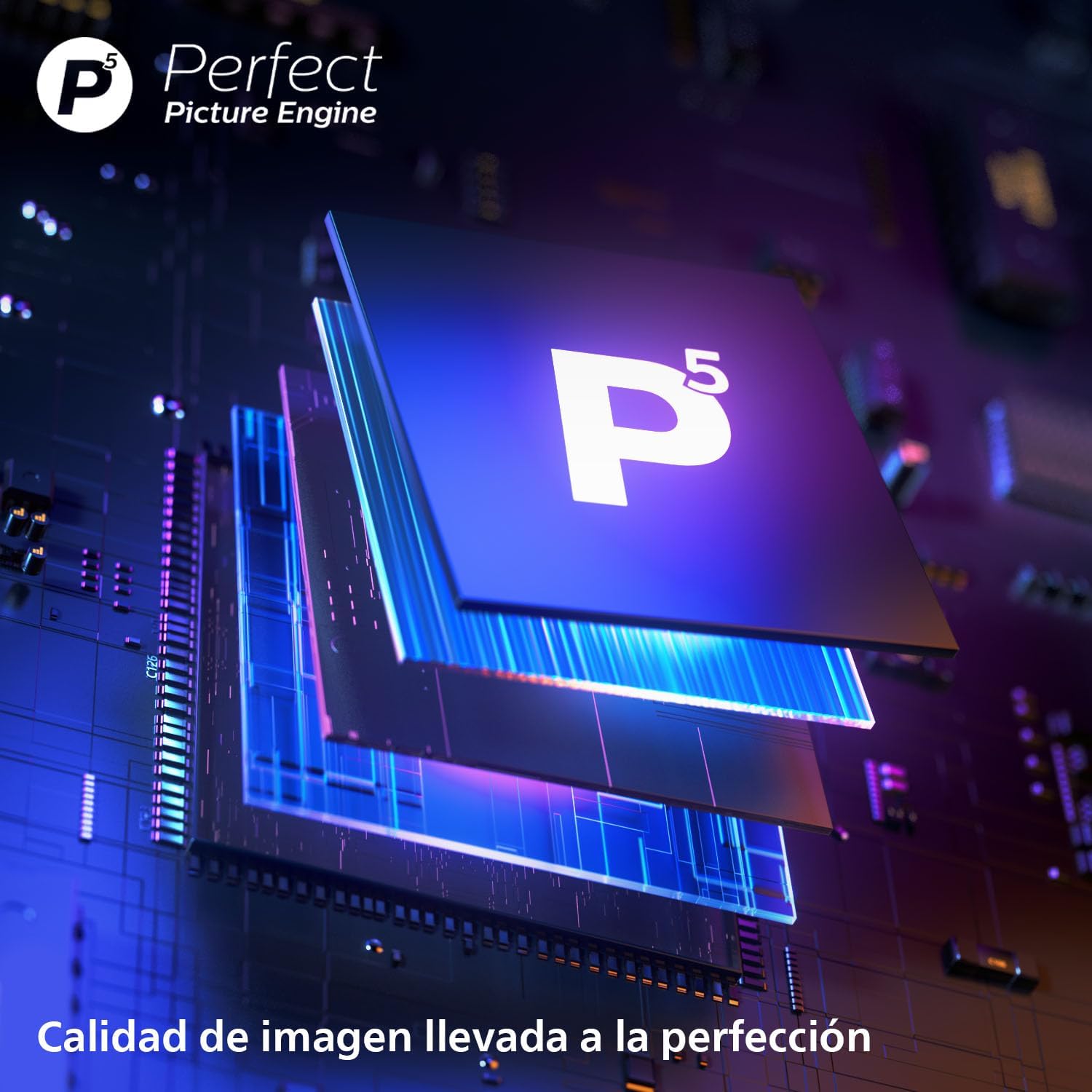
Vaizdas: Iš arti view of the P5 Perfect Picture Engine microchip, symbolizing the advanced image processing capabilities that ensure brilliant and detailed visuals.
5. Sound Quality (Dolby Atmos, IntelliSound)
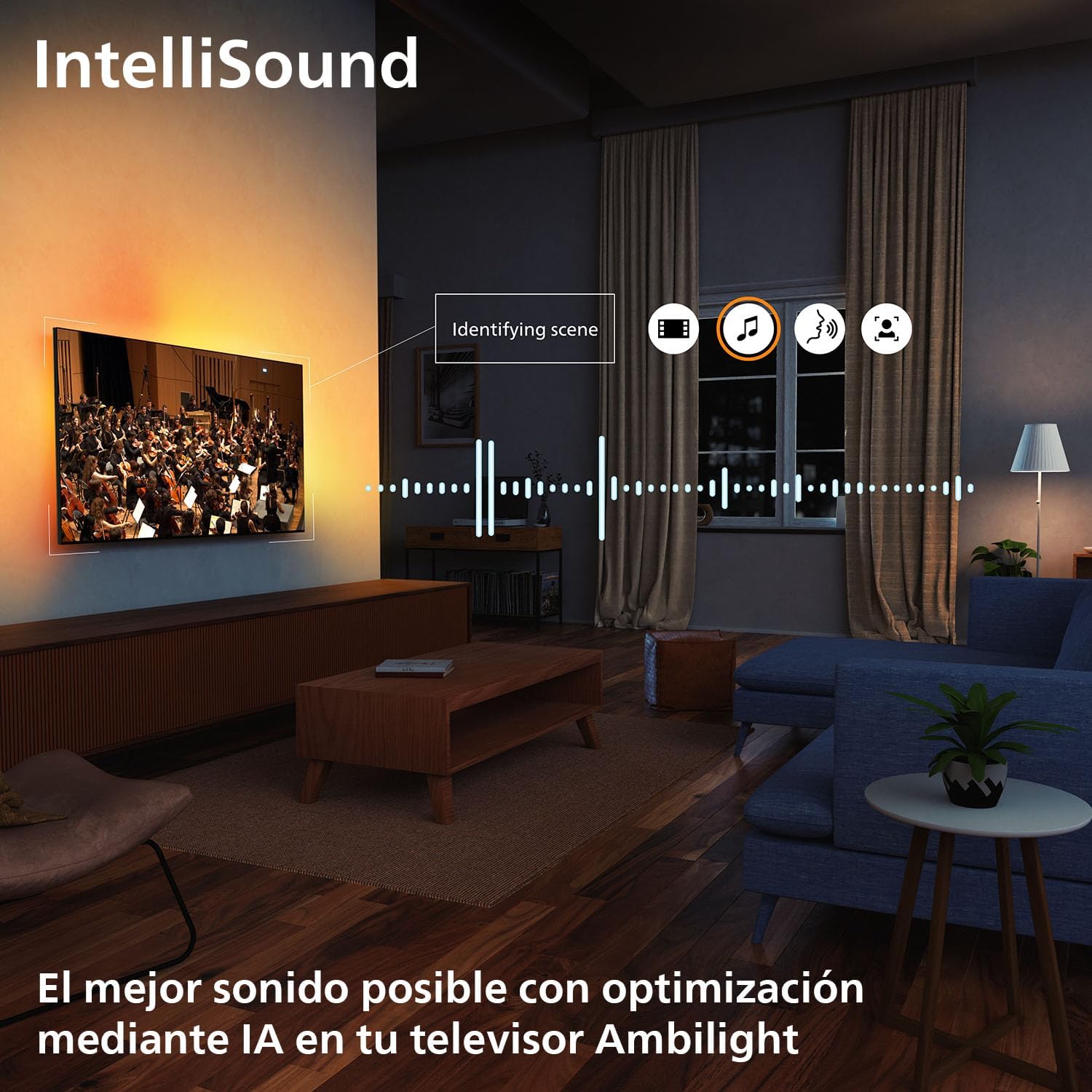
Experience immersive audio with Dolby Atmos, which creates a three-dimensional sound experience. The integrated IntelliSound engine uses AI to optimize audio settings automatically based on the content you are watching, whether it's news, music, or movies.
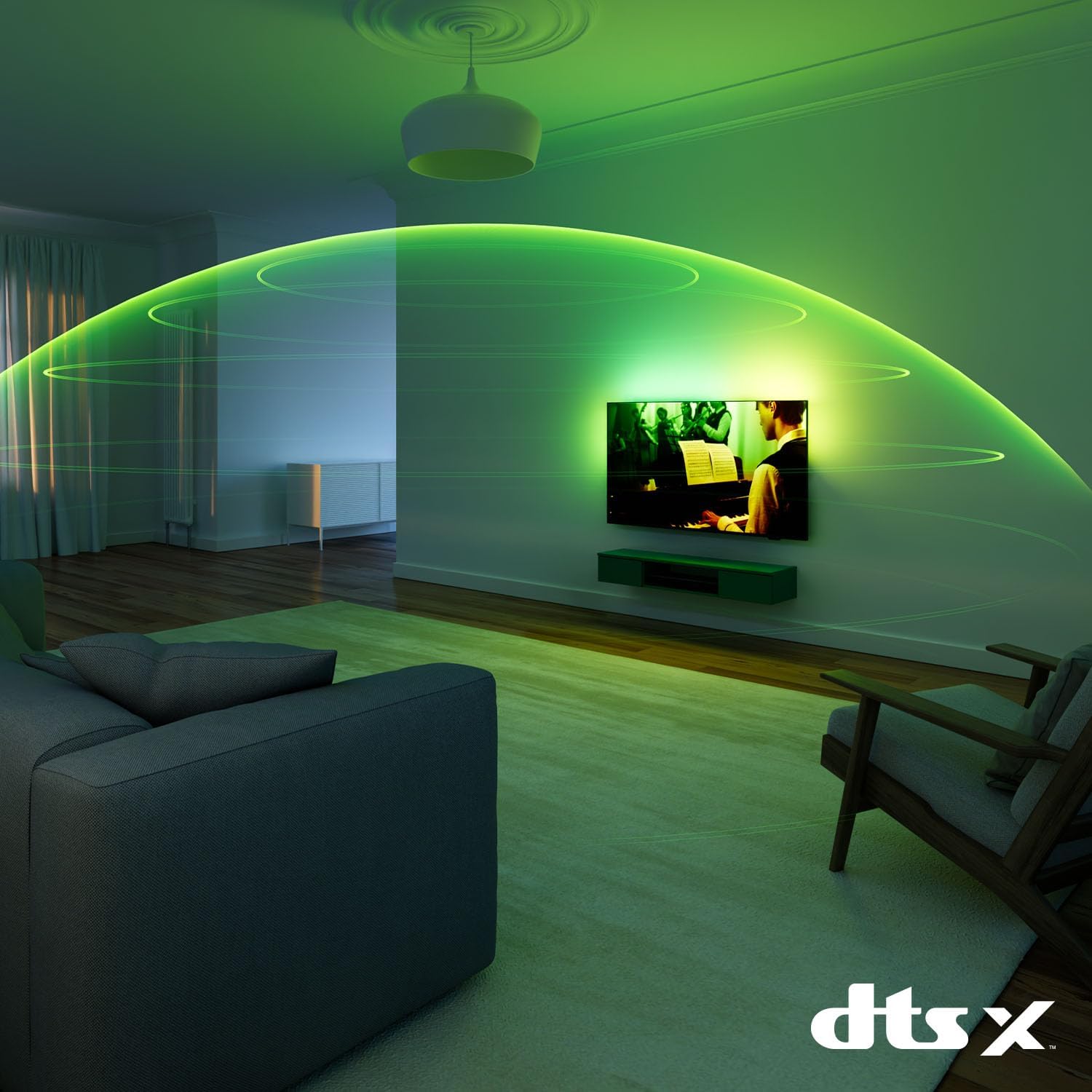
Vaizdas: A visual representation of immersive sound technology in a living room, with sound waves emanating from the Philips Ambilight TV, indicating a rich audio experience.
6. Smart TV Features (Titan OS, Voice Assistant, Matter)
Jūsų televizorius veikia Titan OS, providing access to streaming services and apps. The intuitive interface allows for easy navigation and content discovery. The TV is compatible with Reikalas for seamless integration into your smart home network and supports voice assistants like Alexa ir „Google“ padėjėjas for hands-free control.

Vaizdas: The Philips TV displaying the Titan OS smart TV interface, featuring popular streaming applications and indicating compatibility with Alexa and Matter smart home systems.
Vaizdas: Illustrations demonstrating the TV's integration with voice assistants, showing interactions with both Google Home and Alexa devices for controlling the TV and querying information.
7. Žaidimų funkcijos
This TV is optimized for gaming with features like AMD FreeSync, a 120 Hz atnaujinimo dažnis (up to 144 Hz VRR via HDMI for PC gaming), and a dedicated Game Mode. These features ensure smooth, tear-free gameplay and ultra-low input lag.

Vaizdas: A gaming setup featuring the Philips Ambilight TV, emphasizing its high refresh rate (up to 144Hz VRR) and AMD FreeSync Premium for a smooth gaming experience.
Priežiūra
- Ekrano valymas: Švelniai nuvalykite ekraną minkšta, nepūkuota šluoste. Įsisenėjusioms dėmėms valyti naudokite specialiai ekranui skirtą valymo tirpalą, užteptą ant šluostės, o ne tiesiai ant ekrano.
- Spintos valymas: Televizoriaus korpusą valykite minkšta, sausa šluoste. Venkite naudoti abrazyvinius valiklius ar tirpiklius.
- Programinės įrangos atnaujinimai: Ensure your TV's software is up to date for optimal performance and new features. You can usually find this option in the TV's settings menu under "Software Update" or "About TV".
Trikčių šalinimas
If you encounter issues with your TV, try the following common solutions before contacting support:
- Nėra galios: Patikrinkite, ar maitinimo laidas tvirtai prijungtas prie televizoriaus ir sieninio lizdo. Įsitikinkite, kad lizdas veikia.
- Nėra vaizdo / garso: Patikrinkite, ar pasirinktas teisingas įvesties šaltinis. Patikrinkite visas kabelių jungtis su išoriniais įrenginiais.
- Nuotolinio valdymo pultas neveikia: Pakeiskite baterijas. Įsitikinkite, kad tarp nuotolinio valdymo pulto ir televizoriaus IR jutiklio nėra jokių kliūčių.
- Prasta vaizdo kokybė: Patikrinkite signalo šaltinį. Televizoriaus meniu sureguliuokite vaizdo nustatymus (ryškumą, kontrastą, aiškumą).
- Nėra interneto ryšio: For Wi-Fi, check your router and network settings. For wired connection, ensure the Ethernet cable is properly connected.
For more detailed troubleshooting, refer to the full user manual or visit the Philips support websvetainę.
Specifikacijos
| Funkcija | Detalė |
|---|---|
| Prekės ženklas | Philips |
| Modelio numeris | 55MLED920/12 |
| Ekrano dydis | 55 colių |
| Ekrano technologija | Mini LED |
| Rezoliucija | 4K |
| Atnaujinimo dažnis | 120 Hz (up to 144 Hz VRR) |
| Ypatingos savybės | AMD FreeSync, Ambilight, Game Mode, Automatic Volume Leveler, Ambient Light Sensor |
| Ryšio technologija | „Bluetooth“, Ethernet, HDMI, USB, „Wi-Fi“ |
| Krašto santykis | 16:9 |
| Gaminio matmenys | 28 x 122.6 x 77.8 cm; 11.7 kg |
| Operacinė sistema | Titan OS |
Garantija ir palaikymas
Your Philips Ambilight TV comes with a manufacturer's warranty. Please refer to the warranty card included in your package for details on coverage and terms. For technical support, product registration, or to download the full user manual, please visit the official Philips support websvetainėje arba susisiekite su jų klientų aptarnavimo tarnyba.
Palaikymas internetu: www.philips.com/support