FIREBAT AR1 Android Tablet User Manual
Model: AR1 | Brand: FIREBAT
1. Įvadas
This manual provides detailed instructions for the setup, operation, and maintenance of your FIREBAT AR1 Android Tablet. Please read this manual thoroughly to ensure proper use and to maximize the performance and longevity of your device.

The FIREBAT AR1 Android Tablet, shown with its included protective case and screen protector, is designed for versatile use.
2. Pakuotės turinys
Atidarę pakuotę, patikrinkite, ar yra visi šie daiktai:
- 1 x FIREBAT AR1 Tablet
- 1 x Protective Film (Installed)
- 1 x Protective Case (Installed)
- 1 x 9V/2A 18W US Power Charger
- 1 x Vartotojo vadovas
The complete package contents of the FIREBAT AR1 Tablet.
3. Produktas baigtasview
The FIREBAT AR1 Tablet is equipped with advanced features for a smooth user experience. Its design focuses on portability and performance, making it suitable for various applications from entertainment to productivity.
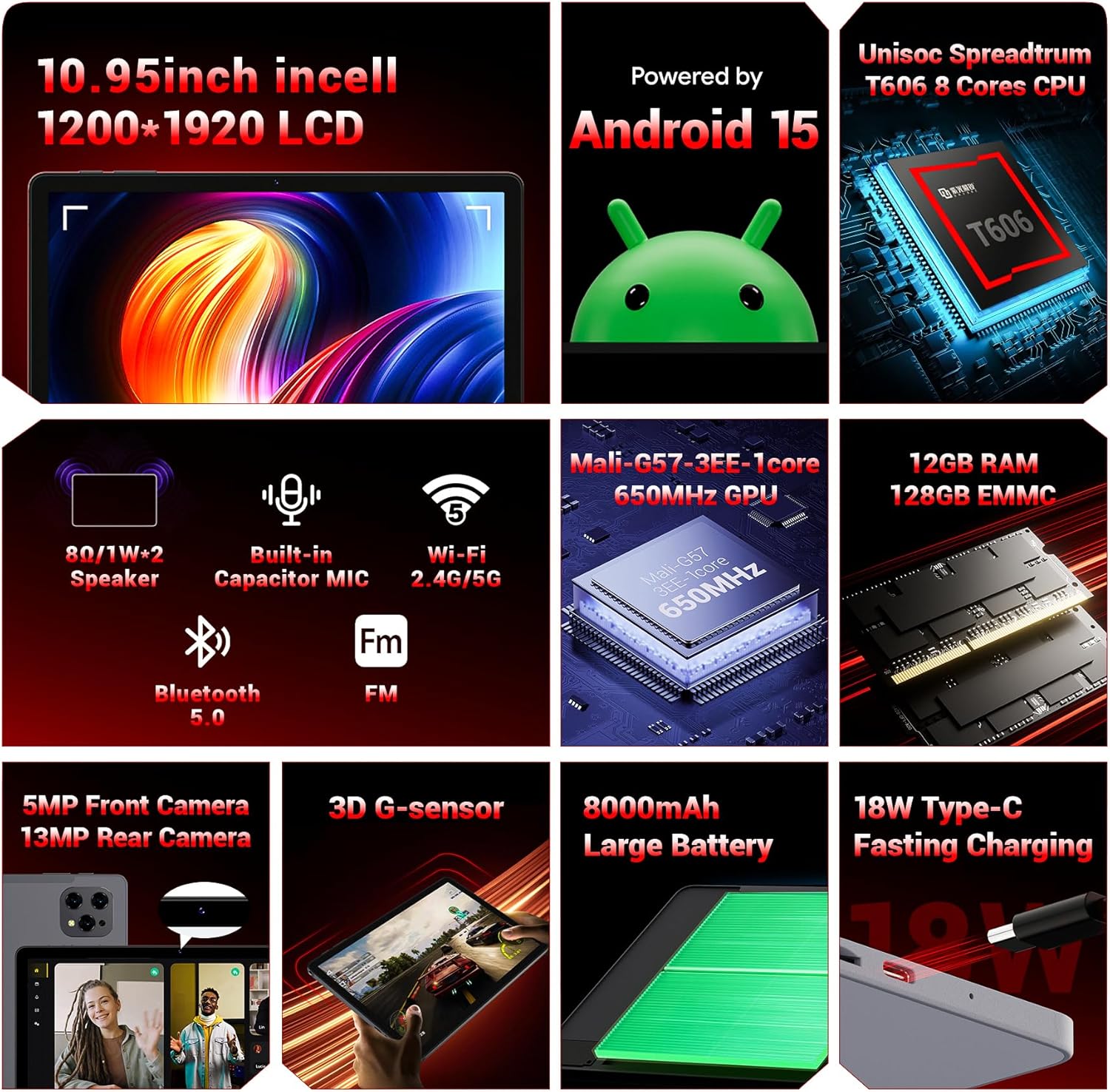
ir baigtaview of the key technical specifications and features of the FIREBAT AR1 Tablet.
Pagrindinės funkcijos:
- Ekranas: 10.95-inch In-Cell 1920x1200 Touchscreen
- Procesorius: Unisoc Spreadtrum T606 Octa-Core CPU
- Atmintis: 12GB RAM, 128GB ROM (Expandable via SD card)
- Baterija: 8000mAh Large Capacity Battery with 18W Fast Charging
- Kameros: 5 MP priekinė kamera, 13 MP galinė kamera
- Ryšys: Wi-Fi 5 (2.4G/5G), Bluetooth 5.0, FM
- Operacinė sistema: Android 15
- Saugumas: Widevine L1 Support for high-definition streaming
- Dizainas: Upgraded Thinner In-Cell Technology, Narrow Bezel, Delicate Texture Metal Shell

The powerful Unisoc Spreadtrum T606 Octa-Core Processor ensures smooth operation.

Experience vibrant visuals with the 10.95-inch In-Cell 1920x1200 LCD.

The narrow bezel design maximizes screen space for an immersive viewpatirtį.

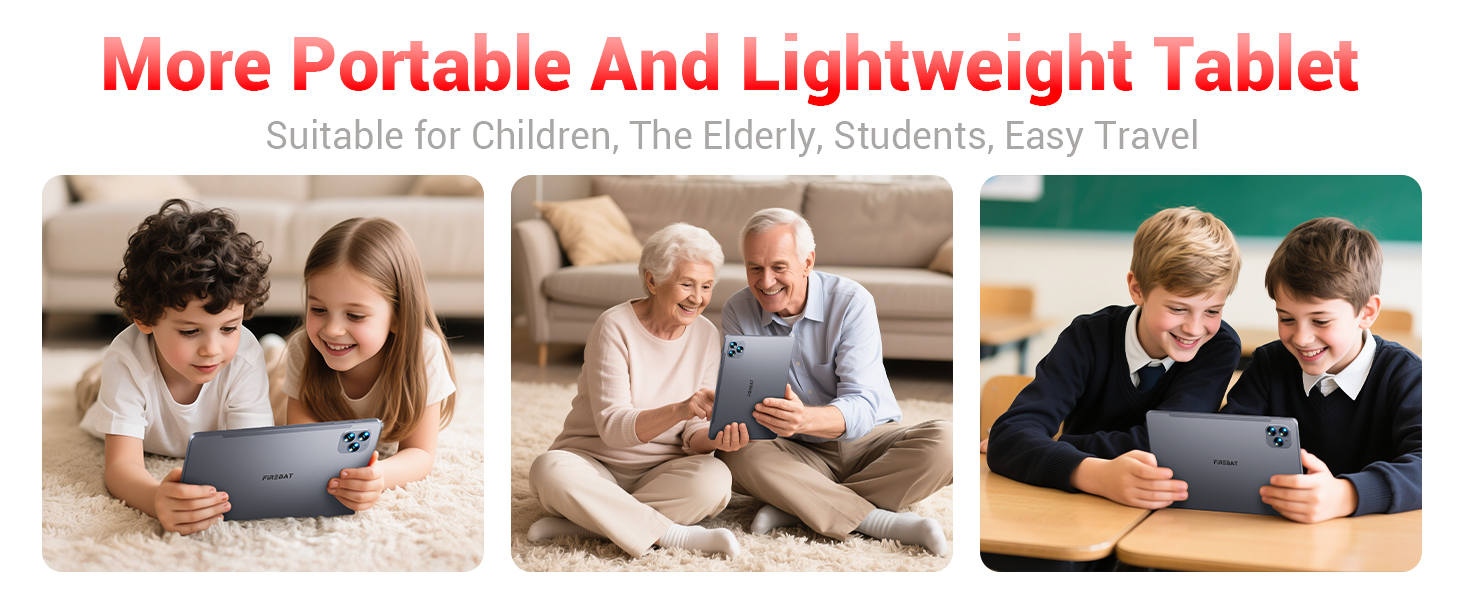
Designed to be lighter and less hand-consuming, ideal for convenient travel.

The newly upgraded delicate texture metal shell enhances heat dissipation and improves protection.
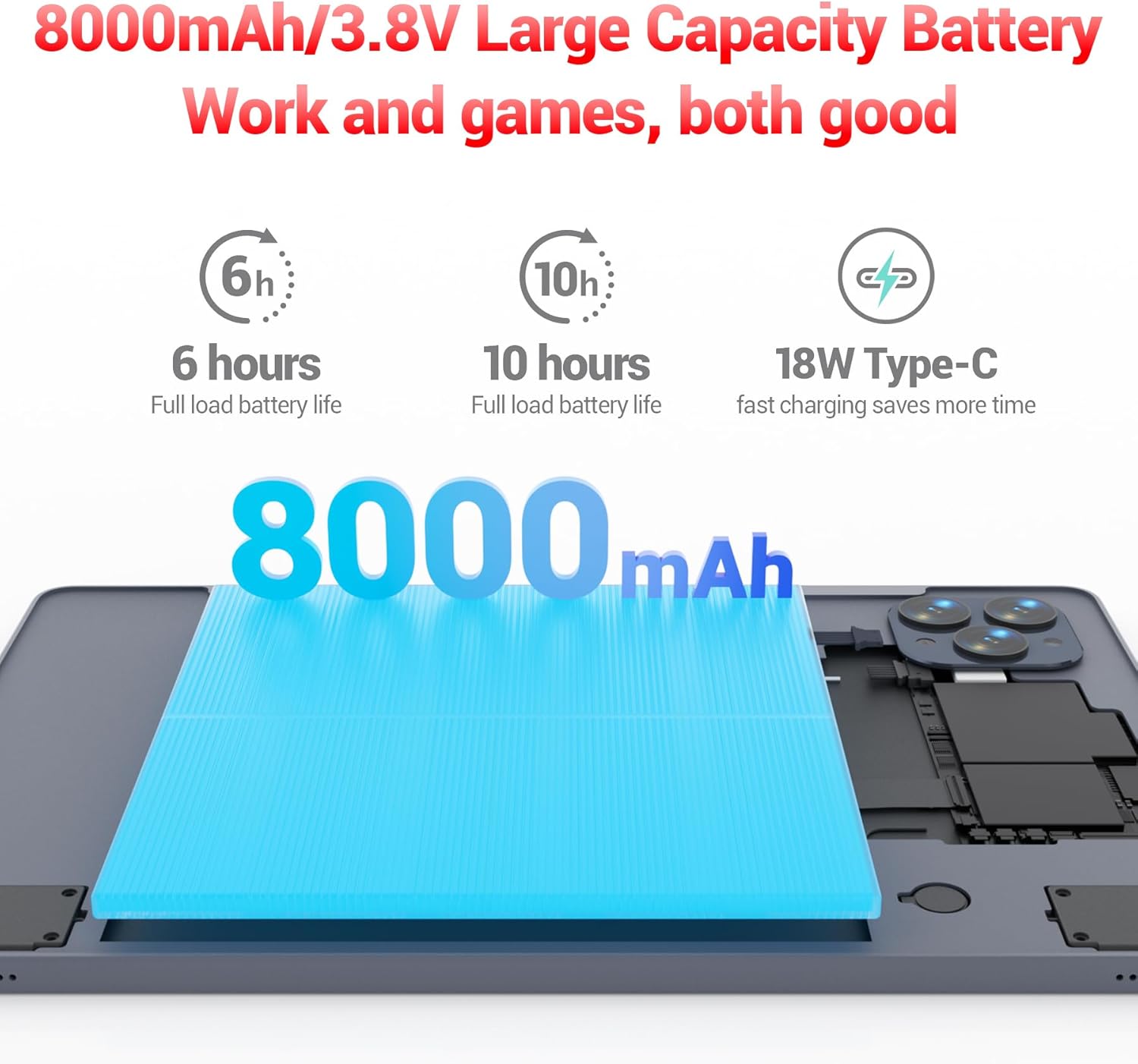
The 8000mAh large capacity battery provides extended usage time.

Capture moments and make video calls with the 5MP front and 13MP rear cameras.
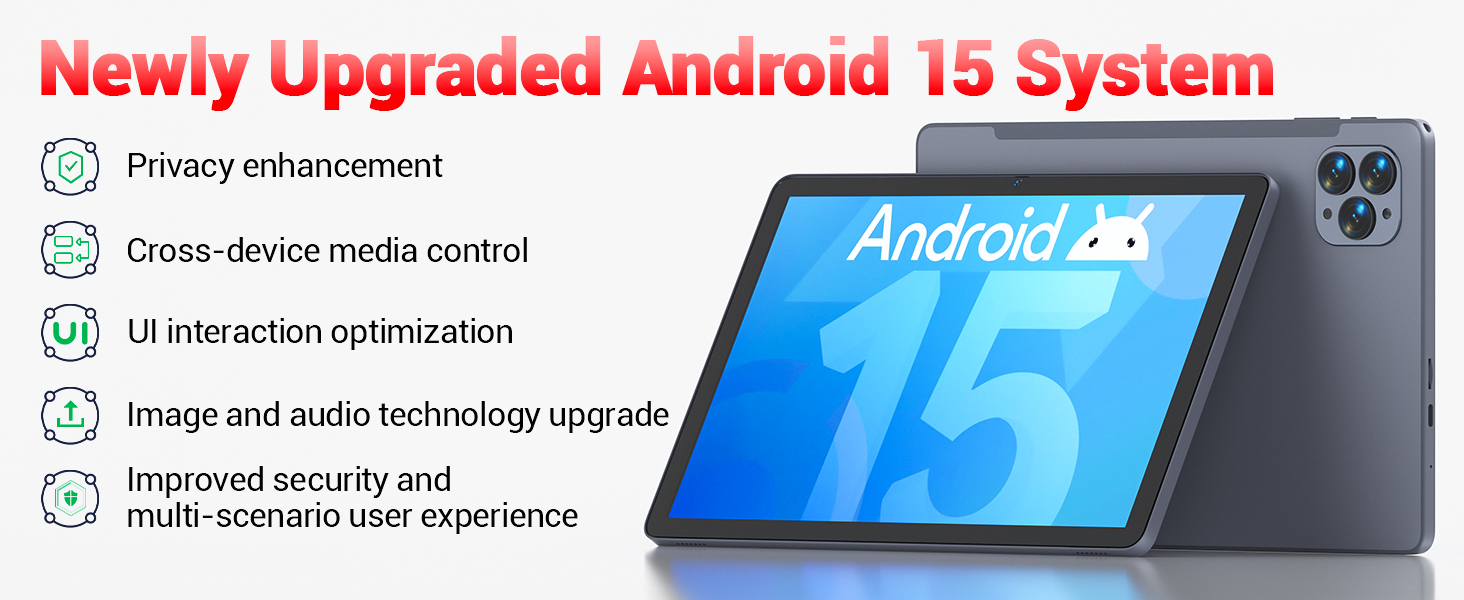
Powered by the newly upgraded Android 15 system for enhanced performance and user experience.
4. Sąranka
4.1 Pradinis įjungimas
- Press and hold the Power button located on the side of the tablet until the FIREBAT logo appears.
- Vykdykite ekrane pateikiamus nurodymus, kad pasirinktumėte kalbą, prisijunkite prie „Wi-Fi“ tinklo ir sukonfigūruotumėte „Google“ paskyrą.
4.2 Planšetinio kompiuterio įkrovimas
Before first use, fully charge the tablet using the provided 9V/2A 18W US Power Charger and USB-C cable.
- Prijunkite USB-C laidą prie planšetinio kompiuterio USB-C prievado.
- Įkiškite maitinimo adapterį į sieninį lizdą.
- Ekrane esantis akumuliatoriaus indikatorius rodys įkrovimo būseną.
4.3 Inserting an SD Card (Optional)
The tablet supports SD card expansion up to 1TB for additional storage.
- Locate the TF Card Slot on the side of the tablet.
- Gently insert the SD card into the slot until it clicks into place.
- The tablet will prompt you to format the SD card for use, if necessary.
5. Naudojimo instrukcijos
5.1 Pagrindinė navigacija
- Jutiklinis ekranas: Palieskite, kad pasirinktumėte, braukite, kad slinktumėte, suspauskite, kad priartintumėte.
- Pagrindinis ekranas: Pasiekite savo programas ir valdiklius.
- Pranešimų skydelis: Braukite žemyn nuo ekrano viršaus iki view pranešimai ir greitieji nustatymai.
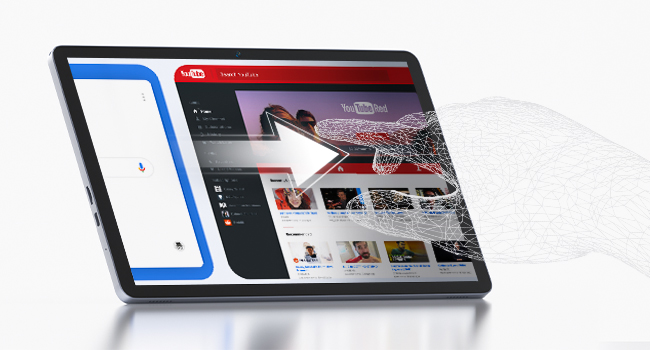
The responsive touchscreen allows for intuitive interaction.
5.2 Prisijungimas prie „Wi-Fi“.
- Eikite į Nustatymai > Tinklas ir internetas > Wi-Fi.
- Įjunkite „Wi-Fi“.
- Iš sąrašo pasirinkite norimą tinklą ir, jei būsite paraginti, įveskite slaptažodį.
5.3 Bluetooth poravimas
- Eikite į Nustatymai > Prijungti įrenginiai > Bluetooth.
- Įjunkite „Bluetooth“.
- Select the device you wish to pair from the list of available devices.
5.4 Fotoaparatų naudojimas
Planšetinis kompiuteris turi 5 MP priekinę kamerą ir 13 MP galinę kamerą.
- Atidarykite Fotoaparatas app from the home screen or app drawer.
- Tap the shutter button to take photos or switch to video mode.
- Use the front camera for video calls and selfies, and the rear camera for higher-quality photos.
5.5 Medijos atkūrimas ir produktyvumas
The tablet supports multiple video and audio formats, and is compatible with various e-book and office software applications.
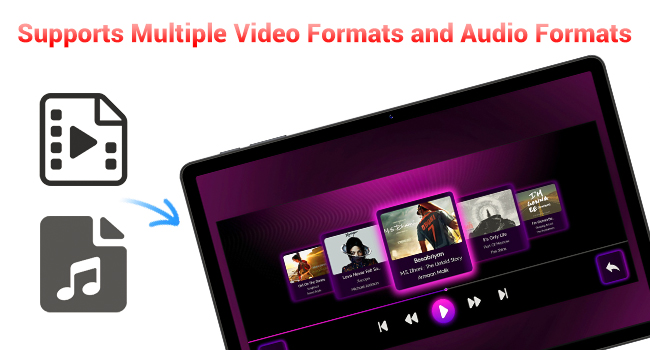
Enjoy your favorite videos and music with broad format support.
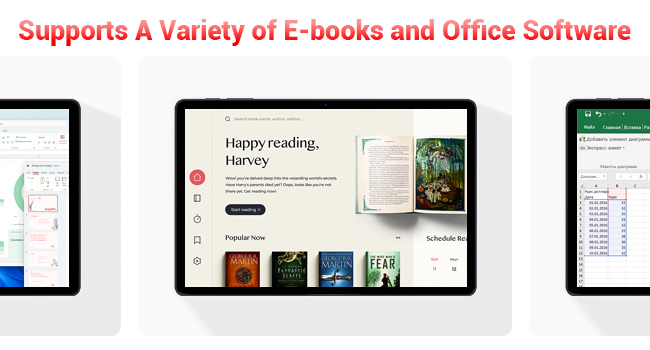
The tablet supports a variety of e-books and office software for productivity.
5.6 Using the Protective Case
The included protective case not only safeguards your tablet but also functions as a stand for hands-free viewing.
- To use as a stand, fold the front cover into a triangular shape and position the tablet securely.
- Ensure the tablet is fully encased to protect against scratches and minor impacts.

The included protective case can be folded to serve as a convenient stand.
6. Priežiūra
6.1 Planšetinio kompiuterio valymas
- Planšetinio kompiuterio ekraną ir korpusą valykite minkštu, nepūkuotu audiniu.
- Venkite naudoti stiprių cheminių medžiagų ar abrazyvinių medžiagų.
6.2 Akumuliatoriaus priežiūra
- Venkite planšetinio kompiuterio laikymo ekstremaliose temperatūrose.
- Neleiskite baterijai dažnai visiškai išsikrauti.
- Naudokite tik pateiktą įkroviklį arba sertifikuotą suderinamą įkroviklį.
6.3 Programinės įrangos naujiniai
- Reguliariai tikrinkite, ar yra sistemos atnaujinimų, Nustatymai > Sistema > Sistemos atnaujinimas.
- Updates can improve performance, add new features, and enhance security.
7. Problemų sprendimas
If you encounter any issues with your FIREBAT AR1 Tablet, please refer to the following common solutions:
| Problema | Galimas sprendimas |
|---|---|
| Planšetinis kompiuteris neįsijungia | Įsitikinkite, kad akumuliatorius įkrautas. Prijunkite įkroviklį ir palaukite kelias minutes, prieš bandydami vėl įjungti. Jei įrenginys nereaguoja, priverstinai paleiskite įrenginį iš naujo, 10–15 sekundžių palaikydami nuspaustą maitinimo mygtuką. |
| Wi-Fi ryšio problemos | Iš naujo paleiskite „Wi-Fi“ maršrutizatorių. Pamirškite tinklą planšetiniame kompiuteryje ir prijunkite jį iš naujo. Įsitikinkite, kad esate „Wi-Fi“ signalo diapazone. |
| Lėtas veikimas | Close unused applications. Clear cache from apps in Settings > Apps. Restart the tablet. Consider freeing up storage space. |
| Baterija greitai išsikrauna | Reduce screen brightness. Close background apps. Disable Wi-Fi/Bluetooth when not in use. Limit location services. |
8. Specifikacijos
| Funkcija | Detalė |
|---|---|
| Prekės ženklas | FIREBAT |
| Modelio numeris | AR1 |
| Operacinė sistema | Android 15 |
| Ekrano dydis | 10.95 Inches (In-Cell 1920x1200 Touchscreen) |
| Procesorius | T606 Octa-Core |
| RAM | 12 GB |
| Flash atmintis (ROM) | 128 GB |
| Priekinė kamera | 5 MP |
| Galinė kamera | 13 MP |
| Baterijos talpa | 8000 mAh |
| Įkrovimas | 18 W C tipo greitasis įkrovimas |
| Ryšys | Wi-Fi 5, BT5.0, FM |
| Gaminio matmenys | 10 x 6.6 x 0.3 colio |
| Prekės svoris | 2.49 svaro |
9. Garantija ir palaikymas
FIREBAT products are manufactured with high standards of quality and performance. For any warranty claims or technical support, please contact FIREBAT customer service.
Kontaktinė informacija:
- El. paštas: support@firebatpc.com
- Websvetainė: www.firebatpc.com
Prašome išsaugoti pirkimo įrodymą garantijos tikslais.


