1. Įvadas
This manual provides essential instructions for the safe and efficient operation of your PECSU S2 MP3 Player. Please read this manual thoroughly before using the device and retain it for future reference.
Pakuotės turinys
Atidarius pakuotę, patikrinkite, ar yra visi reikalingi daiktai:
- PECSU S2 MP3 Player
- 64GB Memory Card (pre-inserted)
- Laidinės ausinės
- USB duomenų kabelis (C tipo)
- Vartotojo vadovas (šis dokumentas)

2. Įrenginys baigtasview
The PECSU S2 MP3 Player is a compact, multifunctional device designed for portable audio and more. It features a 1.77-inch screen and intuitive controls.

Pagrindinės funkcijos:
- "Bluetooth 5.3": For wireless audio connectivity.
- 64 GB vidinės atminties: Pre-installed memory card, expandable up to 256GB.
- HiFi neprarandantis garsas: Supports various audio formats.
- Integruotas garsiakalbis: Klausymuisi be ausinių.
- FM radijas: Requires wired headphones as an antenna.
- Diktofonas: Noise-reduction capability.
- Elektroninių knygų skaitytuvas: Supports .txt files.
- Timer Off Function: Customizable shutdown settings.
3. Sąranka
3.1 Įrenginio įkrovimas
- Connect the provided USB Type-C cable to the charging port on the player.
- Kitą USB kabelio galą prijunkite prie USB maitinimo adapterio (nepridedamas) arba kompiuterio USB prievado.
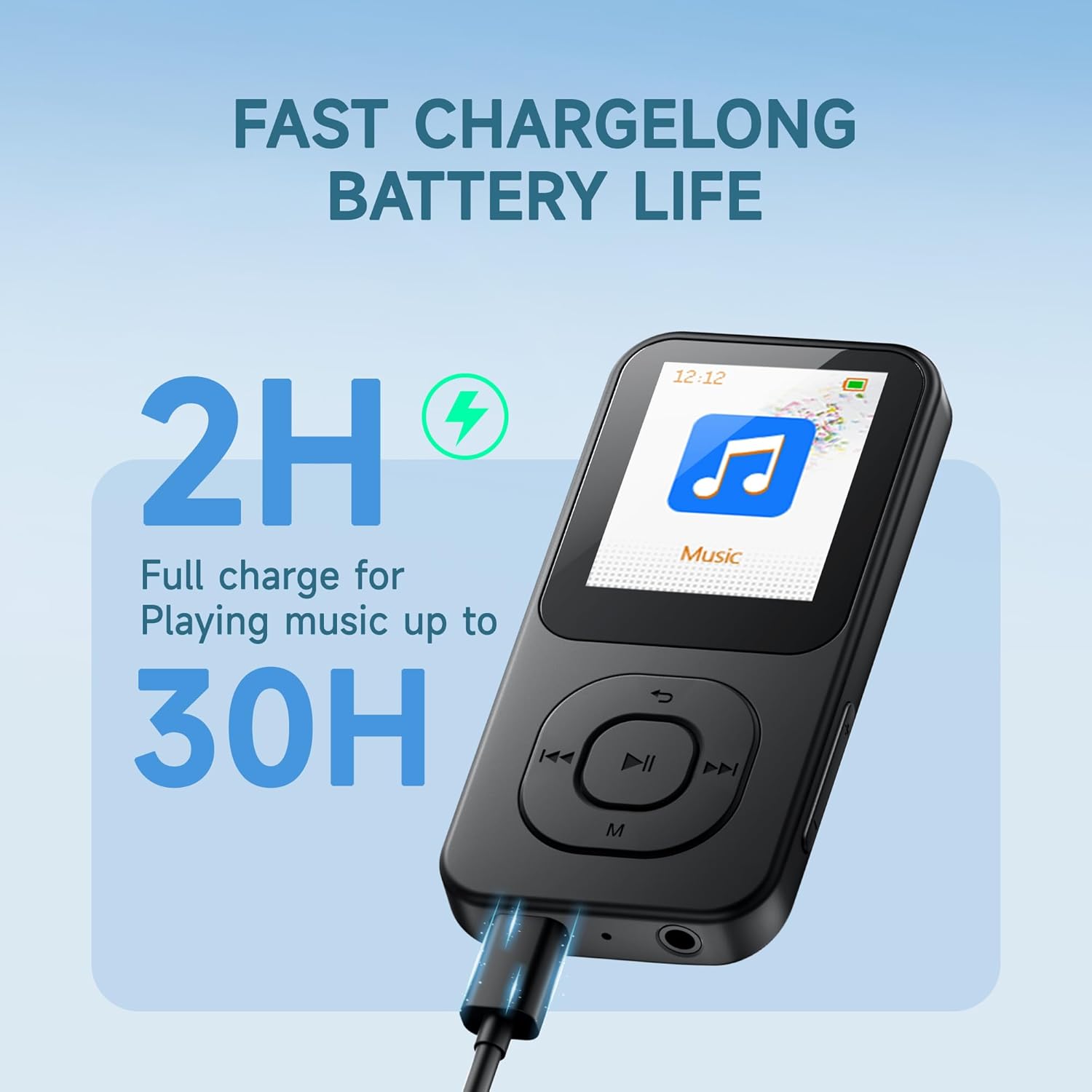
- The device will indicate charging status on the screen. A full charge typically takes approximately 2 hours.
A fully charged device provides up to 30 hours of music playback.
3.2 Įjungimas / išjungimas
- Norėdami įjungti: Paspauskite ir palaikykite ĮJUNGTA/IŠJUNGTA button located on the side of the device until the screen illuminates.
- Norėdami išjungti: Paspauskite ir palaikykite ĮJUNGTA/IŠJUNGTA button until the power-off prompt appears, then confirm.
3.3 Perdavimas Files
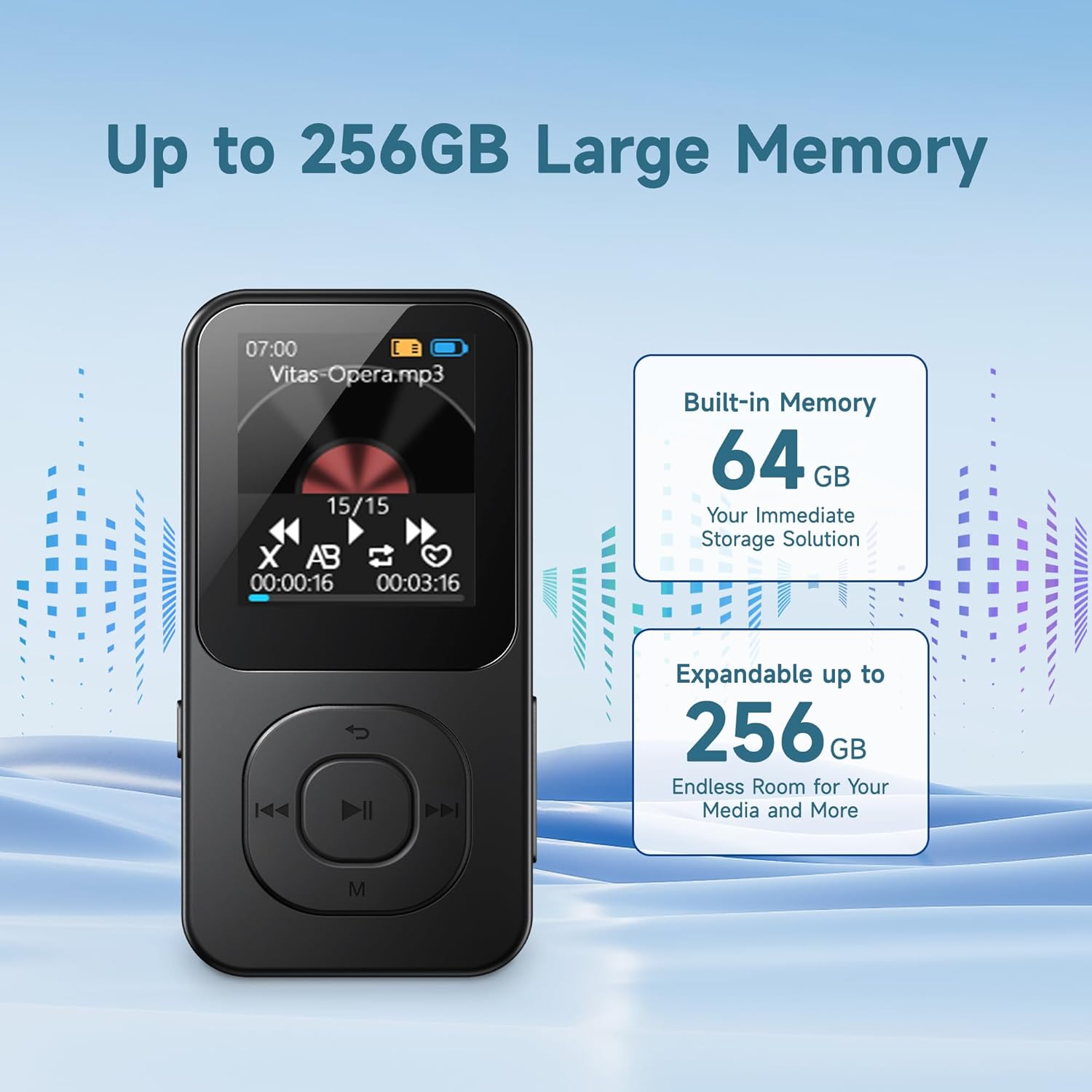
The PECSU S2 comes with a 64GB memory card pre-inserted, which can be expanded up to 256GB using a compatible TF card. You can transfer files directly via the USB cable.
- Connect the MP3 player to your computer using the provided USB Type-C cable.
- Grotuvas jūsų kompiuteryje bus rodomas kaip išimamas diskas.
- Drag and drop your desired music, e-books, videos, or photos into the appropriate folders on the player's memory card.
- Prieš atjungdami USB laidą, saugiai atjunkite įrenginį nuo kompiuterio.
Note: Some users may experience initial difficulties with direct file transfer. If issues arise, ensure the device is properly recognized by your computer. The new version of the player supports direct file transfer via USB cable without needing a separate card reader.
4. Naudojimo instrukcijos
4.1 Pagrindinė navigacija
The player features physical buttons for navigation:
- Atkūrimo / pristabdymo mygtukas: Center button to start or pause playback.
- Ankstesni/Kiti mygtukai: Use to skip tracks or navigate menu options.
- „M“ mygtukas: Typically accesses menu options or returns to the previous screen.
- Garsumo +/- mygtukai: Sureguliuokite garso išvesties lygį.
Note: Navigation may require familiarization. For list scrolling, the 'Previous' and 'Next' buttons might function as 'Up' and 'Down' respectively, rather than left/right as indicated by their icons.
4.2 Muzikos atkūrimas
The PECSU S2 supports various audio formats including MP3, FLAC, WAV, APE, OGG, AAC-LC, and M4A, delivering HiFi lossless sound quality.
- Pagrindiniame meniu pasirinkite „Muzika“.
- Browse your music library by artist, album, or folder.
- Select a track to begin playback.
- Atkūrimui valdyti naudokite mygtukus „Paleisti / pristabdyti“, „Ankstesnis“ ir „Kitas“.
Tinkinimo parinktys:
- EQ išankstiniai nustatymai: Access equalizer settings (Pop, Rock, Jazz, Classical, Dance, Country, etc.) through the music playback menu.
- Atkūrimo režimai: Choose between Loop ALL, Shuffle, or Loop single.
- Kintamo greičio atkūrimas: Adjust the playback speed of audio files.

4.3 „Bluetooth“ ryšys
The device features Bluetooth 5.3 for stable and fast wireless connections to headphones or speakers.
- Pagrindiniame meniu pasirinkite „Bluetooth“.
- Turn on Bluetooth. The player will search for nearby devices.
- Įsitikinkite, kad jūsų „Bluetooth“ ausinės arba garsiakalbis yra susiejimo režime.
- Pasirinkite įrenginį iš sąrašo, kad jį susietumėte.
Note: When wired headphones are plugged in, the device will automatically switch from Bluetooth output to wired output. Unplugging wired headphones will revert to Bluetooth if a paired device is connected.

4.4 FM radijas
To use the FM Radio function, wired headphones must be connected as they serve as the antenna.
- Plug in the wired earbuds into the 3.5mm jack.
- Pagrindiniame meniu pasirinkite „FM radijas“.
- Norėdami ieškoti stočių arba rankiniu būdu jas derinti, naudokite naršymo mygtukus.
4.5 Diktofonas
The device includes a noise-reduction voice recorder.
- From the main menu, select 'Recorder'.
- Choose recording quality (Normal or High Quality). High quality recordings will result in larger file dydžiai.
- Press the Play/Pause button to start and stop recording.
- Recordings are saved to the device's memory.
4.6 El. knygų skaitytuvas
The player supports reading .txt format e-books.
- Transfer .txt files to the device's memory.
- From the main menu, select 'E-book'.
- Select the desired .txt file atidaryti.
Note: The 1.77-inch screen displays limited text per page. The device saves your reading progress.
4.7 Timer Off Function
This feature allows you to set the device to automatically shut down after a period of inactivity or at a specific time.
- Išjungimas tuščiąja eiga: Configures the device to power off after a set period of no activity.
- Laikinas išjungimas: Sets a specific time for the device to power off.
5. Priežiūra
Proper care ensures the longevity and optimal performance of your PECSU S2 MP3 Player.
5.1 Valymas
- Use a soft, dry, lint-free cloth to clean the device's screen and body.
- Venkite naudoti abrazyvinius valiklius, tirpiklius ar aerozolinius purškalus.
- Neleiskite drėgmei patekti į jokias angas.
5.2 Akumuliatoriaus priežiūra
- Reguliariai kraukite įrenginį, tačiau venkite palikti jį ilgam visiškai išsikrovusį.
- Nelaikykite įrenginio ekstremaliose temperatūrose (karštyje ar šaltyje), nes tai gali sumažinti akumuliatoriaus veikimą.
- If storing the device for a long time, charge it to about 50% and store in a cool, dry place.
5.3 Saugykla
- Store the player in a dry environment, away from direct sunlight and excessive humidity.
- Protect the screen from scratches by using a protective case or screen protector.
6. Problemų sprendimas
If you encounter issues with your PECSU S2 MP3 Player, refer to the following common solutions:
| Problema | Galima priežastis | Sprendimas |
|---|---|---|
| Įrenginys neįsijungia. | Baterija išsikrovusi. | Prieš bandydami įjungti įrenginį, jį kraukite bent 15 minučių. |
| Negalima perkelti files žaidėjui. | Improper USB connection; computer not recognizing device. | Ensure the USB cable is securely connected. Try a different USB port or cable. Restart both the player and your computer. Ensure the device is not in another mode (e.g., charging only). |
| „Bluetooth“ įrenginys nesusijungia. | Bluetooth on player or external device is off; device not in pairing mode. | Ensure Bluetooth is enabled on both devices. Put the external device into pairing mode. Move devices closer together. |
| FM Radio has static or no signal. | Wired headphones not connected; poor signal area. | Connect wired headphones, as they act as the antenna. Move to an area with better reception. |
| Navigation buttons are confusing. | Unfamiliarity with interface design. | Familiarize yourself with the button functions. Note that 'Previous' and 'Next' buttons may control vertical scrolling in menus. |
| No ID3 tag information or album art displayed during music playback. | Device limitation. | The PECSU S2 player displays file names during playback and does not support ID3 tag or album art display. This is expected behavior. |
If the problem persists after trying these solutions, please contact PECSU customer support.
7. Specifikacijos
| Funkcija | Detalė |
|---|---|
| Modelio pavadinimas | S2 |
| Matmenys (I x P x A) | 3.53 x 1.71 x 0.35 colio |
| Svoris | 1.16 uncijos (33 gramų) |
| Ekrano dydis | 1.77 colių |
| Vidinė saugykla | 64 GB (via pre-inserted TF card) |
| Išplečiama saugykla | Up to 256 GB (via TF card) |
| Bluetooth versija | 5.3 |
| Palaikomi garso formatai | MP3, FLAC, WAV, APE, OGG, AAC-LC, M4A |
| Baterijos tipas | 1 nestandartinė baterija (į komplektą įeina) |
| Įkrovimo laikas | apytiksliai 2 valandas |
| Muzikos atkūrimo laikas | Iki 30 valandų |
| Ryšys | USB C tipo, 3.5 mm garso lizdas |
| Ypatingos savybės | Built-in Speaker, FM Radio, Voice Recorder, E-book Reader, Timer Off |
8. Garantija ir palaikymas
PECSU is committed to providing quality products and customer satisfaction.
8.1 Informacija apie garantiją
Your PECSU S2 MP3 Player is covered by a manufacturer's warranty. Please refer to the warranty card included in your package for specific terms and conditions. Retain your proof of purchase for warranty claims.
8.2 Pagalba klientams
For any issues, questions, or warranty concerns, the PECSU support team is available 24/7 to assist you. Please visit the official PECSU websvetainėje arba susisiekite tiesiogiai su jų klientų aptarnavimo tarnyba.
PECSU Official Store: Visit PECSU Store on Amazon


