Įvadas
Thank you for choosing the Maxfree Dual Portable Monitor M4. This manual provides essential information for setting up, operating, and maintaining your new dual monitor system. Please read this manual thoroughly before use to ensure optimal performance and longevity of your device.
Produktas baigtasview
The Maxfree Dual Portable Monitor M4 is designed to expand your workspace with two 15.6-inch 1080P FHD IPS displays. Its folding design enhances portability, making it ideal for travel and various work environments.

Image: The Maxfree Dual Portable Monitor M4, featuring two 15.6-inch screens in an open, stacked configuration, ready for use.
Pagrindinės funkcijos:
- Dual 15.6-inch 1080P FHD IPS Displays
- Plug & Play USB-C Connectivity
- Folding Design for Portability
- Matte Screen with Anti-glare, No Flicker, and Eye Care Functions
- 100% sRGB spalvų gama
- Multiple Display Modes and 330° Rotation
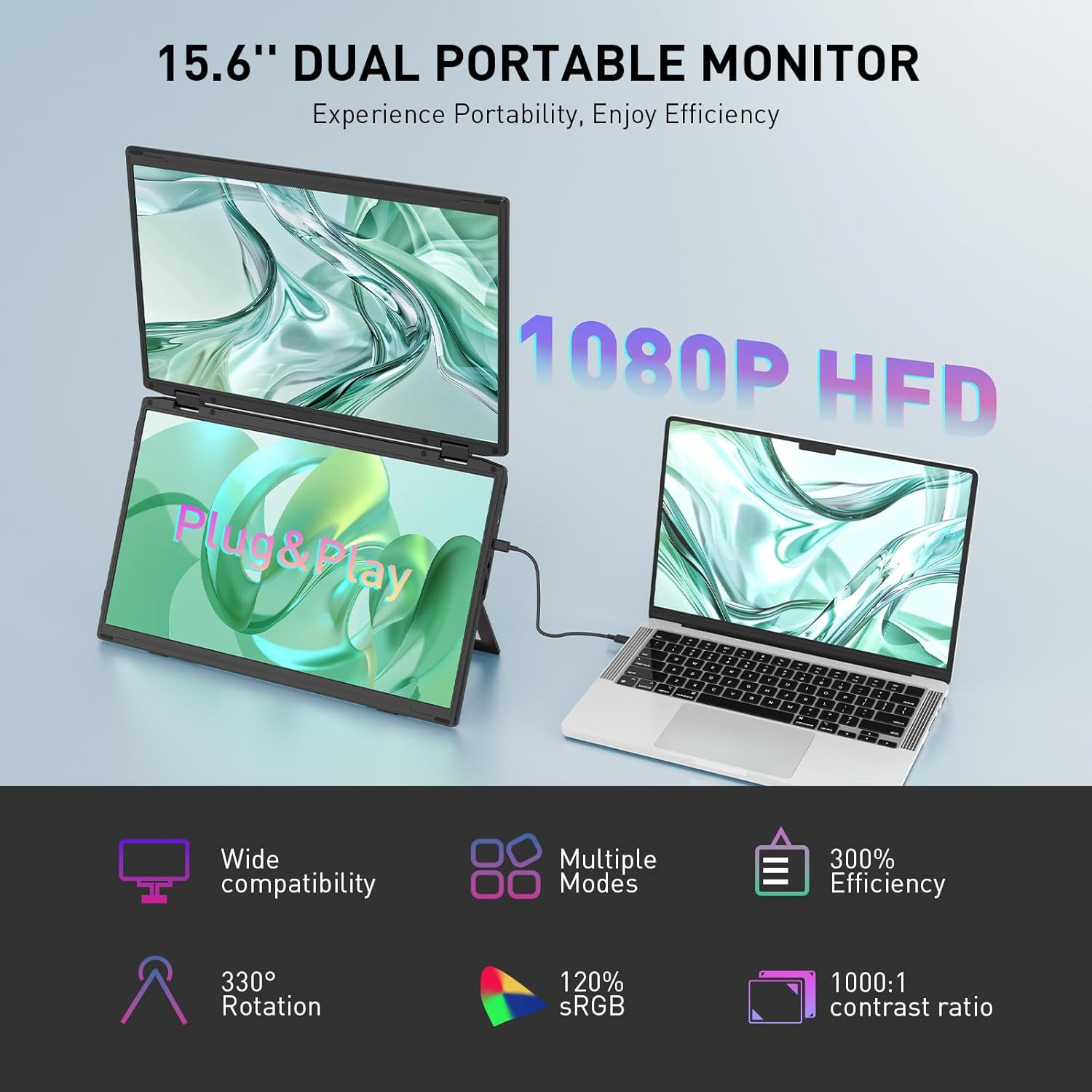
Image: The Maxfree Dual Portable Monitor M4 connected to a laptop, illustrating its plug-and-play functionality and various display modes.
Sąrankos instrukcijos
- Išpakuokite monitorių: Atsargiai išimkite monitorių ir visus priedus iš pakuotės.
- Monitoriaus padėtis: Padėkite monitorių ant stabilaus, lygaus paviršiaus. Pritaikykite integruotą stovą pagal savo poreikius. viewing kampas.
- Connect to Power (Recommended): For optimal performance, connect the monitor to a power source using the provided USB-C power adapter (if included) or a compatible USB-C port on your device that supports power delivery.
- Prisijunkite prie įrenginio:
- USB-C jungtis: Connect one end of the provided USB-C cable to the monitor's USB-C port and the other end to a full-featured USB-C port on your laptop or PC. This single cable can transmit video, audio, and power.
- HDMI + USB-A Connection (if applicable): If your device does not have a full-featured USB-C port, you may need to use an HDMI cable for video and a USB-A to USB-C cable for power and touch functionality (if supported by your model). Refer to your device's manual for specific port requirements.
- Maitinimas: Press the power button on the monitor. Your device should automatically detect and extend the display.
- Sureguliuokite ekrano nustatymus: On your computer, navigate to Display Settings to configure the dual monitors (e.g., extend, duplicate, arrange displays).
Naudojimo instrukcijos
Ekrano režimai:
The Maxfree Dual Portable Monitor supports various display modes to enhance productivity:
- Išplėstinis režimas: Expands your desktop across both screens, providing a larger workspace. This is ideal for multitasking.
- Dubliavimo režimas: Mirrors your primary display onto the portable monitors. Useful for presentations or sharing content.
- Vertikalus išdėstymas: The unique vertical stacking design minimizes scrolling and page switching, reducing eye and neck fatigue, especially for document review or coding.
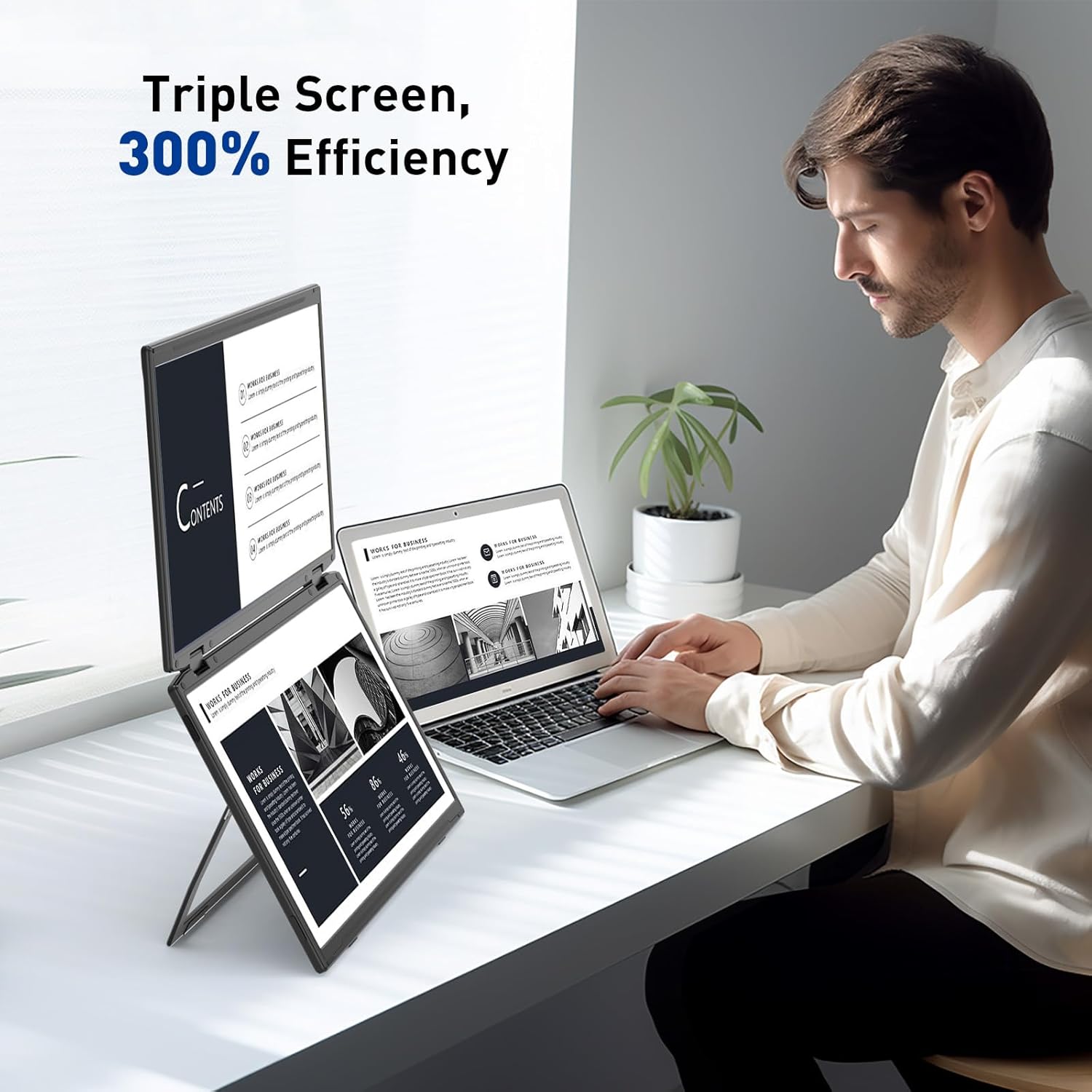
Image: A user demonstrating the Maxfree Dual Portable Monitor M4 in a vertical stacked setup, illustrating how it creates an efficient triple-screen workspace.
Ekrano ekrano (OSD) meniu:
Use the buttons on the side of the monitor to access and navigate the OSD menu. This menu allows you to adjust settings such as:
- Ryškumas ir kontrastas
- Color Settings (e.g., sRGB, color temperature)
- Įvesties šaltinio pasirinkimas
- Krašto santykis
- Volume (if applicable)
Refer to the on-screen prompts for specific button functions (e.g., Menu, Up, Down, Exit).
Specifikacijos
| Funkcija | Detalė |
|---|---|
| Ekrano dydis | Dvigubas 15.6 colio |
| Rezoliucija | 1920 x 1080 (Full HD 1080p) |
| Skydelio tipas | IPS |
| Krašto santykis | 16:9 |
| Ekrano paviršius | Matinis |
| Vaizdo ryškumas | 300 kandelų |
| Spalvų gama | 100% sRGB |
| Ryšys | USB-C (Full-featured), HDMI (if applicable) |
| Iš viso USB prievadų | 1 (USB-C for main connection) |
| ttage | 5 voltų |
| Gaminio matmenys | 0.5 x 14 x 9 colio |
| Prekės svoris | 3.5 svaro |
| Modelio numeris | M4 |
Trikčių šalinimas
- Nėra ekrano:
- Įsitikinkite, kad USB-C laidas yra tvirtai prijungtas prie monitoriaus ir įrenginio.
- Patikrinkite, ar jūsų įrenginio USB-C prievadas palaiko vaizdo išvestį („DisplayPort Alternate Mode“).
- Connect the monitor to an external power source if your device cannot provide sufficient power.
- Check your computer's display settings to ensure the external monitor is detected and enabled.
- Mirgantis ekranas:
- Įsitikinkite, kad kabelių jungtys yra tvirtos.
- Išbandykite kitą USB-C laidą.
- Reduce the display resolution or refresh rate on your computer.
- Image Quality Issues (Blurry, Incorrect Colors):
- Reguliuokite ryškumo, kontrasto ir spalvų nustatymus per OSD meniu.
- Ensure your computer's display resolution matches the monitor's native resolution (1920x1080).
- Monitorius neįsijungia:
- Confirm the power cable is properly connected and the power outlet is functional.
- Tvirtai paspauskite maitinimo mygtuką.
Priežiūra
- Ekrano valymas: Švelniai nuvalykite ekraną minkštu, nepūkuotu skudurėliu. Jei dėmės sunkiai įveikiamos, šiek tiek nuvalykite.ampNuvalykite šluostę vandeniu arba ekrano valymo tirpalu. Venkite stiprių cheminių medžiagų ar abrazyvinių medžiagų.
- C valymasasing: Monitoriaus dangtelį nuvalykite minkštu, sausu skudurėliu.asing.
- Saugykla: When not in use, fold the monitor and store it in a cool, dry place, preferably in its original packaging or a protective case to prevent damage.
- Venkite ekstremalių sąlygų: Nelaikykite monitoriaus ekstremalioje temperatūroje, drėgmėje ar tiesioginiuose saulės spinduliuose.
Garantija ir palaikymas
For warranty information, technical support, or service inquiries, please refer to the warranty card included with your product or visit the official Maxfree websvetainę.
Gamintojas: Shenzhen Baijiayoupu Technology CO., Ltd.


